Ensure your team is on track for success by
checking updates, check-ins, and reports in one place.
Get started with the new Updates App in Teams course now on the #Microsoft365KnowledgeHub
👉Visit the 'Course Catalogue' section in our
https://t.co/rGOTMQduZj
Learn how to improve your productivity and wellbeing with the new Viva Insights course now available on the #Microsoft365KnowledgeHub
👉Visit the 'Course Catalogue' section in our https://t.co/mCkFdxFsrQ
Boost efficiency with Microsoft To-Do: your go-to app for personal task tracking!
🗒️Create lists for projects or daily tasks
⏰Set reminders and due dates to stay on track
👉Visit the 'Hints and Tips' section in our #Microsoft365KnowledgeHub at https://t.co/rGOTMQe2OR
Elevate team productivity with Microsoft Planner!
📋Create a plan and add tasks with due dates
📊Track progress with charts
🗄️Categorise tasks by project and priority
👉Visit the 'Hints and Tips' section in our #Microsoft365KnowledgeHub at https://t.co/mCkFdxFsrQ
Use the #AccessibilityChecker in your #Microsoft365 apps to identify and fix potential accessibility issues.
Ensure your content is accessible and reach a wider audience!
👉Visit the 'Hints and Tips' section in our #Microsoft365KnowledgeHub at https://t.co/rGOTMQduZj
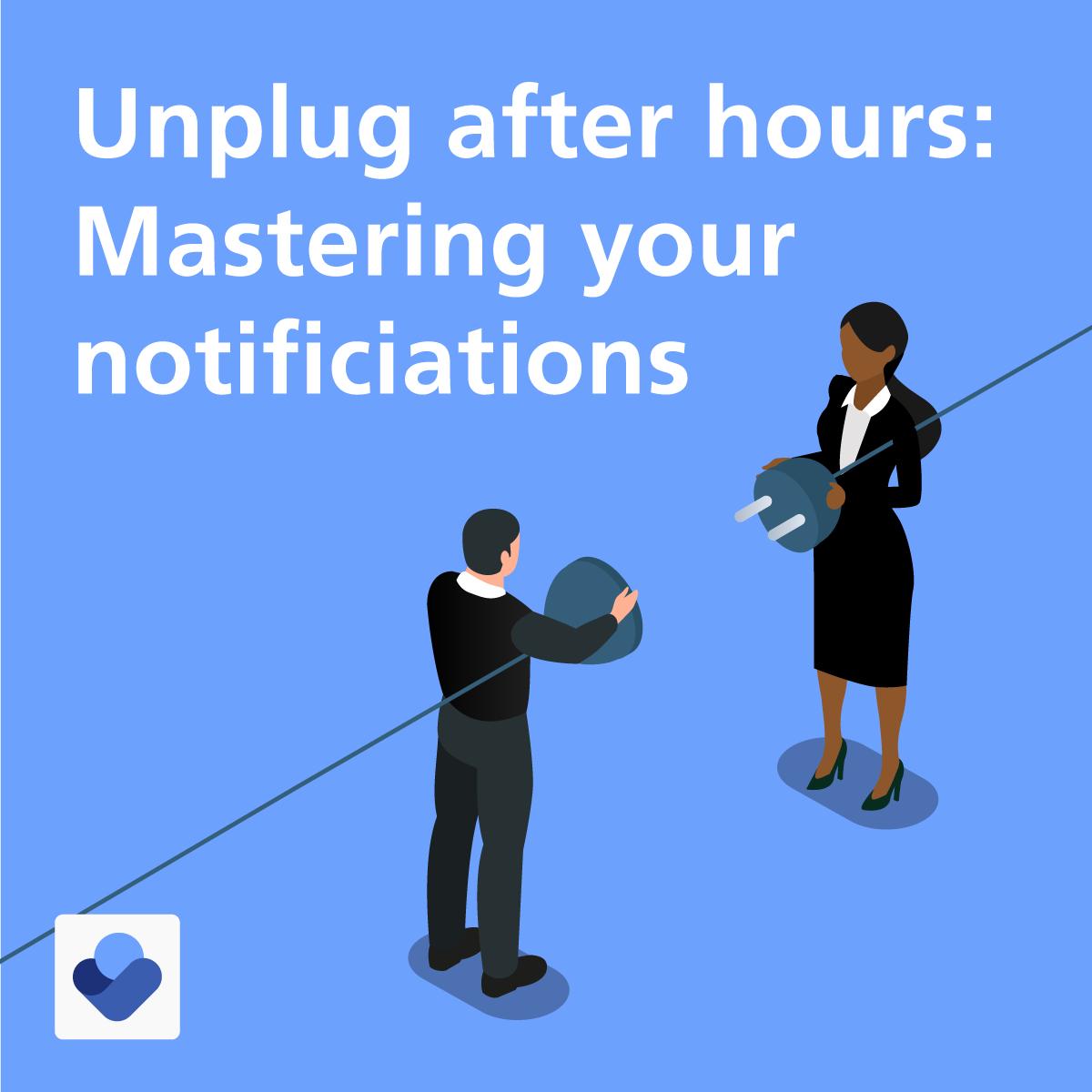
⚖️Maintain your work life balance by silencing #MicrosoftTeams and #Outlook notifications when you are off the clock using #VivaInsights
👉Visit the 'Hints and Tips' section in our #Microsoft365KnowledgeHub to learn how at https://t.co/rGOTMQe2OR
Elevate your presentation skills with PowerPoints Speaker coach!
🎤Enhance your public speaking skills
📩Receive personalised guidance
👉Visit the 'Hints and Tips' section in our new look #Microsoft365KnowledgeHub to learn how at https://t.co/X6PumQDtLE
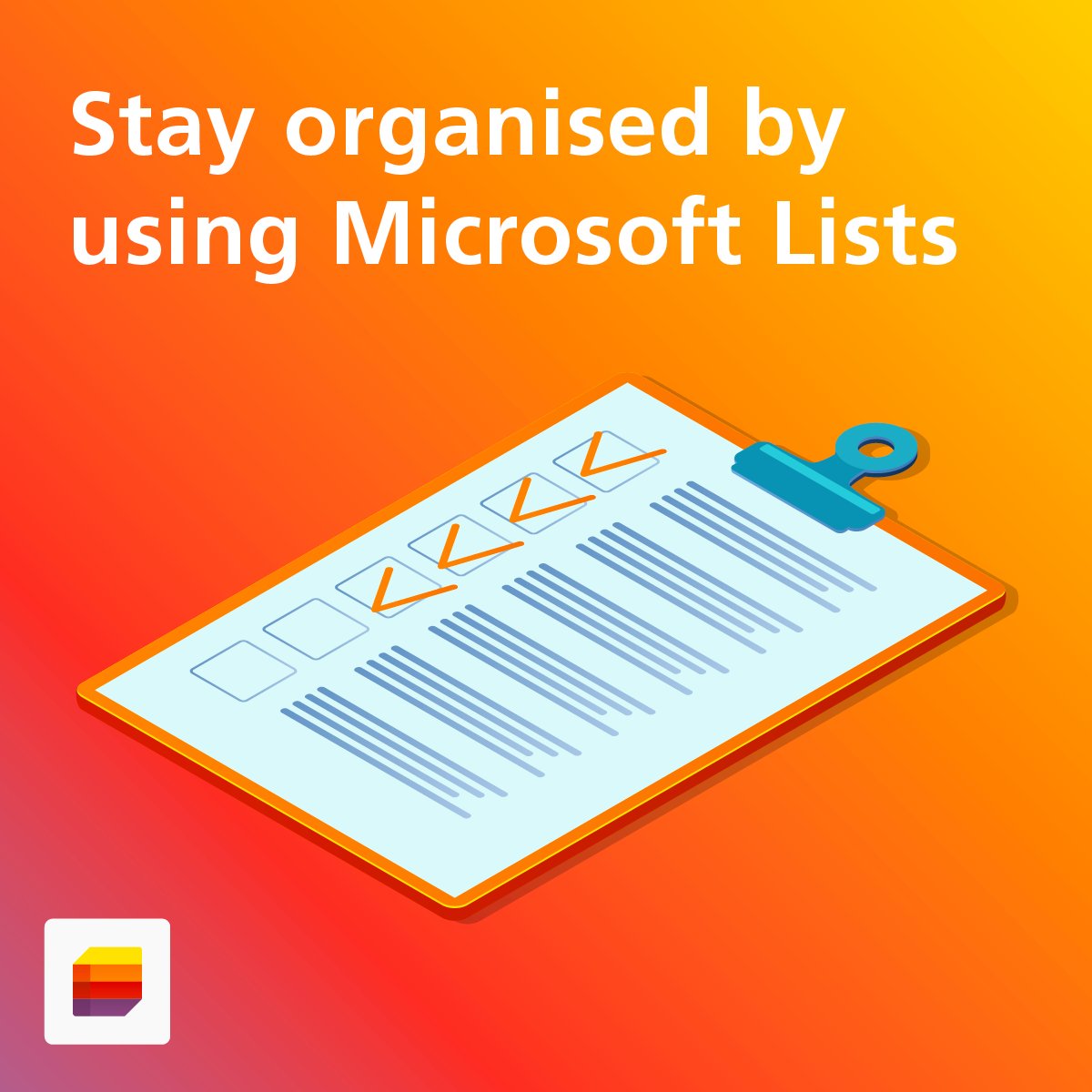
#MicrosoftLists is a powerful organisational tool within #MicrosoftTeams.
🗂️Track information
🤝Coordinate projects
📨Share resources with your colleagues!
👉Visit the 'Hints and Tips' section in our new look #Microsoft365KnowledgeHub at https://t.co/rGOTMQe2OR
Unlock the full potential of your presentations with #MicrosoftPowerPoint Designer!
🎨Bring your content to life with design ideas and suggest creative layouts.
👉Visit the 'Hints and Tips' section in our new look #Microsoft365KnowledgeHub at https://t.co/rGOTMQe2OR
Join a growing community of likeminded colleagues who are passionate about the use of digital technology!
Find out more about the #Microsoft365DigitalChampionNetwork visit https://t.co/mCkFdxEUCi
Use immersive reader in #MicrosoftWord to reduce distractions and make your documents more accessible!
📢Hear text read aloud
🔦Highlight parts of speech
👉Visit the 'Hints and Tips' section in our new look #Microsoft365KnowledgeHub to learn more at https://t.co/X6PumQCVW6
Our new look #Microsoft365KnowledgeHub includes some awesome new features including an enhanced design and a hints and tips section to supercharge your #Microsoft skills!
👉Discover it all at https://t.co/I1HiLlFLPv
💡Tip of the week!
📌Locate information on meetings you couldn’t attend in #MicrosoftOutlook!
In new #Outlook, go to View > Calendar Settings > Calendar > Events and Invitations > Save declined events.
👉Learn more #Microsoft365 hints and tips. Go to: https://t.co/X6PumQCVW6
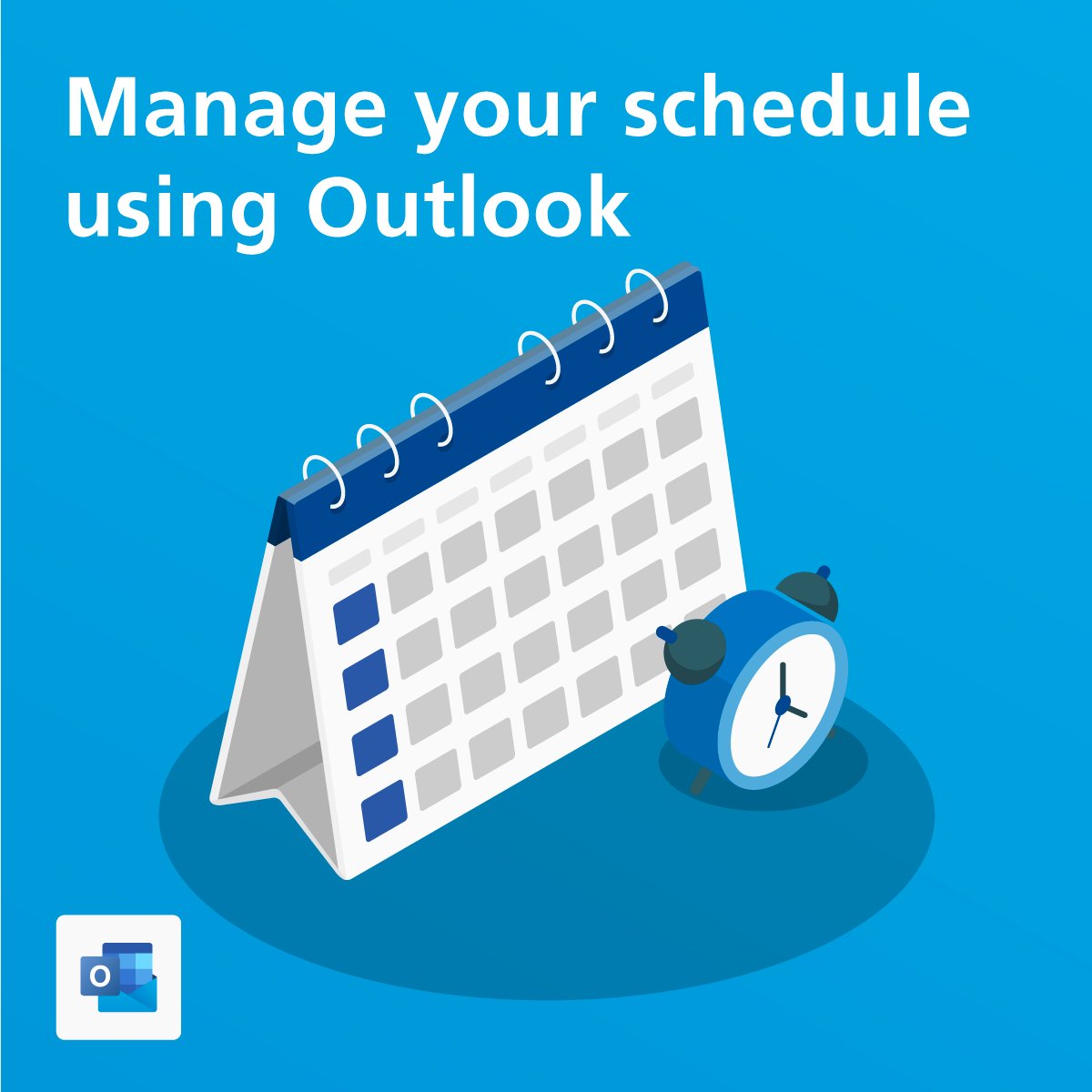
Manage your schedule with #MicrosoftOutlook and make it easier to plan meetings!
⏰Set your working hours
📍Share your work location
👉Visit the 'Hints and Tips' section in our new look #Microsoft365KnowledgeHub to learn how at https://t.co/X6PumQCVW6
🪄 Enhance your #MicrosoftTeams meetings
��️Use scheduling to view attendee availability
🗒️Add an agenda, notes and tasks
📷Screen share information
✏️Capture feedback with whiteboards
👉Discover more on our new look #Microsoft365KnowledgeHub at
https://t.co/X6PumQDtLE
👋Wave goodbye to scheduling headaches using #MicrosoftShifts.
🗓️Create, edit, and manage your team schedule
🔍Review shift requests
🗨️Share schedules with your team!
👉Visit the 'Hints and Tips' section in our new look #Microsoft365KnowledgeHub at https://t.co/X6PumQDtLE
Manage your day with #MicrosoftToDo!
🗒️Create personal to do lists
✔️Add tasks
⏰Set up reminders
📈Track your progress
👉Visit the 'Hints and Tips' section in our new look #Microsoft365KnowledgeHub at https://t.co/X6PumQDtLE
Did you know that our #Microsoft365KnowledgeHub has had a makeover❓
🎓Learn how to get the most out of your #Microsoft365 apps and discover new features including helpful hints and tips!
👉Enhance your #MicrosoftSkills today at
https://t.co/X6PumQCVW6
⁉️Did you know that you can use the 📌pin feature in #MicrosoftTeams to display important conversations and messages at the top of your💬chat feed??
🔍Discover more 'Hints and Tips' in our new look #Microsoft365KnowledgeHub at https://t.co/X6PumQDtLE
Use #VivaInsights in #Microsoft365 to enhance your wellbeing and efficiency through better work habits.
💙 Take regular breaks
🔍 Schedule focus time
💡 Protect time for learning
Discover more 'Hints and Tips' in our new look #Microsoft365KnowledgeHub at https://t.co/X6PumQCVW6