@jennyjamesXOX Hi Jenny - we're sorry to hear about your situation. However, to be absolutely clear, iFont cannot be used to access your phone and we're unclear what you think the screenshots show? In particular, the first one isn't from iFont?
To celebrate #WWDC23, the most feature-packed SF Symbol viewer on Mac, iOS and watchOS is available for 𝗢𝗩𝗘𝗥 𝟵𝟬% 𝗢𝗙𝗙 (just $0.29 or equivalent!) for 48 hours! #iOSDeveloper#Apple#Xcode#IndieDev
https://t.co/81Jn9YgO2V
@R_A_Chalmers In iFont, you can go to the Options tab, Help and Support > Ways to Install Fonts to learn more. Alternatively, we’d be happy to answer any further questions you have here.
@R_A_Chalmers Hello - the ‘VPN and Device Management’ section in Settings is where configuration profiles are listed, and the method you’re using to install fonts involves installing a configuration profile containing a font.
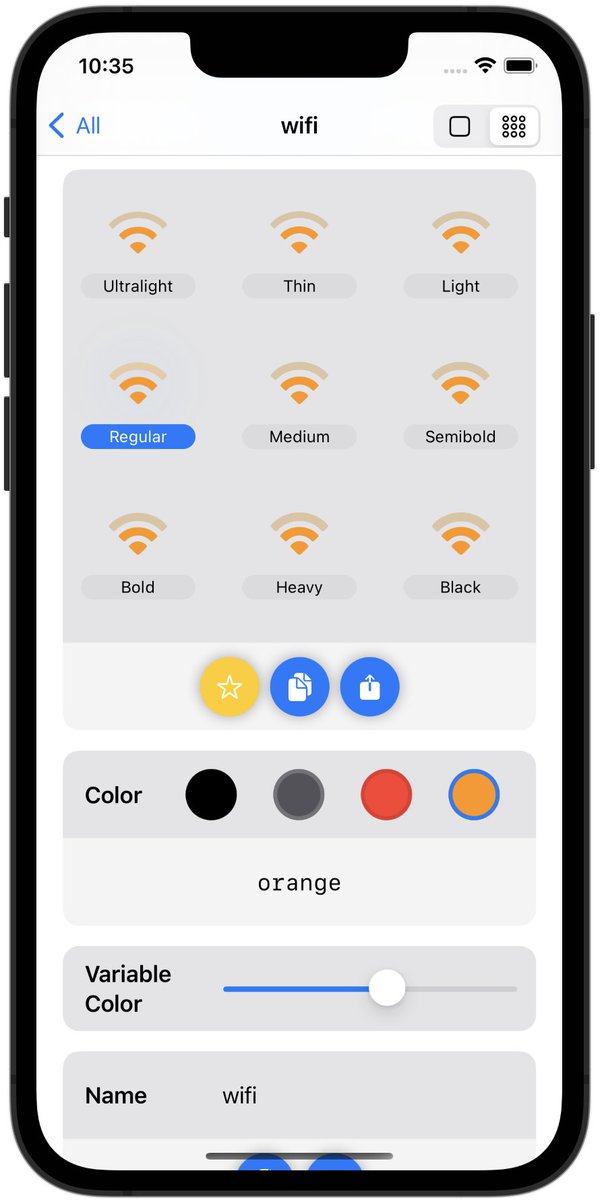
San Fransymbols has been updated for iOS and watchOS today to support all the new symbols and features in SF Symbols 4.0 🤩 Get the best dedicated #SFSymbols viewer for iOS here: https://t.co/81Jn9YgO2V
Includes useful features such as SwiftUI/UIKit code generation and much more
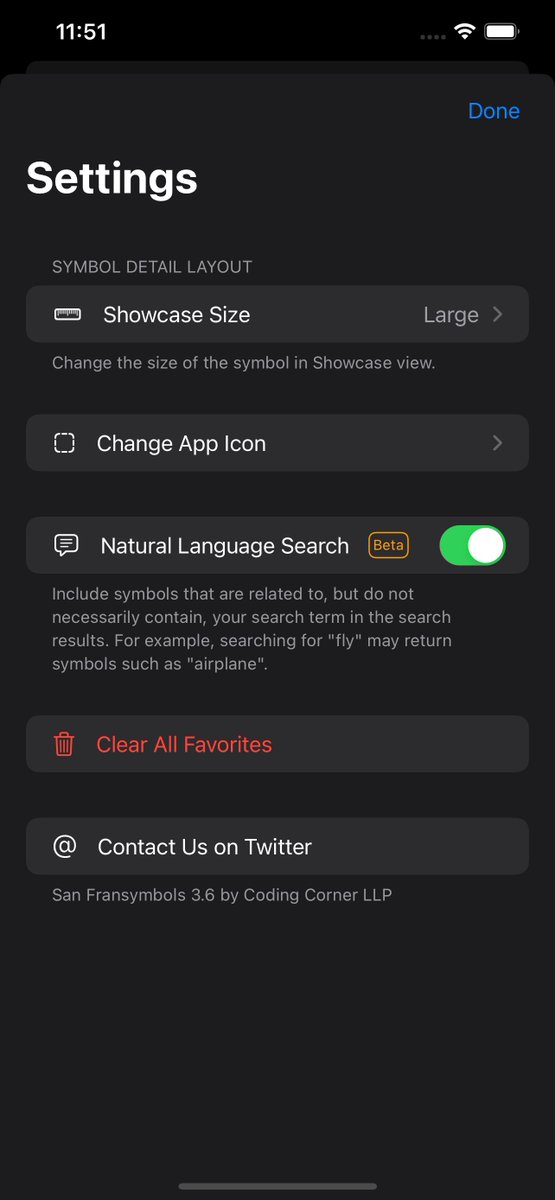
The next major version of San Fransymbols will be released on Monday, 12th September. It includes significant performance improvements, and features such as… 👇
#SFSymbols#iosdev
https://t.co/81Jn9YhlSt
@Magdalena5880 Hello - just to let you know that we’re really sorry you’ve had this issue - it’s an operating system bug unfortunately and not something we can fix with iFont. We've just replied to your email in full.
@veryberrysundae Hello, thank you for trying iFont. The font will be available to choose from in the limited number of apps that support custom fonts, such as Pages or Word.