A unique online event to discover how to enhance the creative potential of Apple technology in your learning environment. 29-30th Sept & 6-15th Oct 2020
Missed out on the #CreativeSpringboards Festival? Good news - some of our hugely popular sessions are being repeated in January, with a 'back to school' flavour! Register for these FREE sessions here: https://t.co/aklC1yC9ej.
@AppleEDU#EveryoneCanCreate
A few of our #creativespringboards sessions are being repeated tomorrow @EduTECH_AU. If you missed out first time around or just want to join in again, register with EduTECH for free to participate in these live workshops! 💡 #everyonecancreate@AppleEDU
If you missed out on any one of our LIVE sessions today, Apple Professional Learning Specialists will re present workshops for one last time tomorrow, we look forward to leading you through creative approaches with Apple devices then @EduTECH_AU#EduTECHAU
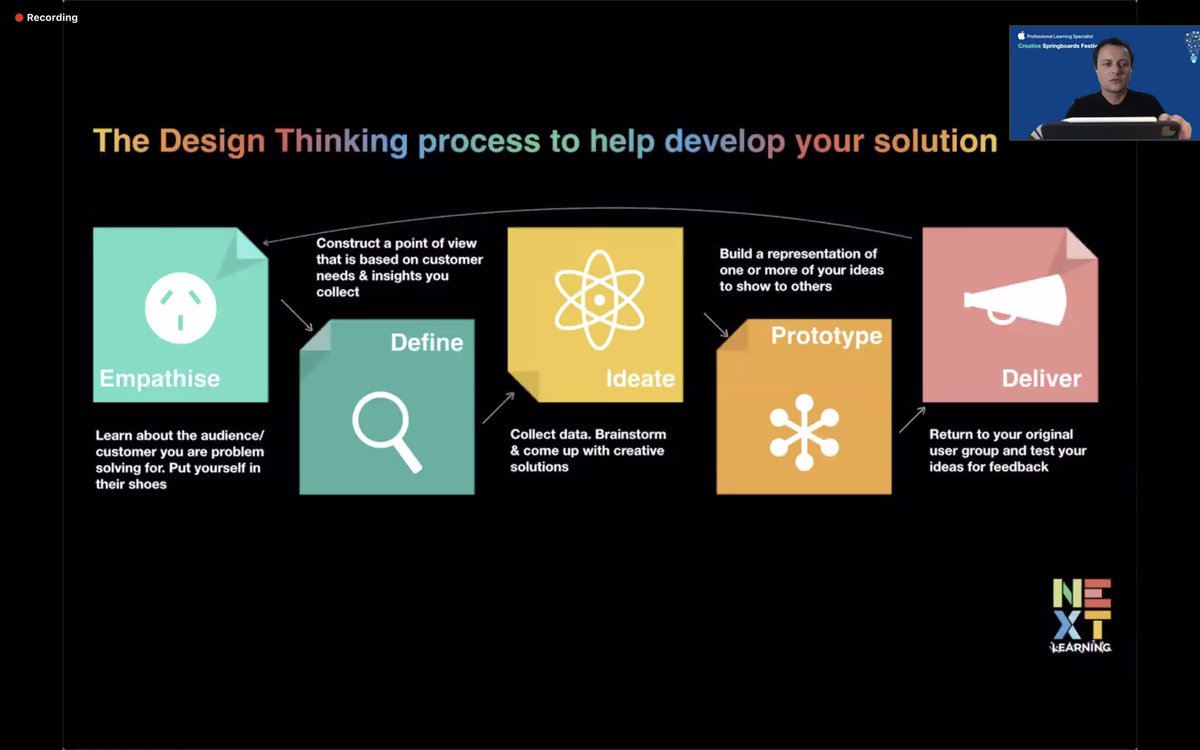
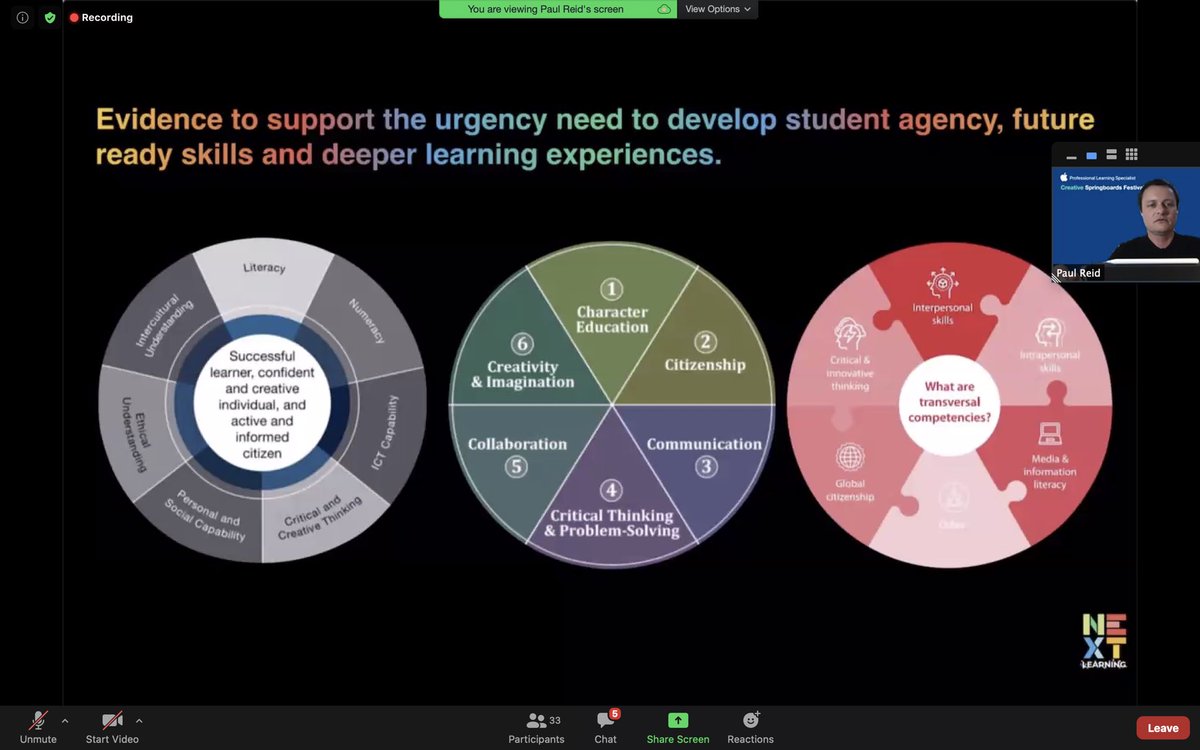
Last online session with @CSpringboards! Bringing it all together with importance of student agency and building deep lasting integrated learning experiences. Last few weeks was marathon of great learning! #appletechtools@AppleEDU#creativespringboards
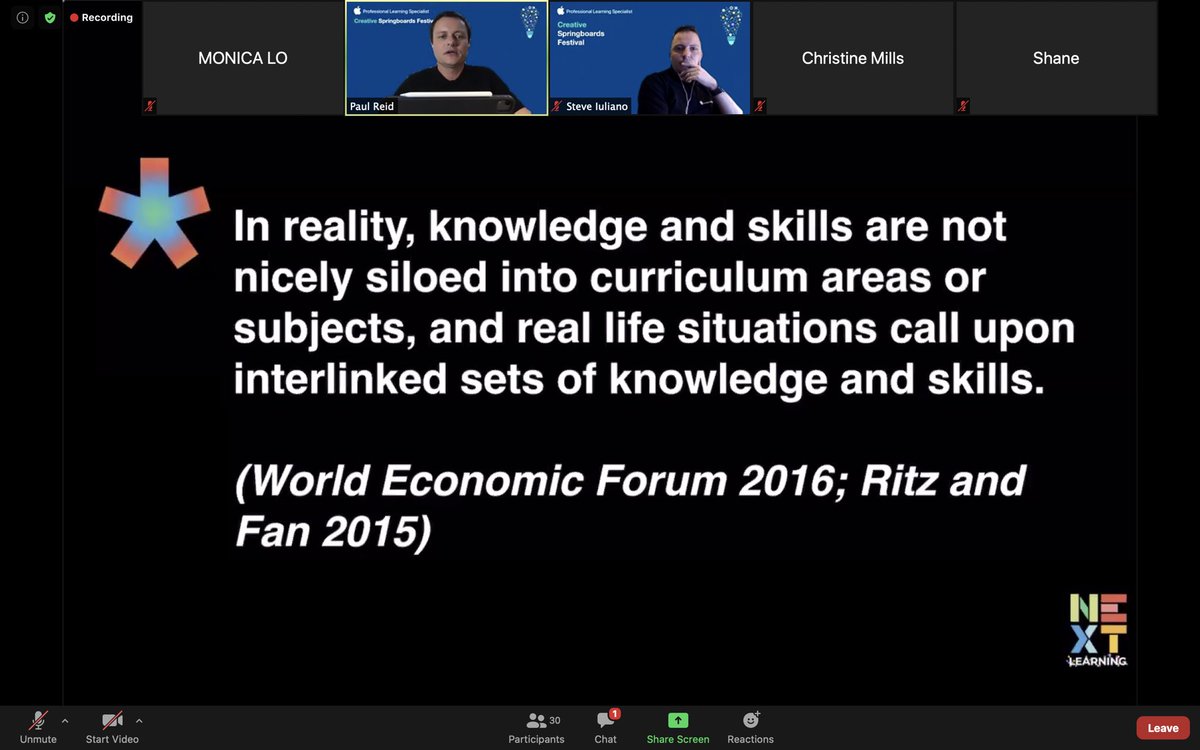
So much to unpack + think about from @PaulReid for Creative Springboards @CSpringboard When planning with Leadership, Teachers and Students in schools and how we can use our #iPad as a Swiss Army Knife to do this. "Sparkles on the pavement!" #apple#appleedu#everyonecancreate
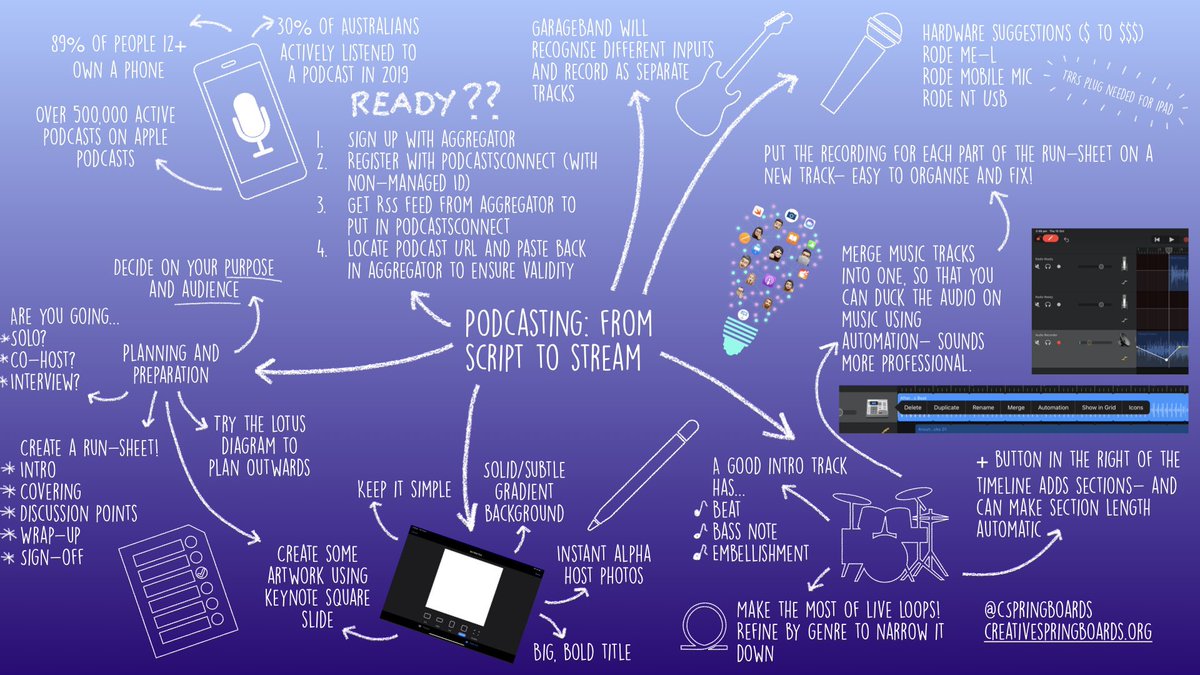
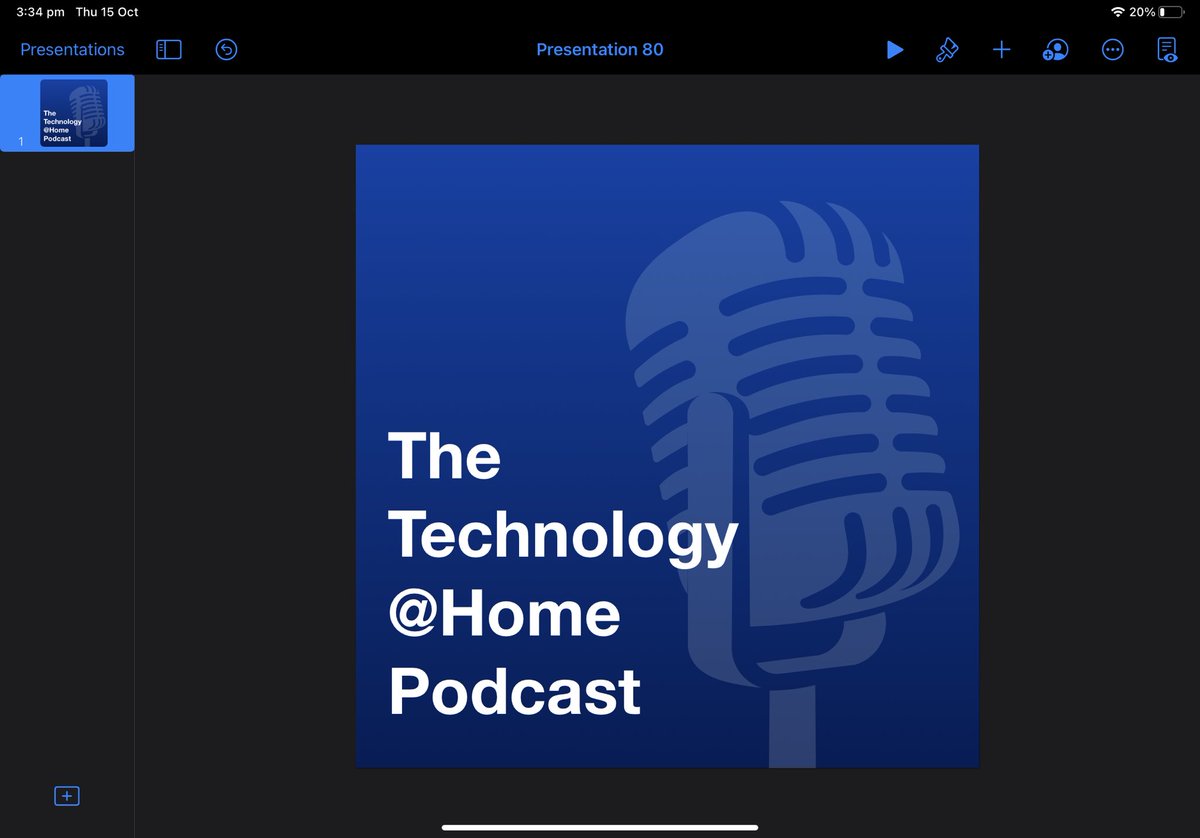
Got an iPad? From planning to publication - you can make a podcast!
Learned some much from today's @CSpringboards session from Matt Richards about podcasting. Always wanted to explore this with students and think I have enough to get started.
#creativespringboards#garageband
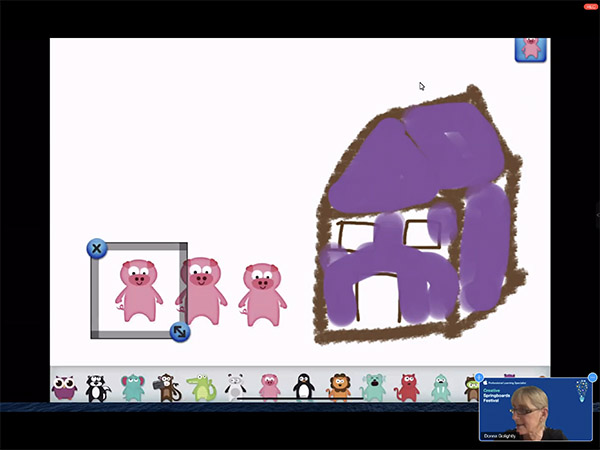
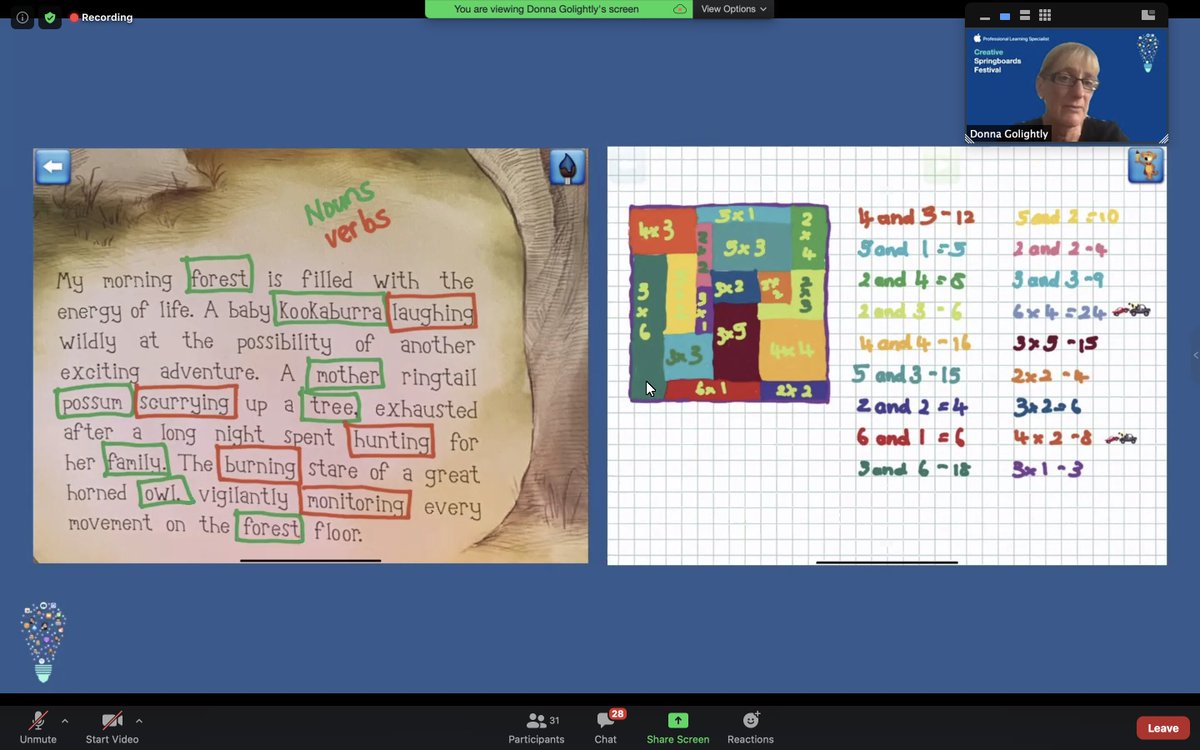
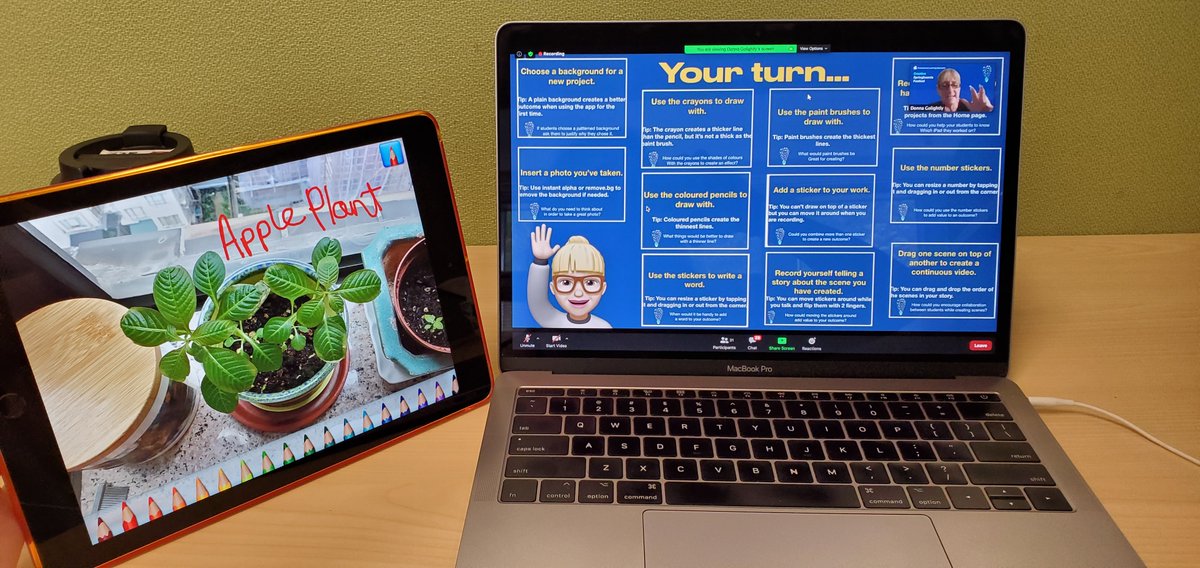
@donnagolightly1 sharing some fabulous, practical ideas during her #creativespringboards ‘Getting Creative with the Writing Process’ workshop! So many creative and critical thinking opportunities with #DrawandTell and #Clips. Ngā mihi nui ki a koe!! 😃💚
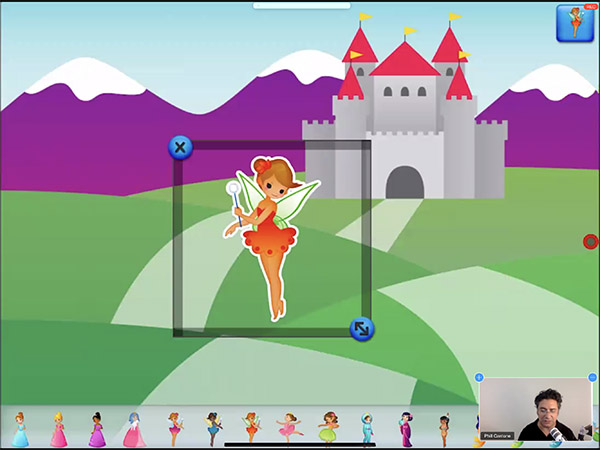
Another really great session for the Creative Springboards Festival from @phill_cantone This has given me lots of inspiration to go away and play around with using different Apps to make a Multimedia eBook @CSpringboards#apple#appleedu#everyonecancreate
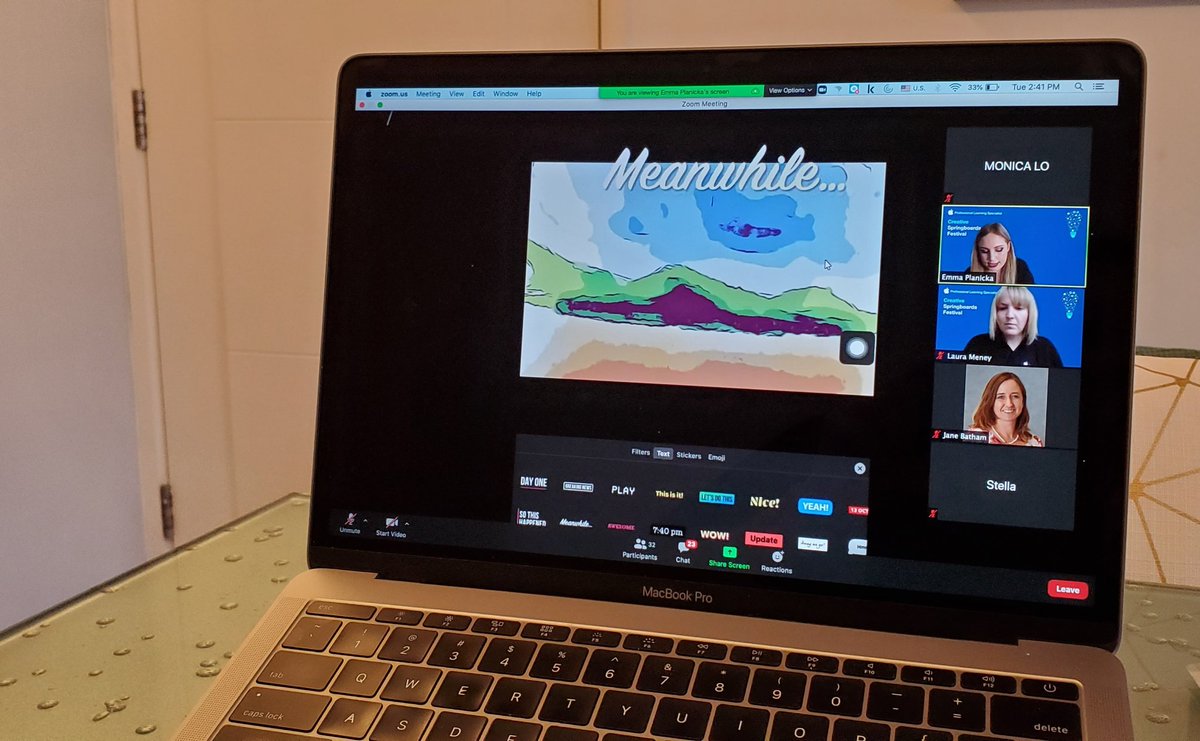
#drawandtell Fun story writing option for younger Ss. Good audio options for reluctant writers, and option to annotate images. Am having fun with the different stickers and textural backgrounds:p #lunchtimepd@CSpringboards Neat Scenes option in Clips but don't have on my iPad :(
Doing some fun #Keynote Animations with @laurameney for the Creative Springboards Festival, @CSpringboards We created a Healthy Lunch Bag animation with shapes. A great and fun way for students to learn animation skills and nutrition! #apple#appleedu#everyonecancreate
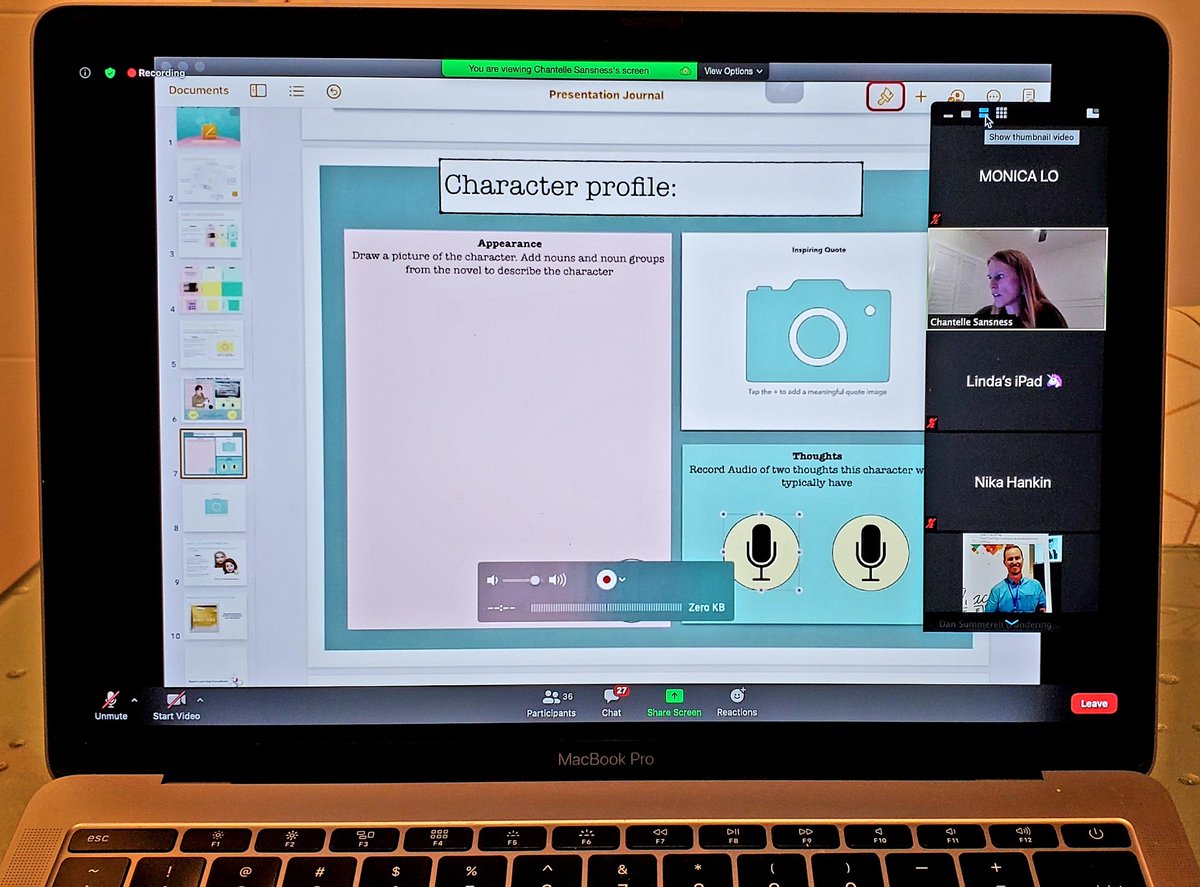
Learning to group and lock images to create place
holders, and to build digital scaffolds to support Ss. Excited to create interactive activities for my Ss on #pages! @CSpringboards Very hands-on and practical workshop. Thank you!
App Smashing using #Clips with the wonderful @EmmaPlanicka tonight! Having so much fun getting hands-on creative and reflecting on all of the different ways to integrate into classroom programme! Some great ideas! Ka Rawe Emma! 🙌💚#creativespringboards