Recommend a handy little tool: https://t.co/Omf12zmSAH
Trim your audio online in seconds: drag in your file, set start & end, download—done ✅
Free, no registration, files never touch the server 💨
Tools should be just like this—open, use, done 🎵✨
Many get stuck subscribing to ChatGPT Plus at the payment step—domestic cards don’t work, virtual cards are tricky.
I use https://t.co/tP2JG0Ym4Z for direct top-ups or group plans—easy, safe, and cheaper than $20/month alone 🐶
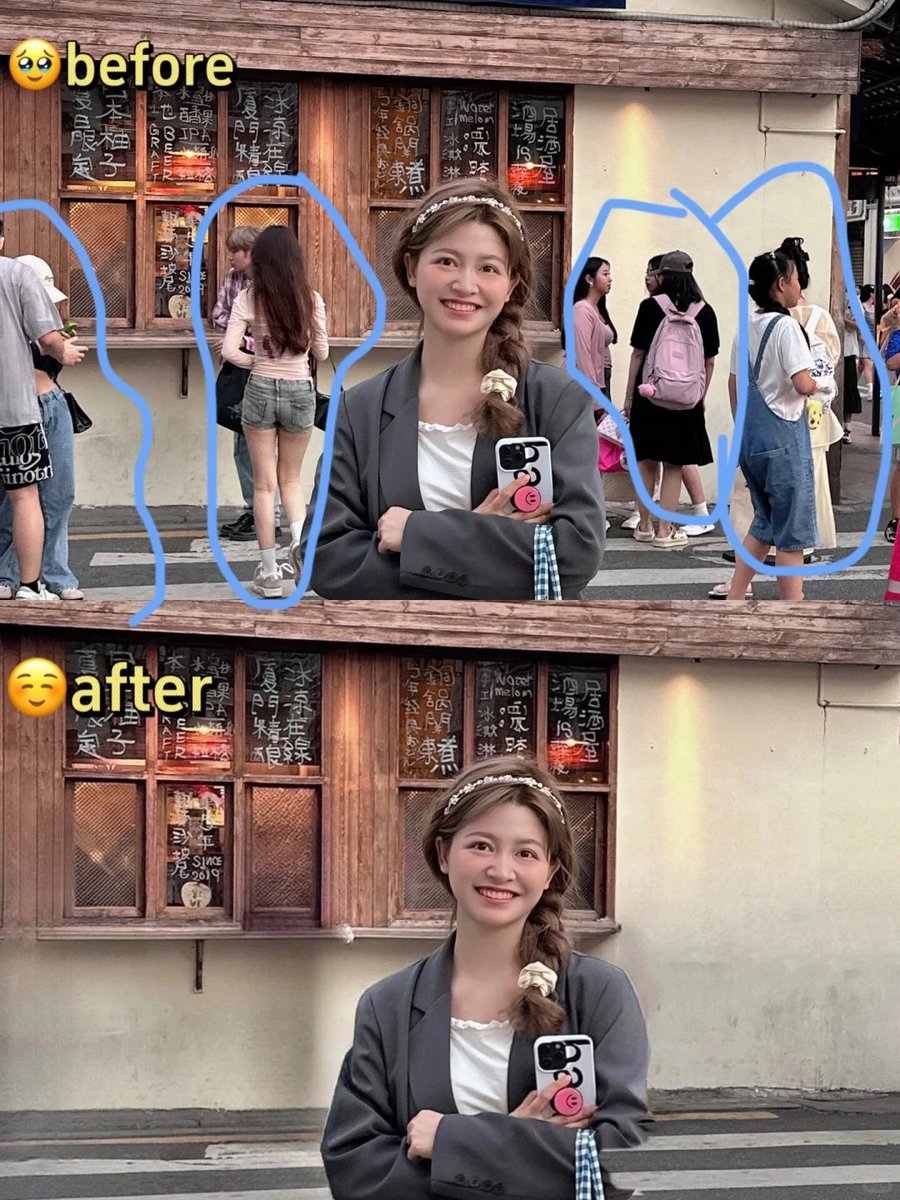
Too many people at tourist spots? Here’s how to make them disappear in one click. 👀✨
Holiday photos at crowded landmarks → want that “no one else around” vibe?
Just try https://t.co/EZMQqOwg27
AI auto-restores the background without ruining the quality.
Guys, I can’t recommend this enough! 📸
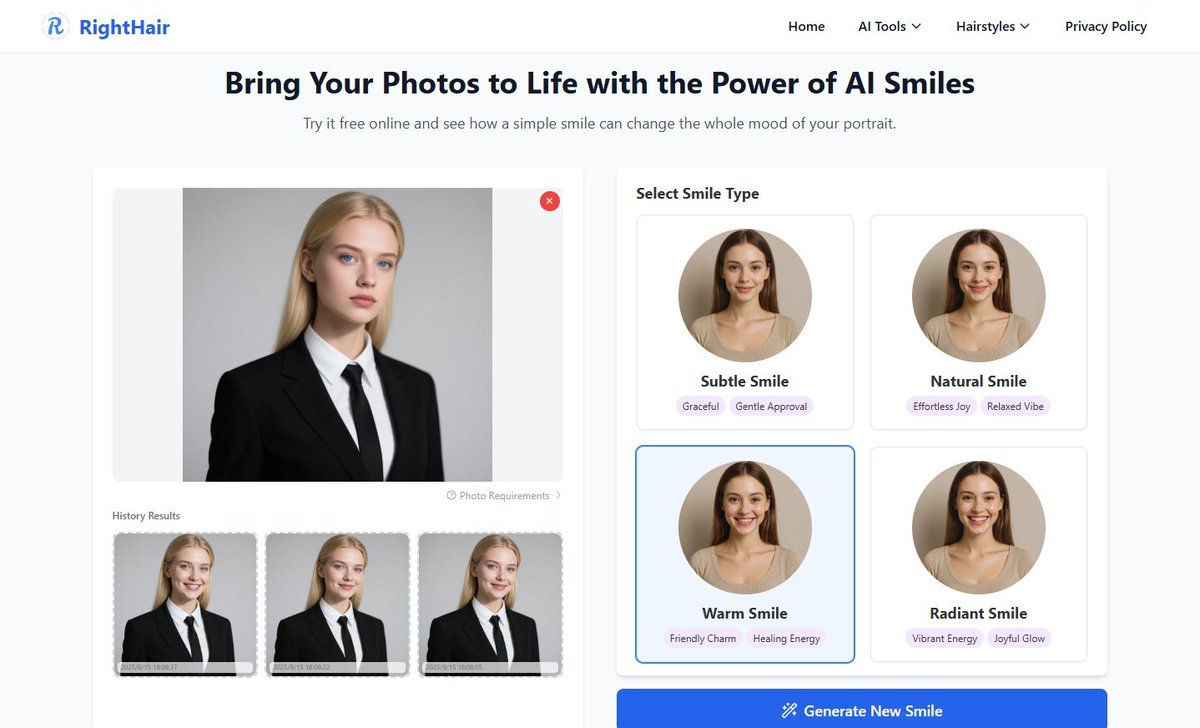
Every time I face the camera I struggle—passport photos always end up with that awkward fake smile.
Then I found this magic tool → natural smile + easy edits. My graduation photo is PERFECT now📷
https://t.co/mVlhZvSrZy
Ever wished you could talk in your favorite character’s voice?
Now you can. And it’s FREE (for now).
AIVocal lets you clone any voice with just a few seconds of audio.
Go try it 👉 https://t.co/XMk4cQ1gUK
AI https://t.co/T2wg9RY8hG videos print views.
But everyone’s locking them behind paywalls.
Not lipsync (yet).
It’s free. It's good. And we’re milking it dry.
Join the feast. 🐮💸
https://t.co/fvtddGG3IT
Tools I used 👇
LipSync → https://t.co/ZNuoVD1kO0
AIVocal → https://t.co/FgkVevWrgF
Not too hard to use — just a bit of back-and-forth between tools.
If you're curious, now’s a good time to try while they’re still “Free” 😄
Tried making some Game of Thrones lip-sync clips using “Free” AI tools:
🎤 AIVocal – for the voice
👄 LipSync – for the mouth sync
They actually did okay! LipSync’s mixed language support is still kinda meh 😂
"Bend the knee." 👀
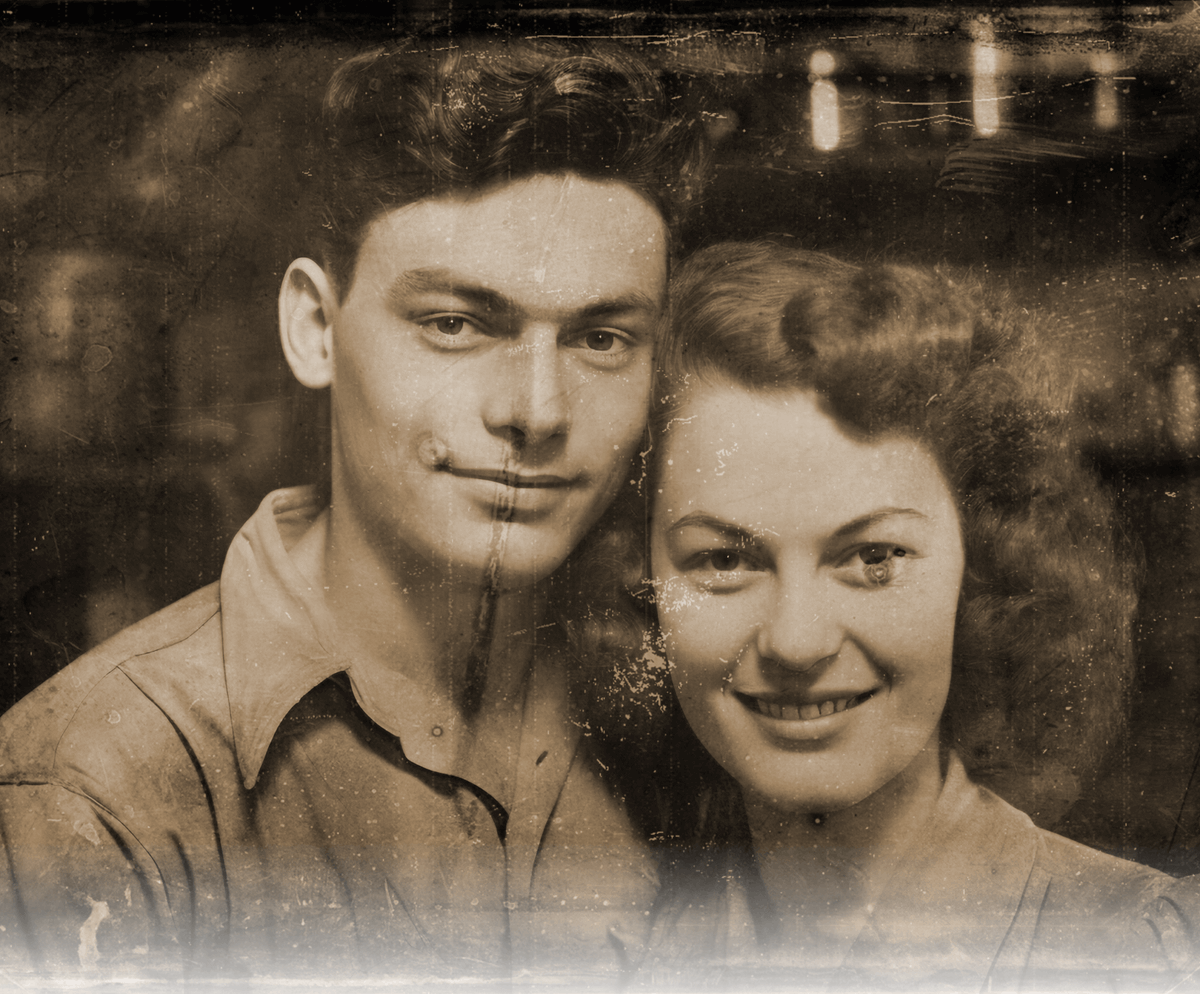
Restored & recolored.
100-year-old photos, revived by Flux.1 Kontext. 🧠🎨
Prompt I used: 👀
"Restore and colorize this image. Remove any scratches or imperfections"
More before & afters 👇
�� A great product needs a great blog.
But if you're short on time, skills, or confidence, it's tough to write one that gets seen. 😓
So I broke it down into 4 beginner-friendly steps —
how to use AI to write high-quality blog posts 👇
Step 4: Add visuals
Use Canva or AI tools for blog images.
AI can be hit or miss, so Canva is your best bet.
Tips:
• Use templates for consistency
• Add real screenshots/data
• A bit of decoration = more engaging ✨