-> Spend
Give your AI agent a real budget.
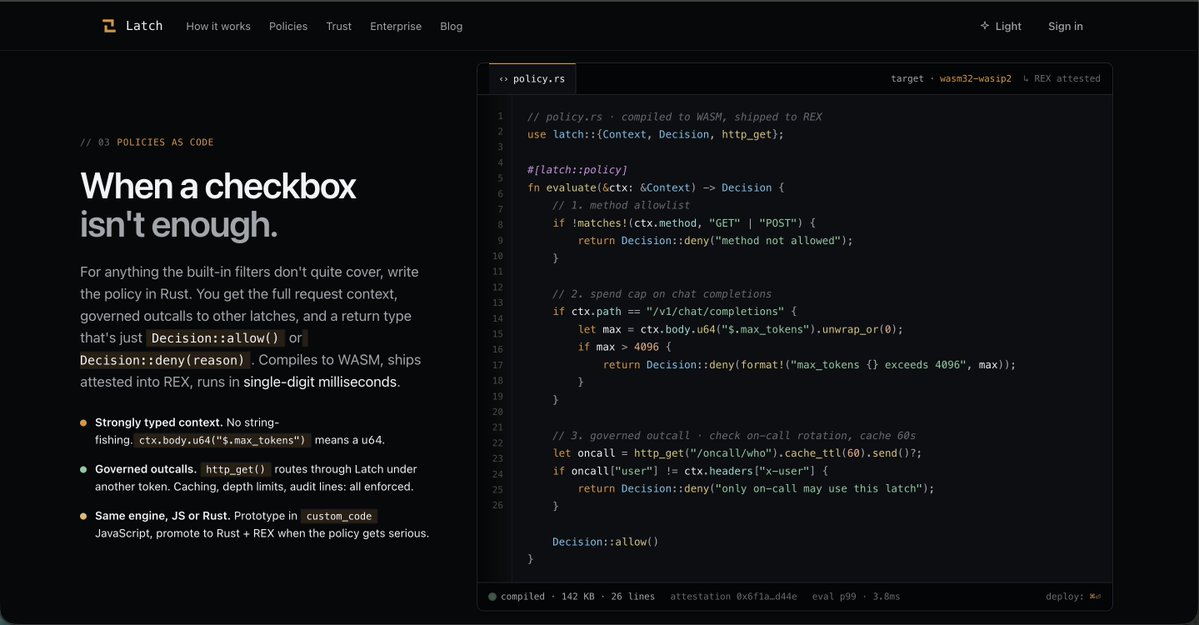
Instead of trusting an agent with unlimited spending, Latch enforces limits before any request reaches the tool.
For example, you can say:
1. This agent can spend up to $20/day.
2. This agent can only call OpenAI.
3. Stop every request above the budget.
If the agent exceeds those rules, the request is blocked immediately.
Not after the money is spent.
Before it leaves your infrastructure.
----------------------------
-> Act
Every tool call passes through Latch first.
Your AI agent doesn't communicate directly with GitHub, Stripe, your database, or any MCP server.
Instead, it sends the request to the Latch CLI.
The CLI forwards it to your Latch Server.
The server checks your policies and decides whether the action is allowed.
If it's approved, the request is routed to the real MCP server.
If not, the request stops there.
Your agent only gets the permissions you've defined.
Nothing more.
----------------------------
-> Audit
Every decision leaves a trail.
When an agent acts, Latch records:
1. What the agent wanted to do.
2. Which policy was evaluated?
3. Why the request was approved or denied.
4. The complete execution trace.
So if something unexpected happens, you don't have to guess.
You can replay the request, inspect every step, and understand exactly what happened.
----------------------------
-> Stay private
Most gateways need to inspect your data before making a decision.
That means your prompts, API payloads, or sensitive information become visible to the gateway itself.
Latch works differently.
Policies are evaluated on encrypted payloads inside trusted hardware.
The request stays private while still being governed.
No plaintext inspection.
No unnecessary exposure.
Just policy enforcement without sacrificing confidentiality.
@RialoHQ@dfwdora@0x_alextine@ericargent31113
-> The Problem
Today, when you connect an AI agent to an API, you usually give it your API key.
That seems simple.
But an API key is not permission.
It's complete authority.
Once an agent has your key, every request it makes is treated exactly as if you made it.
The API doesn't know whether the agent is allowed to spend $1 or $1,000.
It doesn't know whether the request should happen only during work hours.
It doesn't know whether this particular tool should even be accessible.
It only sees a valid API key.
So every decision happens after the fact.
You discover unexpected charges from a billing dashboard.
You revoke keys when something goes wrong.
You rotate secrets and hope every application updates correctly.
The API executes.
It doesn't question.
------------------------------------------
-> What we have Today
The workflow looks like this.
An application stores an API key.
The agent receives that key.
The agent can now call every endpoint that key allows.
If the key has access to files, it can access files.
If the key can create resources, it can create them.
If the key has no spending limits, neither does the agent.
The only security boundary is possession of the secret.
Whoever holds the key holds the authority.
------------------------------------------
-> With LATCH
LATCH changes what the agent receives.
Instead of handing over the master API key, the agent receives a scoped token.
That token doesn't define who the user is.
It defines what the agent is allowed to do.
Every request first passes through the LATCH server.
LATCH identifies the action.
It evaluates the attached policies.
Then it makes a decision.
If the request matches the policy, it continues to the upstream API.
If it doesn't, the request stops immediately.
The API key is never exposed to the agent.
And the API never receives requests that should have been blocked.
------------------------------------------
Instead of asking:
"Does this request have a valid API key?"
LATCH asks:
"Should this request happen at all?"
That is the difference between authentication and authorization.
And that's the layer AI agents have been missing.
@RialoHQ@dfwdora@0x_alextine@ericargent31113
Latch is now public for everyone.
Guide on how to navigate Latch
Head over to https://t.co/dIA8i5AZYb
1⃣ Dashboard
▶️ Open the dashboard first: This is where you’ll see your overview, recent request activity, and quick actions like New latch and Simulate.
-----------------------------------------
2⃣ Latches
▶️ Go to Latches to view all your latches: Use this page to check whether a latch is live, delegated, or enabled.
▶️ Click a latch name to open its details and pipeline.
-----------------------------------------
3⃣ Secrets
▶️ Go to Secrets to manage reusable credentials.
You can switch between grid and table view. From here, you can see which latches are bound to each secret.
-----------------------------------------
4⃣ Connect
▶️Go to Connect when you want to set up an agent for a specific latch.
▶️Choose your agent type, such as Codex or Cursor.
Copy the generated command or setup instructions.
-----------------------------------------
5⃣ Simulate
▶️ Use Simulate to test how a latch behaves before using it live.
▶️ Pick a latch, choose a scenario, and review the pipeline trace. This is useful for checking allow/deny behavior safely.
-----------------------------------------
6⃣ Activity
▶️ Go to Activity to review request history.
This page shows pipeline traces, bodies, decisions, and replay-style debugging info. It’s the best place to inspect how the latch handled a request.
-----------------------------------------
7⃣ Org View
▶️ Org View is currently a preview/coming-soon surface.
If it’s available in your account, it may show how latches and secrets map across the org tree.
-----------------------------------------
8⃣ Create a new latch.
▶️ Click New latch.
Fill in: latch name, upstream URL, secret/credential, policy filters
▶️ Review the latch, then activate it.
-----------------------------------------
9⃣ Useful habits
▶️ Use Simulate before activating changes.
▶️ Use Activity when something behaves unexpectedly.
▶️ Use Secrets carefully, since credentials are reused across latches.
@RialoHQ@itachee_x@dfwdora@0x_alextine
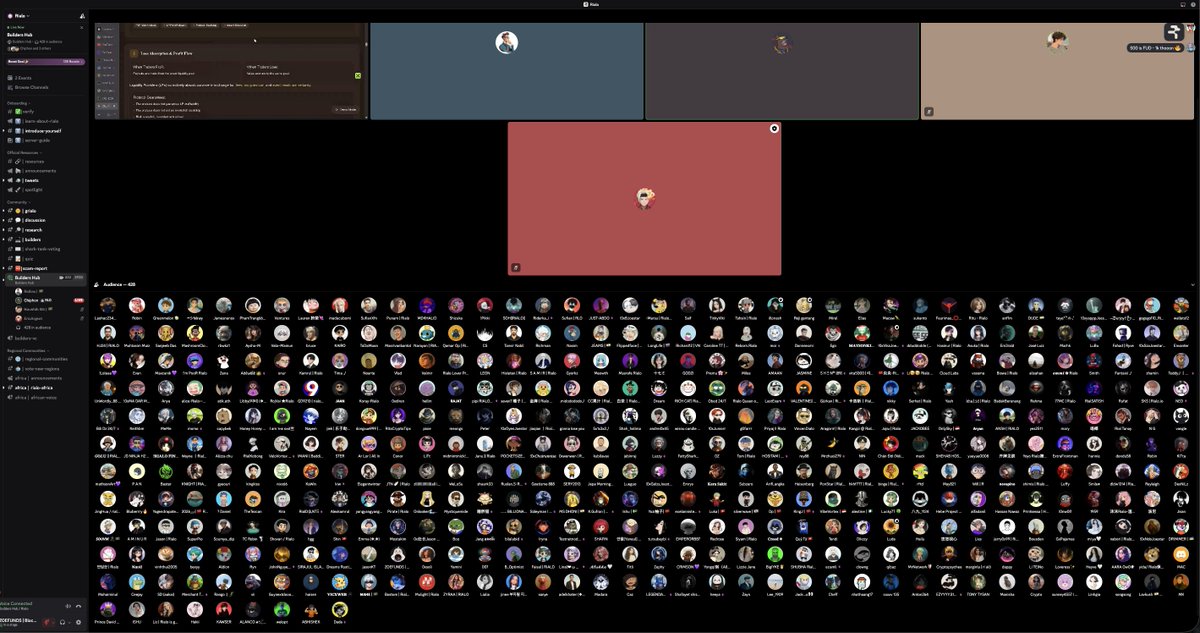
The Rialo Shark Tank is a weekly (every Thursday), community-driven event where builders pitch their ideas or products, receive feedback, and compete for recognition and rewards.
The goal is to support builders, increase community engagement, and surface high-quality projects within the Rialo ecosystem.
@RialoHQ@itachee_x@ericargent31113@0x_alextine
I have been in web3 for about five years now.
Started out as a spot trader, chased retroactive opportunities, and honestly just explored almost every corner of the space.
One thing I always stayed away from was perpetual trading. Watching people around me get liquidated, even after a streak of wins, made it feel like something I didn’t want to touch.
But that changed in January 2026, when I learned about @bulktrade. I gradually learned how perp DEX trading works. I took my time with it, kept learning, and started trading small.
Right now, I can say I’ve built a decent level of confidence through Bulk. I’m still learning, but I’ve been able to trade better and even make some profits along the way.
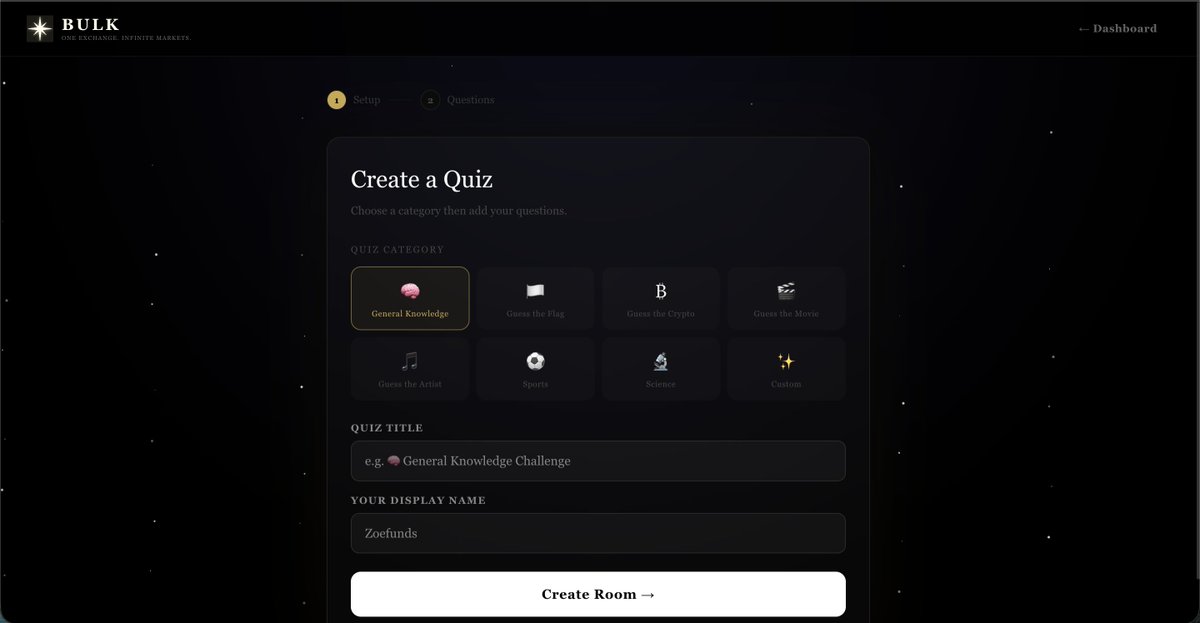
We wanted something that truly gets the community involved and thinking, not just watching from the sidelines.
@MrKen40 and I came up with this quiz platform
gBulk @bulktrade
After months of deep iteration across the EVM stack, internalizing its execution model, composability patterns, and tooling ecosystem.
I’m now expanding into the Solana runtime, a fundamentally different paradigm, parallel execution, account-based state, high-throughput design with a distinct developer surface.
Never leaving EVM, just extending the frontier.
Watch closely.
Following the last major upgrade to @bulktrade's docs (28-04-2026), I also made a major update to BulkGuard (a liquidation-alert bot that tracks and monitors trades on the bulk testnet).
Link: https://t.co/VFYJsabsHT
What is new?
1. Tracking Master accounts and sub-accounts
Data added includes:
1. Realized PnL.
2. Unrealized PnL.
3. Account Balance (Both total and available).
4. Total PnL of each account (Master and Sub-accounts).
5. Funding.
6. Margin.
Following the last major upgrade by @bulktrade on their API (15-04-2026), I made a major update in the Bulk map as well.
Major changes include:
1. URL changed from https://t.co/1OAR0ukzxZ to https://t.co/QDv5sHpgGp
2. A new UI/UX
Data added includes:
1. Realized PnL
2. Unrealized PnL
3. Balance
4. Volume
5. Total Trades
6. Margin Used
7. Fee paid
8. Funding
9. Total PnL = Realized + Unrealized