I built a fully local dictation app for macOS.
Hold Option, speak, release → your words land in whatever text field has focus.
Whisper (Metal) transcribes while you talk, a small Qwen model strips the "uh"s. No account, no cloud, no telemetry.
Open source, MIT, Apple Silicon 👇
https://t.co/tf1Wpo6J5X #macOS #opensource
@andrei_bsns È utile distinguere raccolta delle idee e formalizzazione dei requisiti. Sto sviluppando Open Flow, dettatura gratuita e locale per Mac: per le spec ti frena di più correggere la trascrizione o il fatto che scrivendo a mano riesci a ragionare meglio sui vincoli e sui casi limite?
I’d split those jobs: conservative transcript cleanup, then a separate continuity check. I’m building Open Flow for local Mac dictation/cleanup; it doesn’t track story continuity. For that second step, I’d ask for suspected contradictions with chapter references and both quoted passages, leaving the prose unchanged for you to review.
@offstackcc I’m building Open Flow in this space: free Mac dictation with local Whisper + optional local cleanup, and separate model choices to fit the Mac. MIT app, Apple Silicon/macOS 13+. Model licenses are documented separately. Would it fit your directory?
https://t.co/JYzuBusy8B
@byaarav Nice, thanks. Which model are you using for local cleanup? I’m using Qwen2.5 via llama.cpp, with cleanup optional. Keeping that step usable alongside a browser and editor is the tradeoff I’m most interested in on smaller Macs.
@the__elliott This is why I keep transcription and cleanup models independently selectable in Open Flow. A fast recognizer can still feel slow once cleanup is added. On your M1, does the delay stay low with longer prompts too, or mainly short phrases?
@Swingzo_ Si tu es sur Mac Apple Silicon, je développe Open Flow : gratuit, sans cloud, transcription et nettoyage en local. Tu choisis les modèles selon la RAM et les performances de ton Mac. macOS 13+, DMG disponible.
https://t.co/JYzuBut5Y9
@joshmillgate I built Open Flow for exactly this: free dictation, privacy first, with local models you can choose to fit your Mac. Hold Option, speak, release to paste. No account or API bill. Apple Silicon, macOS 13+.
https://t.co/JYzuBusy8B
The reason I started Open Flow: free dictation, privacy first, and models you can choose to fit your Mac.
Fast / Balanced / Maximum quality trade RAM and download size for model capacity. Transcription and cleanup models can be selected separately.
Dictating a coding prompt is only useful if you can trust the text that gets pasted.
I'm building Open Flow because I want that workflow without sending recordings to a server. One design choice matters a lot: how much should "cleanup" change? 1/4
Keeping inference local has costs: model downloads, RAM and speed that depends on your Mac. The current build needs Apple Silicon + macOS 13.
That tradeoff is why I'm building it. What made you stop using dictation?
https://t.co/JYzuBut5Y9 4/4
Open Flow uses Whisper locally and optional Qwen cleanup through llama.cpp. Cleanup aims to remove fillers, with a validator that falls back to the transcript on word changes.
That still can't prove a deletion preserves meaning. Review before sending. 3/4
You can now run a 2.8 TRILLION parameter model on a 4GB GPU.
Someone open-sourced a tool that uses "Layer-wise Inference." It only loads one layer onto your GPU at a time. so the VRAM you need depends on the layer size, not the model size.
no quantization. no distillation. no pruning.
→ DeepSeek-V3 (671B) on 12GB
→ Llama 3.1 405B on 8GB
→ Kimi K3 (2.8 TRILLION params) on under 4GB
→ works with almost every open model
the biggest model on it needs the LEAST VRAM. K3 is sparse MoE, so it streams only the experts a token actually routes to instead of a whole dense layer.
2.8 trillion parameters running in less VRAM than a 70B.
JODER… esto va a romper internet.
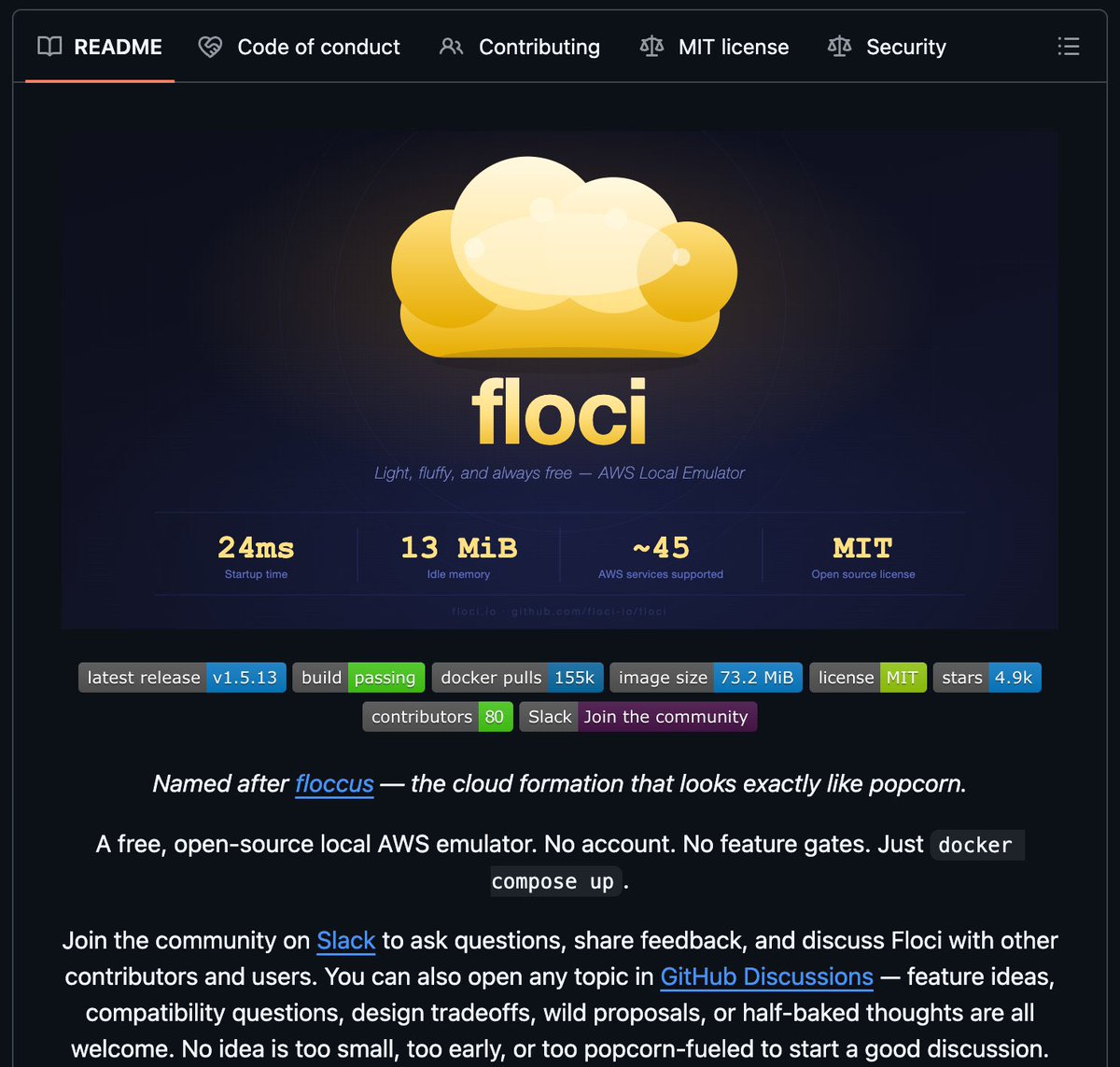
Un equipo acaba de tirar a la basura todo lo que conocíamos de emuladores de AWS. Se llama Floci.
Un solo binario de Go de 13 MiB que levanta 45 servicios de AWS (S3, Lambda, DynamoDB, SQS, SNS, IAM, CloudFormation, Step Functions y más) en menos de 1 segundo. Sin Docker. Sin LocalStack. Sin facturas. Sin 4 GB de RAM robados. Sin esperas de 30 segundos.
Solo descargas el ejecutable, lo lanzas y ya tienes toda la nube de AWS corriendo en tu laptop.
Por qué esto es una puta locura:
• 13 MiB de RAM total. Una pestaña de Chrome consume 200 veces más.
• Arranque en frío en menos de 1 segundo.
• Un solo binario. Cero dependencias.
• Compatible al 100% con AWS SDK y CLI. Apuntas el endpoint a localhost y todo sigue funcionando.
• Binarios para Linux, macOS y Windows. Descargas y ejecutas.
LocalStack Pro de $40/mes → muerto.
Docker Desktop comiéndose tu RAM → muerto.
Entornos de staging caros → muertos.
Y lo mejor: funciona en CI/CD. Levantas todo el entorno en pipelines en menos tiempo del que tardas en escribir el comando.
100% open source
Si eres developer de AWS y esto te ha hecho decir “joder, por fin”… dale like, RT y sígueme. Esto es solo el principio.
El local development con AWS acaba de cambiar para siempre.