Here's a step-by-step process to kill all the bloat from your Claude Code system prompt:
1. Run a proxy so you can see exactly what gets sent to Claude Code (included in the article)
2. "Fuck, there is so much cruft in there"
3. Use my settings.json to kill all the bloat
Down to a clean 13K tokens to start each session with. Nice.
Full process here:
https://t.co/Kie84HMe2A
Introducing Claude Tag, a new way for teams to work with Claude.
In Slack, Claude joins as a team member with access to the channels and tools you choose. Tag Claude in and delegate tasks to it while you focus on other work.
This 𝗖𝗟𝗔𝗨𝗗𝗘.𝗺𝗱 file will make you 10x engineer 👇
It combines all the best practices shared by Claude Code creator:
Boris Cherny (creator of Claude Code at Anthropic) shared on X internal best practices and workflows he and his team actually use with Claude Code daily. Someone turned those threads into a structured 𝗖𝗟𝗔𝗨𝗗𝗘.𝗺𝗱 you can drop into any project.
It includes:
• Workflow orchestration
• Subagent strategy
• Self-improvement loop
• Verification before done
• Autonomous bug fixing
• Core principles
This is a compounding system. Every correction you make gets captured as a rule. Over time, Claude's mistake rate drops because it learns from your feedback.
If you build with AI daily, this will save you a lot of time.
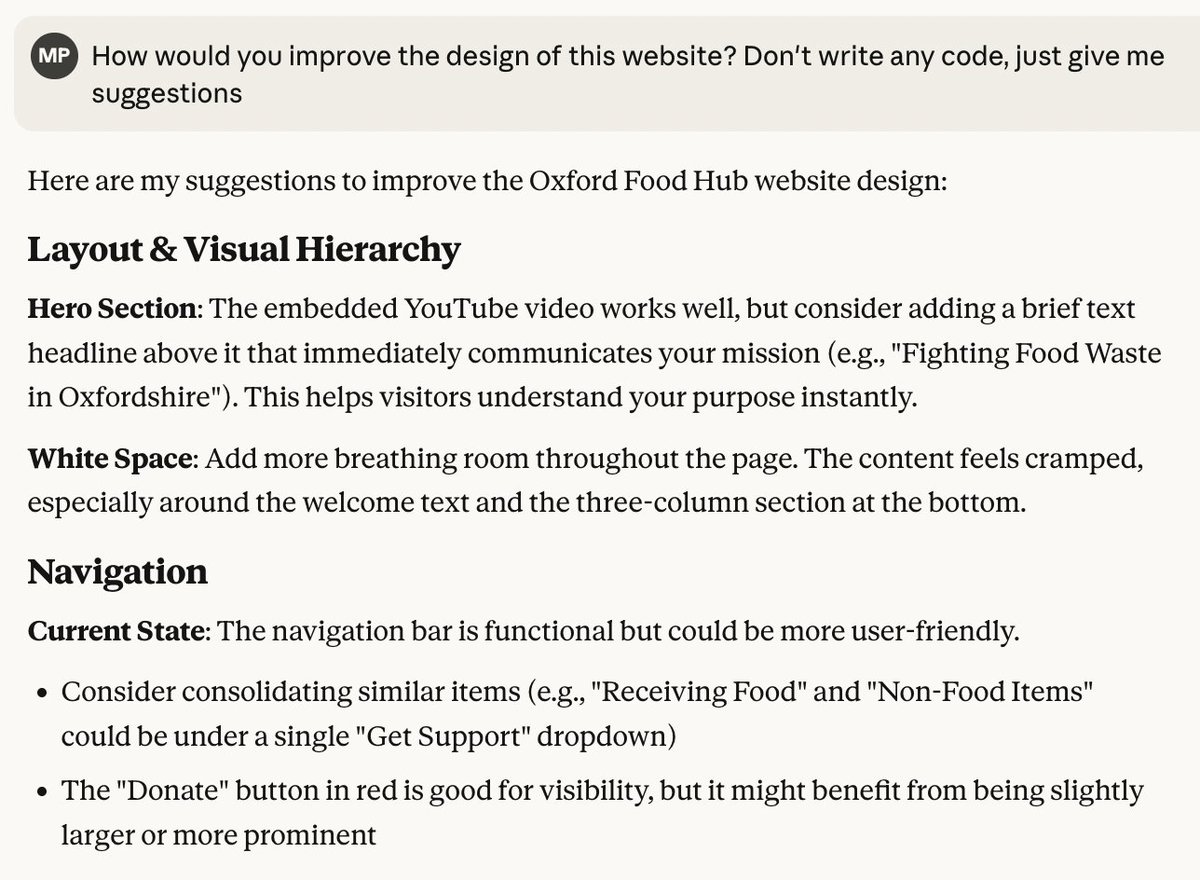
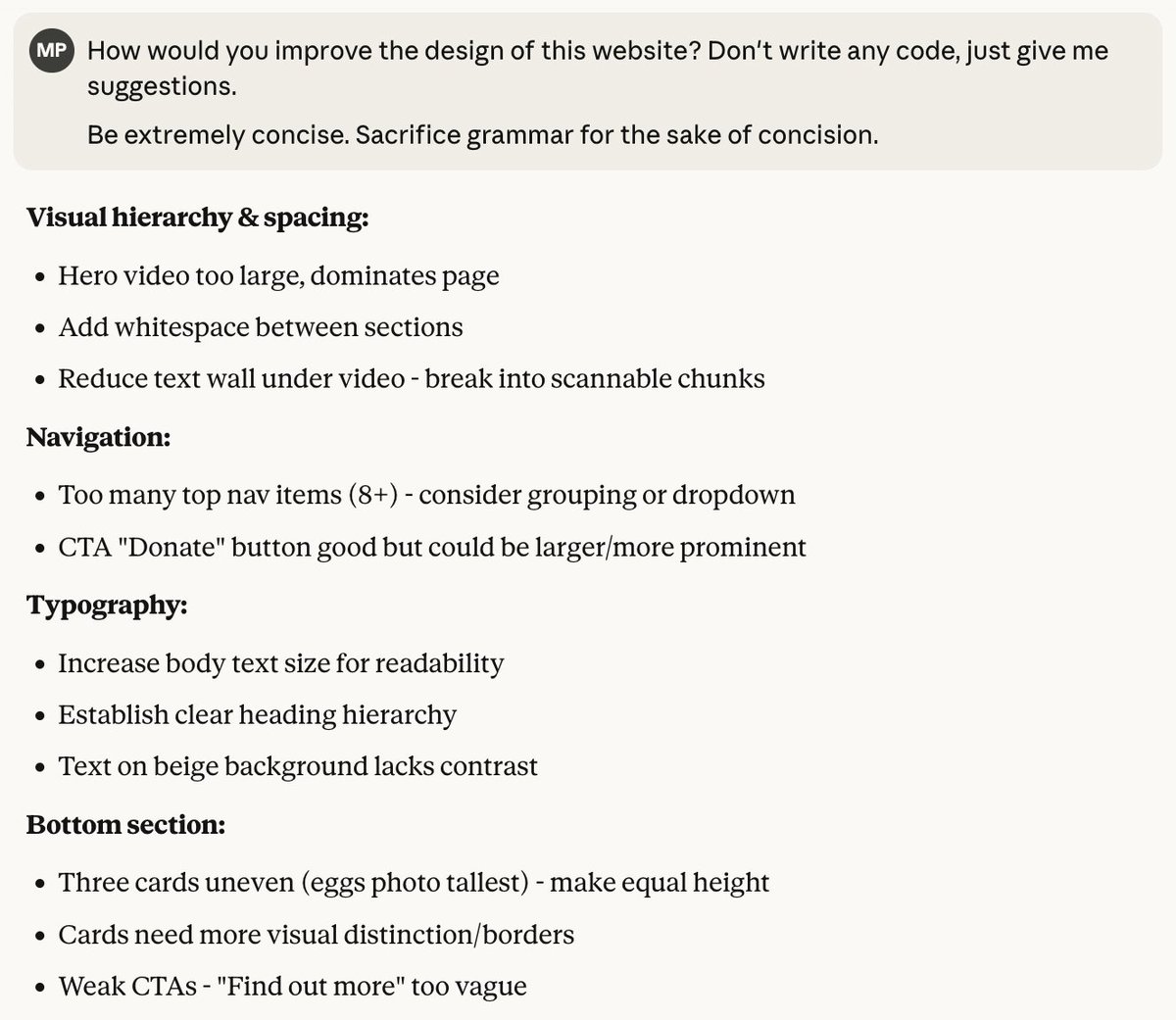
My favourite addition to prompts is:
"Be extremely concise. Sacrifice grammar for the sake of concision."
MUCH easier to scan, less reading overhead, cheaper to output.
Before and after:
Whenever I show dev tools tricks in a video, I get lots of "I had no idea that was a thing!"
What are your favourite or most under-utilized dev tools tips?
There are so many nuggets in there, I'm sure I'm even missing some
Tired of boring table views on mobile? I discovered a new trick to transform table layouts into horizontal scrollable content using Scroll Snap & Container Query.
Check it out! 👉 https://t.co/Aihdhjv4KZ
#CSS#ScrollSnap#CSS4#CSS5
I created a @remix_run extension for VSCode that allows you to search the documentation and display it right inside the editor 🎉📖.
https://t.co/xZwZxmi3IJ
🔥 As of today, CSS :has() is now supported in every browser!
This is a next-level selector that opens up a ton of new possibilities. Here are 10 hot tips for using CSS :has()
Details of each below