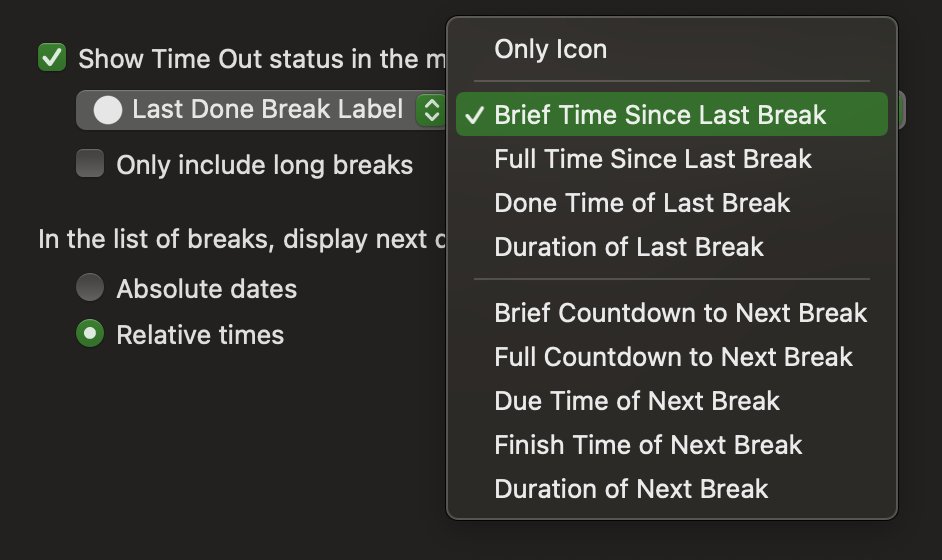
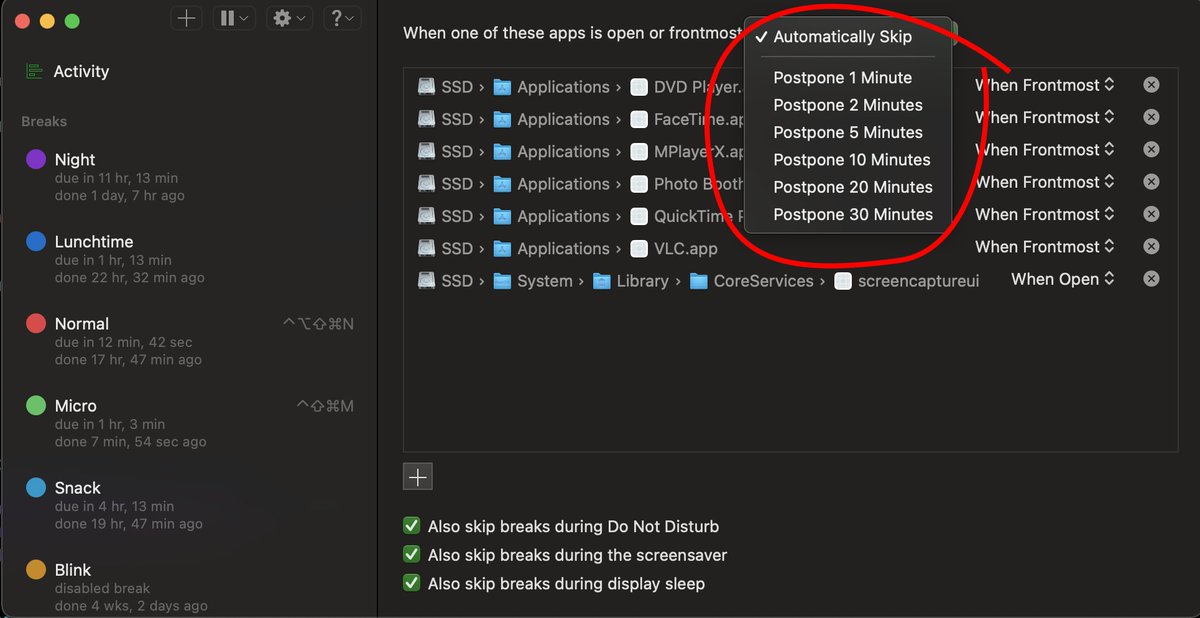
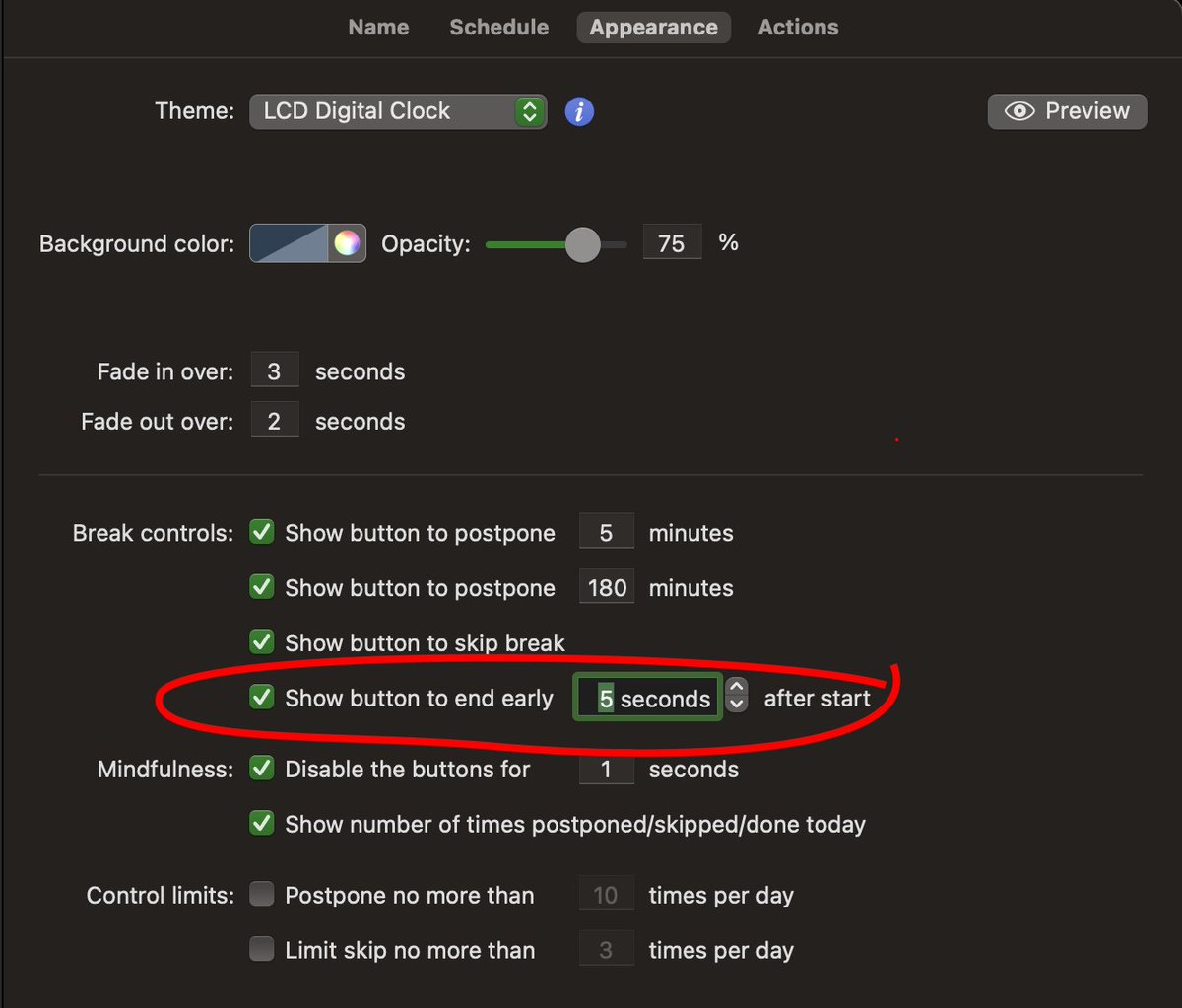
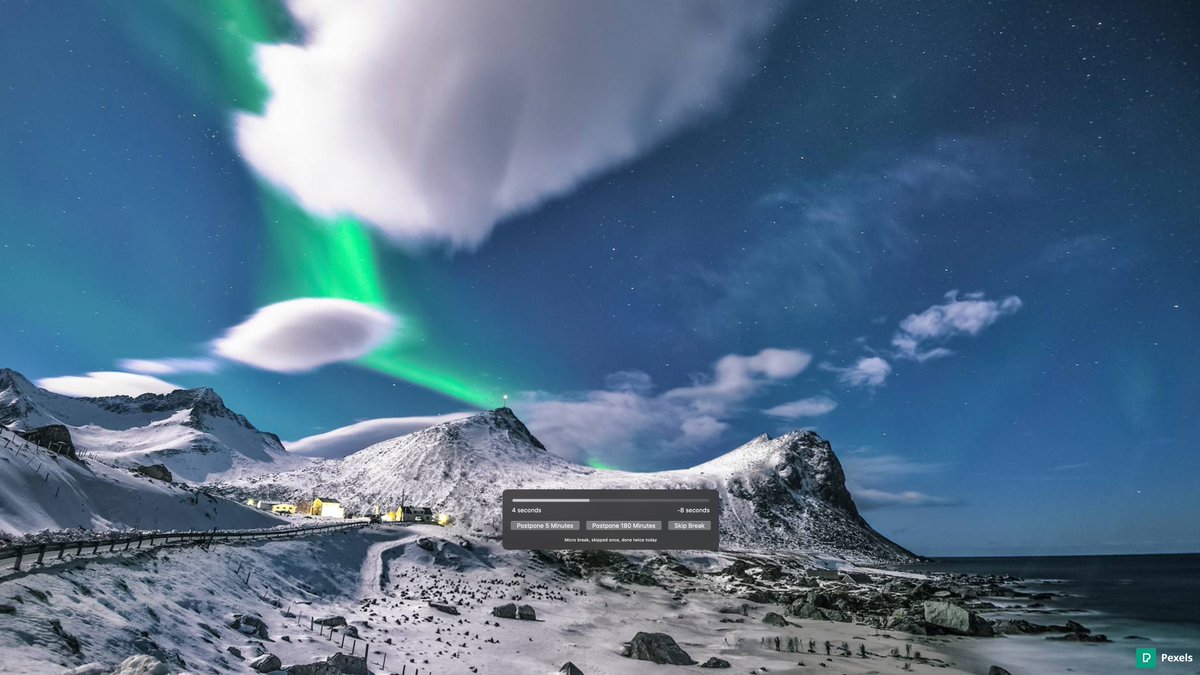
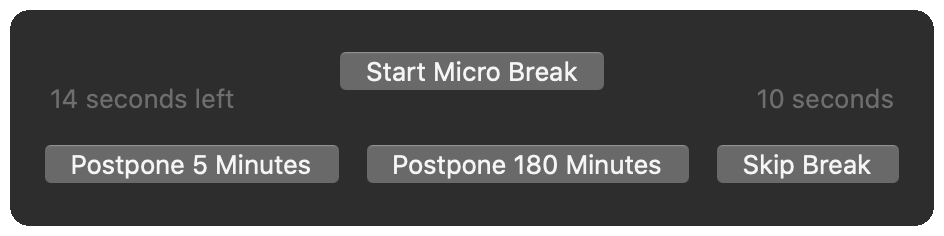
Announcing @DejalTimeOut 2.8, featuring a new option to end a break early, the ability to postpone breaks instead of skip them, or use Do Not Disturb with app exclusions, a choice to show the time since the last break in the status item, and more. https://t.co/DUYmpNtJa7
@airuyi You can do that if you hide the Dock icon. When hidden, the status item shows a menu like the preferences sidebar. When shown, it just shows the preferences window.
@pombeiro Yes, the global shortcuts are often adequate for automation. I’m interested in other uses, and willing to add support based on specific requests. (In addition to AppleScript, I’ve also considered URL schemes.)
@pombeiro Thanks for becoming a supporter! There isn’t any AppleScript support for starting breaks or similar operations. Something I’ve considered, but there hasn’t been much demand. If you email [email protected] with what you want, I could consider it for future updates.
It's time! @DejalTimeOut 2.7 is now available. It include a new app icon, Big Sur compatibility, support for Apple's new M1-based Macs, a much-requested new feature to ask to start a break, improvements to the break preview feature, new break themes, and much more.
@swhobbit That seems to be an issue that affects people that sometimes use multiple screens. If you can see it, you can drag the control panel elsewhere. Otherwise, see this FAQ answer: https://t.co/eDuR7qWSgp
@MomentsbyCami Go to the Break Schedule page of the preferences. There you can specify how long the break should be and how often. To avoid pausing when not using your Mac, change the natural break option to Continue Countdown, and don’t use the reset options.
@makfan Yes, a few people who use external monitors have reported that. A workaround is to Trash the break preferences: copy the following path and use the Finder's Go to Folder command to reveal it, then send it to the Trash:
~/Library/Containers/6Z7QW53WB6.com.dejal.timeout.free.break
@mehulkar The helper would probably be called something different, and might be in a different place, e.g. the MacOS subfolder. Looking in Activity Monitor (via /Applications/Utilities) when you have the app running might help locate it. Or it could use a different approach.
@goadhdgo That’s strange. That window is managed by the Apple system; perhaps a temporary connection issue with their server? You can request a refund from Apple, or enjoy the extended supporter period.
As a reminder, I’m currently giving away @DejalTimeOut, to help you work from home: get the full features at no cost, no strings attached. Everyone deserves the best break reminder app for macOS. Please RT and share!
Just visit: https://t.co/DcDasDTAYR