Day 59/60 - One UI a day using Claude Design
A day late, still showed up!
A “Scan now” button that sits in the dark with a torch beam wandering around, curious. Press it and the beam sweeps across, lighting up what was hidden.
#UIUX#ClaudeDesign
Day 58/60 - One UI a day using Claude design
Most portfolios make you wait, then show you the work.
Mine shows the work while you wait.
My loader deals out case studies and UI experiments before the site even opens.
Click and reload: https://t.co/X1GiCBq6AJ
#Loader#Portfolio
Day 55-57/60 - Update on Skull Build!
I’m planning to make an app out of it, with no extra fancy work. Just a click and the result.
Spent 3 days learning how tracking works, not just asking Claude to “make it better.” Swipe to see what I learnt.
Test Link: https://t.co/HnbhDFP7ZH
AI can execute almost anything now. But someone still had to think of this first. Human thoughts > AI execution.
@SolutionB2u insanely smooth and creative 🫡
52/60 - One UI a day using Claude Design
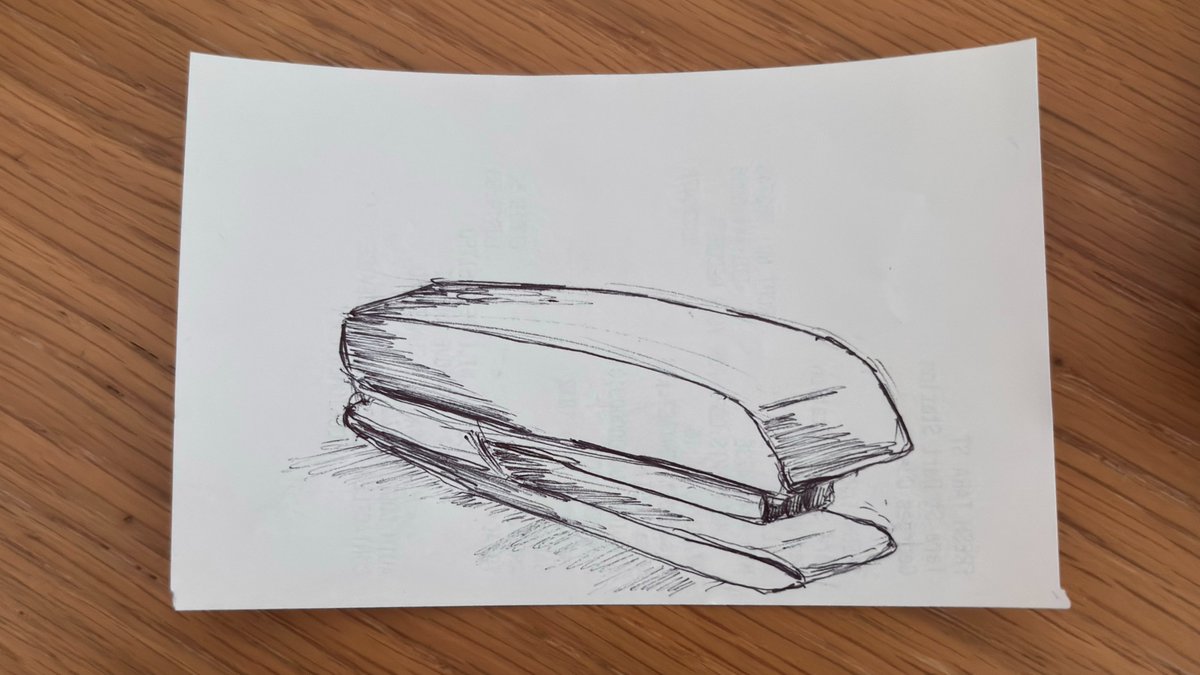
My stapler sketch worked. My ice cream fridge didn't. The missing piece was the skeleton under it.
Skull Build: Your construction line companion.
Try it: https://t.co/HnbhDFOAa9
#Constructionline#Drawingapp#skullbuild#uiux#design
51/60 - One UI a day using Claude Design
What if a splash screen was never meant to be static? Tilt, shake and spin a water bottle, and listen to it bubble (sound on 🫧).
Try it on your phone: https://t.co/bzxss2MrRT
#UIUX#MicroInteractions#ThreeJS#GSAP#ClaudeDesign
Day 50/60 - One UI a day using Claude Design
Status badges for a food delivery app: a basket filling up, a wok tossing, a road rolling by. Felt more fun than a plain progress bar.
Would you actually want this in an app, or is it too much for something you check for 2 seconds?
Day 48/60 - One UI a day using Claude Design
Made a button that feels alive—liquid glass, a chrome ring, and a rainbow sheen that moves with your phone's tilt. No tap needed — just hold it and watch.
Try it: https://t.co/O5l3dwNDKG
#UIUX#ClaudeAI#DailyUI#ClaudeDesign
47/60 - One UI a day using Claude AI
What if the button's name was also its animation?
Highlight and Erase — opposites, same idea: let the action explain itself before anyone clicks. The kind of thing that belongs in any text editor or markup tool.
#UIUX#MicroInteractions