@TatianaDalexis I had a friend with the same DNS problem, and their ISP had to flush its DNS before they could access my chat again. T-Mobile had that problem.
Unofficial Stardew Valley Wiki Checklist has been updated to 1.6+ https://t.co/8EsxXv080b
If I missed something, please dont hesitate to reach out so I can fix it.
P.S. The print feature is still available, just click on the search button and press print.
@TatianaDalexis The problem is a DNS/cache issue on your side.
- Restart your router, then try again.
- If it still doesn’t work, contact your ISP and tell them:
Your DNS can’t find https://t.co/UFF1IVHREO (DNS_PROBE_FINISHED_NXDOMAIN). Please refresh your DNS/cache, please.
@TatianaDalexis Sorry for the late reply. Yes, the Stardew Valley Checklist is still up. This is the link: https://t.co/8EsxXv080b
If you can't access the link, could you provide some information on what you see? It will help.
I was working on updating the #StardewValley checklist site and it's going to stay on v1.5.6 for now. There is a lot of information that I need from the Wiki which is missing. A good majority is completed, but it's put on hold till the Official Wiki is fully up to date.
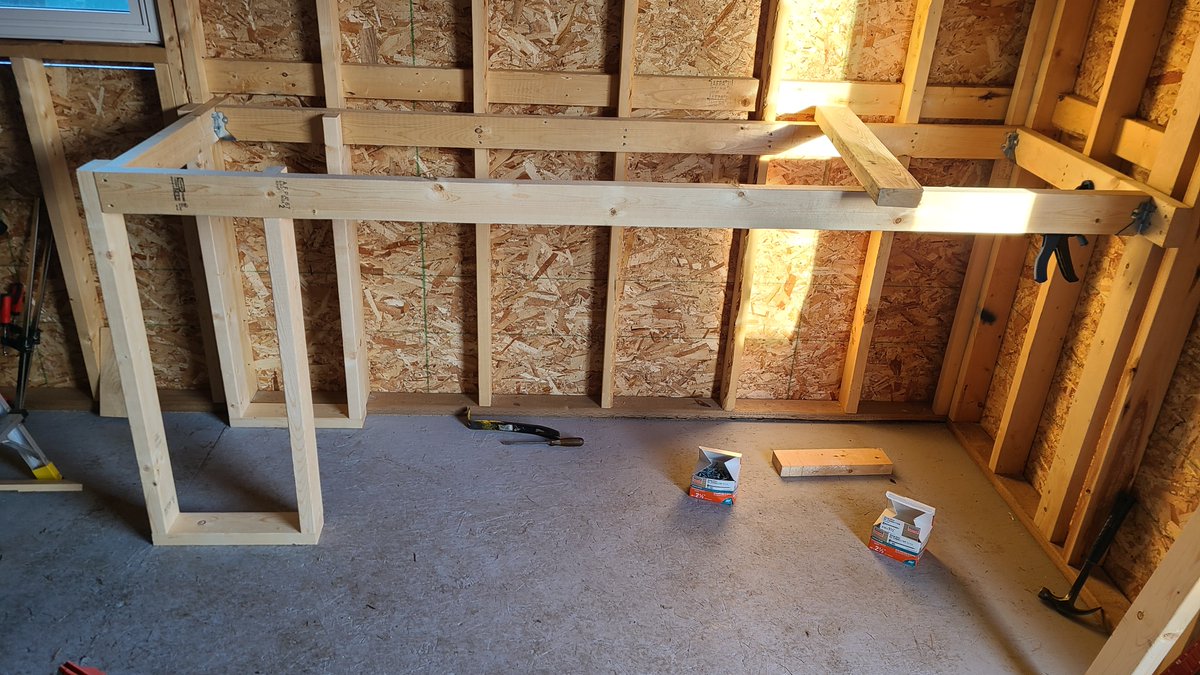
My plan for the inside of my shed. The first photo is real and unfinished. The other 3 are the Minecraft version. From the door in, front right is the tinker station, the back right is the drill press/vise left-center will be an island with a table saw. Peg board everywhere.
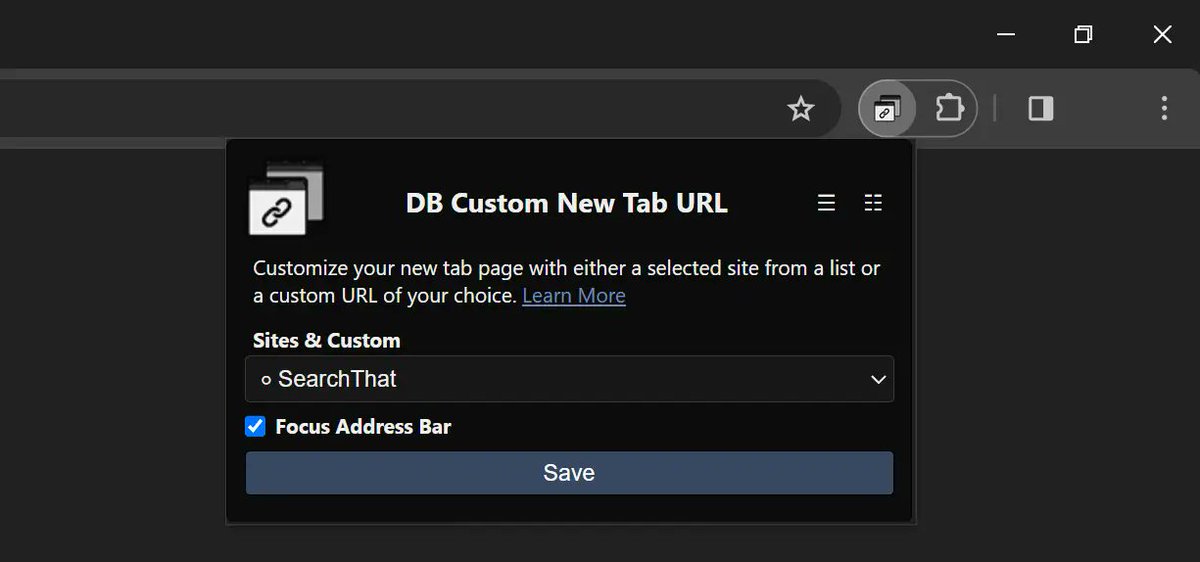
I made a browser extension that you can change the New Tab page to a URL of your choice on Chromium browsers.
Check out the video here:
https://t.co/1nS4u72LOS
@GuMzHD 1. https://t.co/0TdhyEnQQt
2. Click Settings
3. More Settings
4. Notifications
And check Play "You've Got Mail" at login and play a sound when new mail arrives.
Cleaned an old Alienware 17 R2 and looked at the USB ports. Steel looks like that from extreme heat and oxidation. They're still functional at least. If not I would have replaced them.