For our e-learning day tomorrow, we've linked a Google Meet Best Practices Guide in our CCSD21 Links folder with information about virtual meetings.
#21Learns
Watch our latest tutorial about using Read & Write for students!
Learn how to use screen masking, highlighters, dictionaries, and more!
https://t.co/pAexcDbXPE
@texthelp
#21Learns#EdTech
@Wakelet is a site for teachers to easily share links with students, staff, and parents for specific projects and topics.
Watch the video below to see how it works!
#21Learns
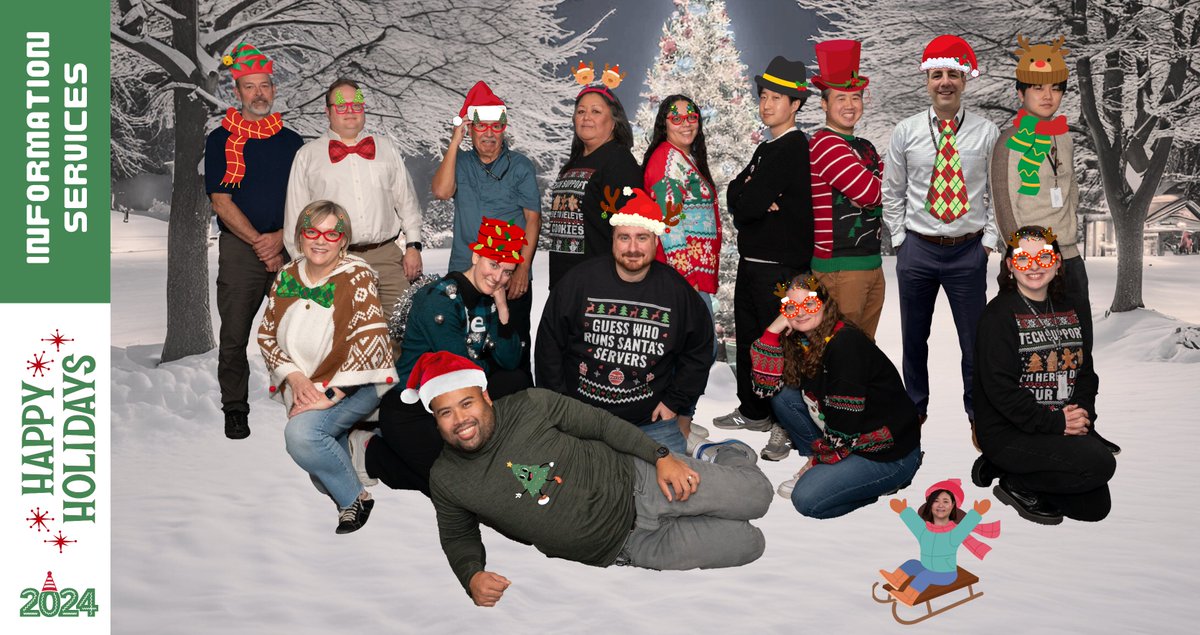
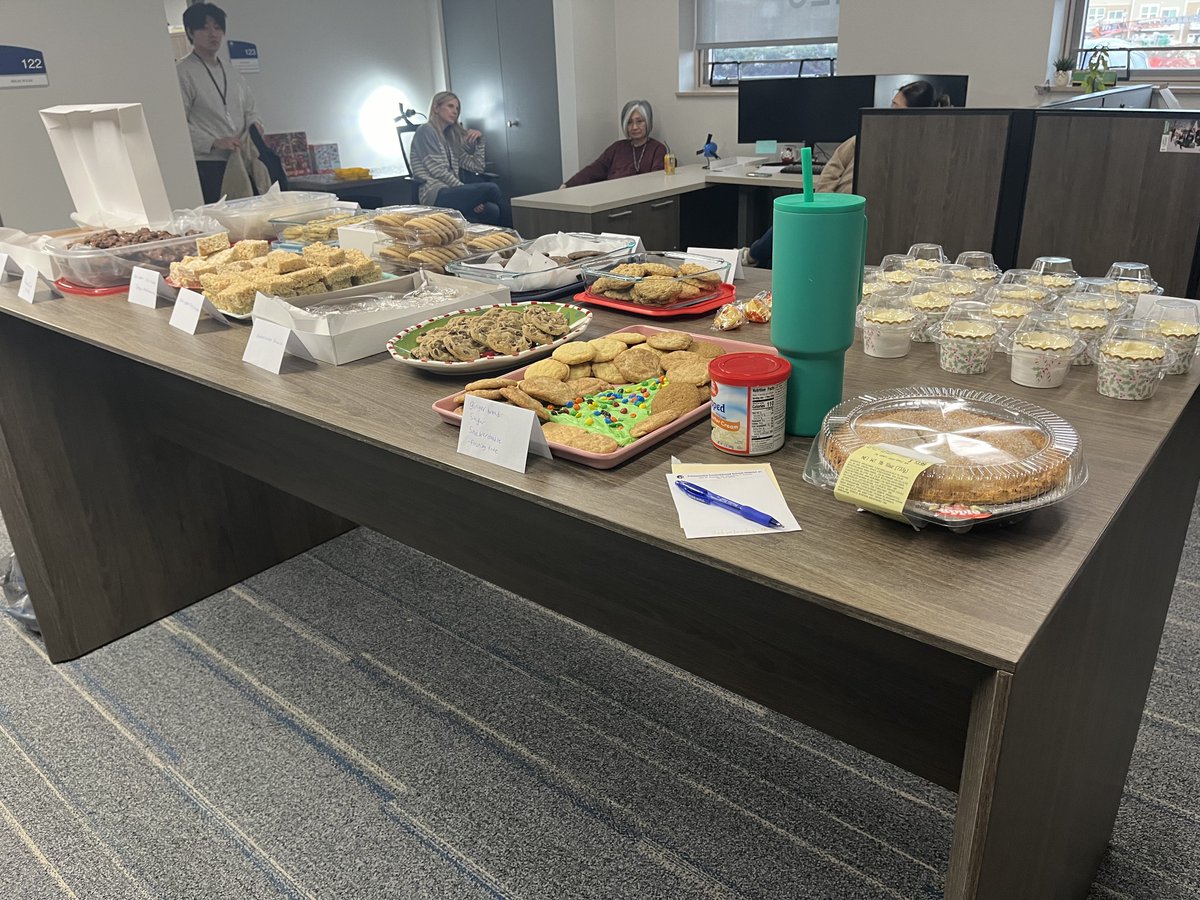
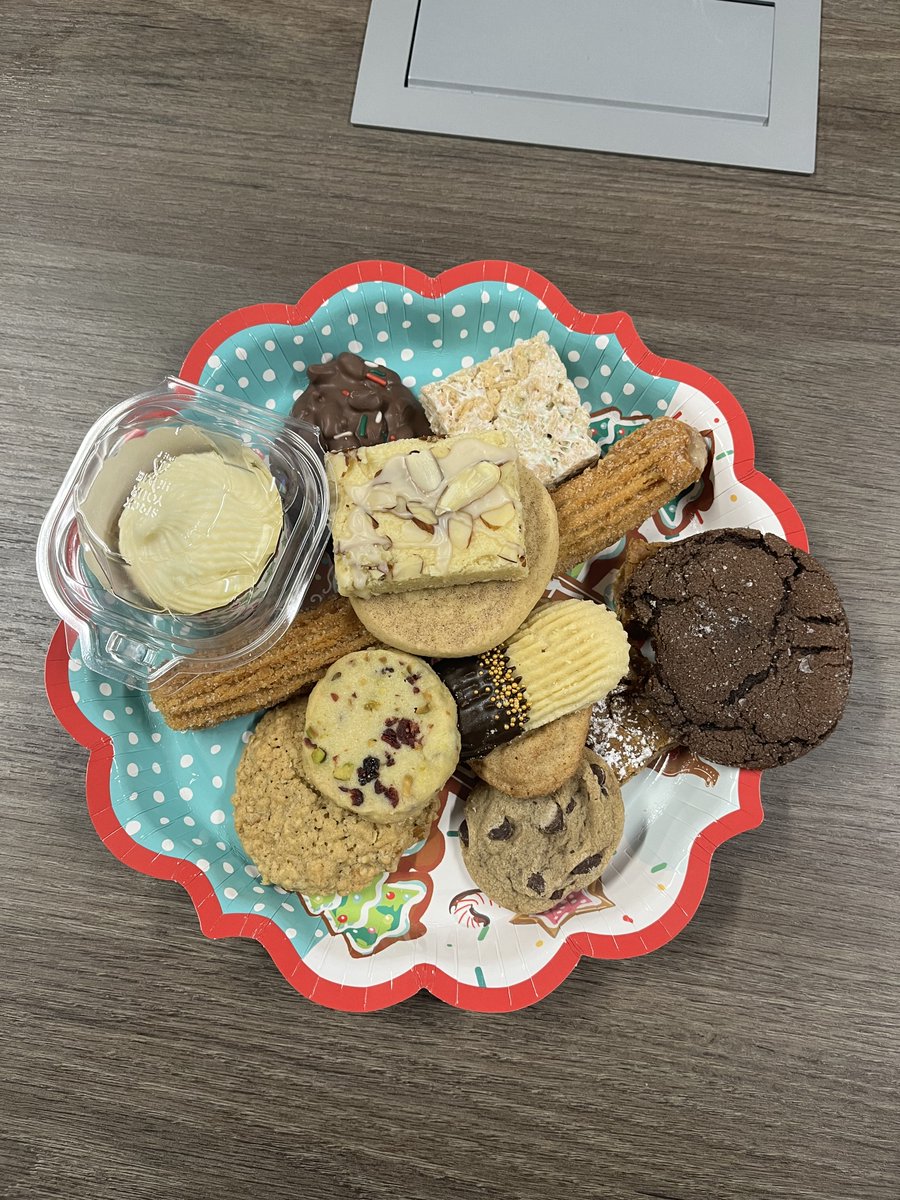
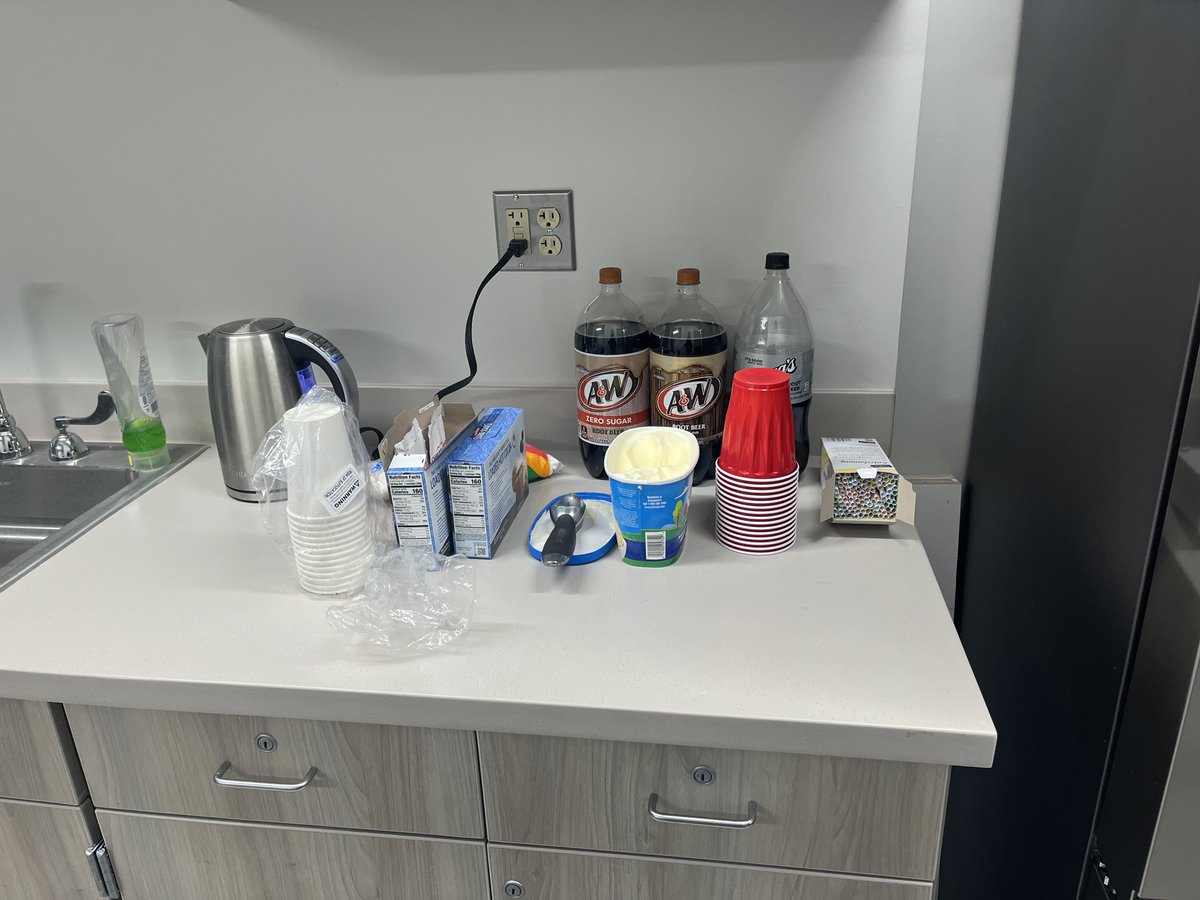
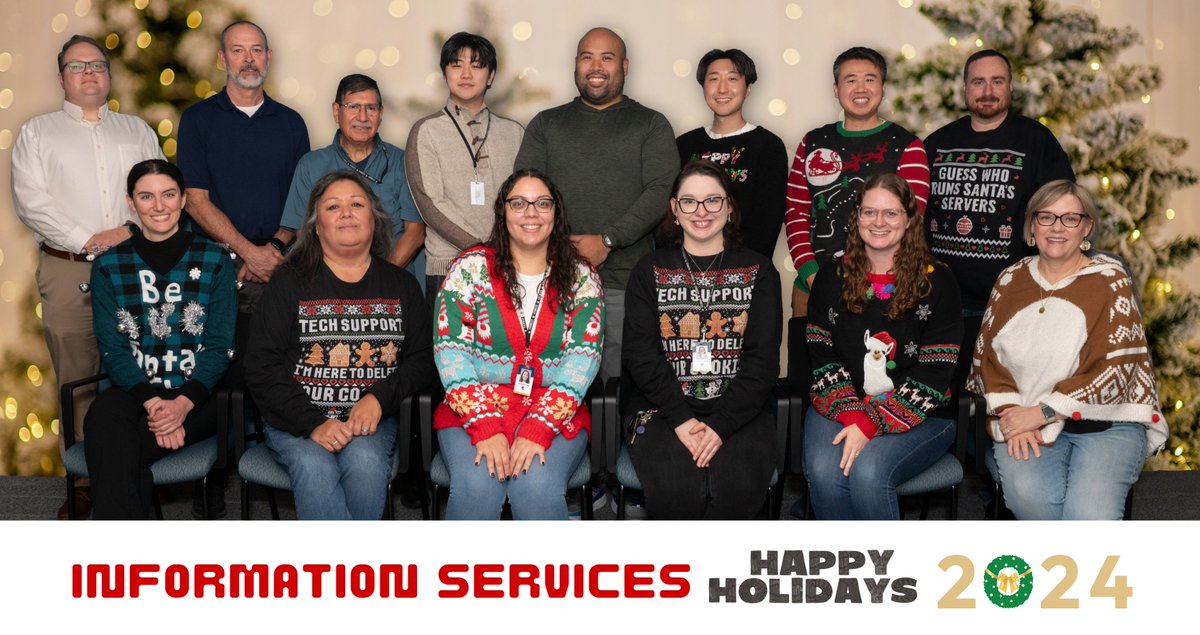
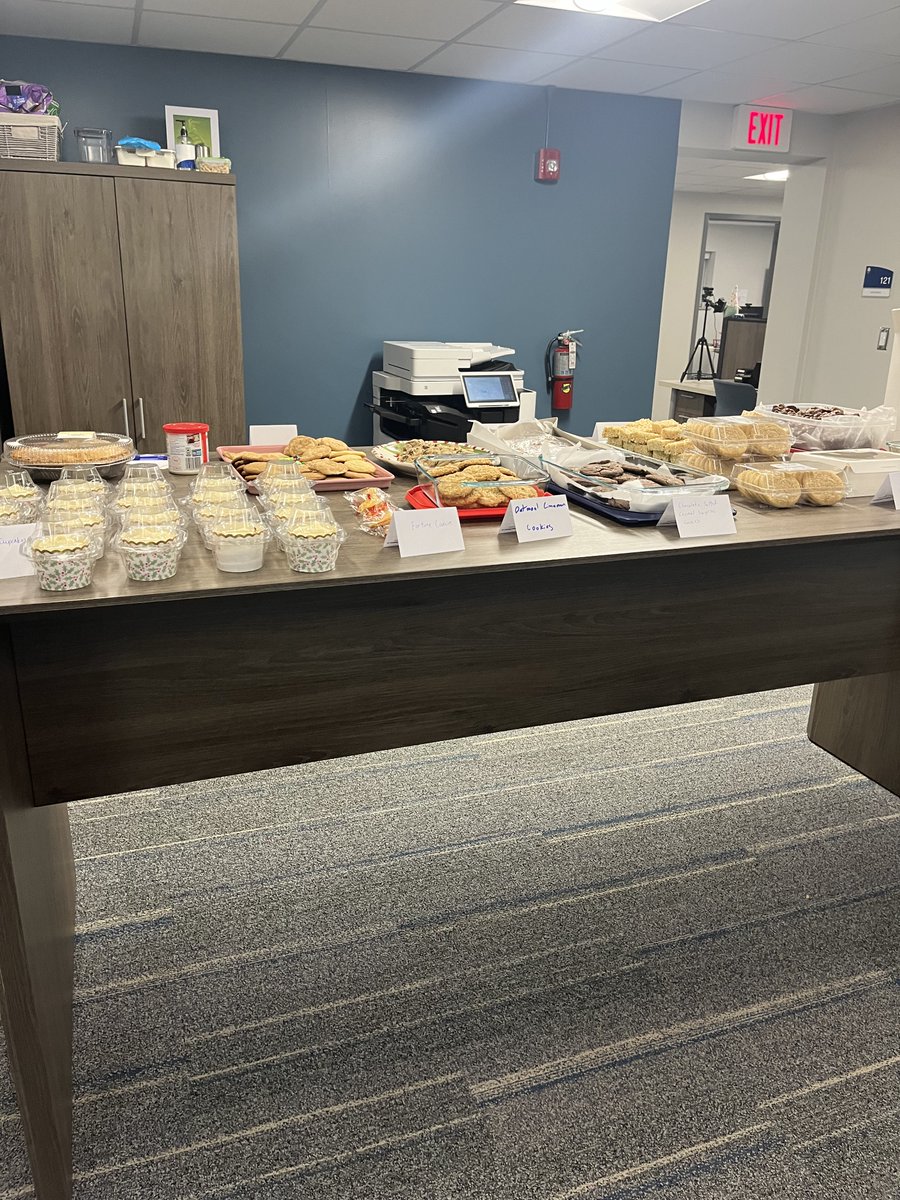
Information Services had a Friendsgiving potluck today! We had lots of delicious food and treats. 🥧
We hope everyone has a great Thanksgiving break this week! 🍂🦃
#21Learns
Introducing: Teacher Override. A new feature that allows teachers to temporarily unblock websites during an active GoGuardian class session.
See how it works below!
#21Learns#EdTech#GoGuardian
Learn three ways to use Canva GIFs in Parent Square emails and presentations!
This is a great way to grab attention and add design to all your communications!
#21Learns
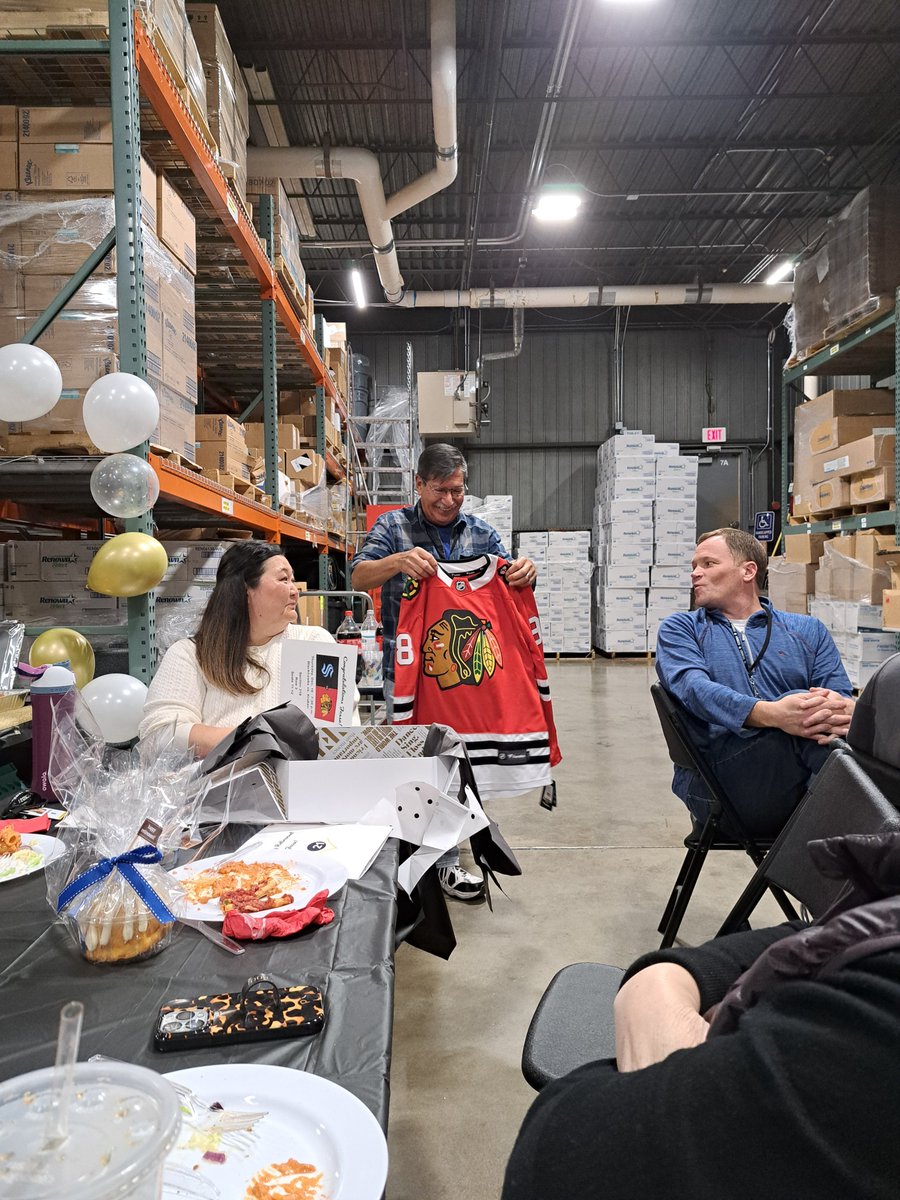
Today, we celebrated the retirement of our Production Printing Technician, Jesse Vasquez!
Thank you for all your hard work in the print shop, and congratulations on your well-deserved retirement. We'll miss you, Jesse!
@ccsd21#21Learns
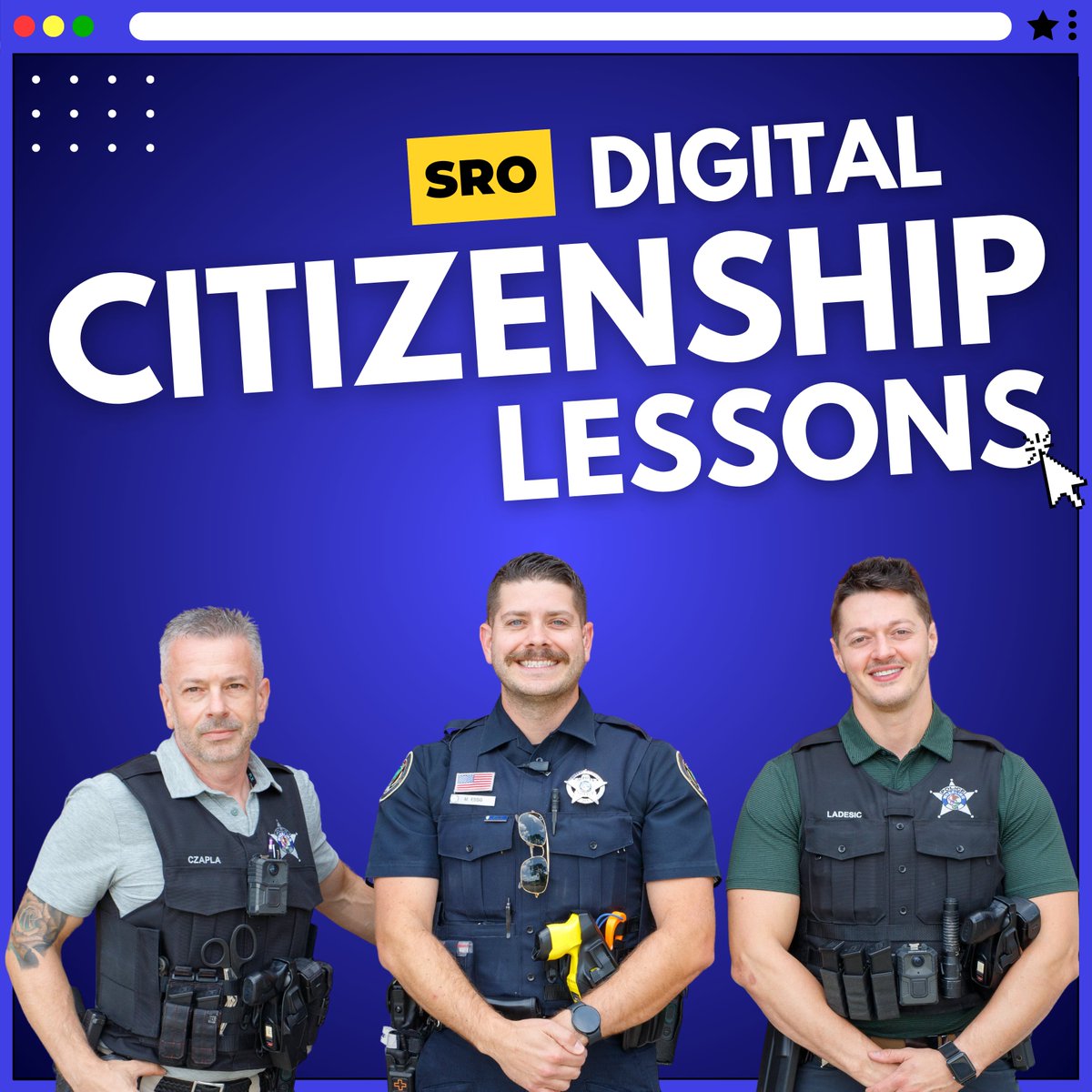
Our SROs are kicking off digital citizenship lessons for the 24-25 school year!
They're bringing back 6th grade lessons and introducing new topics for 7th and 8th graders such as "finstas", toxic gaming culture, positive role models, and more: https://t.co/AZZhgUWvGZ
#21Learns
CCSD21 staff can enter to win a bag of EdTech merch for their school!
Click this link to find out how to enter on our Instagram! https://t.co/CKlaPdJDnF
#21Learns
Book Creator is an awesome tool for language arts projects! Students can create chapter books, virtual magazines, and even graphic novels! 📚
Take a look at these examples from Mrs. McCall's advanced language arts class at @ccsd21london!
@ccsd21@bookcreatorapp#21Learns
Learn how to make your own drag and drop game with @LumioSocial.
This is a great activity for special education and K-2 classrooms to use on our ViewSonic monitors!
#21Learns#EdTech#GoLumio
https://t.co/5YERwZWkwx
Did you know you can create a podcast with AI?
Upload facts that students researched into NotebookLM to create one. It sounds like a real conversation between two people!
NotebookLM is only for teachers. Please follow our AI guidance here: https://t.co/MzVRiGJLfO
#21Learns
Did you know CCSD21 has its own print shop? 🖨️
We can print posters, books, notepads, and more!
You can find the Print Shop Portal in your CCSD21 Links bookmark folder.
#21Learns