If you always wonder where your data goes or feel like your data finishes too quickly, you should consider turning on "Data Saver" on your phone. It helps reduce background data usage, so apps don't consume your data unnecessarily.
It's a simple setting that can help you make your data last longer and save you some funds
When it comes to battery durability on phones I feel Xiaomi redmi and Gionee are leading but Gionee fall out of market cus they can’t meet up with the current tech
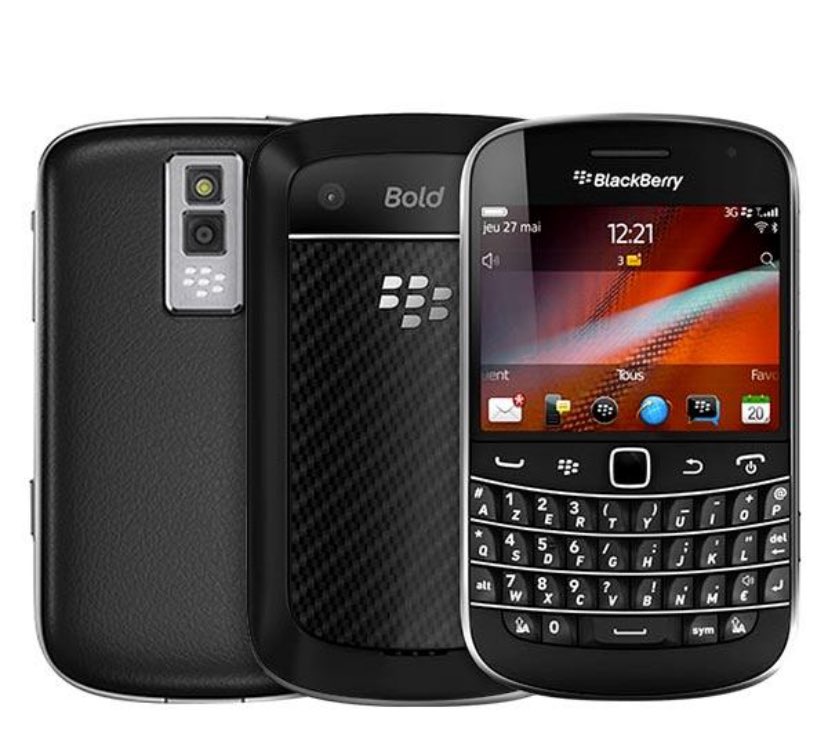
Blackberry lost it value becos it failed to keep up with the revolutiona of smartphones
iPhone came in 2007 and make theirs so unique with the ios features. till date iPhone isn’t slowing down yet, who’s coming to compete so bad with iPhone?
Samsung or google pixel?
FOMO will surely kick in for a lot of people
An IPO Launch doesn't determine its immediate success Its a long time investment...
The price might even drop after the launch But just know it's a long term investment that's the main point.
A billionaire doesn’t announce their next move
For Otedola to announce that he’s investing millions of $$ in Dangote refinery share u might be an exist liquidity
Invest wisely save your money and buy in 2/3 years time isn’t a financial advise
Stay guided
General Computer Shortcuts
Ctrl
Ctrl + A
- Select all
Ctrl + C
Copy
Ctrl + V
-Paste
Ctrl + X
-Cut
Ctrl + Z - Undo
Ctrl + Y
- Redo
Ctrl + S
Save
Ctrl + P - Print
Ctrl + F
- Find
Ctrl + H
- Replace
Ctrl + N - New (file/document)
Ctrl + O - Open
• Ctrl + W - Close window
- Ctrl + T - Open new tab (docwsent)
• Ctrl + L - Go to location (Find bar)
F5
- Refresh
Ctrl + R - Fill right
Ctrl + D
- Bookmark (add to favorites)
Ctrl + F5 - Force refresh
Ctrl + Shift + Esc - Task manager
Ctrl + Alt + Del - Windows security screen
Ctrl + →
- Move one word right
Ctrl + <
- Move one word left
Ctrl + Home - Go to start
Ctrl + End - Go to end
Alt + Tab
- Switch between windows
Ctrl + Shift + N - New folder
Ctrl + Esc
- Open Start menu
Ctrl + Space - Change input method (lanuage)