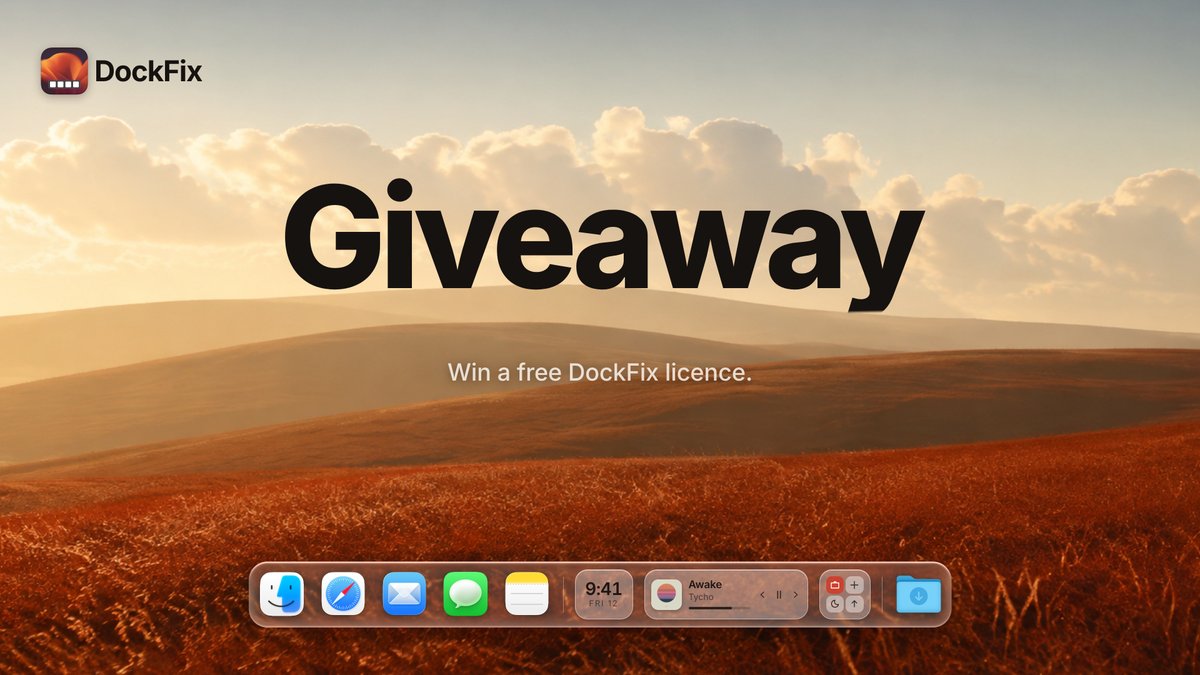
Giving away a free DockFix licence, now that our Discord has passed 50 members.
DockFix lets you customize the macOS Dock: colours, opacity, animations, custom icons, folders, widgets.
One winner, drawn at random in 7 days.
Join: https://t.co/mXWGpj2M5k
DockFix 5.2.0 is now available.
This release includes a wide range of bug fixes and improvements, offering users a smoother and more stable experience overall.
DockFix 5.1.0 is live.
Fullscreen Dock behavior, overflow controls, launch at login, Finder as a widget, plus a batch of fixes and stability improvements.
📥 https://t.co/BRP2zaun8H
DockFix 5.0 is out.
It has been a long quiet stretch, and this is what it was for. Every part of the app has been rewritten.
True liquid glass. Widgets in the dock. Window previews. A 3D theme just like Yosemite. And much more...
https://t.co/BRP2zaun8H
You can automate literally anything on your Mac with Radial's macro editor and nobody's talking about it 🤯
App-specific workflows, custom shortcuts, all triggered from one radial menu.
#macOS#Productivity#Automation#LifeHack
We're excited to announce the release of a new DockFix update packed with quality-of-life improvements and fixes based on your feedback to provide an even better experience. 🎊
We're excited to announce the release of DockFix v4.0 today. This is a major update and rework of the app that introduces tons of new features, while fixing a lot of the issues users have previously been experiencing.
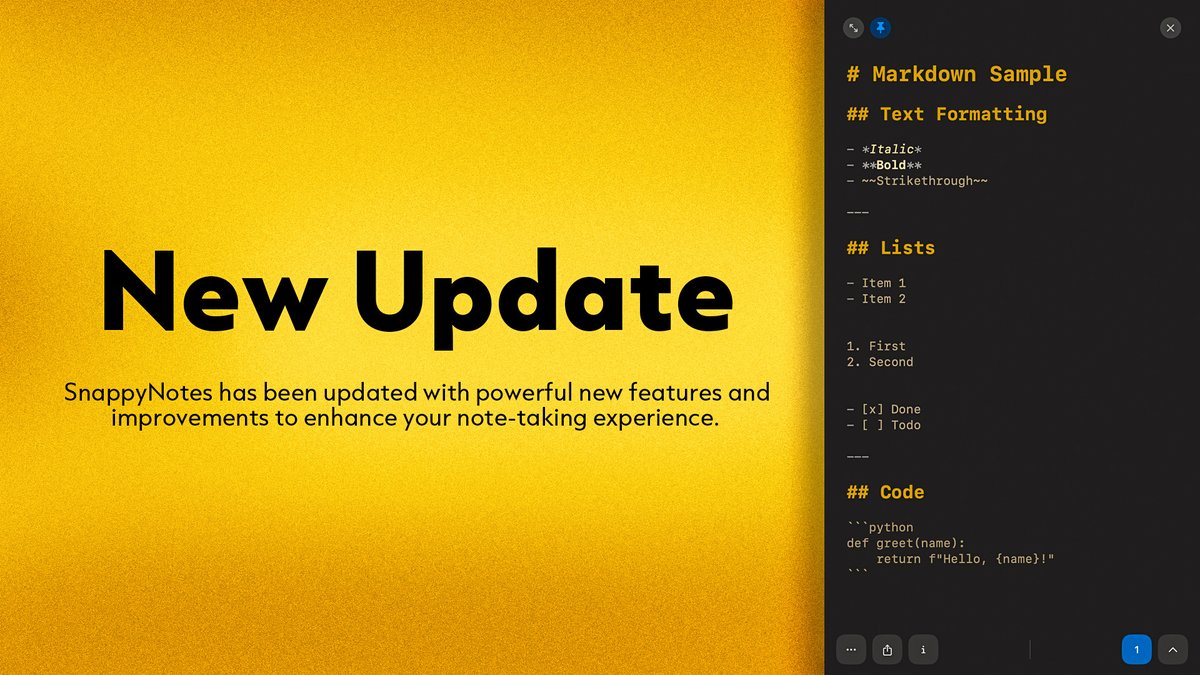
Today we released a new update to SnappyNotes that adds several highly requested features.
What's new:
→ Pin the sidebar open to prevent it from closing.
→ Better Link and To-Do Support
→ Windows can now have blurred background
→ Bug Fixes and Performance Improvements
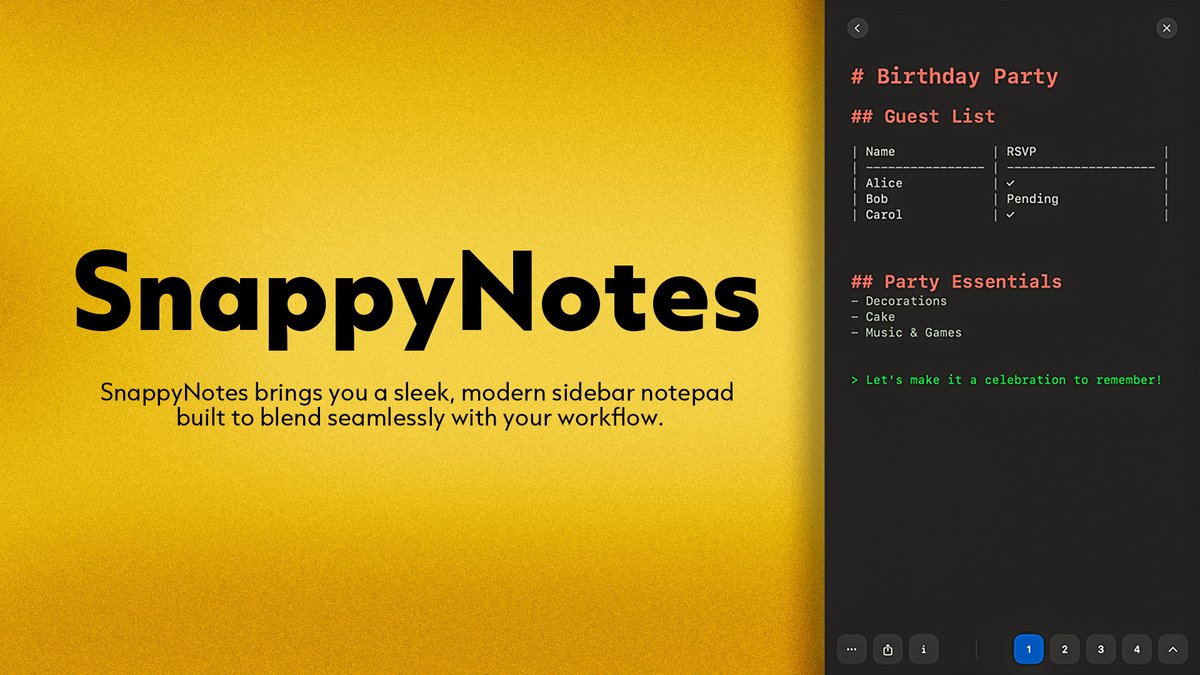
Our new macOS app SnappyNotes has just been released! 🎉
After months of development, we're excited to share that our new macOS app SnappyNotes is now available for download on macOS with an iOS version coming soon!
@EpicEsquire It’s always enabled as long as you are using the custom dock.
Just drag any file to the custom dock to add it to the temporary file shelf.
Sick of your Mac’s boring dock?
In today’s edition of NTSOT, I featured @DockFix, transforming your macOS dock into a hyper-customizable productivity tool.
It’s free to start.
Give it a spin!
5.
App Specific Context Menus: Selected apps now offer context menus tailored to their functionality.
Improvements: Smoother animations.
Bug Fixes: Resolved dock overshooting and repeated frames, plus minor tweaks for better stability.
Give it a try and share your dock designs!