@BluePixel2017 Oh absolutely, first time I attended a big con! It's so huge and full of cool stuff I'd usually only see online xD
I don't watch or use Twitch so I probably didn't fully get some stuff and lore and references, but more importantly I met a ton of friends for the first time irl :D
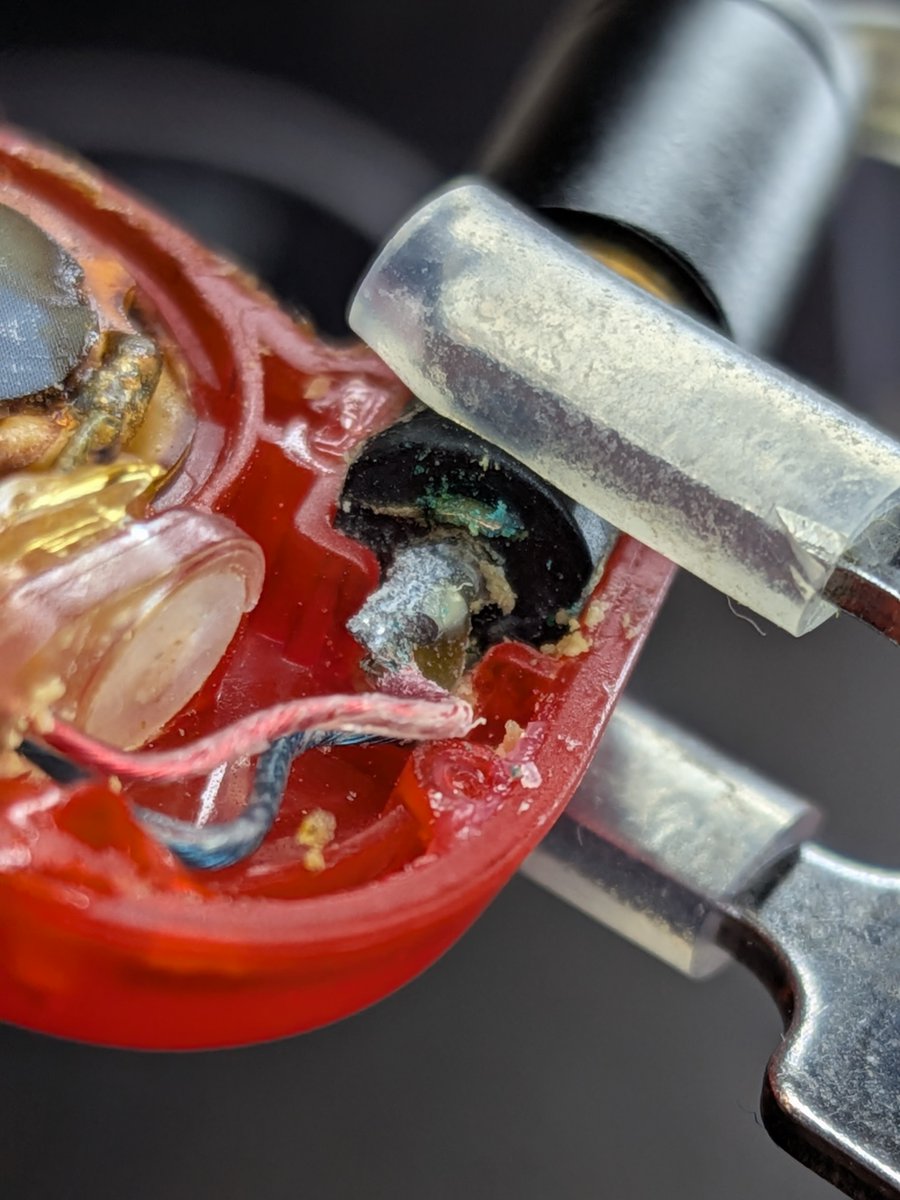
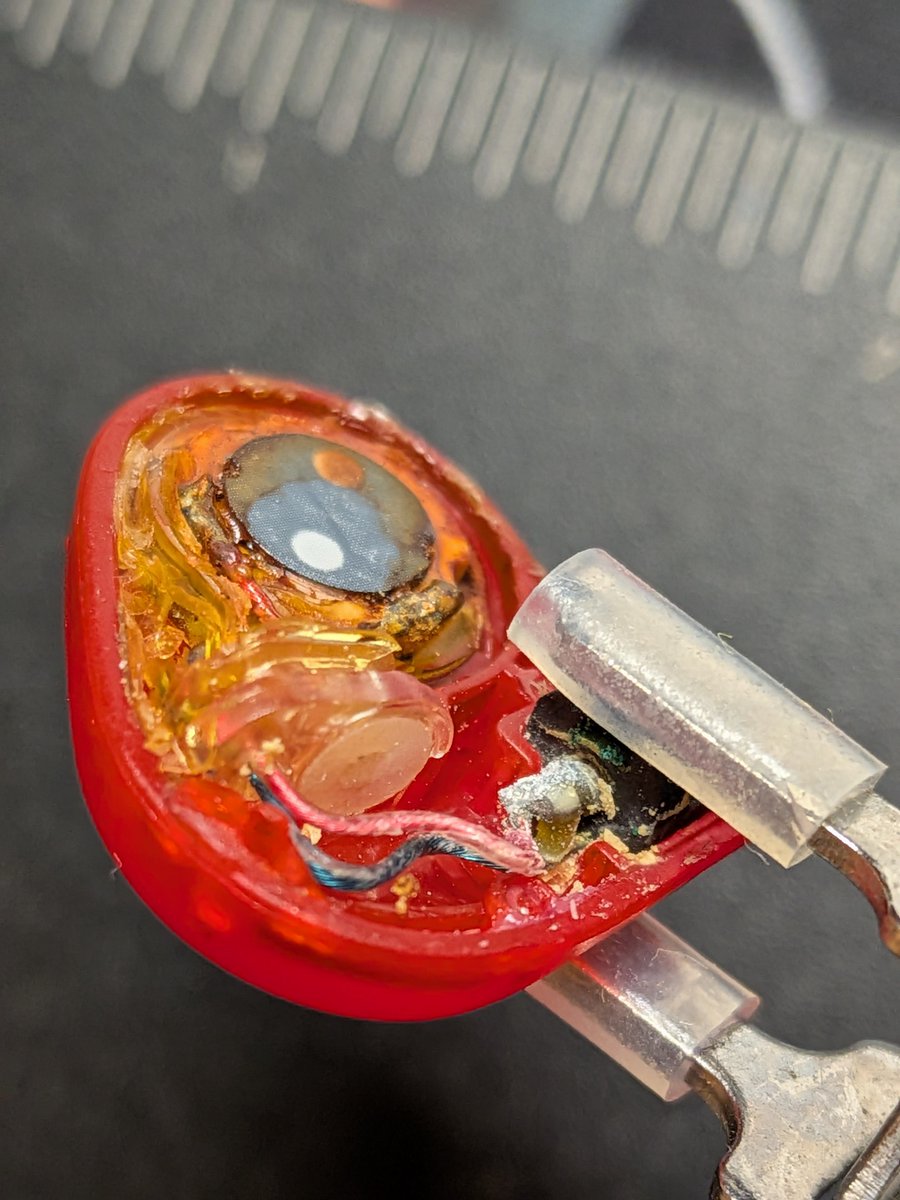
After cleaning it up best I could and resoldering the wire, the connection was perfectly stable. So I found some B-7000 glue I have and glued the earbud back together. No idea how long it will work with all of that corrosion happening, but hey at least we're back in action :D
Something like 2 weeks ago the left earbud of my IE100 Pro IEMs, that I extensively use for all stuff VR, started having connection issues. Simple troubleshooting by changing the cable showed it was the connector in the earbud itself that was causing issues.
Opening it up was quite easy as the glue was rather weak, and I was presented with a lot of corrosion. But the core problem was that the black connector part had a bit of wiggle room and could rotate a few degrees back and forth, which caused stress on the center wire.
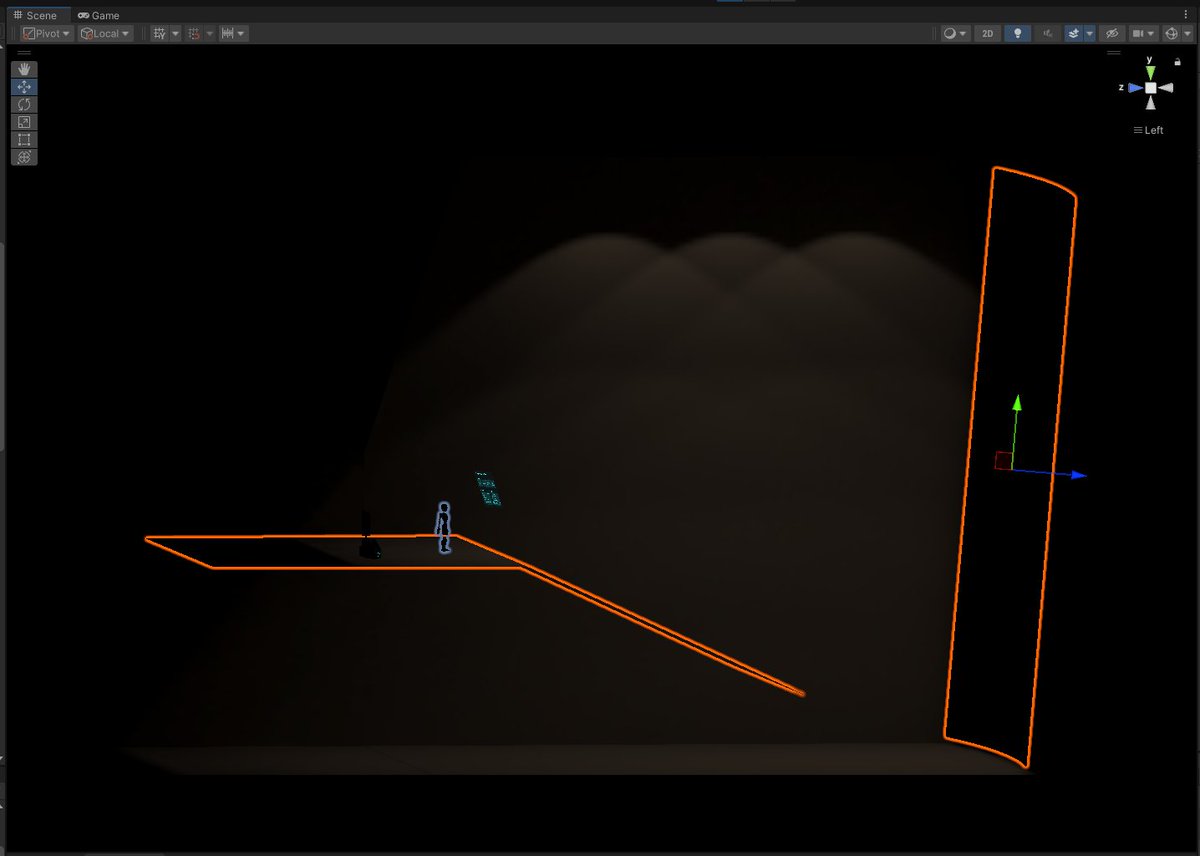
@MyroDev I've been a fan of full-frame 1.43:1 IMAX aspect ratio ever since I learned about it when the first Dune movie was marketed. But there was very little media online and I also didn't have VR. A few days ago I discovered many new uploads in this format, and now I'm making a world
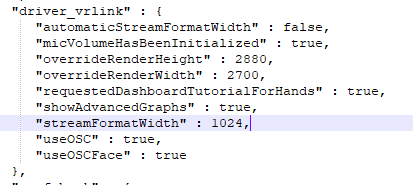
Basically it increased the actual density of the foveated area. To compensate for the smaller area, "Foveated Encoded Video Size" option inside SteamVR needs to be manually increased a bit. To keep the game resolution the same, I put render resolution to 100% (automatic is 150%)
Another evening project happened haha, this time I found how to actually disable foveation and actually increase resolution (PPD, not the size of foveated region) in Steam Link.
After all of that I realized I can just search for "driver_vrlink" and find all of the available settings. And so I discovered "overrideRenderWidth" and "overrideRenderHeight"! I set those to 2700x2880 (1.5x of 1800x1920 of QPro) and the stream resolution was noticeably better
It's been a while, but recently I got some motivation from a great friend of mine and did another evening project. This time the goal was to fix the poor mic quality with Steam Link, since Virtual Desktop sounds much better if you disable noise suppression, showing it's possible
The rest of the steps were exporting the patched binary, packing back the APK, signing, aligning, installing on the headset. Worked seamlessly from the first try and mic quality is now on par with Virtual Desktop without noise suppression.