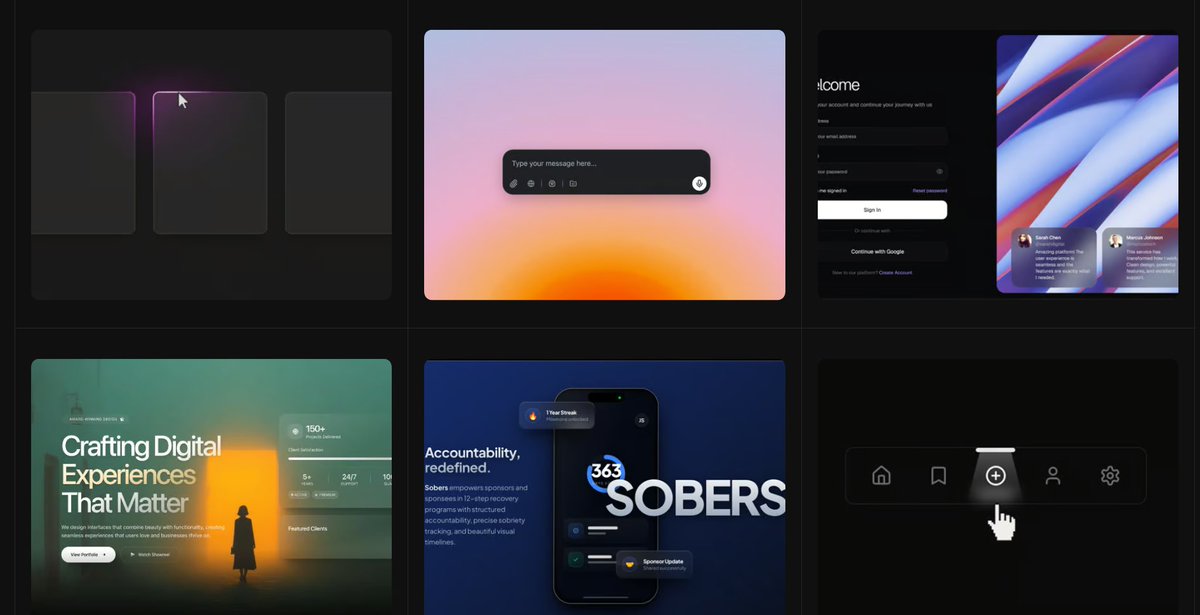
I don't vibe-code. I direct AI to build "impossible" web UI. 🎬
I’ve published 50+ high-fidelity motion components.
📈 2M+ views later, they're helping startups kill generic SaaS defaults.
All open-source.
Link below 👇
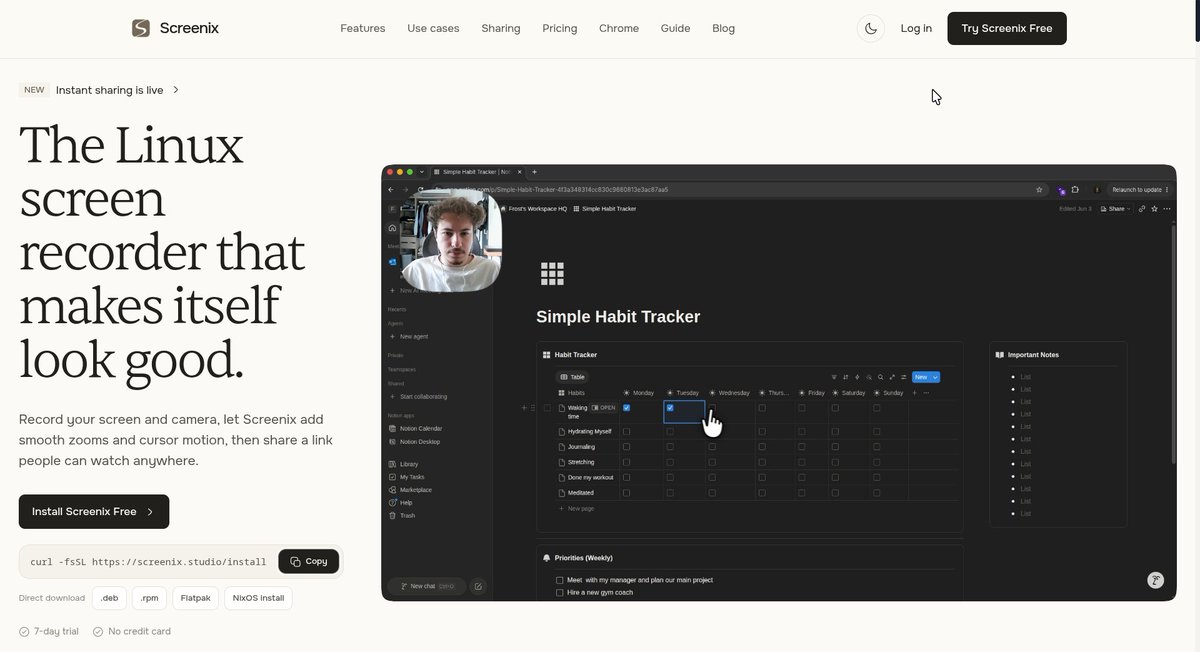
@mathaegon@cap Yeah, I tried the trial, and I only needed it for some time, so the trial filled the need. Later, when I need it again, I plan to buy Screenix.
BTW, how did you make Linux able to read mouse movement/states? This is where other options fail.
@cap Linux app is so broken that I'm needing to buy a paid version called Screenix that actually works on linux
Please guys at cap fix it up. I had such high hopes
@John_XinaCCCP@easemize@lassejlv wdym unoptimized when did you try it?
yeah it was a month ago but they've solved most of the problems now literally pushing updates every single day
New Material UI expressive Search Dock Component concept for web
This just nails everything from the transitions to practical use in web.
@GoogleDesign
Like it or not gemini is the only model that can watch a video in 30 even 60fps And with agentic video understanding google goes even far.
Meanwhile claude makes a sprite sheet of 24+frames in 1fps turning your videos into 5-10 images to analyze it. Misses most part
Gemini 3.1 Pro landed in Blender, and the first thing it does is watch the viewport instead of reading the scene file
Every other integration works from the data. This one works from what the render actually shows, which is the only thing a client ever sees.
> LOOK - the viewport sampled as an image, the same way a human judges a shot
> READ - the scene graph pulled in alongside it, so geometry and appearance are compared
> SPOT - anything that looks wrong on screen but reads as correct in the data flagged
> FIX - the underlying nodes and transforms edited, never the image
A scene can be technically perfect and still look broken. Wrong normals, bad scale, a material that reads as plastic under one light.
None of that shows up in the file. The data says everything is fine, because by its own rules it is.
Comparing the two is the whole trick. The gap between what the scene says and what the frame shows is where every real bug lives.
Fixing at the node level keeps it clean. Nothing is painted over, so the next render inherits the actual correction.
Most artists already work this way - look, judge, go back and fix. This just closes that loop without a person in it.
The viewport pass, the comparison rules and a full fix log are laid out underneath.