Dear Day 1 me, don’t be afraid to start small. You won’t understand everything immediately, and that’s okay. Ask questions, make mistakes, practice, and keep showing up. Don’t compare your journey to others. Trust the process. One day, you’ll look back and be proud you didn’tquit
Dear Day 1 me, don’t be afraid to start small. You won’t understand everything immediately, and that’s okay. Ask questions, make mistakes, practice, and keep showing up. Don’t compare your journey to others. Trust the process. One day, you’ll look back and be proud you didn’tquit
Dear Day 1 me, don’t be afraid to start small. You won’t understand everything immediately, and that’s okay. Ask questions, make mistakes, practice, and keep showing up. Don’t compare your journey to others. Trust the process. One day, you’ll look back and be proud you didn’tquit
Dear Day 1 me, don’t be afraid to start small. You won’t understand everything immediately, and that’s okay. Ask questions, make mistakes, practice, and keep showing up. Don’t compare your journey to others. Trust the process. One day, you’ll look back and be proud you didn’tquit
🐧 DAY 6 | TEACH US SOMETHING
🔐 Why Should a Cybersecurity Beginner Learn Linux?
When I first started learning cybersecurity, I kept hearing one thing: “You need to learn Linux.” 🐧
But I wondered, why is Linux so important in cybersecurity? 🤔
So, let's break it down simply.
@TechCrushHQ Practice it. Then move to the next.
Every expert was once a beginner staring at a screen thinking, “What exactly am I doing?” 😂
I'm still learning, but I'm realizing that progress in tech is built one command, one concept, and one challenge at a time. 🔐🚀
Keep learning.
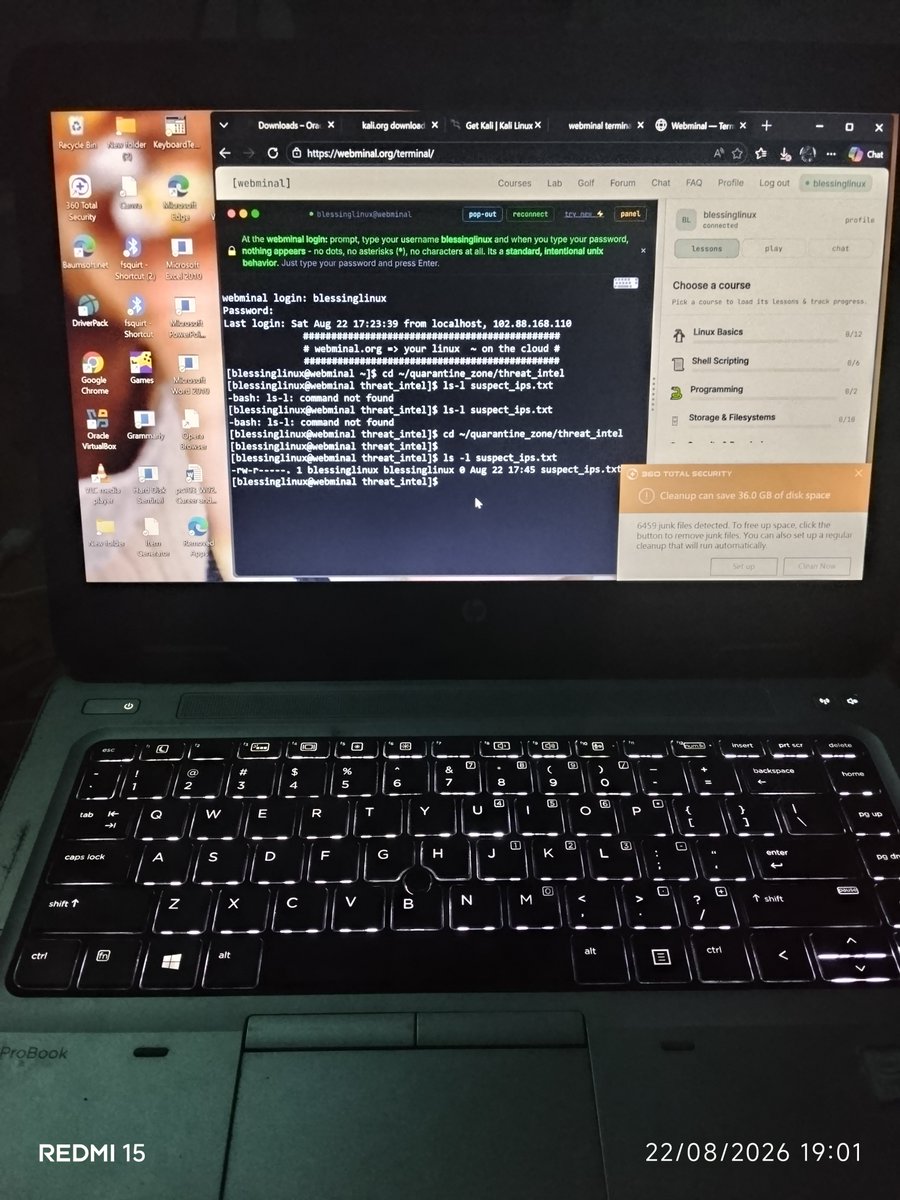
@TechCrushHQ These may look like simple commands, but learning them is helping me understand how computers actually work behind the screen.
🌱 My Beginner Lesson
You don't have to know everything before you start cybersecurity.
Start with the basics. Learn one command. Understand what it does
@TechCrushHQ Instead of always clicking through folders and menus, we can use commands to communicate directly with the computer.
For example:
pwd → shows your current location 📍
ls → shows files and folders 📂
cd → helps you move between directories 🚶🏾♀️
@TechCrushHQ Security professionals use Linux for tasks such as:
• Monitoring networks
• Analyzing security threats
• Testing systems
• Managing files and permissions
• Running cybersecurity tools
• Investigating suspicious activities
One important thing I’m learning is the Linux comand
@TechCrushHQ What is Linux?
Linux is an operating system, just like Windows and macOS. It allows us to interact with a computer, manage files, run programs, and perform different tasks.
🔐 Why is Linux important in Cybersecurity?
Many cybersecurity tools and technologies work on Linux.
@TechCrushHQ From business to cybersecurity 🔐💻
I discovered TechCrush, chose Cybersecurity, and started learning from scratch.
Linux, networking, HTTP, SOC… it was confusing at first, but I kept showing up.
Today, I’m building my foundation and growing every day.
This is only the beginning