@LukasMau__ @fjdfgsdhljkffj1 @limefix_tech @exploit3dguy Close the tool and try removing the SEP.img4 and shsh file as well as the blackb1rdpayload in your home folder and try again. Thats what helped me get past the kickstart error. If that doesn’t work then unfortunately you’re having an issue I haven’t experienced yet. Good luck!
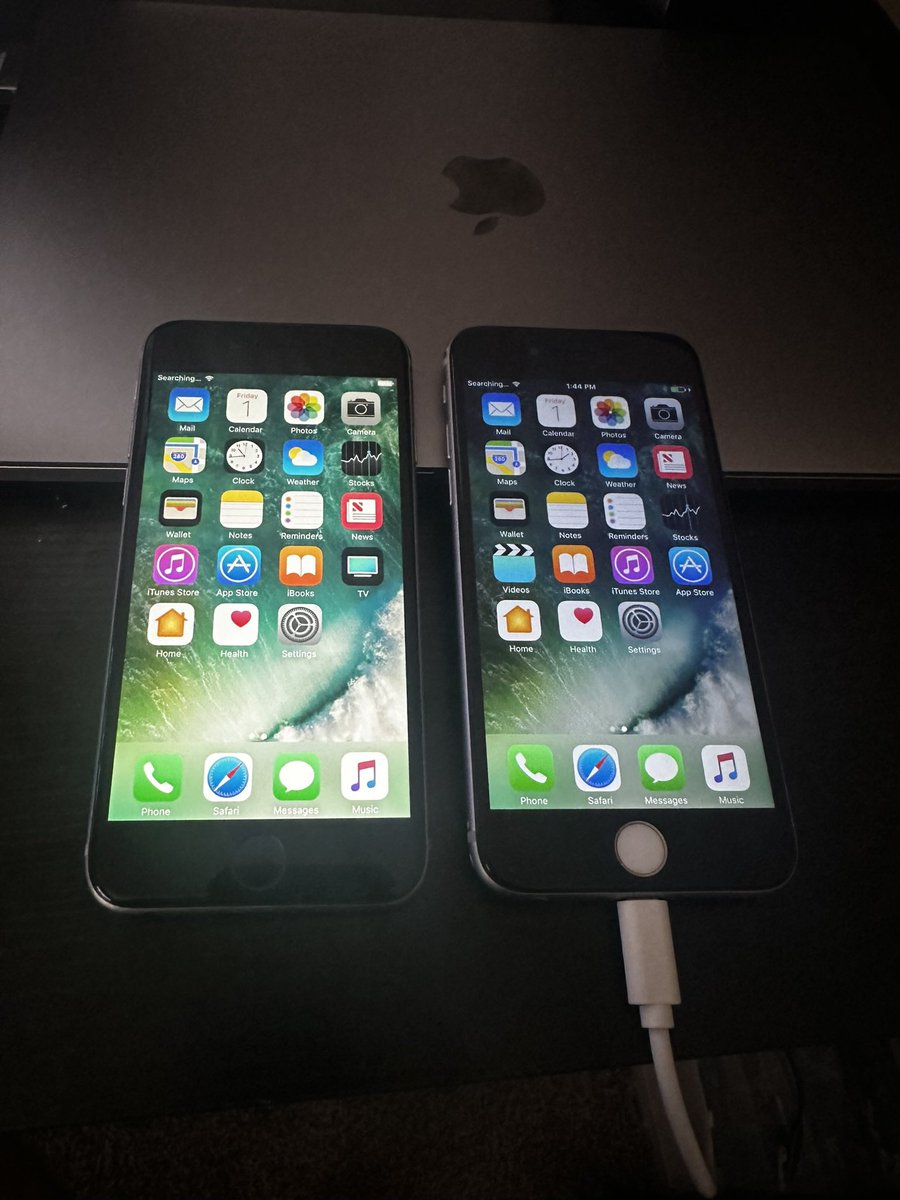
After three days of troubleshooting, I finally got @limefix_tech Blackbird SEP Utility working on my M1 MacBook Pro. Amazing work by @exploit3dguy on this tool. Can’t wait for future updates and device support :)
@fjdfgsdhljkffj1 @limefix_tech @exploit3dguy Try also removing the SEP.img4 and shsh file as well as the blackb1rdpayload in your home folder and try again. That essentially starts you from scratch. If that doesn’t work then you’re having an issue I haven’t personally run into yet. Hope this helps.
@fjdfgsdhljkffj1 @limefix_tech @exploit3dguy Yes I did. What fixed it for me was deleting the blackb1rdpayload file in my Home folder on my Mac. Worked like charm afterwards.
@rA9_main@exploit3dguy I have an M1 MacBook Pro and everything work until the restore process. Starts to restore then I get a ldid error. Not sure if it’s user error or the lack of asi support.
@exploit3dguy @limefix_tech Got it, if I find a need to transfer the license I’ll send a dm. In the meantime I’ll be waiting for Apple Silicon support. Thanks!
Question, so does this also mean I can use this on multiple macs that I own as well? Since it’s intel supported only for now, I can use it on my Apple silicon devices as well when support arrives?
You know what?
There is so much shit going on around the world, at the moment.
I can't do anything about, but I'll giveaway 5 copies of Checkl0ck for you.
Just retweet and like the tweet and you are in.
#StopWars