@cokegold Ugh, the "Storage Full" loop is brutal. Before you factory reset, check your photo library for duplicates or huge videos—that's often the culprit.
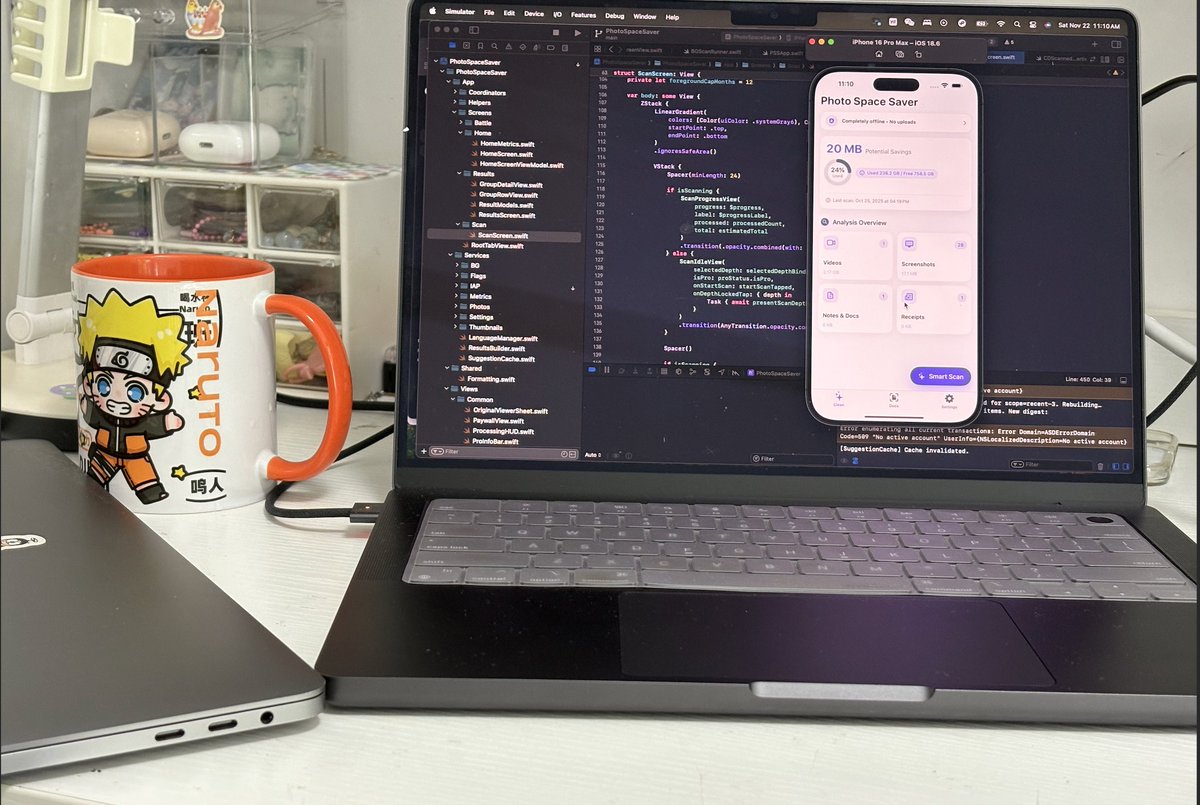
@KpFawehinmi Oh man, that's the absolute worst feeling. I hate that notification so much I built Photo Space Saver just to clean up gigabytes *before* I go to events like...
@7hiddenstar Oh man, I hate that notification. That's actually why I built my photo cleaner app—it runs totally offline to find all the duplicate junk so you don't have to...
@OfficialBPlus I know this pain. I built Photo Space Saver because those similar photos and videos are usually what eat up all the space right after you delete something...
I keep seeing “clean up your iPhone in our cloud!” ads.
That’s the opposite of what I want.
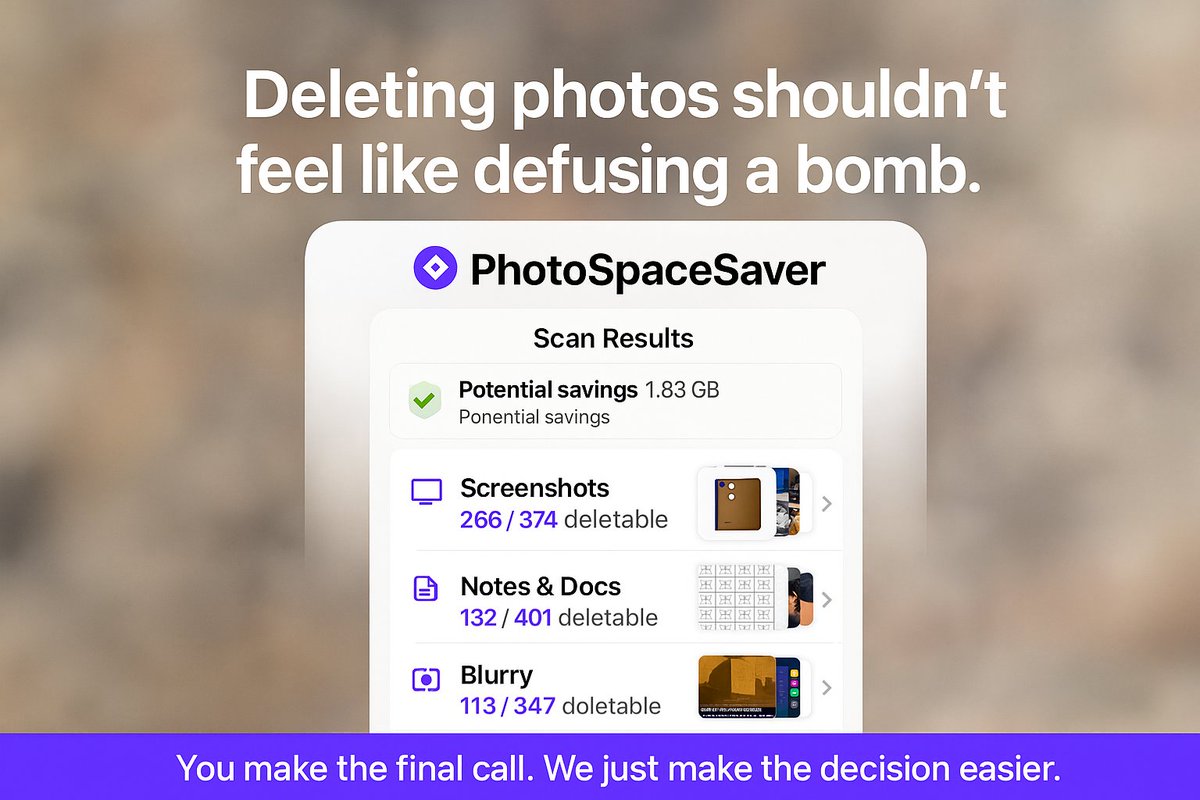
So I built Photo Space Saver to analyse everything 100% on-device — no account, no servers, no tracking. Just a quiet tool you open once in a while, reclaim a few GB, and move on.
If you’re into privacy, offline AI, or iOS dev,
I’ll be sharing more devlogs, prototypes, and behind-the-scenes here.
Follow along, and feel free to say hi 👋
I’m an indie dev building a small family of offline-first iOS apps.
They all share one idea: your iPhone should feel powerful enough without a constant internet connection.
What I’m working on:
– Cleaning up huge, messy photo libraries
– Scanning & summarizing documents on-device
– Cozy little games that work perfectly in airplane mode
I still keep paper receipts and contracts.
The new rule:
– Scan it
– Make it searchable
– Make it summarizable
– Then forget the paper
All offline, on-device. DocSnap is slowly becoming real. 📄📱
Cloud AI is amazing, but I still love on-device models for:
• Privacy – nothing ever leaves your phone
• Latency – no waiting on a network round trip
• Reliability – works exactly the same in airplane mode
Not every problem needs a giant model sitting in a data center.
@rosalialongjam Same here. I do a quarterly purge: Settings → General → iPhone Storage to delete huge apps + use “Review Large Attachments”. In Google Photos hit “Free up space” after backup, and turn on “Offload Unused Apps” so iOS auto-frees room.
@Breakoutsfreak Yes, easy with just a cable 👇
Plug iPhone into your HP and unlock it, tap “Trust”.
On your HP open Photos → Import → From a USB device and pick your iPhone.
Or use File Explorer → This PC → iPhone → DCIM and copy the folders like a normal USB drive.
Little indie dev win today:
Got my on-device photo scanner from 6 minutes ➜ 3 minutes on an old iPhone 16, without touching the cloud.
Offline AI is a pain sometimes, but the moment it works smoothly… chef’s kiss.
#indiedev#iosdev
Just got the dreaded “iPhone Storage Almost Full” pop-up… again. 😅
I let Photo Space Saver scan my camera roll and it freed 9.3 GB in a few minutes.
Completely offline – no cloud, no account. Everything stays on my iPhone.
👉 Download: https://t.co/gHaCdIXKeA
#iPhone