Molargik Software is one engineer in Fort Wayne, Indiana, shipping apps for every Apple device. Today five of them got their biggest updates yet, and two went free. No accounts, no ads, no data leaving your device. Here's what changed 🧵
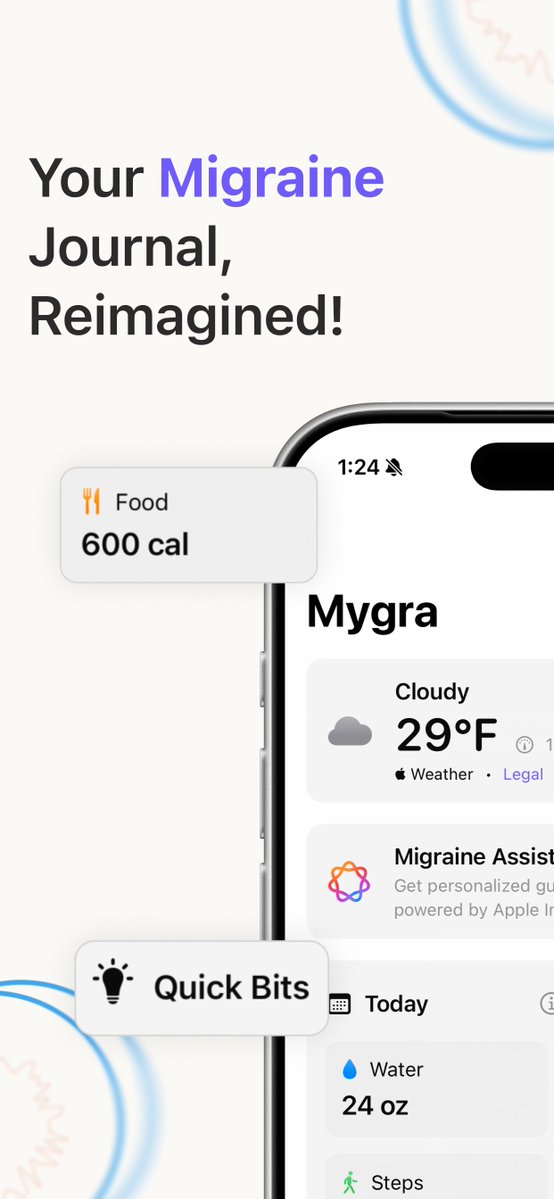
Mygra 2.2 adds Attack Mode. One tap when a migraine starts and the screen goes dim and quiet; log the details once you feel better. Start it from a widget, Control Center, Siri or Apple Watch. Free. Mygra Plus adds Cycle Insights and a pressure graph. #migraine#ChronicMigraine
Stork 3.2 is out for L&D nurses, midwives and OBs. Year in Births Wrap turns your year of deliveries into a story to share, with no names or patient details. Add births from before Stork by estimate or CSV, and lock the app with Face ID. Free. #LaborAndDelivery#NurseLife
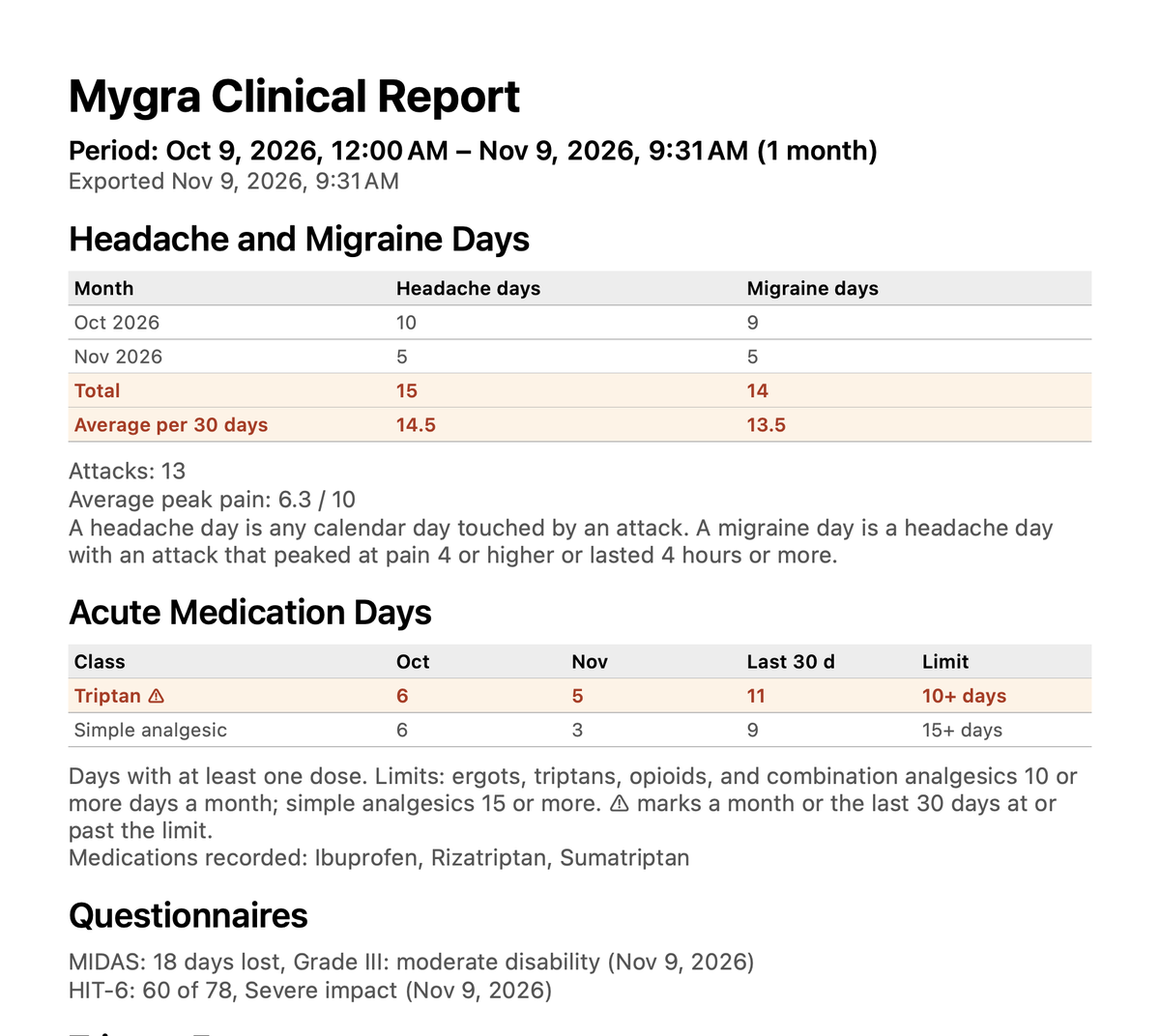
Mygra 2.1 tracks the medication you take for each migraine and warns you before you hit an overuse limit, the point where painkillers can start causing rebound headaches. Free. Mygra Plus's doctor PDF now adds MIDAS and HIT-6 scores. #migraine#ChronicMigraine#spoonie
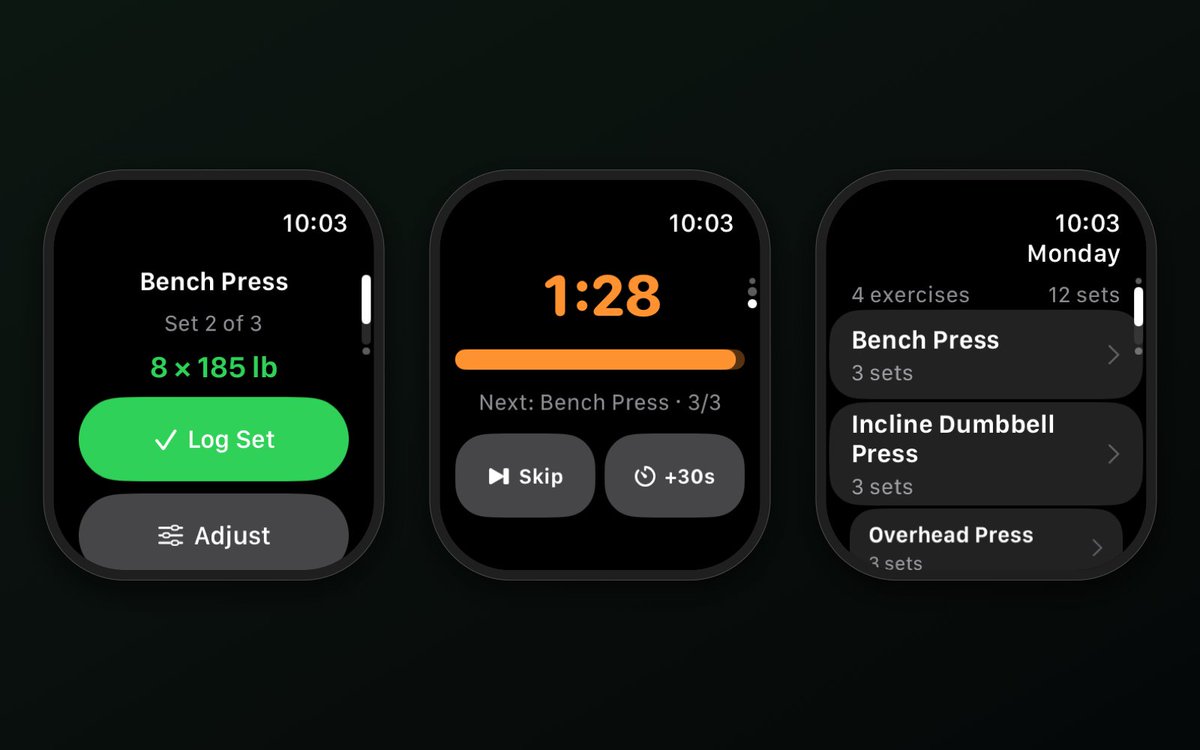
SetDeck 2.6 runs on Apple Watch by itself. Leave the phone in the locker: start a workout from your wrist, log sets with Double Tap or the Action Button, and let the rest timer tap you when it's time. It all syncs to your iPhone. Still free, no ads. #AppleWatch#strengthtraining
"Pressure drop before storm." If barometric pressure is one of your triggers, Mygra Plus watches the forecast and warns you before the risk window opens, all on-device. Logging stays free; Plus is $2.99/mo, $14.99/yr or $29.99 once. #migraine#ChronicMigraine#spoonie
Delivery number 100. Stork Pro makes the milestone share card, exports your whole log to PDF or CSV, and puts the count on your Lock Screen. $4.99, once, and the log itself stays free. #NurseTwitter#LaborAndDelivery#midwife
Put a Waffle cell on a refresh timer and your iPad becomes a wall of live dashboards: status pages, scores, a stock ticker, the family calendar. Presets save the whole layout, so Monday's setup is one tap away. #iPadPro#iPadOS#productivity
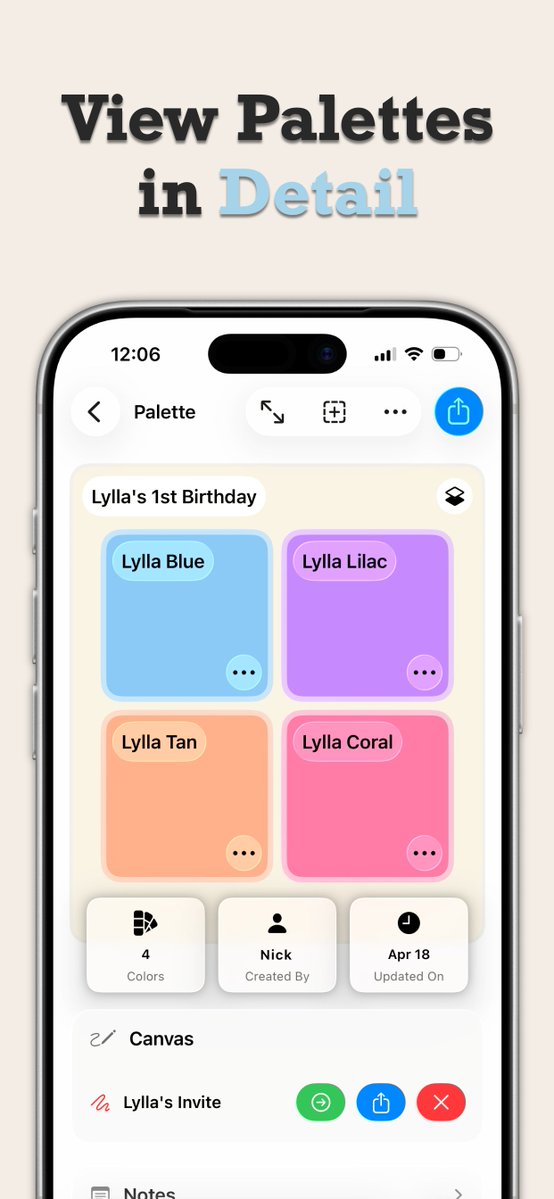
Shoot a photo, pull the colors, build the palette, send it to @Procreate. Opalite does the whole trip on your iPad with no login, and your palettes follow you to iPhone, Apple Watch, Apple TV and Vision Pro through iCloud. Free. #procreate#digitalart#iPadPro
@equalworld_ai Good point. Hover and focus states are where a lot of passing palettes quietly fail. Opalite checks any two colors you pick, so you can run the hover shade against the same background in a second pass, but a states-aware check that does it in one go is a sensible next step.
11.98:1. Opalite checks WCAG contrast for any two colors, simulates protanopia, deuteranopia, tritanopia and achromatopsia, and exports the palette to SwiftUI, CSS, Procreate or Adobe. Designers and devs, this one's yours. Free on iPhone, iPad, Watch, TV and Vision Pro. #a11y
@imsnk8 Not yet. CSS and SwiftUI exports are flat: one value per color, no scheme variants. Light and dark pairs would mean a second value per color in the model. If we added it, would you want two palettes mapped together, or a per-color dark override?