FlutLab's New "Quick Diff" Feature: See Your Code Changes in a Flash!
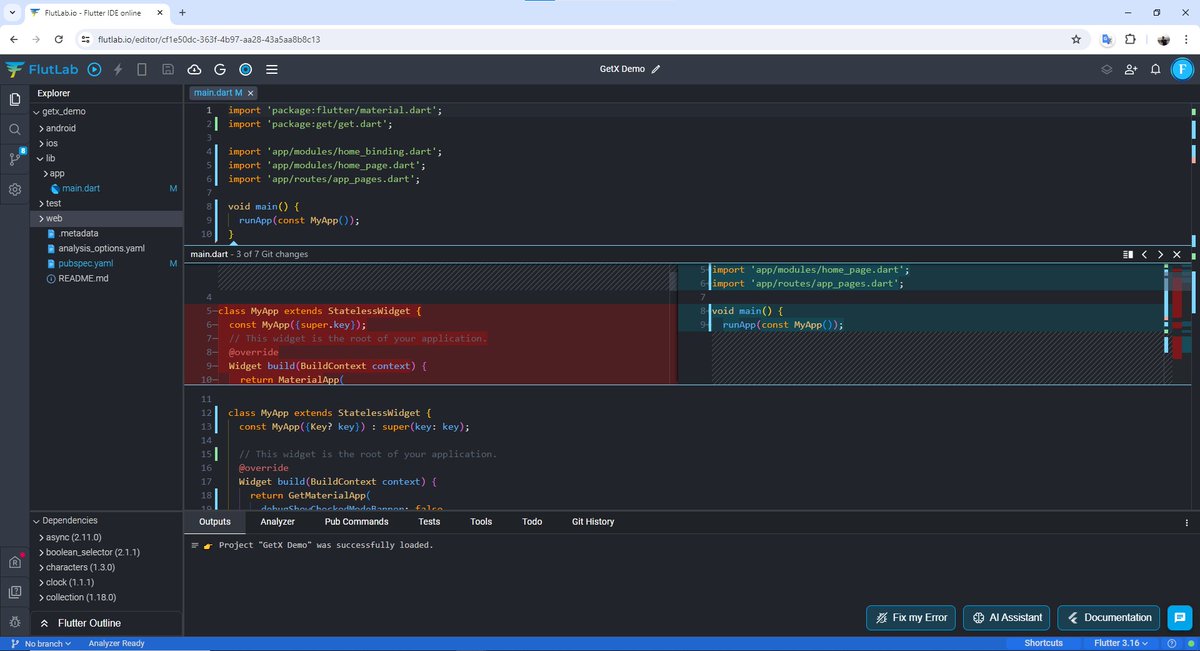
#FlutLab just got even better with the introduction of their new "Quick Diff" feature. This powerful tool lets you instantly visualize all your code modifications, making the development process smoother and faster.
Here's what Quick Diff can do for you:
See it all at a glance: Quickly identify all changes made to your code, including added lines, deleted lines, and modified lines.
Perfect for both beginners and experts:
Whether you're new to #Flutter development or a seasoned pro, Quick Diff can be a valuable asset in your workflow. For beginners, it provides a clear understanding of how their code is evolving. For experienced developers, it saves time by streamlining the code review process.
Introduction to #Flame with #Flutter
Build a game inspired by a ’70s video classic with Flame, a Flutter-based 2D game engine (Google Codelab: https://t.co/ayc9E6fL3Y)
or
Try Flame in #FlutLab (FlutLab Sandbox: https://t.co/kfrz79jIGf)
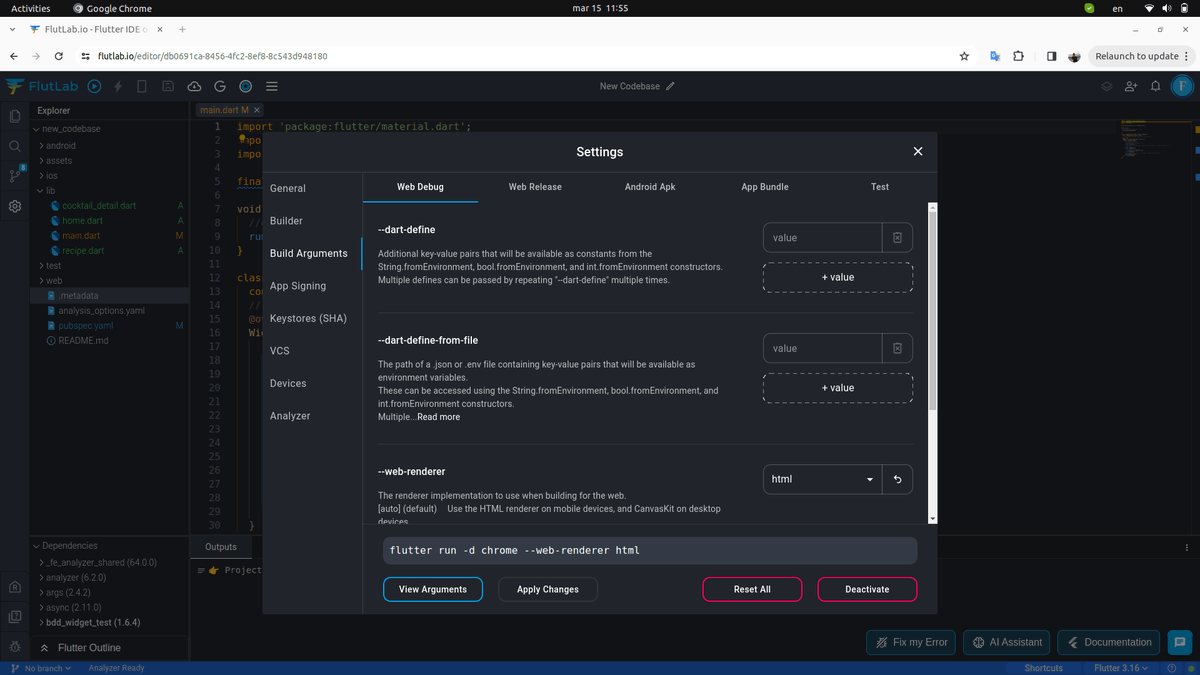
Discover New Possibilities with FlutLab: Build Arguments (Settings/Build Arguments)
The "Build Arguments" settings allow you to add additional flags or parameters that influence the build process. When you click the "Build Project" button in the FlutLab IDE, any arguments configured in this section are automatically included in the build command.
#FlutLab #Flutter
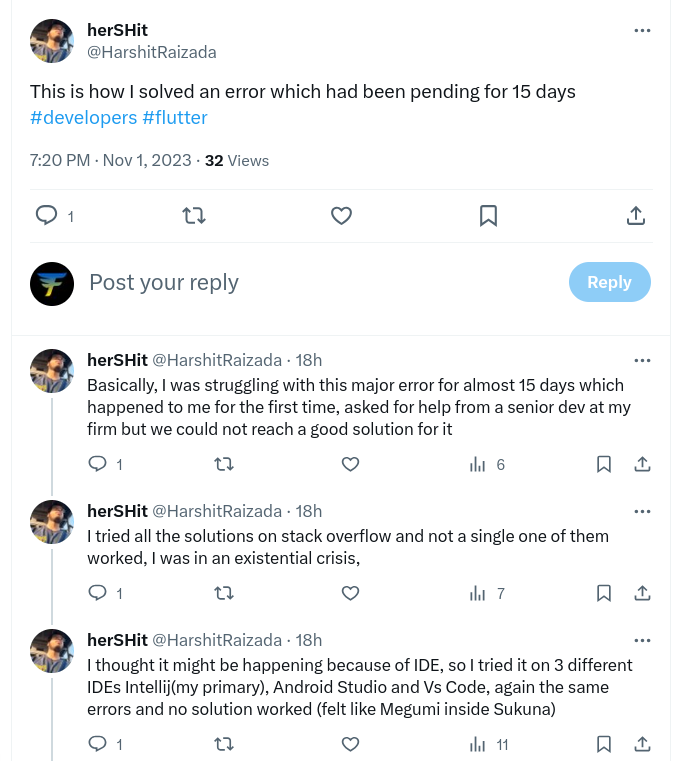
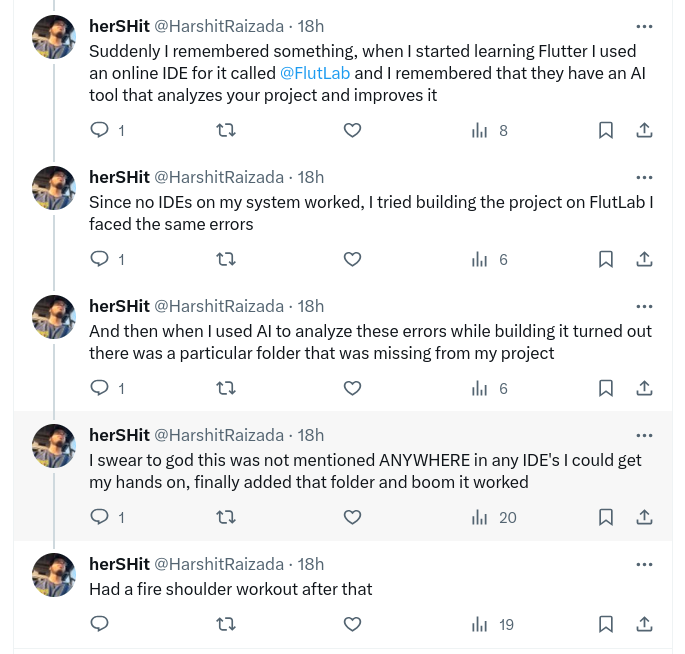
Wow! Check out how FlutLab helped to solve the problem (read the whole thread). Thank you @HarshitRaizada for sharing your story!
https://t.co/guKO6EnhXc
Thank you so much for your warm feedback, Chinmay!
We are working on an IDE that doesn't exist in the browser yet. It's a challenging journey. We have good and bad days, but we are relentlessly working to make sure that the experience in FlutLab's online IDE meets the needs of Flutter developers in every possible way.
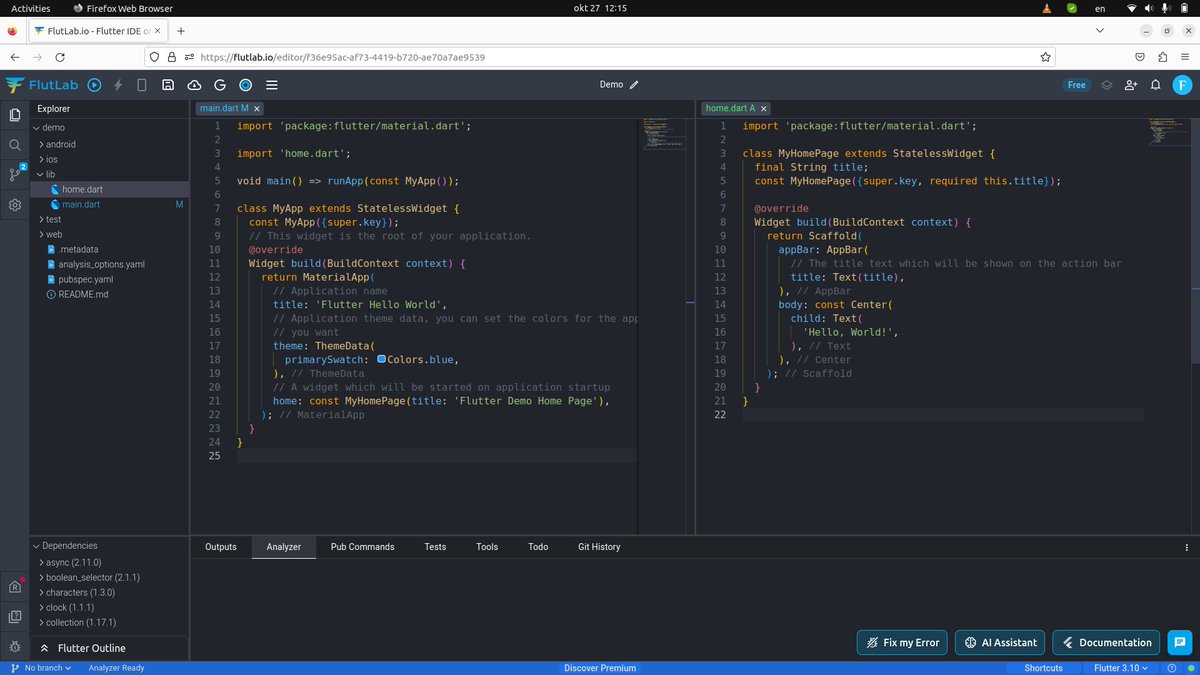
At #FlutLab, we understand the importance of your efficiency as a developer. Sometimes, you need to work with multiple files, so you're constantly switching tabs.
Did you know that in FlutLab, you can split the code editor screen to work with multiple files simultaneously?
You can do this in several ways:
Right-click on the file name in the file tree and select "Split right."
Right-click on the file name in the open file and select "Split right."
Right-click anywhere in the open file and choose "Split right" from the context menu.
#flutterdev
🚀 FlutLab: A Developer's Playground!
👨💻 Created by programmers, for programmers! FlutLab is our special place where ideas come to life. We understand your need for a productive environment, and FlutLab is precisely what you've been looking for.
#flutterdev#flutter#flutlab
🚀 FlutLab brings together the best of Flutter development and makes it accessible to all. With our intuitive interface and seamless Flutter integration, you get simplicity and power like never before.
#flutterdev#flutter#flutlab
💻 Switch effortlessly between mobile app and web app development, always having access to your code from anywhere. We believe that creating apps should be the most accessible and exciting experience, and FlutLab makes it possible. 🌟
#flutterdev#flutter#flutlab
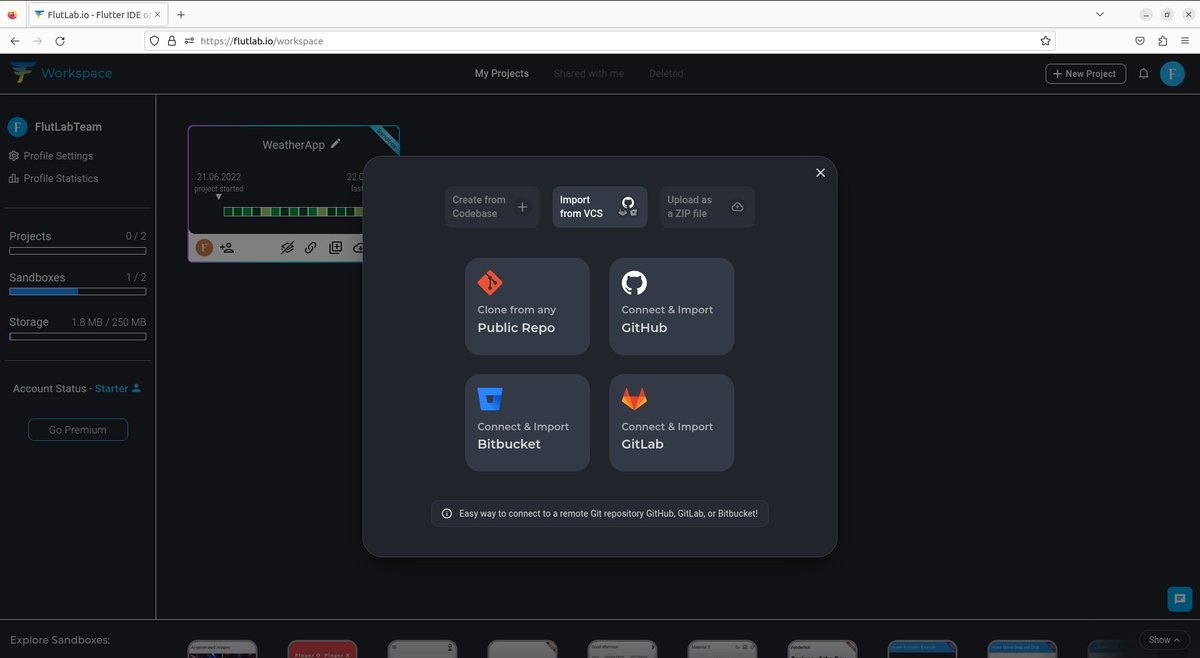
🚀 Explore the most convenient way to work on your projects from any computer - by connecting them with GitHub, GitLab, or Bitbucket. With FlutLab, you get this capability and the assurance of safeguarding your code's security. Just click the "+New Project" button.💻💡 #FlutLab #GitHub #GitLab #Bitbucket #FlutterDev
🚀 Discover the power of FlutLab, an Online IDE with capabilities that simplify and speed up code writing and editing, just like offline code editors! ✨ Experience syntax highlighting, auto-completion, bracket matching validation, contextual code assistance, and many more features! 💻💡 #FlutLab #FlutterDev #OnlineIDE #CodingExperience
🚀💻 Calling all Flutter developers! 📢 If you're passionate about coding in your beloved local IDE but wish to work on your projects from any laptop, even without Flutter installed, we have a game-changer for you - FlutLab! 🎉🤩
💡 Whether you're a hobbyist or a pro, FlutLab opens up exciting possibilities for your Flutter development. Collaborate with ease, experiment, and iterate efficiently with this powerful online IDE. Your coding playground awaits! 🎯
Get started with FlutLab today and code anywhere! 🌟🚀
#FlutterDeveloper #FlutLab #OnlineIDE #CodeOnTheGo #CodingJourney
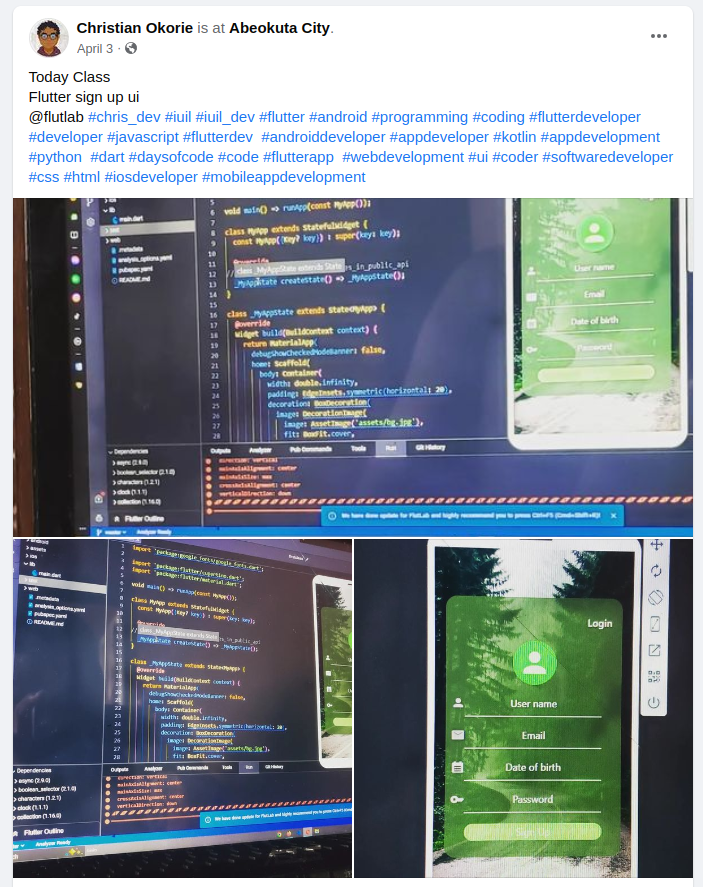
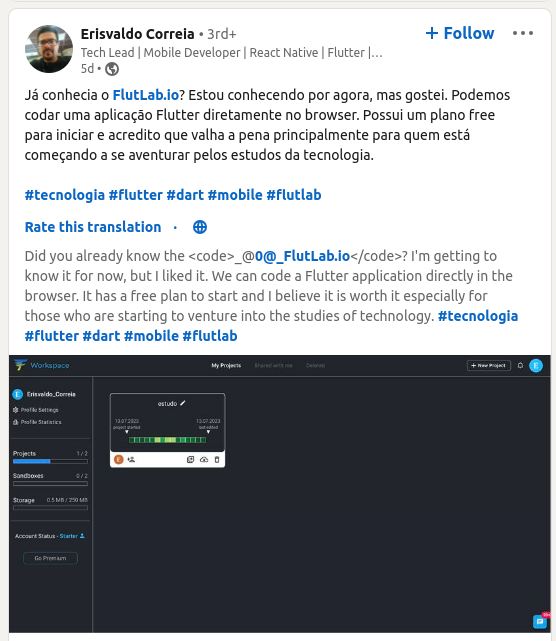
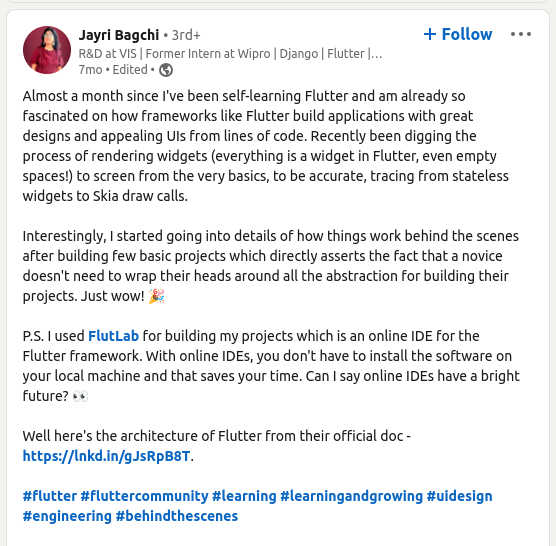
🫶A big thank you to all our users for the fantastic feedback shared across various social media platforms. You're not just users; you're creators who build apps and educational content with FlutLab! You are our amazing community! Your impressions and constructive feedback inspire us daily to evolve and improve our platform. Together, we continue to shape the world of programming. 🚀💻 #FlutLab #flutterdev
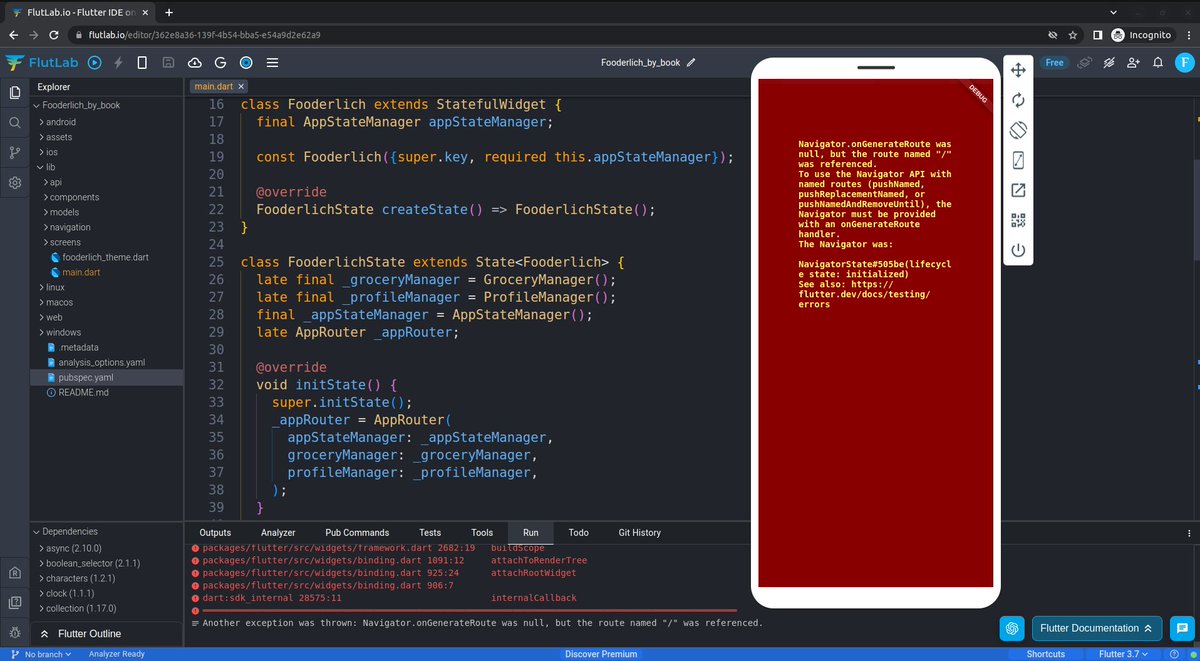
📱🔧 Can an online IDE match the same functionality as a local IDE with Emulator (like AS or VS Code)? Absolutely YES!
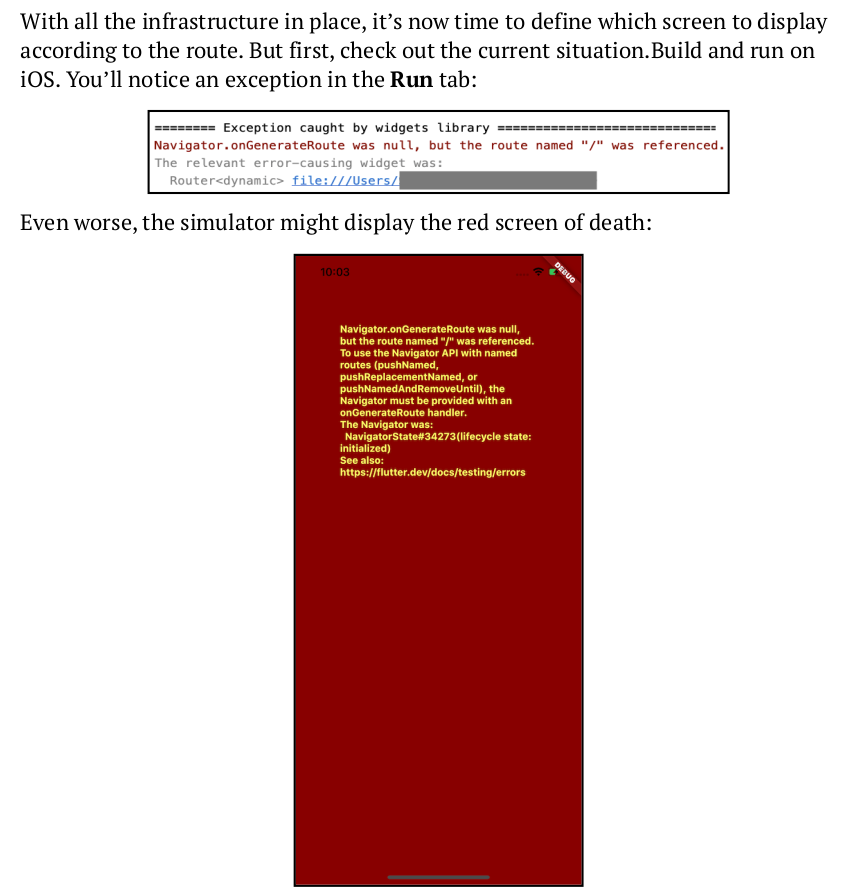
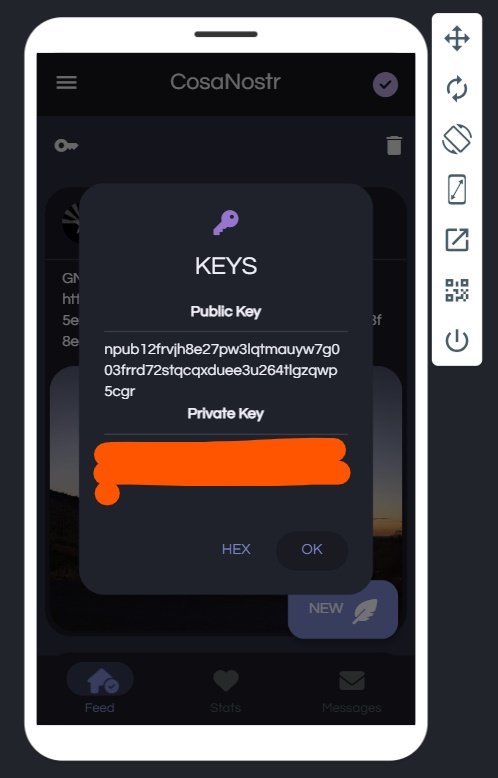
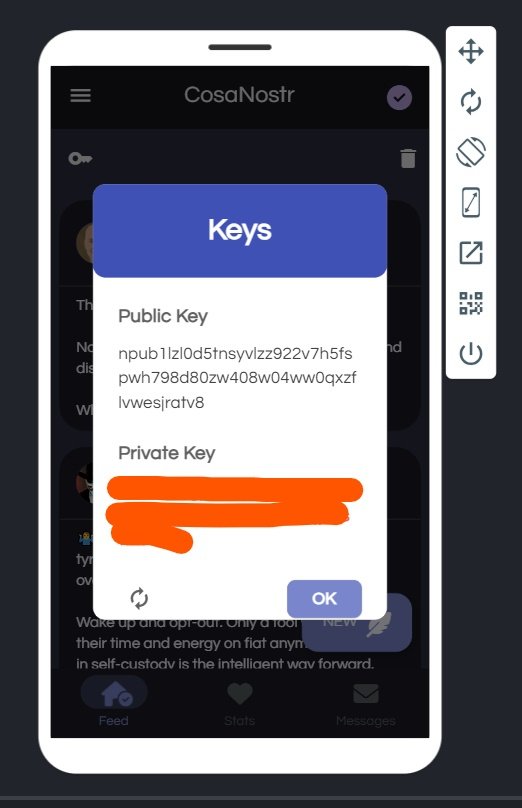
Check out the screenshots. The first image is from a book where the author builds an iOS application with an error. The second image shows the same application launched in FlutLab. Can you spot the difference? #OnlineIDEvsOfflineIDE #FlutLab #Flutterdev #Flutter 🚀💻
🎉 Exciting news! We celebrate our 200th follower! 🎉 Congrats @ShahmirzaliH! You've got 24 hours to reach out to us. If we don't hear from you, we'll select a lucky user from our recent followers!
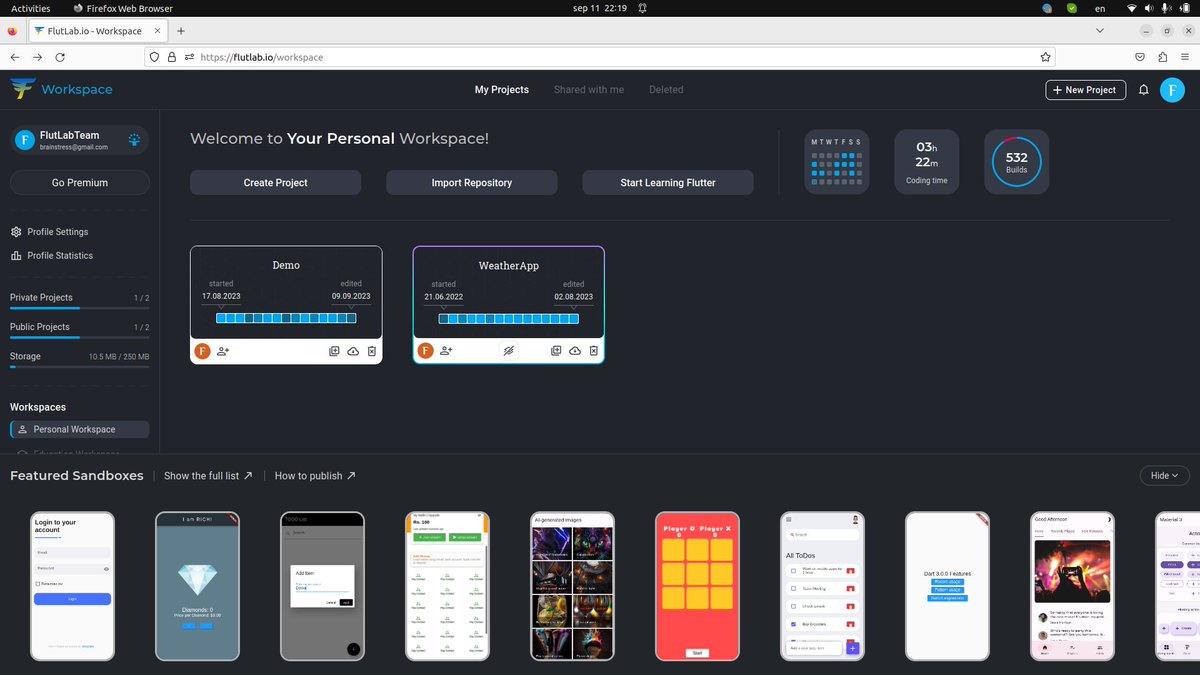
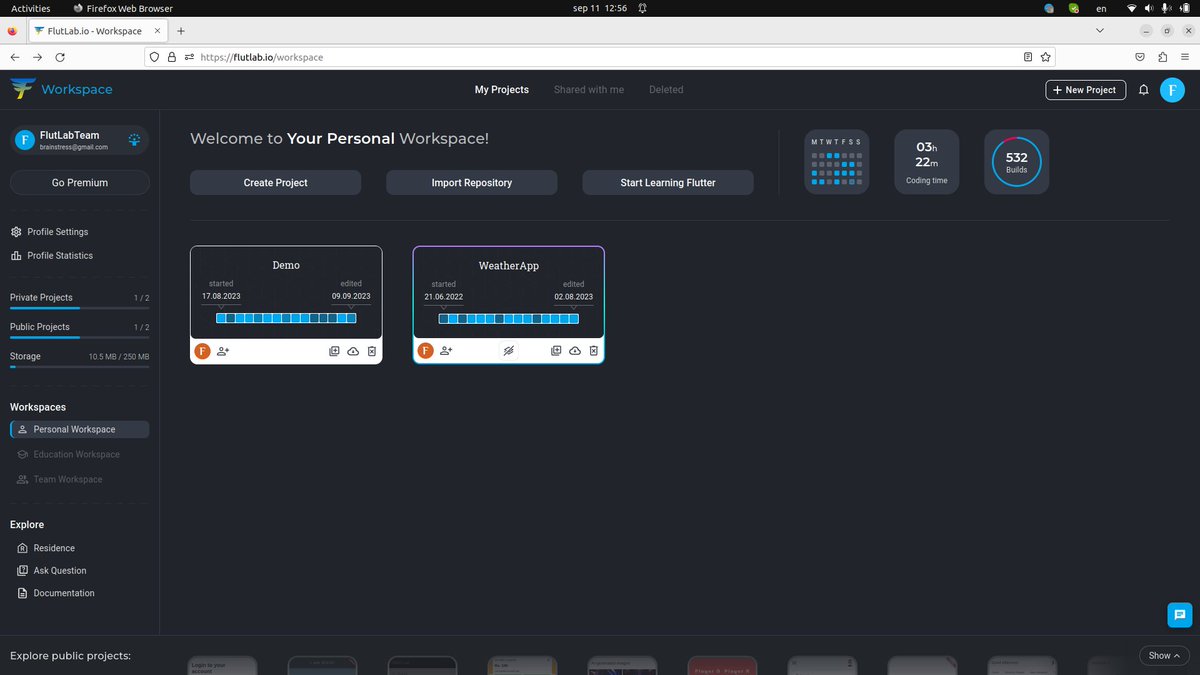
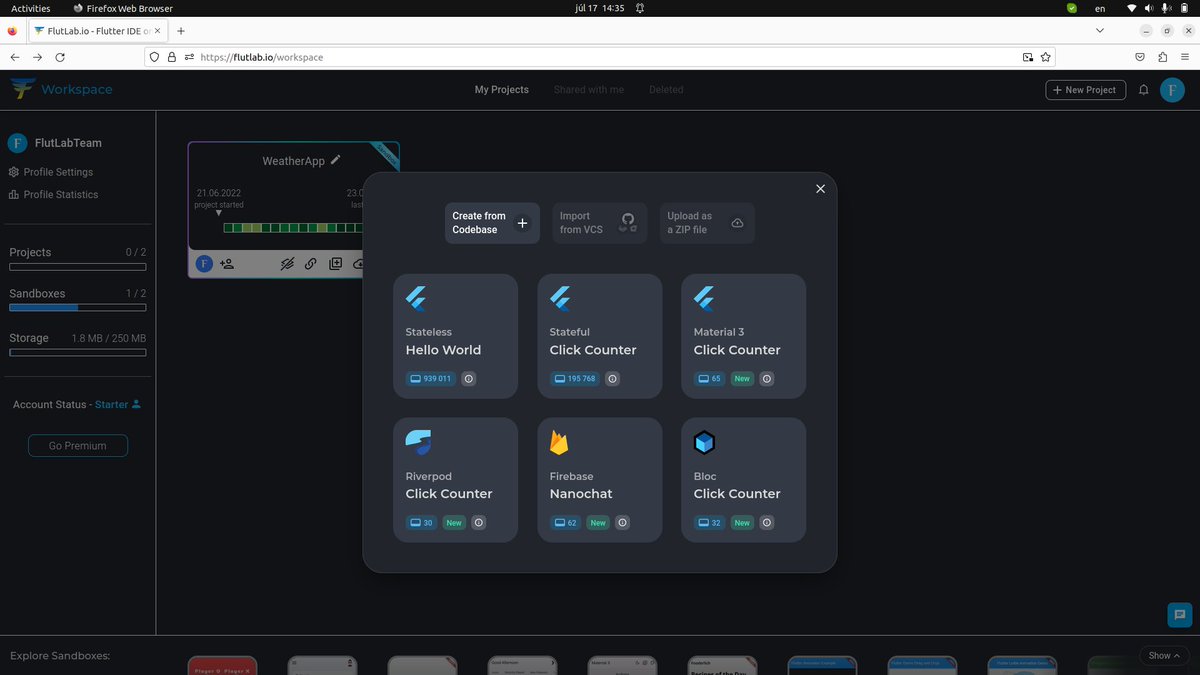
Good news! Creating a project in FlutLab just got easier. Just click the "+New Project" button and get started with a codebase. 🚀 #FlutLab#flutter#flutterdev
Day23 of #100DaysOfAWS
Another day without AWS. I am still coding using flutter.
I spent almost all the day configuring how to run emulator in VSCode.
Android studio is too heavy for sure.
I was initially using flutlab online IDE.
Back to AWS tomorrow
Celebrating tiny improvements on https://t.co/Ly1nOqmwrf.
@FlutLab helping me doing this at my day job with their online #Flutter IDE (https://t.co/0aM78nFDlq), you guys ROCK 🥳