Day 3 — Dart basics
Environment is done. Today I started Dart itself.
Covered:
• variables and types
• final vs var
• null safety (?, ??)
• functions
Small examples in DartPad below.
Tomorrow: classes and simple objects.
#Flutter#Dart#100DaysOfCode#BuildInPublic
Day 2 — Completing Flutter setup
Today I finished setting up the full Flutter environment.
Installed:
• Google Chrome
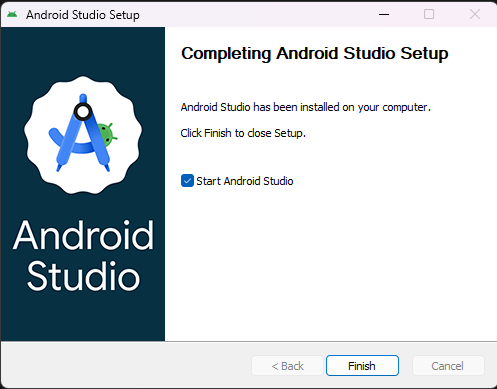
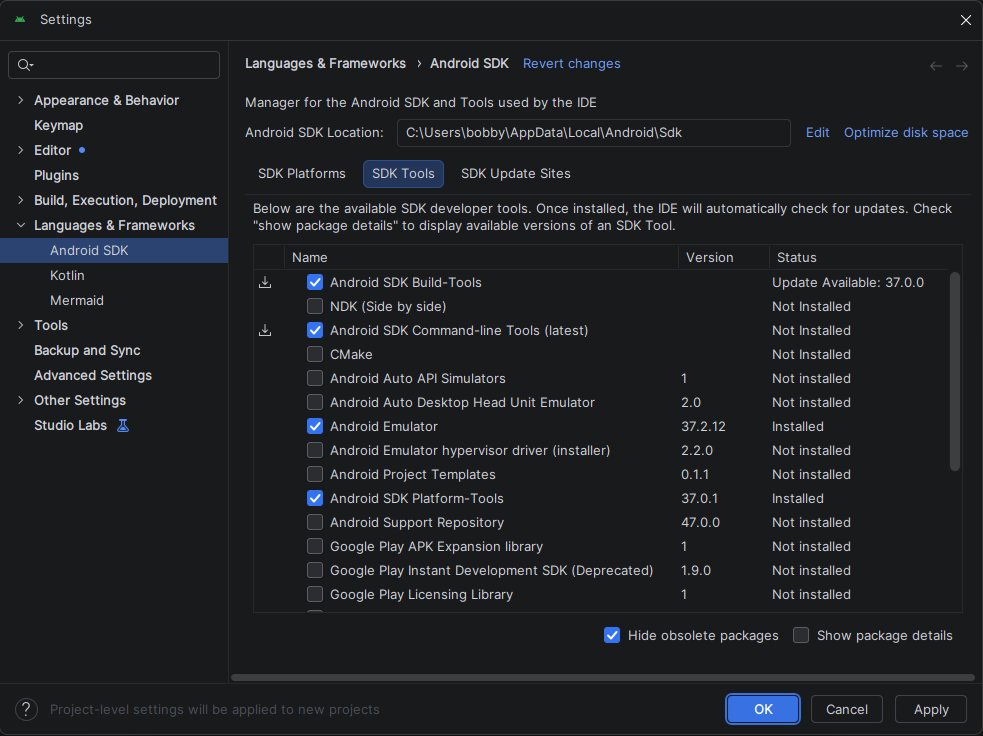
• Android Studio
Configured Android SDK:
• Latest Android platform
• Build-Tools
• Command-line Tools
• Platform-Tools
• Emulator
Note: Accepting licenses with `flutter doctor --android-licenses` is no longer required in the current SDK tools.
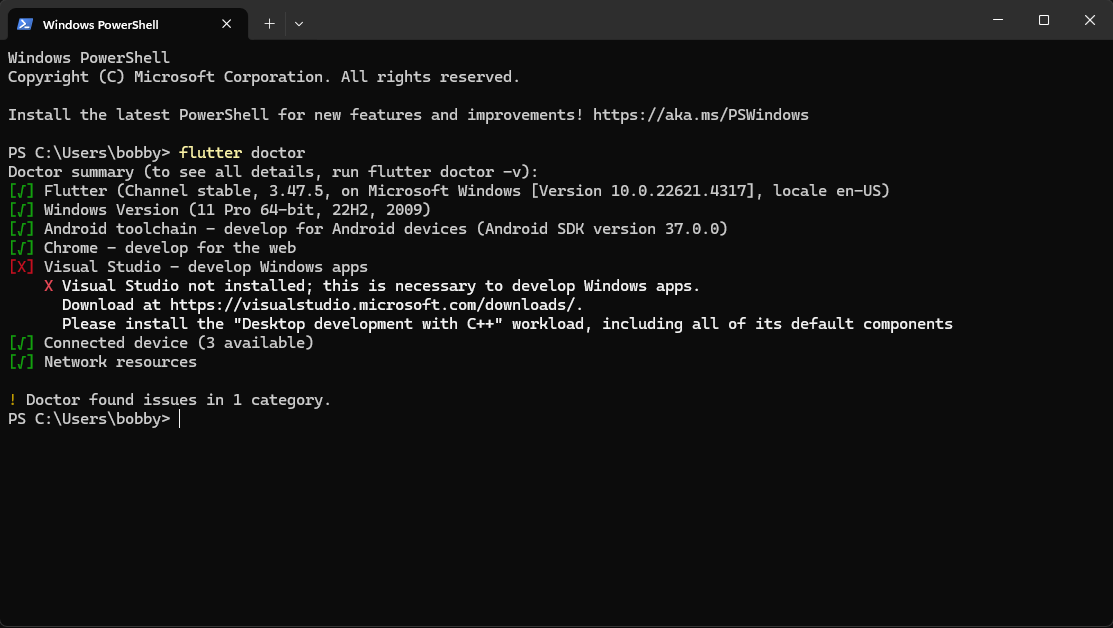
Final flutter doctor result — everything is ready:
✓ Flutter
✓ Android toolchain
✓ Chrome
✓ Connected devices
Environment is fully set up. Tomorrow I start learning Dart and building the first app.
#Flutter #100DaysOfCode #BuildInPublic
Day 1 — Starting Flutter setup
Today I began setting up my Flutter development environment on Windows 11.
What I did:
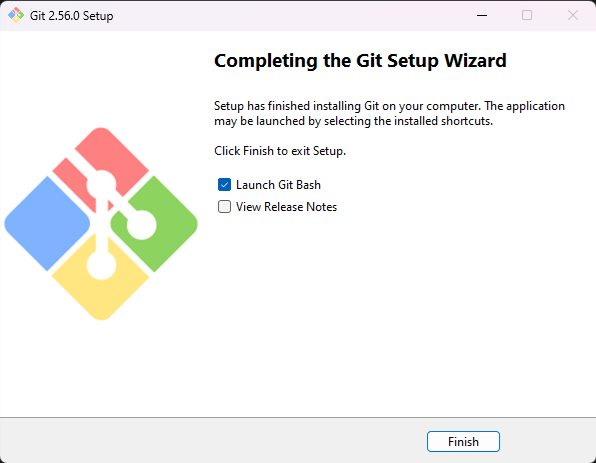
• Installed Git
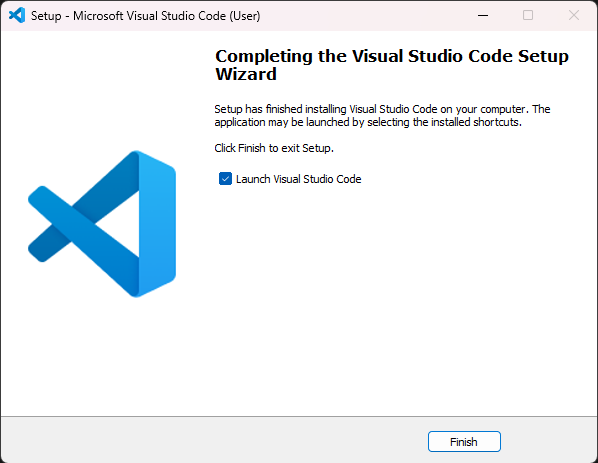
• Installed VS Code
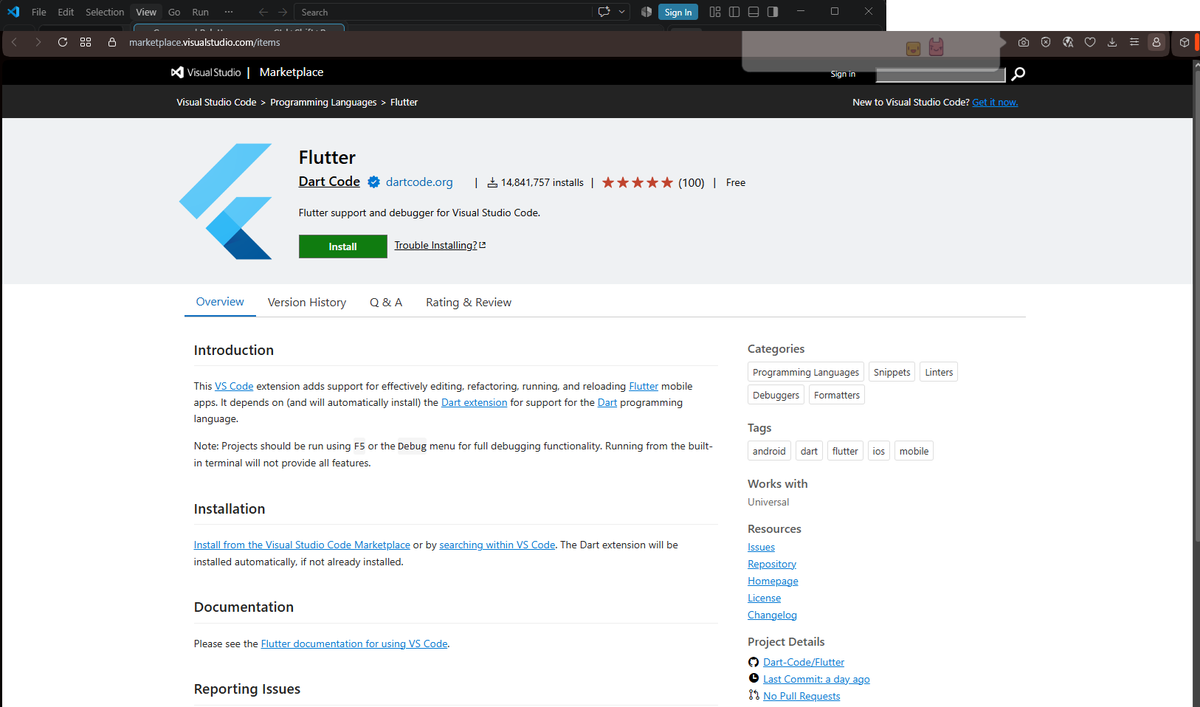
• Added the Flutter extension
• Downloaded Flutter SDK 3.47.5 directly through VS Code
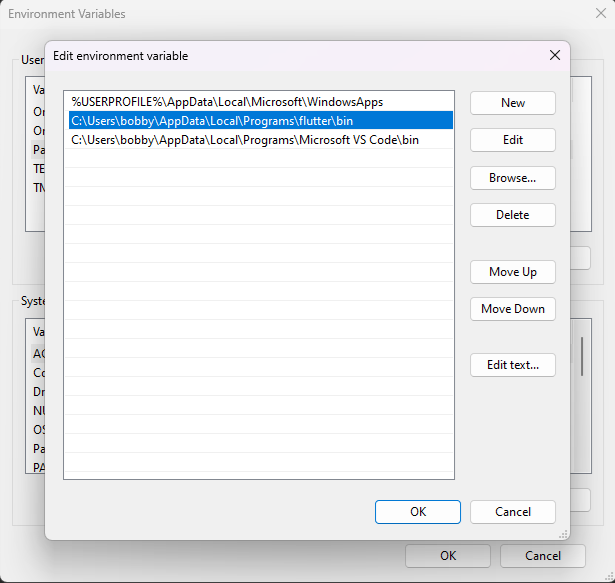
• Added Flutter to PATH
• Ran flutter doctor
flutter doctor showed that I still need:
• Android Studio
• Chrome
(I ignored Visual Studio — not required for mobile development)
Setup is in progress. Screenshots below.
#Flutter #100DaysOfCode #BuildInPublic
Day 1.
I’m Bobby White. Starting my Flutter journey from absolute zero. Goal: become job-ready and land first freelance clients in 60 days.
Documenting everything here.
Let’s go 🚀
#Flutter#100DaysOfCode#BuildInPublic