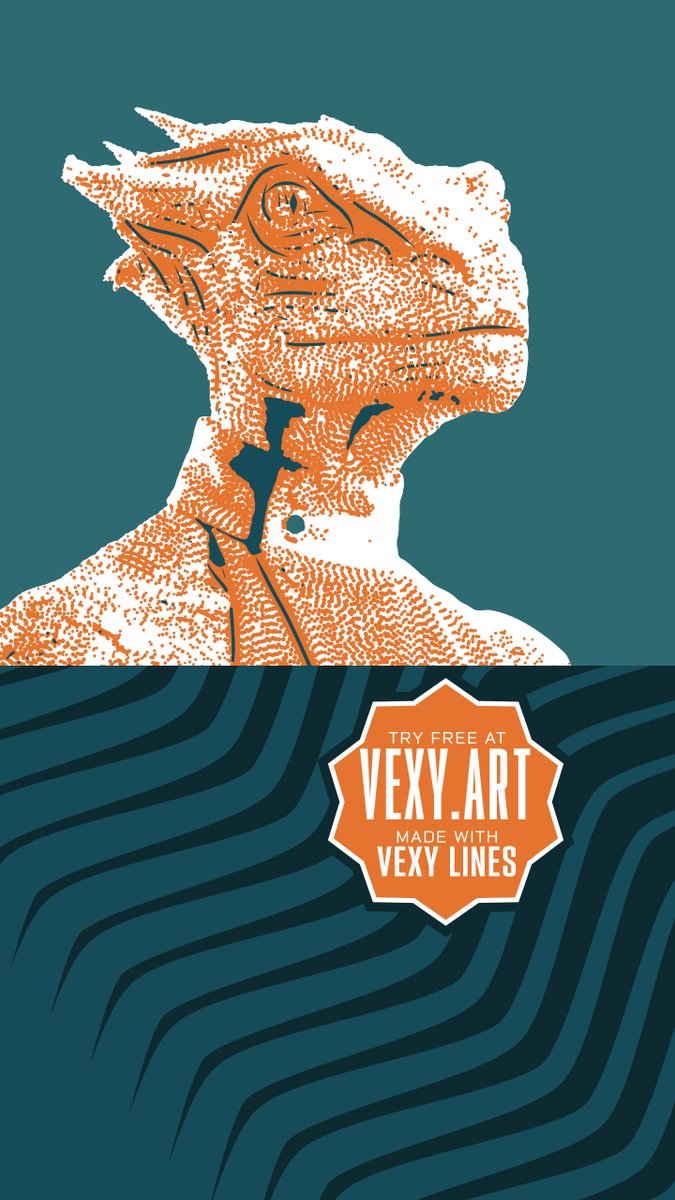
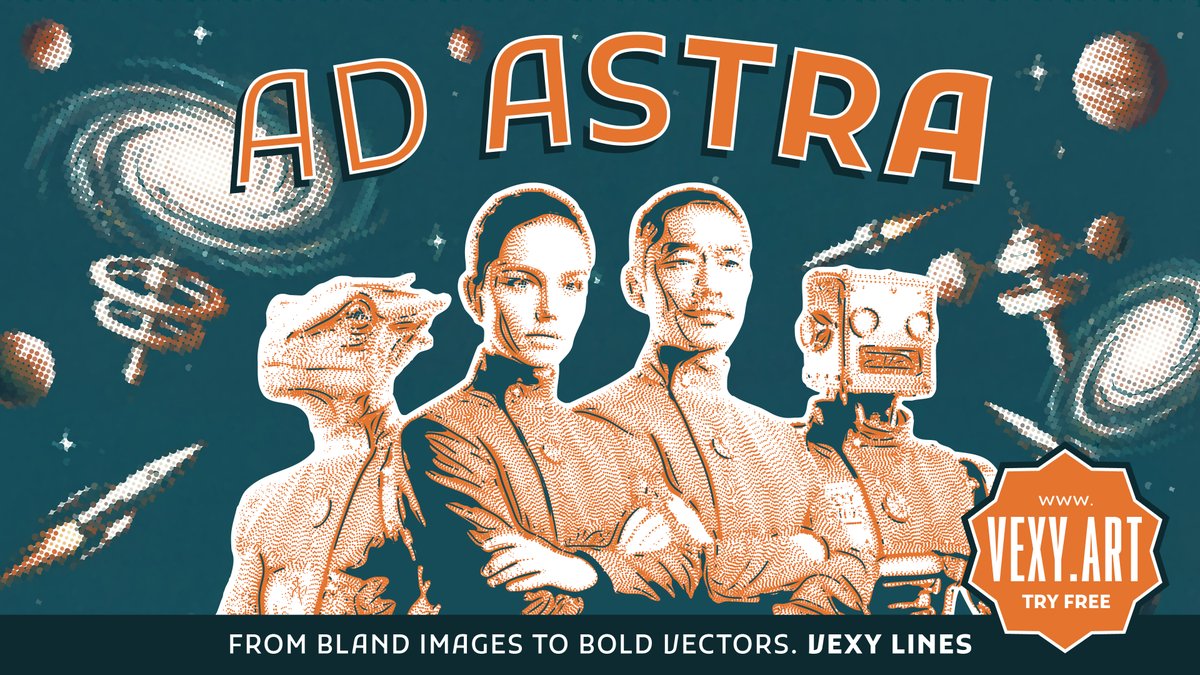
VEXY LINES https://t.co/1IrQ576OrC vectorizes images into intricate, scalable SVG & PDF graphics. Make vintage vector gradients, halftones, engravings, hedcuts, plus explore variable-font typography!
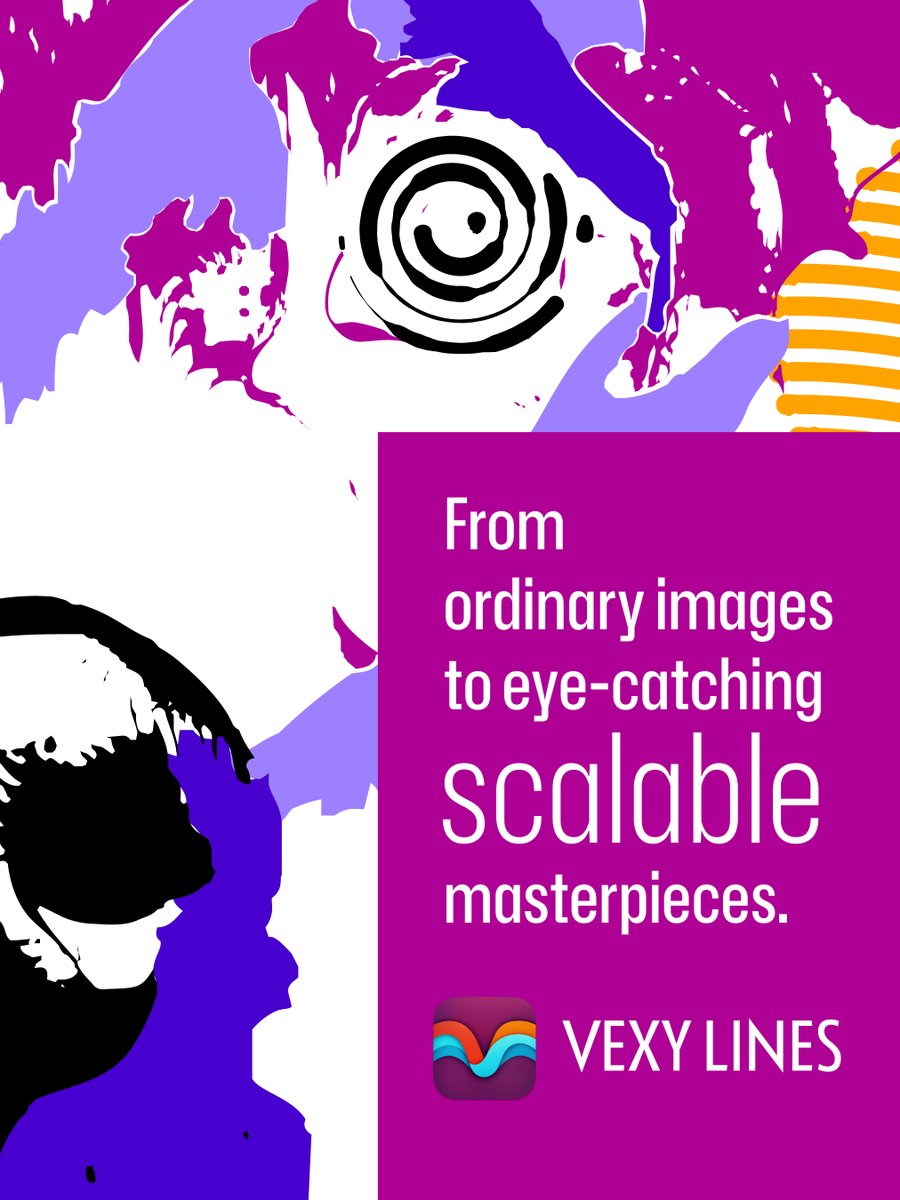
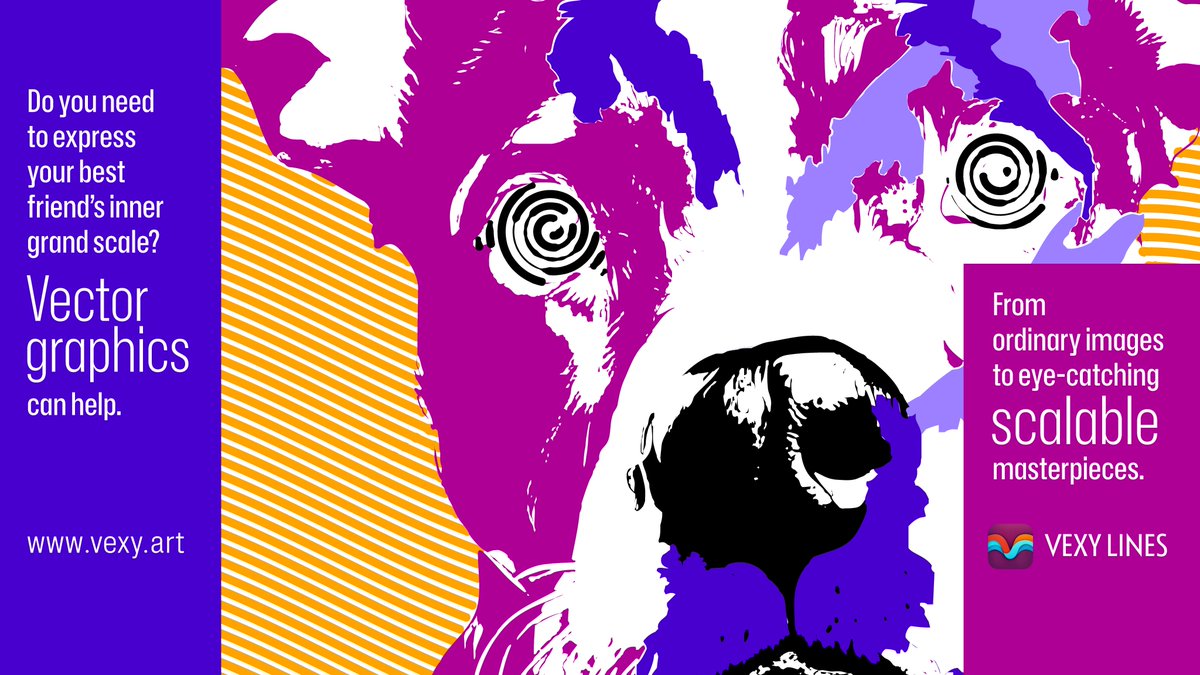
VEXY LINES https://t.co/1IrQ576OrC vectorizes images into intricate, scalable SVG & PDF graphics. Make vintage vector gradients, halftones, engravings, hedcuts, plus explore variable-font typography!
VEXY LINES https://t.co/1IrQ576OrC vectorizes images into intricate, scalable SVG & PDF graphics. Make vintage vector gradients, halftones, engravings, hedcuts, plus explore variable-font typography!
VEXY LINES https://t.co/1IrQ576OrC vectorizes images into intricate, scalable SVG & PDF graphics. Make vintage vector gradients, halftones, engravings, hedcuts, plus explore variable-font typography!
VEXY LINES https://t.co/1IrQ576OrC vectorizes images into intricate, scalable SVG & PDF graphics. Make vintage vector gradients, halftones, engravings, hedcuts, plus explore variable-font typography!
Want to make fonts? Alexander Kapusta’s “Making Variable Fonts with FontLab” is the most extensive FREE course on typeface design available online. 250 lessons, 25 chapters, 50 hours on YouTube. Save 26% on your FontLab & Vexy Lines: visit https://t.co/EobaCqyUbn and use coupon VEXY26 & then visit https://t.co/r7jZhQ0BKC | #font #sale #design
Want to make fonts? Alexander Kapusta’s “Making Variable Fonts with FontLab” is the most extensive FREE course on typeface design available online. 250 lessons, 25 chapters, 50 hours on YouTube. Save 26% on your FontLab & Vexy Lines: visit https://t.co/EobaCqymlP and use coupon VEXY26 & then visit https://t.co/r7jZhQ03V4 | #font #sale #design
Want to make fonts? Alexander Kapusta’s “Making Variable Fonts with FontLab” is the most extensive FREE course on typeface design available online. 250 lessons, 25 chapters, 50 hours on YouTube. Save 26% on your FontLab & Vexy Lines: visit https://t.co/EobaCqymlP and use coupon VEXY26 & then visit https://t.co/r7jZhQ03V4 | #font #sale #design
Want to make fonts? Alexander Kapusta’s “Making Variable Fonts with FontLab” is the most extensive FREE course on typeface design available online. 250 lessons, 25 chapters, 50 hours on YouTube. Save 26% on your FontLab & Vexy Lines: visit https://t.co/EobaCqyUbn and use coupon VEXY26 & then visit https://t.co/r7jZhQ0BKC | #font #sale #design
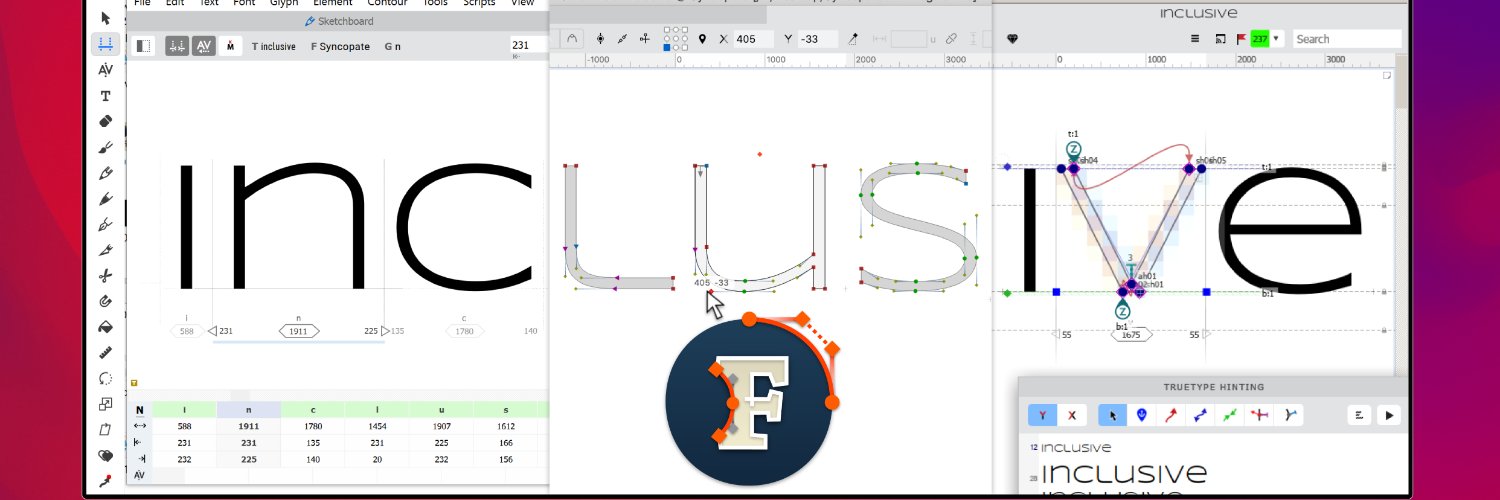
🔥 FontLab 8 Lifetime $299 –40% 🔥 FontLab 8 EDU $250 –25% 🔥 FontLab 8 3-month $39 –60% 👉 https://t.co/kcjcrag1tG —— Integrated font editor for Mac and Windows. Create, develop, complete and deliver OpenType, variable, web and color fonts, from a simple design to a complex project.
With coupon VEXYFONT25 at https://t.co/CHADma8UIv get FONTLAB 8 at $299, EDU version at $250, our brand-new VEXY LINES app at $75 — try it free at https://t.co/CXB88mxO8e
Facing font frustrations? #TransType will fix them. Fancy a fresh font? #FontLab will help you.
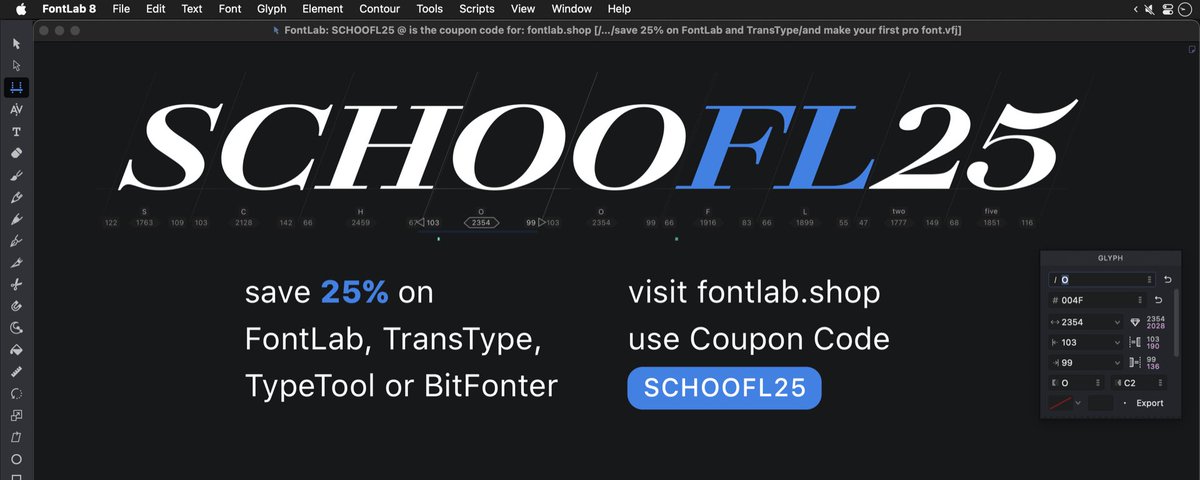
Use coupon code SCHOOFL25 & save 25% at https://t.co/I33B0WJ8Cq until Wed, 3 Sep 2025 #sale
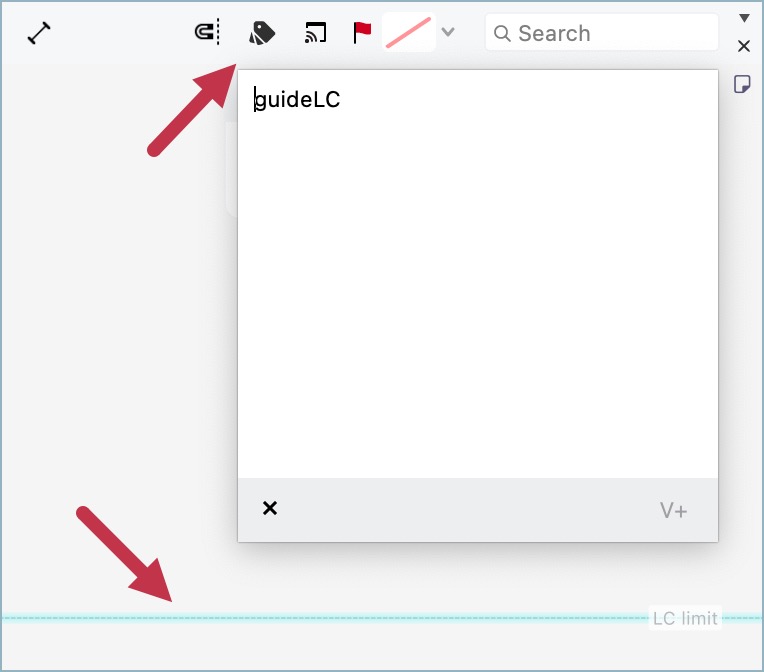
FontLab 8 Tip: Filtered Guides
Guides are very handy, but to show all them can make your screen a chaos. To filter which guides will be shown, select the guide and add a tag to it using the property bar (1) or the Guides panel (2). Then, add the same tag to the glyphs (3). Done!
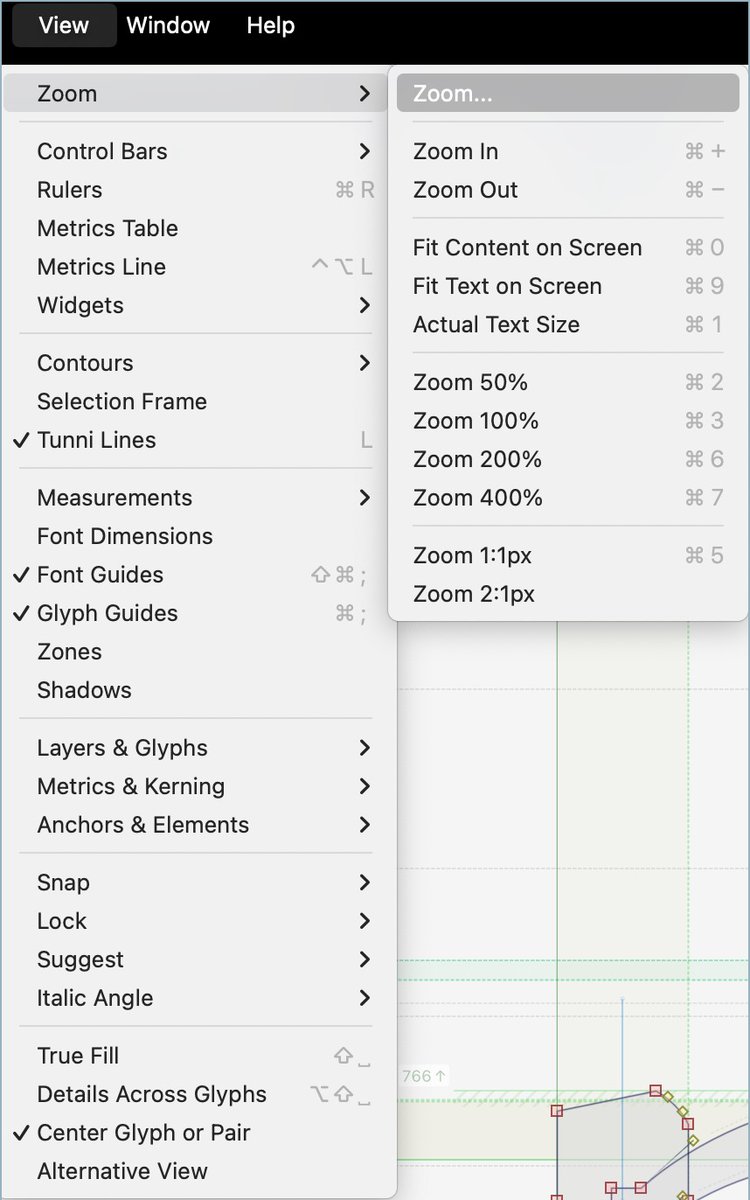
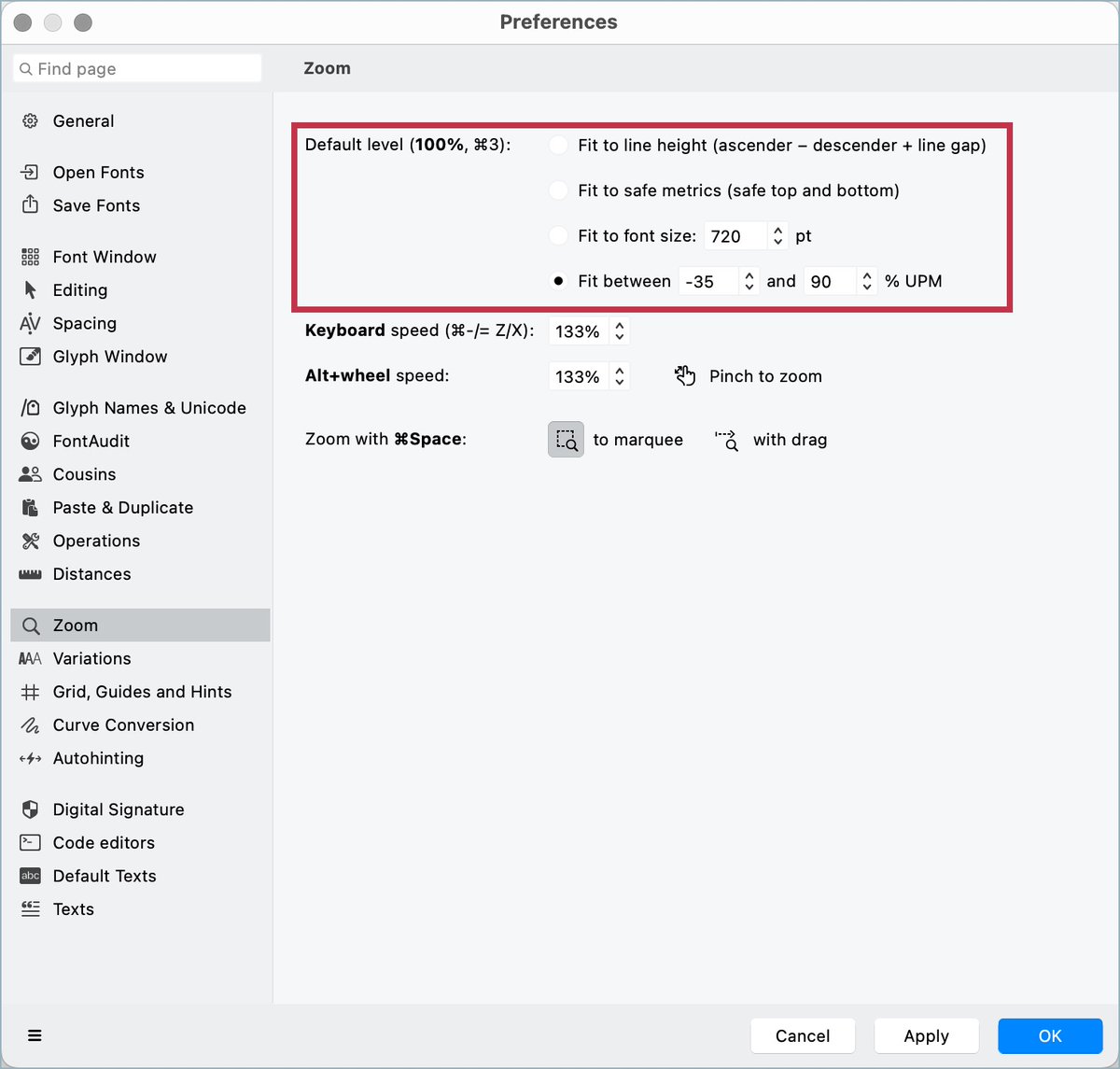
FontLab 8 Tips: Zoom
Besides the shortcuts in the menu View > Zoom, you can use the keys X and Z to increase or decrease the zoom. And the key Hyphen applies the 100% zoom, which can customized in Preferences > Zoom. You can also change the zoom with keys while dragging objects.