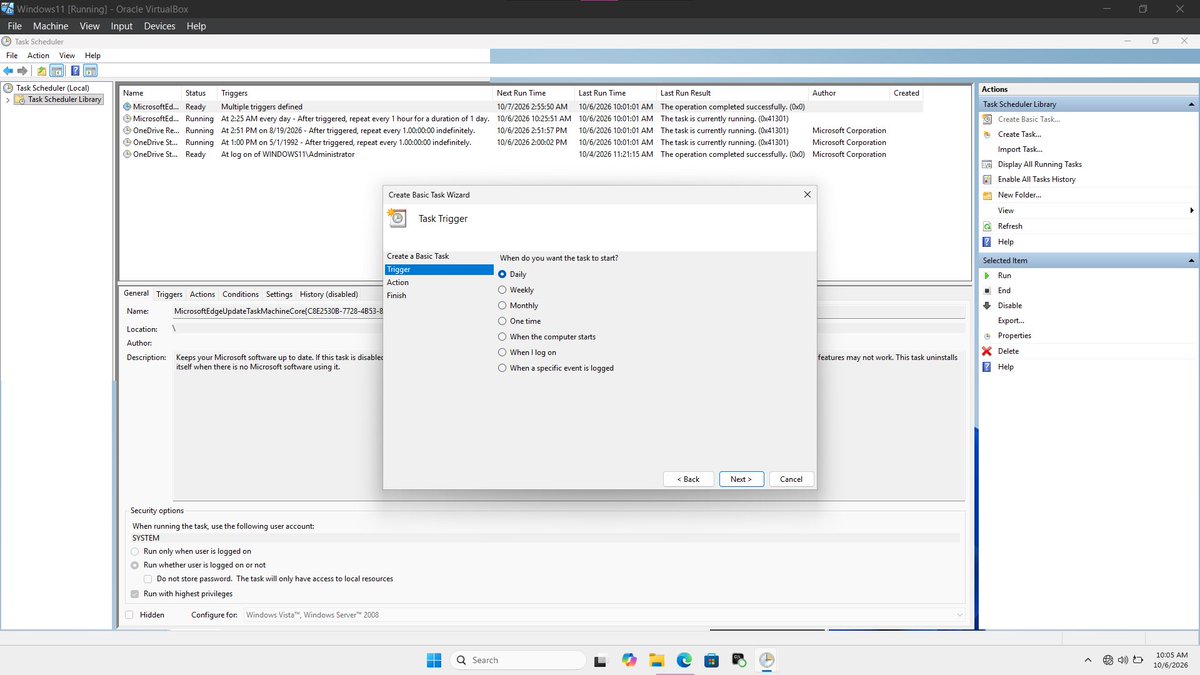
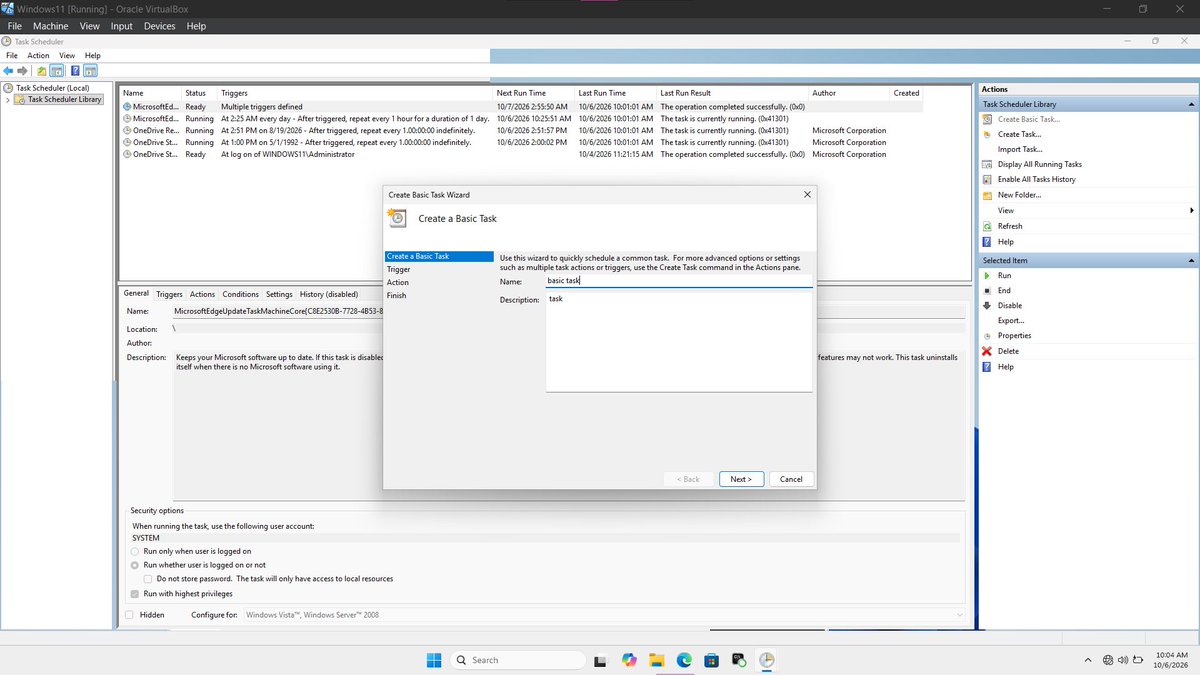
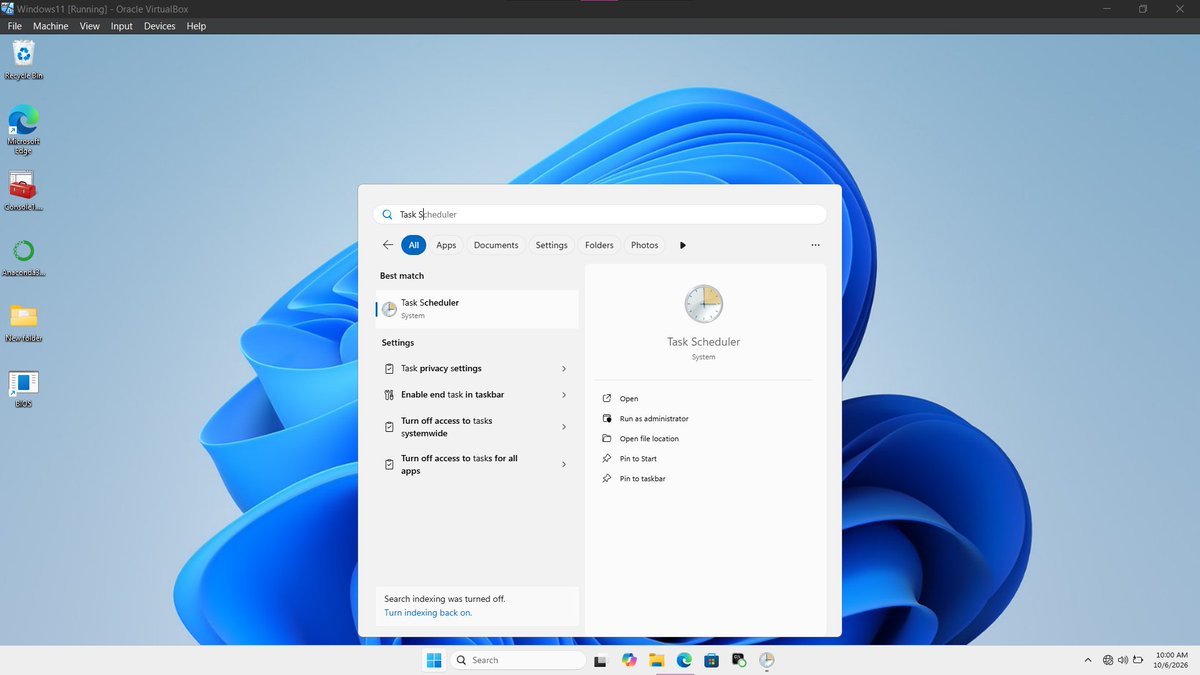
Today, I learned something new about the Windows operating system: Task Scheduler. 💻
As I continue exploring Windows OS, I came across Task Scheduler, a built-in Windows feature that allows users to schedule tasks to run automatically based on specific conditions or triggers.
@CyberRacheal It only works on specific devices and such device must be rooted, secondly unlimited password trials is enabled if not it could just be a waste of time.
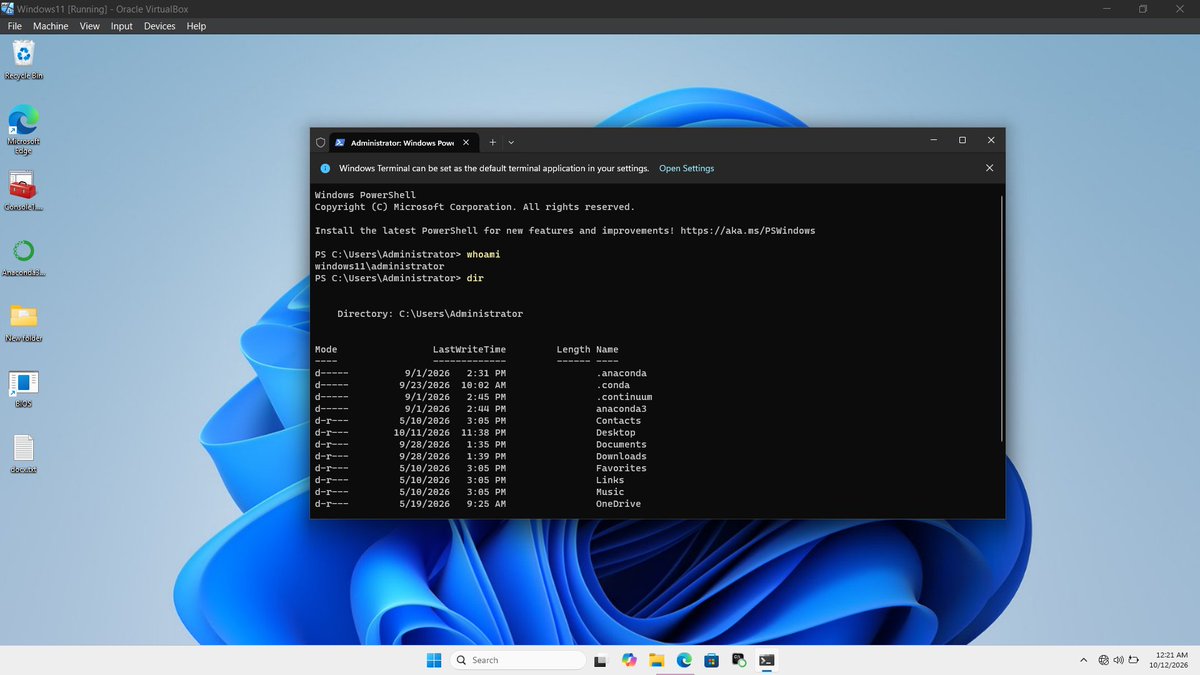
I also discovered that not every command works the same way in CMD and PowerShell. Understanding the differences between these environments is important when working with Windows.
Some of the things I practiced include:
- Understanding the difference between running a terminal normally and running it as an administrator.
- Creating files using commands.
- Navigating between folders and directories.
- Deleting files and executing other basic commands.
One important thing I learned is that administrator privileges can be abused if not properly managed. This is why it is important to follow the principle of least privilege, giving users only the permissions they need to perform their tasks.
1. Understanding the File System
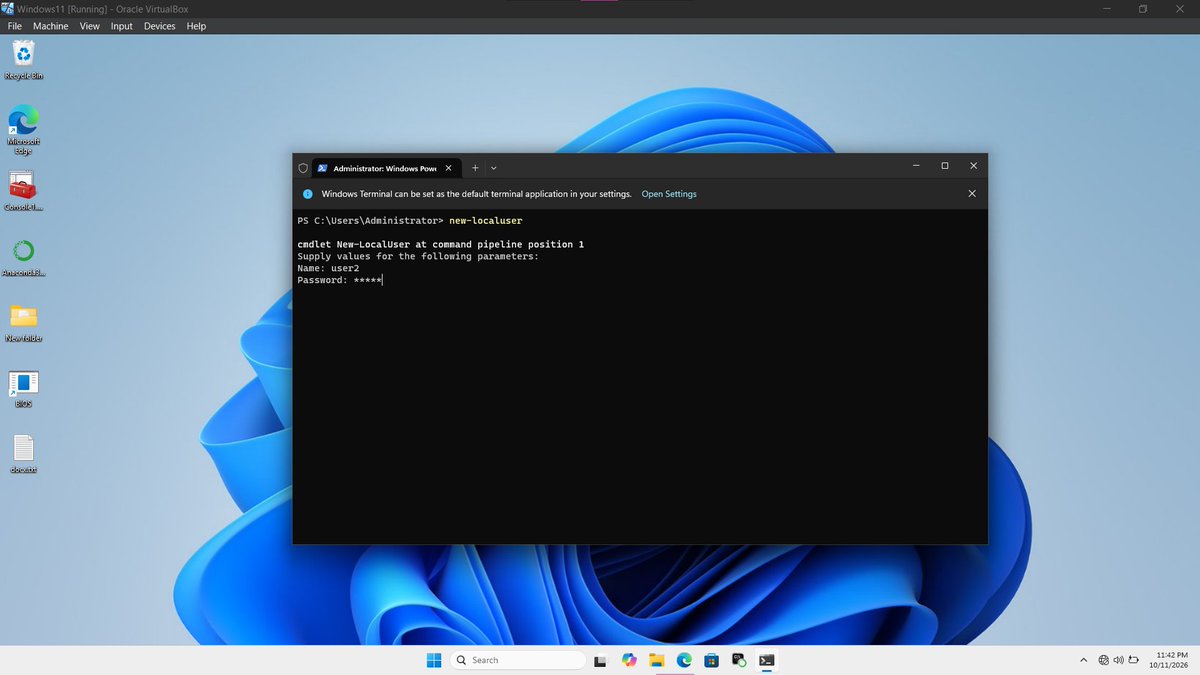
I explored how to:
- Create a new user account.
- Manage permissions for files and folders.
- Grant or restrict user privileges.
- Control which users can access certain files and folders.
Another Step in My Cybersecurity Journey.
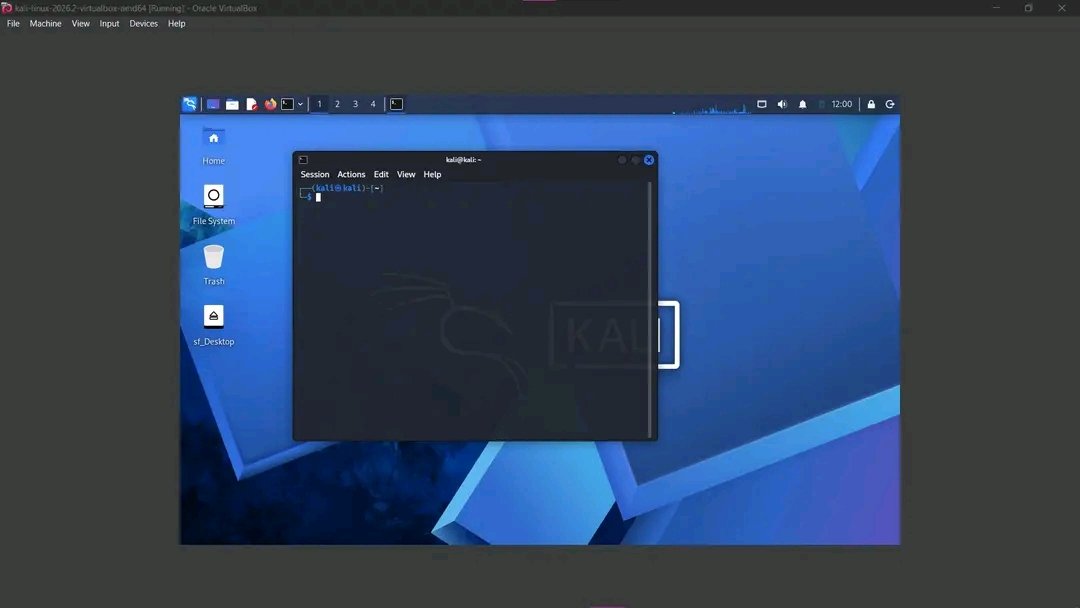
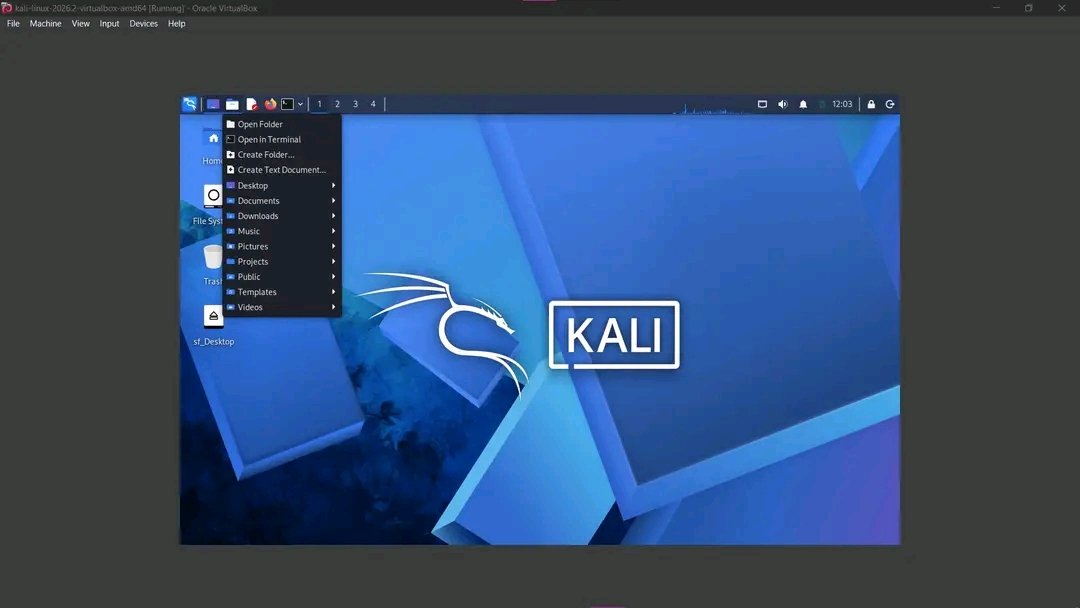
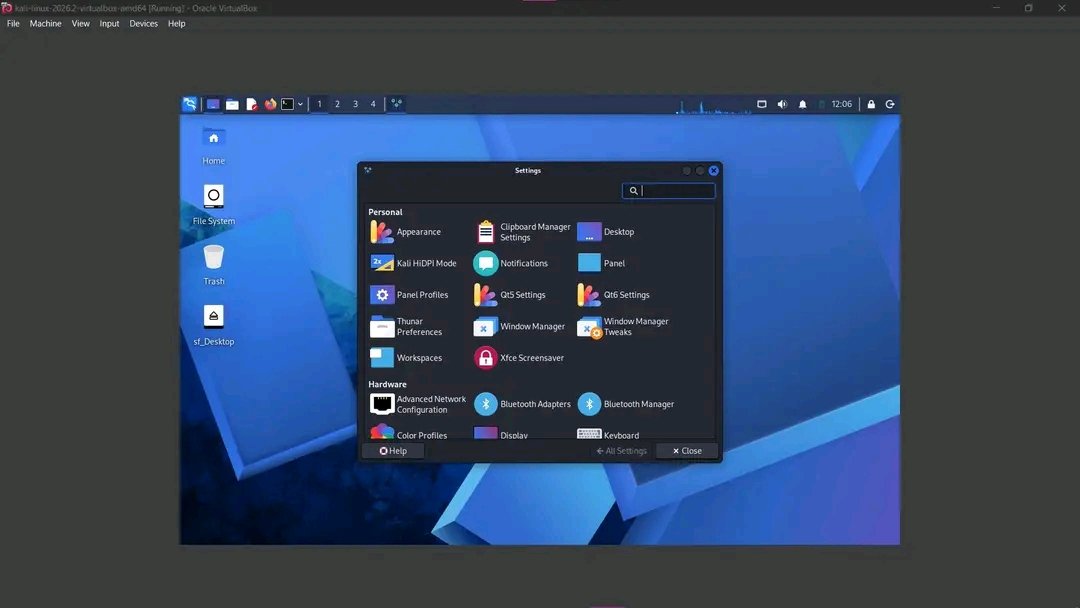
Today, I spent time getting more comfortable with Kali Linux. As I continue building my cybersecurity skills, I’m learning that understanding the operating system itself is an important part of the foundation.