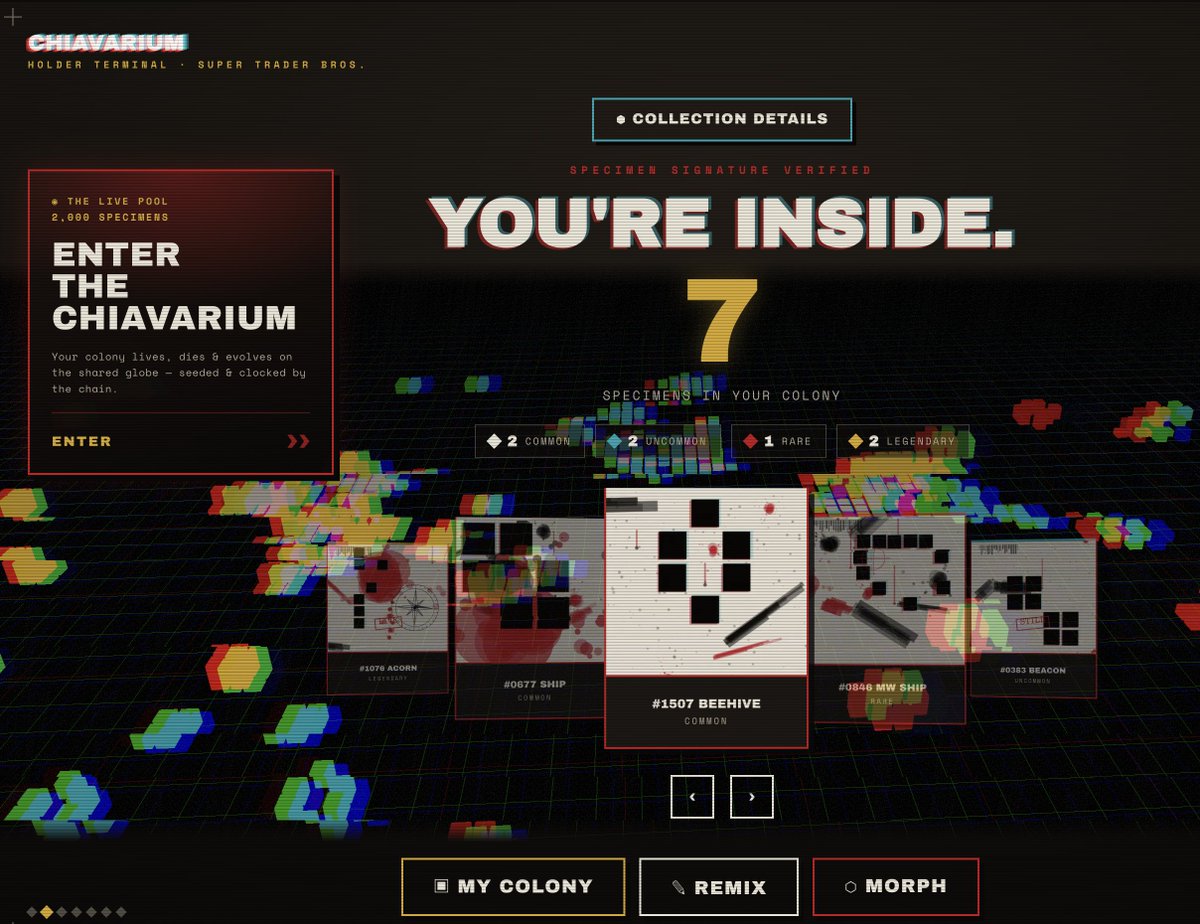
That will give you access to the CHIAvarium section in supertraderbros[dot]com
If you connect the wallet that holds that NFT - you can learn about CHIAvarium, Explore your colony, see the simulations that are running with your specimen, etc. Much to explore! There's remix prompts, morph tools to put CHIAvarium style on any image too tucked in there.
For all the bots and NFT marketing sites enjoying Monkey Suits and want to be paid to share the best thing you’ve seen on the web this year, go to supertraderbros[dot]com and press the monkey, my publicist will connect with you immediately.
Go to CHIAvarium on SuperTraderBros[dot]com, even in spectator mode... press the little green play button. Shout out to @ThiccTickers for this gem! .@OrangeGooey
@neilpeel_me@ThiccTickers@OrangeGooey Great suggestions, you can also see this info on the Collection Deets now as well. Filter by rarity, click an NFT image... I just pushed this update...
@neilpeel_me@ThiccTickers@OrangeGooey If multiple NFTs are at the same price point, you can drill into them with that little yellow "X 2 AT FLOOR" chip on the card as well.
@neilpeel_me@ThiccTickers@OrangeGooey You are probably looking for The FLOOR functionality. That lives over in the Dealio Board area.
JACK IN -> DEALIO BOARD -> FLOOR -> Type collection name.
Collection Deets and your STASH are all about viewing, organizing, admiring.
DEALIO BOARD is all about offers, floors, trading, shopping.
There's a lot going on in STB, I'm still improving the UX, etc. we are down to 3 entry doors from 4 which is a good step, next biggest branches are the STASH vs DEALIO BOARD but they are based on the words above these words.





![FullyCroisened's tweet photo. 🌱🍄 Due to pretty somewhat decent demand - SuperTraderBros domain has been registered.
You can now just go to supertraderbros[DOT]com https://t.co/I7qzwY4CO2](https://pbs.twimg.com/media/HJvP8WDXwAAMTj4.jpg)



![FullyCroisened's tweet photo. Go to CHIAvarium on SuperTraderBros[dot]com, even in spectator mode... press the little green play button. Shout out to @ThiccTickers for this gem! .@OrangeGooey https://t.co/Dsf1kkq8Ot](https://pbs.twimg.com/media/HLR-2M1XkAAPMqw.jpg)


