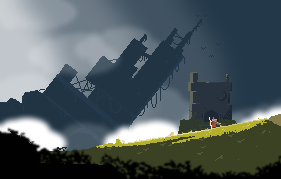
🎺Chronique des Silencieux is out now🎺
Our biographical detective is 20% off for launch⌛️
Steam reviews are deeply appreciated 💖
Come watch us talk about the game 🎥
https://t.co/cGWqAUFStd
Hi there,
For those who could use it: an asset selectors for #GameMaker to select amongst your project's assets at runtime (supports object, sprite, audio, shader, tileset, room, animcurve, sequence)
https://t.co/IzYziBZ9N9
Hello folks,
Today I did an Asset Selector in #gamemaker.
A small widget supported by imguigml to select assets in your project. The selected asset id is returned by the function so that you can use it for whatever you want.
M.
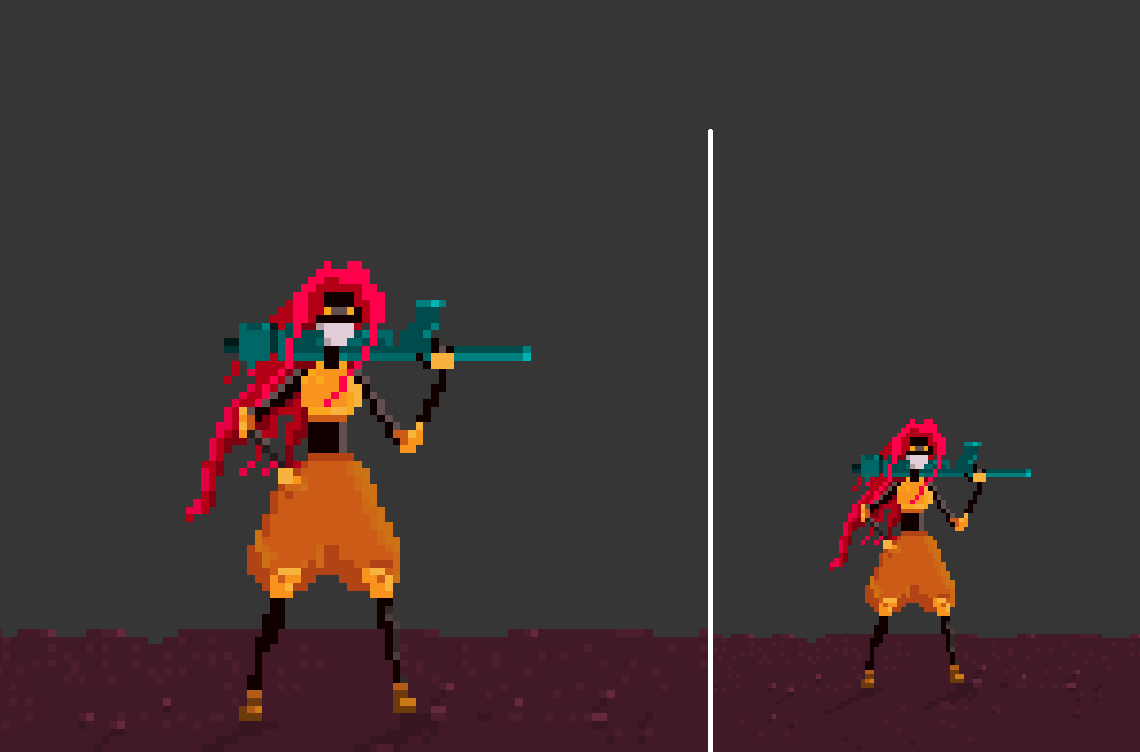
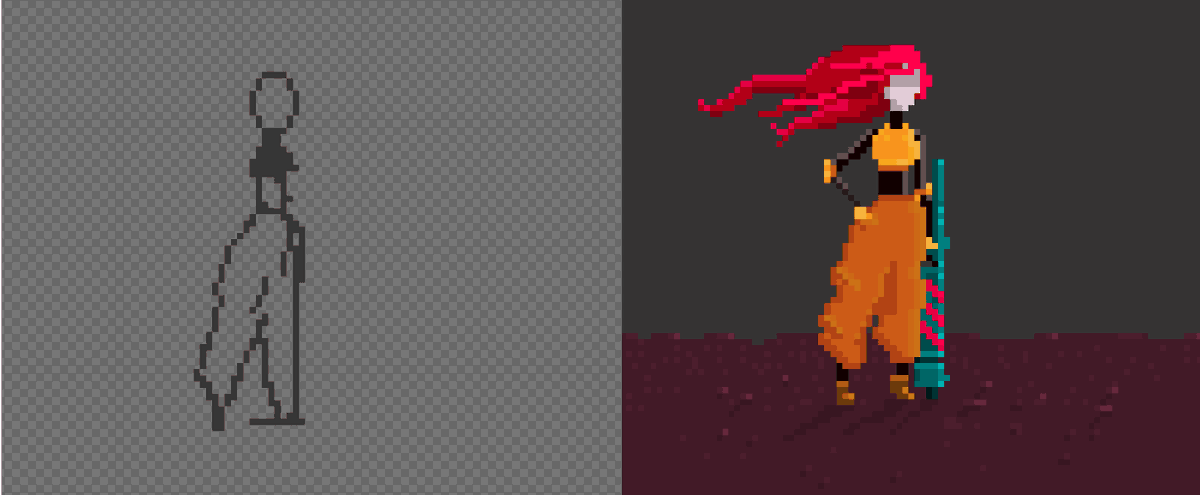
I am trying to improve my #pixelart skills by replicating existing pieces of art. Even like that I manage to fuckup composition and I still don't understand how artists choose colors (any way... this is done with my good old mouse and #gamemakerstudio2 sprite editor... )
OK. I packaged all the code #gamemakerstudio#IndieGameDev
Checkboxes are created with instructions like:
__deb_hug.add_toogle("Path Grid", , function() { mp_grid_draw(PATH_GRID); }, ev_draw_end);
Intent is to create debugging options super quick in one call, from anywhere.
Created another little debuging tool for #gamemakerstudio2
If you need to switch on/off a feature or add button or checkbox that does some stuff... One line of code and you got it
The instructions
xspeed += xacceleration;
x += speed + 0.5 * xacceleration;
...are more accurate than...
xspeed += xacceleration;
x += speed;
But who cares ?
#indiegamedeveloper#GameMakerStudio2
Hello there!
I improved my object editor for #gamemakerstudio. (my video is a bit messy :P).
Drop the 'console' object in your project, run it and you can access and modify variables from all your objects at runtime... Hope this can help some of you...https://t.co/Nxi3fpgzcG