GenerateBlocks Pro 2.6 brings the new Form Block. If you've been testing the alpha, please download the new beta release from your account area, as we've already made several improvements to the Form Block. https://t.co/nkrUTov33X
GenerateBlocks 2.3.0-beta.2 and GenerateBlocks Pro 2.6.0-beta.2 are now live. You can find the beta zips in your https://t.co/R6zb4XYHX6 account. https://t.co/vdmhj3sxbK
GenerateBlocks Pro 2.6 is currently in alpha, bringing CSS editing to any GenerateBlocks block and Global Styles. In this post, we look at this new capability and how to use it.
https://t.co/7SkJraNPjy
GenerateBlocks Pro 2.6 alpha is available for testing, bringing full CSS editing to blocks and Global Styles, along with the new Form Block. Download the alpha version in your GeneratePress account dashboard to give these new features a look.
https://t.co/nmPYqzzN6g
We love the direction WordPress is taking with Full Site Editing, but after careful consideration, GeneratePress is taking a different approach. Curious why we made this choice and where we’re headed next? Read the full announcement.
https://t.co/jkinFRUm5P
We reached out to GeneratePress customers with a survey, and 400+ provided detailed feedback. Here are the results and how customer needs are driving our future roadmap. https://t.co/3wNBH62rBG
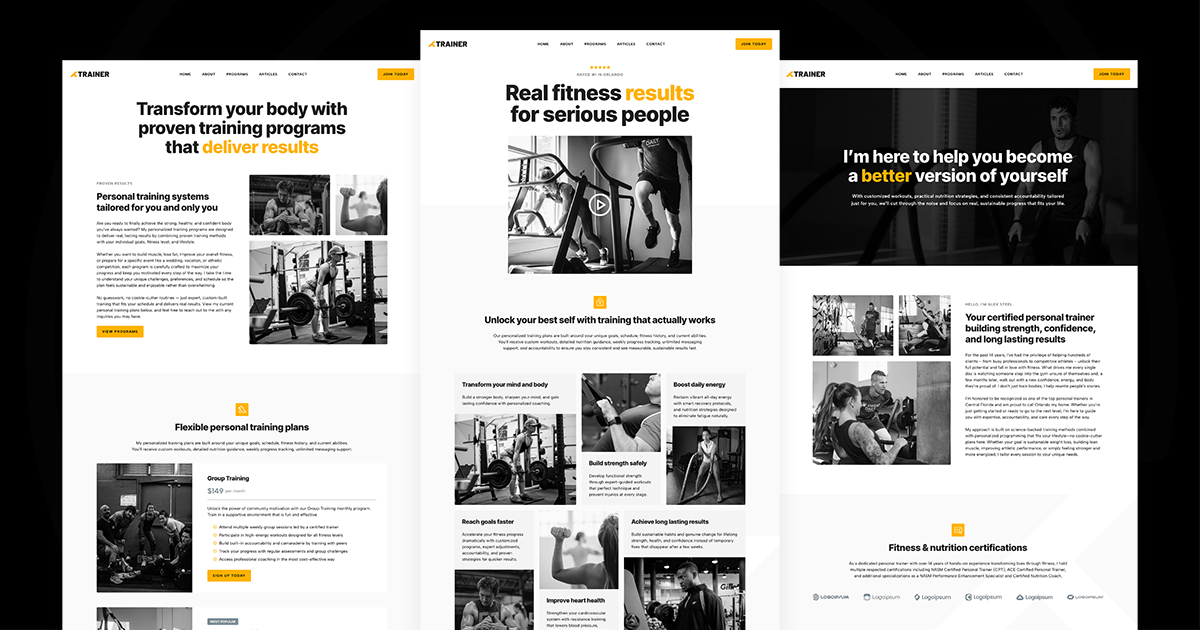
Trainer is a new Starter Site for personal trainers from GeneratePress. This new Starter Site features smooth mobile navigation that slides in from the right, modern header and navigation blocks from GenerateBlocks, and a timed popup powered by Overlay Panels.
https://t.co/zhNGYw9fAQ
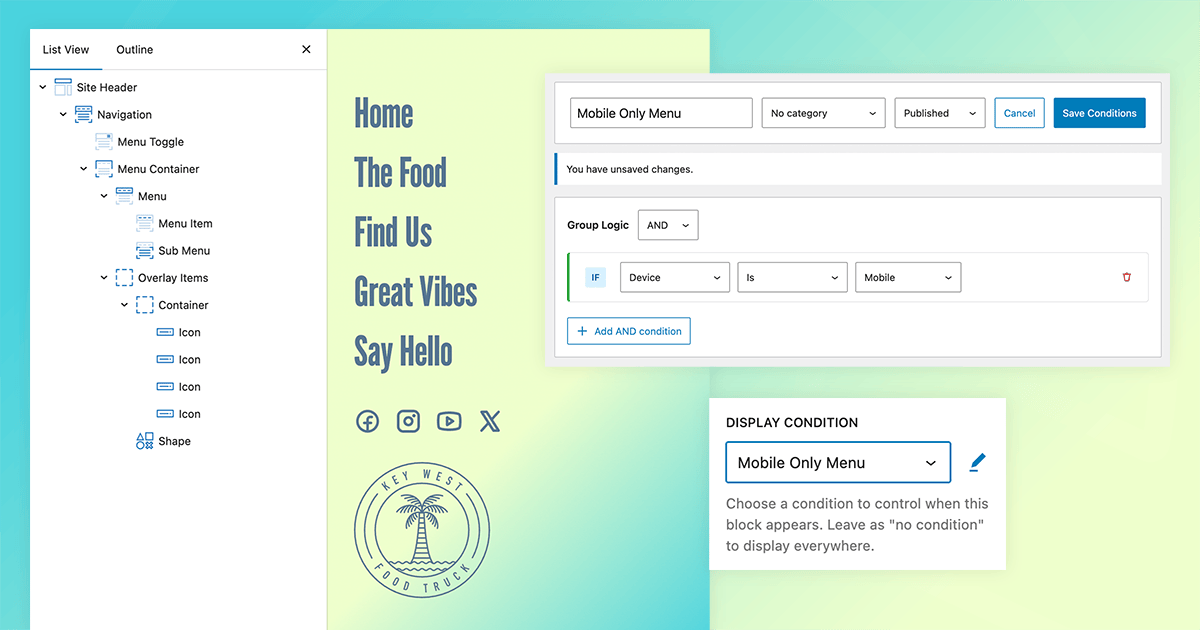
GenerateBlocks Conditions simplifies creating multiple navigation structures that are displayed only for the intended device types. Here's how to use Conditions to target specific devices. https://t.co/8p0DYjNJHX
A reader asked us how to add payment forms to GenerateBlocks Overlay Panels, so we created a tutorial. No matter how you process payments on WordPress, Overlay Panels can help to reduce friction when you're close to a conversion. Here's how.
https://t.co/2IqQrjaRHs
Tired of staying up late to manually remove sale banners & popups when your promo ends? GenerateBlocks Conditions now let you automate it all with simple date & time rules. Set it once, banners and sale popups vanish at midnight. Check out the tutorial:
https://t.co/ByU4JXJSWJ
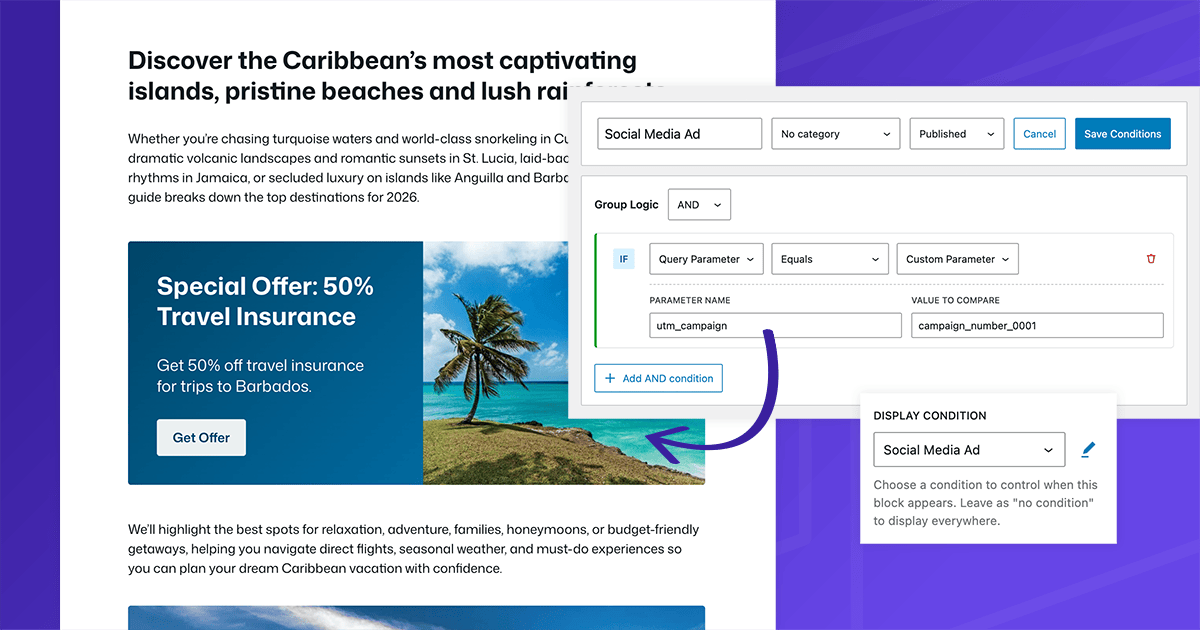
Ensuring that site content is congruent with social media ads creates a seamless customer journey, but specific landing pages for every campaign can be overkill. Using GenerateBlocks Conditions, you can ensure seamless journeys with minimal effort. In this blog post, we show you how. https://t.co/ueDAFJjrrz
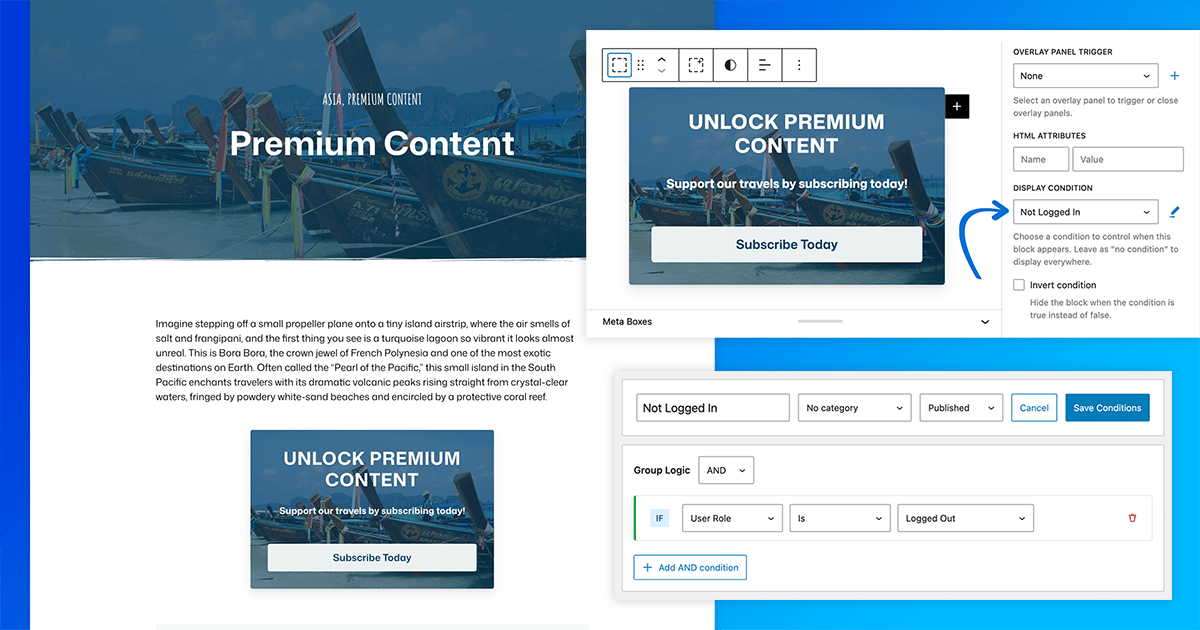
With GenerateBlocks Conditions, creating premium paywalled content templates is easier than ever. In this tutorial, we walk through step-by-step how to set it up. We've also included steps for using Elements for paid/premium content templates. https://t.co/4e1UQ9AN5e
GenerateBlocks Overlay Panels are the fastest and easiest way to get started building Mega Menus, Popups, and even Anchored tooltips. In this video, we walk through high-performance Overlay Panels in both a Starter Site and a fresh WordPress installation.
https://t.co/d9RFUCivJk
Nomad is a new Starter Site for travel bloggers from GeneratePress. This new Starter Site uses a slider, mega menus, an engaging pop-up, and local patterns for an easy-to-launch, performant WordPress site. https://t.co/0kHYHXXQPs
At GeneratePress, our top priority as a team is to help everyone succeed in creating performant, accessible sites using everything GeneratePress has to offer. As such, customer service is a top priority, and it always will be.
Easily show/hide WordPress menu items 👀
@GenerateBlocks dynamic conditions don’t just work on blocks — you can use them on menus, too.
Show the right links to the right users (and boost conversions).
▶️ https://t.co/dUVES92ipl
Introducing Supernova, the latest Starter Site added to the GeneratePress One collection. Based on the single-page Nova Starter Site, this full multi-page site is ready to help any business aiming for the stars. Check out the new Starter Site in your Site Library, or view the demo: https://t.co/yK8RS889pc
If you’ve ever wondered when to use an SVG image vs inline SVG code — this is for you.
I walk through the tradeoffs, benefits, and real-world use cases in @GenerateBlocks
https://t.co/cL5ggowG4o
GenerateBlocks 2.2 and GenerateBlocks Pro 2.5 are now in full release. Update in your plugin dashboard. Thanks to everyone who tested these releases. We can't wait to see what you build! https://t.co/xadvZvANvH