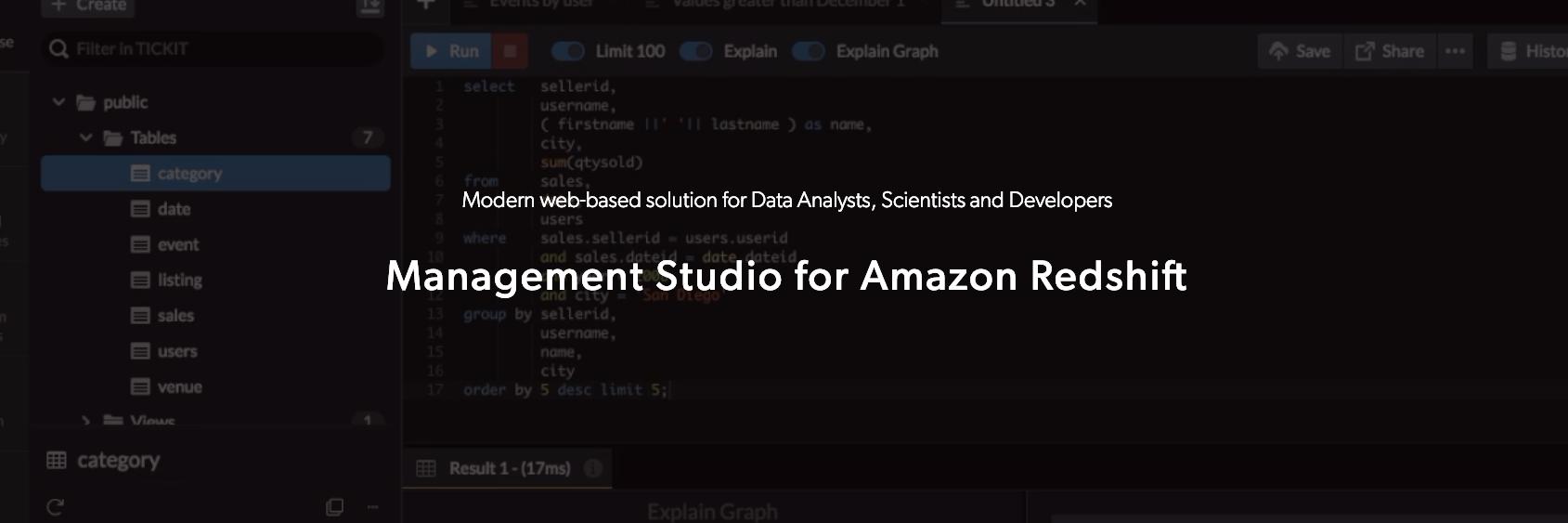
Perform the EXPLAIN Command with a click and interpret your Query Plan at a glance with DataRow's EXPLAIN Graph Tool. Learn more at https://t.co/YPJYvhnKha #amazonredshift
Have you tried including multiple SQL statements in a single Amazon Redshift query using DataRow? DataRow, combined with the other advanced query features, allows you to execute multiple SQL statements and helps you save even more time with Amazon Redshift. #amazonredshift#query
Table Level Restore Tool lets you restore a table from a snapshot without having to log in to the AWS Management Console. Learn more at https://t.co/AERdKvFunU #amazonredshift
Easily manage and share your Amazon Redshift connections within your team.
Learn more about Connection Management at https://t.co/ONFfRpttcx #amazonredshift
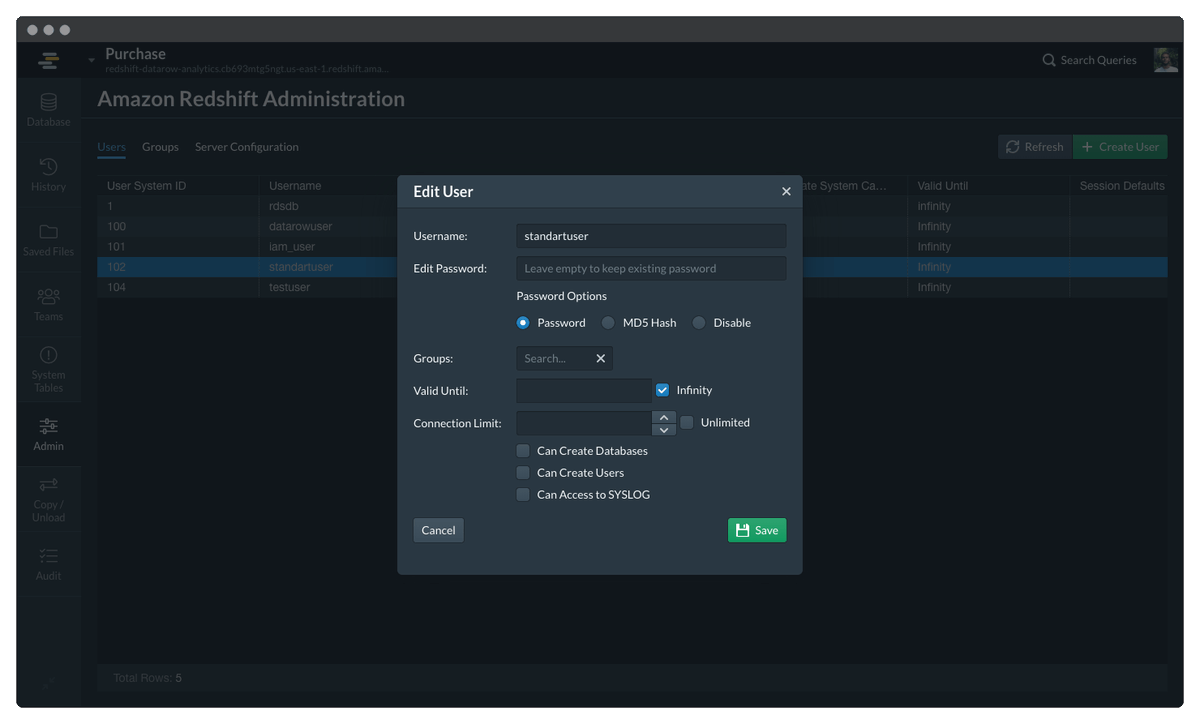
Create and manage Amazon Redshift Users & Groups, without having to write SQL. Learn more about DataRow Amazon Redshift Administration at https://t.co/SOuqgtGxk3 #amazonredshift
With DataRow's advanced Charts options, you can instantly create charts for various business needs. Discover more about DataRow Charts at https://t.co/O2Axgr3sVi #datavisualization#charts#amazonredshift
With SAML Integration, DataRow helps you securely manage your organization’s identity. Learn more how you can enable SAML with Okta or Azure at https://t.co/1B9wJa3P18 #amazonredshift#SAML
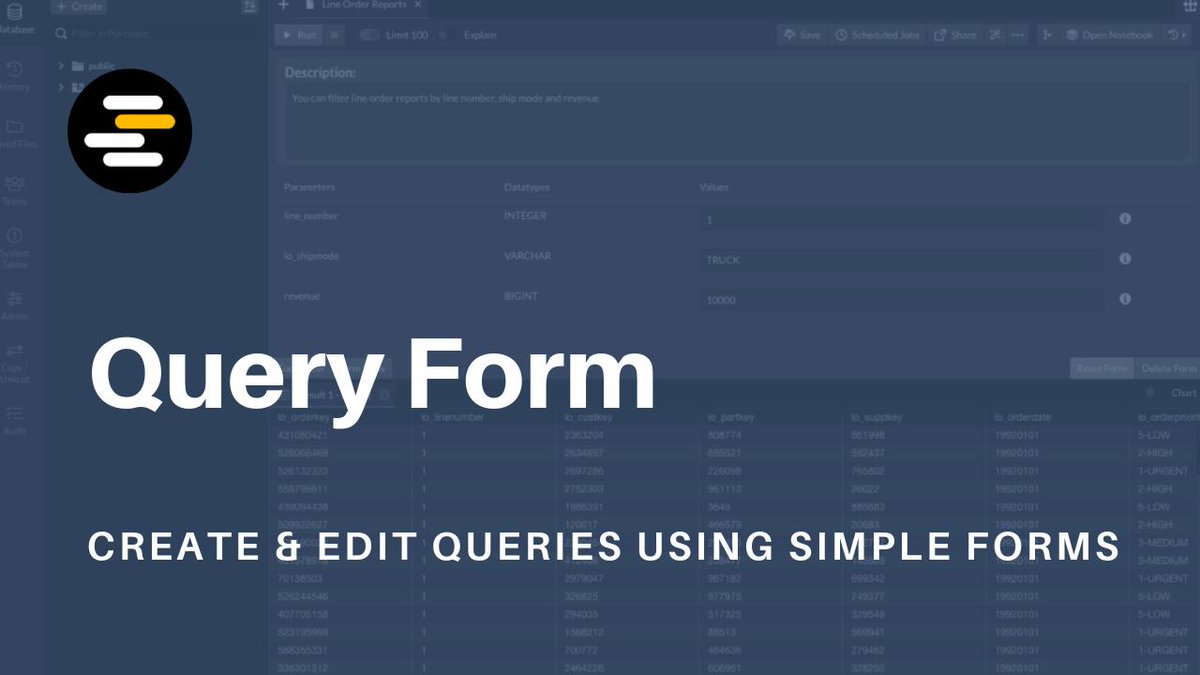
Introducing Query Form - Now everyone can create their own queries only by filling in a simple form. Learn more at https://t.co/n1jD73MhH3 #amazonredshift
Cloudflare announced that they had identified a possible route leak impacting some Cloudflare IP ranges. Please check the status of the issue at https://t.co/n8WTeuKKWW