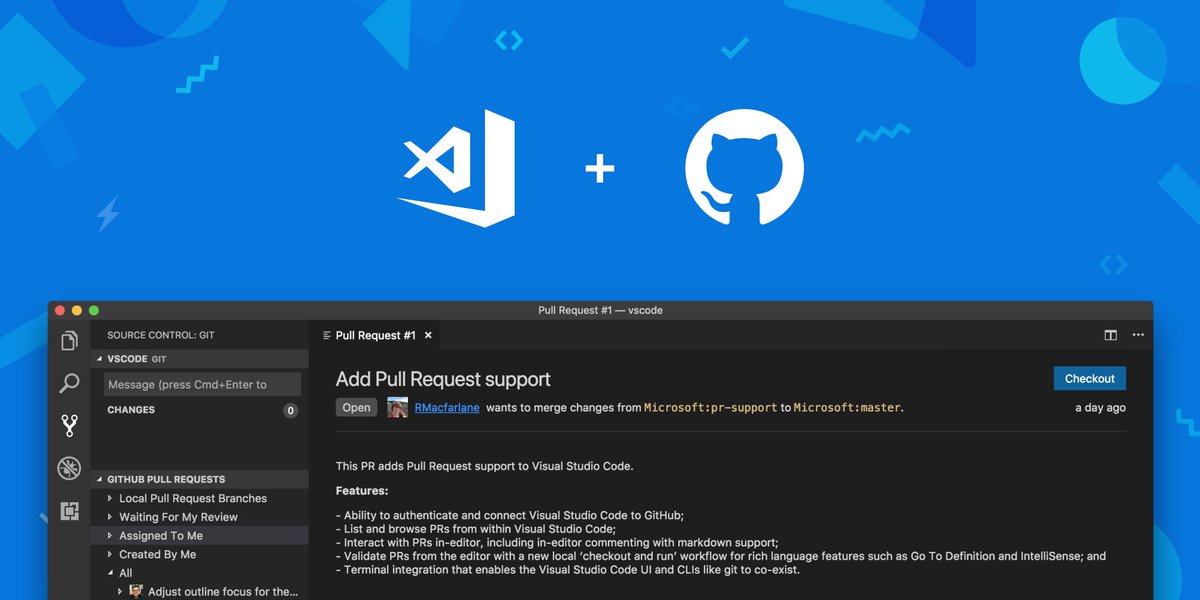
v0.5.0 of the GitHub Pull Requests extension was just released! 🎉
You can update or download from the Marketplace: https://t.co/saXnXBbVBR
And see what's new in this version here:
https://t.co/abMI4w3wYi
Today we’re excited to officially join the @microsoft family 🎉
And a big welcome 👋 to @natfriedman, our new CEO!
Read more on his vision for what’s to come
https://t.co/zDHI3ubXkn
We're giving a talk at #githubuniverse next week where you can learn how to use the extension, a bit of the history of how it came to be, and how excited we are to be collaborating with the @code team on this extension! https://t.co/AtDRn3RcxM
We're pretty sure @github and @code go together like PB&J 😋
Plus, we're both going to GitHub Universe to talk about just that—collaborative development! Don't miss it.
p.s. check out what we've collaborated on recently 👇
https://t.co/idqVBJBJLc
@asadmr@GitHubVS@github@code That’s a good idea. It does sound like reaching out to the repo owner/maintainers will be your best bet for getting your problem resolved. We appreciate your suggestion for how to improve the quality of OSS repos on GitHub! ✨
@GitHubVS@asadmr@github@code 👋🏽 When you download are you cloning the project on the command line, with GitHub Desktop, or any other application? Are you able to open it, but it’s not working or are you getting an error when you try to open it?
Have you tried our VS Code GitHub Pull Request extension yet? What is the feature you are most missing in our current experience? https://t.co/4pgQuqiO2S
Did you know you can request changes on a pull request that you are reviewing from inside @code? After leaving some inline comments, you can let the pull request author know that there are changes before the pull request can be merged.
We're very proud and excited about this joint effort with Visual Studio Code! Something we've been working on since April and we're happy it's finally available for preview!