😵💻 Don’t let tech chaos ruin your finals!
🎯 Quick prep checklist:
• Update your OS + browser
• Update LockDown, Adobe, and class tools
• Back up all your work to OneDrive
We’re here if things go sideways
🌸📱 Spring Reminder: Update Your Device for Duo!
Starting April 16, 2026, Duo Mobile will no longer support iOS 16 or Android 11 (or older).
🌼 What to do: ✅ Update to iOS 17 or Android 12 (or newer) 📱 If your device can’t update, it’s time for an upgrade
⚠️ Heads up: • Older versions won’t receive updates or support • Existing passcodes may still work—but without fixes • You won’t be able to install the latest Duo Mobile app
⏳ You’ll lose access to MyState, Office products, & email after graduation! Once your account is deactivated, you will not be able to reactivate it.
#SDSUGrad#TechTips
🎓 Graduating in May? Don’t forget these tech to-dos:
📄 Order transcripts via MyState before graduation
📤 Transfer files from SDSU email, OneDrive & Box to a personal account
🌸🔐 Spring into stronger security, Jackrabbits!
Keep your accounts fresh and protected with Two-Factor Authentication (2FA)—an extra layer of security beyond your password.
📱 Duo Security → students, faculty & staff 🔑 Microsoft Authenticator → alumni
🌷🐰 The SDSU Support Desk will be closed April 3–6 for the Easter holiday.
💻 Need help while we’re away?
KB Articles or Submit a ticket: https://t.co/NKcJCicxYI
📧 Email: [email protected]
We’ll follow up when we return. Have a safe & happy holiday.
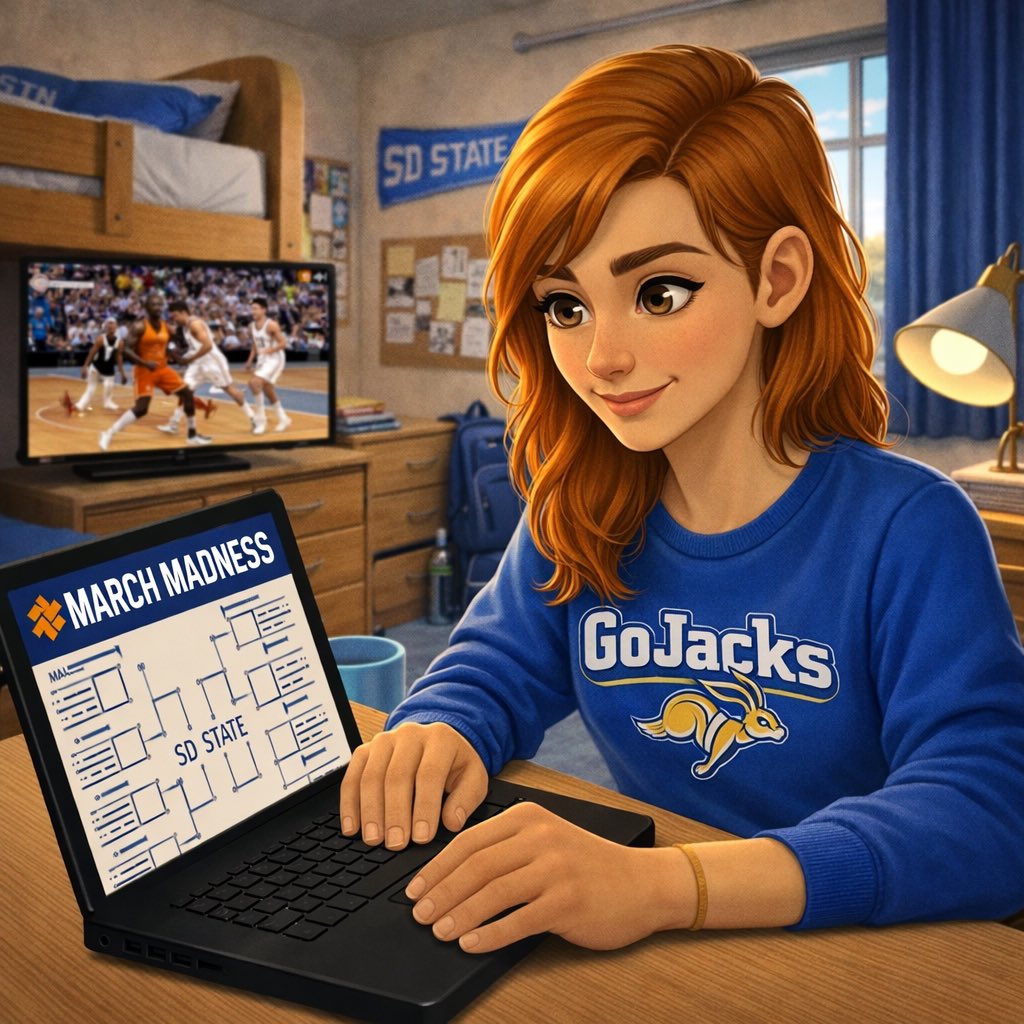
🏀🔐 Just changed your #SDState password? Don’t get benched during March Madness!
Stay in the game by:
✅ Signing out of all SDSU accounts on every device
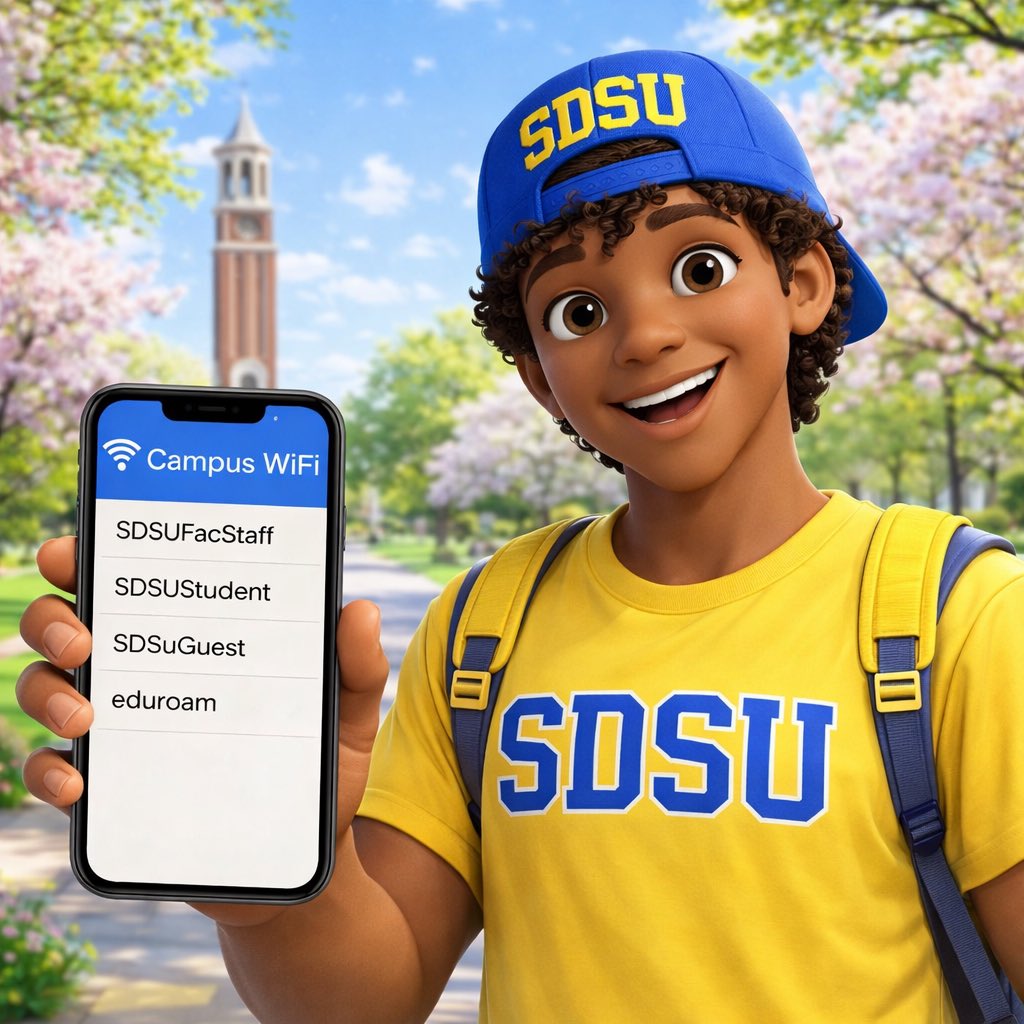
✅ Forgetting SDSU Wi-Fi networks (SDSUStudent, SDSUFacStaff, eduroam, SDSUGuest)
🏀 Bracket busted? Stream still shouldn’t be. 📺
Make sure your streaming devices are registered on the SDSU network so you don’t miss a single buzzer-beater this March Madness. 💙🐰
https://t.co/yqi35HOuKa
#MarchMadness#GoJacks
🏀🖨️ Need to print your March Madness bracket?
Use Web Print on campus! 💲 5¢ B&W | 15¢ color 📍 Student Union, Briggs, Rotunda, Harding, Honors, Binnewies, & Mathews 📶 Connect to SDSUStudent 📱 Mobile print = touchless
https://t.co/1iGmA5whlL
#MarchMadness#SDState
⚠️ If you can log in using an incognito/private browser without a Duo prompt (Push or Passcode), your account hasn’t been added to Duo yet—please wait until it’s enabled.
🔐 Seeing “Welcome to Duo Security” when logging into Email or D2L?
That means your account is protected with Duo two-factor authentication. Just follow the enrollment steps to finish setup.
📖 Full instructions:
🔗 https://t.co/GWqwMoRONr
#SDState#TechTip#DuoSecurity
Make sure you’re connecting to SDSUStudent for the best experience on campus.
Still having trouble? Contact the SDSU Support Desk at 605-688-6776 or stop by Morrill Hall 131. 💻✨
📶 Need to connect to Wi-Fi on campus? We’ve got you covered!
Whether you're using a Windows PC, Mac, Chromebook, Android, or iPhone/iPad, you can find step-by-step setup instructions here:\
🔗 https://t.co/p6DxCQpb8U
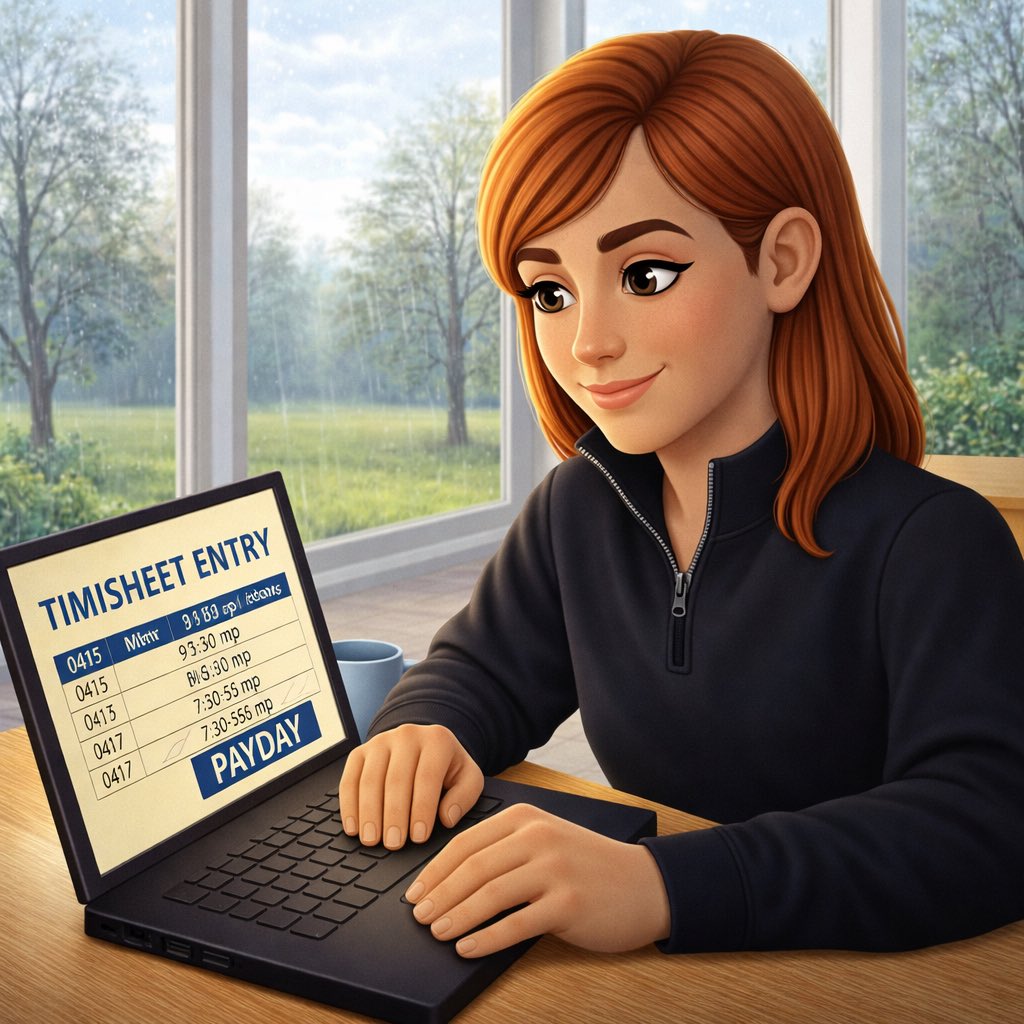
⏰ Student Employees — Need to Access Your Time Sheet?
Clock in, clock out, and review your hours the easy way! 💻
Follow the step-by-step guide here: 🔗 https://t.co/It708biW6k
Questions? Contact the SDSU Support Desk at 605-688-6776. 💙