

Top Tweets for #GameDevWorkflow

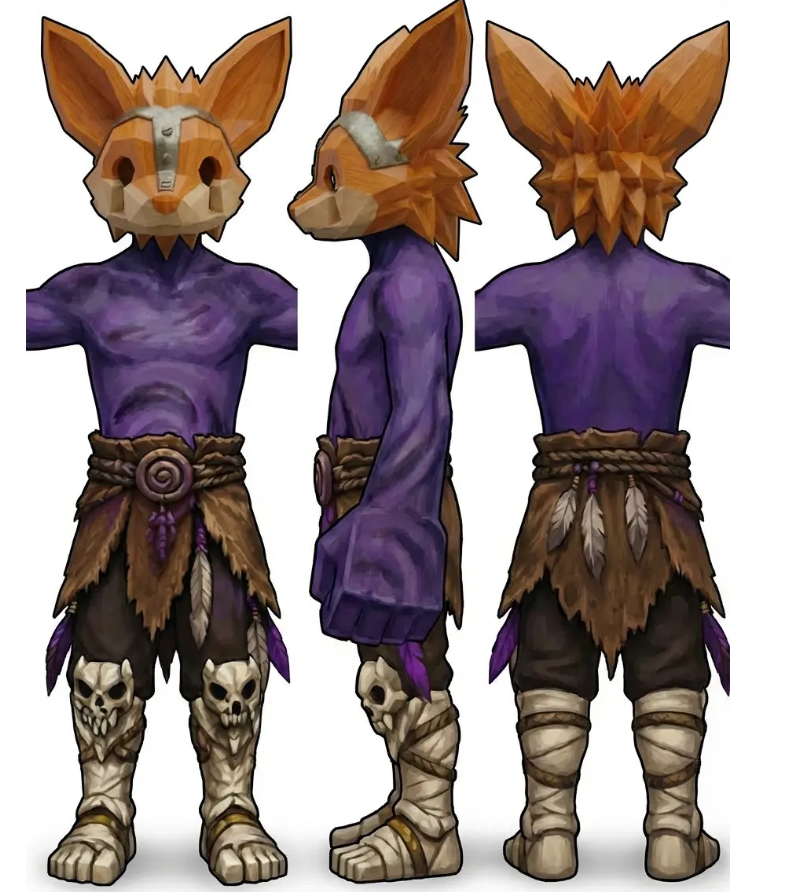
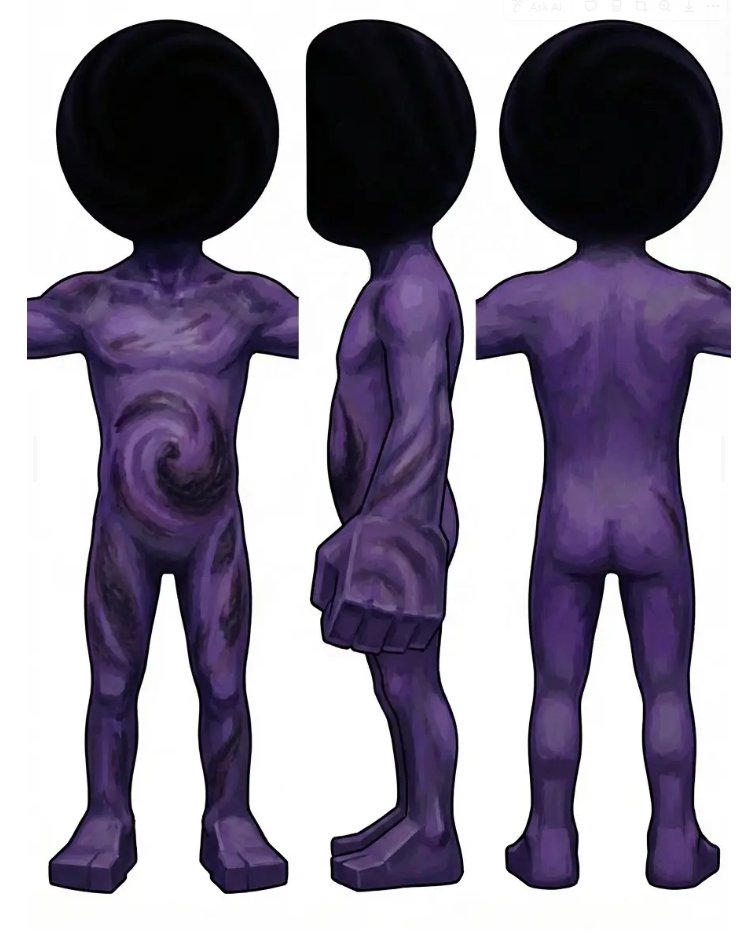
Still iterating on my AI game dev workflow.
I'm building characters piece by piece (body, clothes, head...), but running into a scaling issue, even when I specify proportions, it just ignores them.
Kinda frustrating tbh 😅
#GameDev #AIArt #IndieDev #3D #GamedevWorkflow



Today's #UnrealEngine5 keyboard shortcut :
Q : Straighten Nodes (Graph Editor)
Keep in mind that all shortcuts can be modified in : Edit menu > Editor Preferences > Keyboard shortcuts
#gamedev #UE5 #GamedevWorkflow #3Danimation #3drendering

Today's #UnrealEngine5 keyboard shortcut :
Tab : Open create node menu (Graph Editor)
Keep in mind that all shortcuts can be modified in : Edit menu > Editor Preferences > Keyboard shortcuts
#gamedev #UE5 #GamedevWorkflow #3Danimation #3drendering
Today's #UnrealEngine5 keyboard shortcut :
Alt + 3 : Unlit View
Keep in mind that all shortcuts can be modified in : Edit menu > Editor Preferences > Keyboard shortcuts
#gamedev #UE5 #GamedevWorkflow #3Danimation #3drendering
Today's #UnrealEngine5 keyboard shortcut :
Alt + 4 : Lit View
Keep in mind that all shortcuts can be modified in : Edit menu > Editor Preferences > Keyboard shortcuts
#gamedev #UE5 #GamedevWorkflow #3Danimation #3drendering
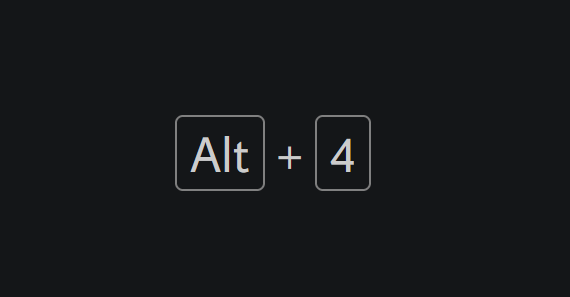
Today's #UnrealEngine5 keyboard shortcut :
Ctrl + Tab : Browse Tabs
Keep in mind that all shortcuts can be modified in : Edit menu > Editor Preferences > Keyboard shortcuts
#gamedev #UE5 #GamedevWorkflow #3Danimation #3drendering
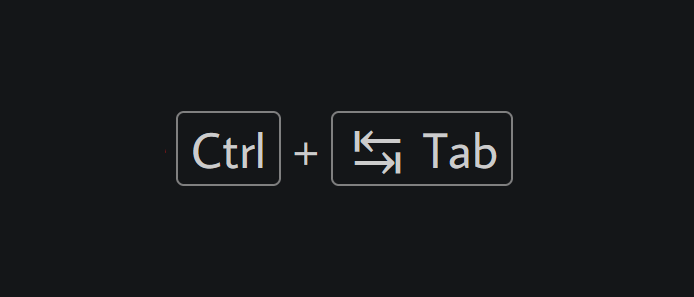
Today's #UnrealEngine5 keyboard shortcut :
P : Show Navigation Mesh
Keep in mind that all shortcuts can be modified in : Edit menu > Editor Preferences > Keyboard shortcuts
#gamedev #UE5 #GamedevWorkflow #3Danimation #3drendering
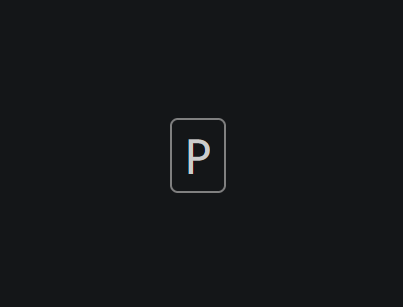
Today's #UnrealEngine5 keyboard shortcut :
End : Snap to Floor (In Viewport)
Keep in mind that all shortcuts can be modified in : Edit menu > Editor Preferences > Keyboard shortcuts
#gamedev #UE5 #GamedevWorkflow #3Danimation #3drendering
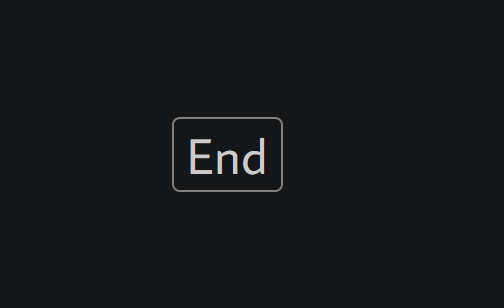
Today's #UnrealEngine5 keyboard shortcut :
Ctrl + B : Find in Content Browser
Keep in mind that all shortcuts can be modified in : Edit menu > Editor Preferences > Keyboard shortcuts
#gamedev #UE5 #GamedevWorkflow #3Danimation #3drendering
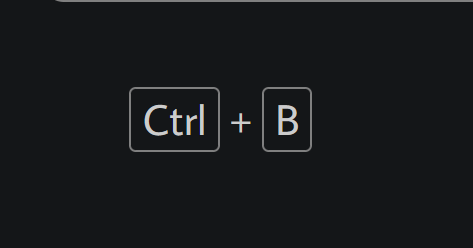
Today's #UnrealEngine5 keyboard shortcut :
[ (in Viewport) : Grid size (position): Decrement
Keep in mind that all shortcuts can be modified in : Edit menu > Editor Preferences > Keyboard shortcuts
#gamedev #UE5 #GamedevWorkflow #3Danimation #3drendering
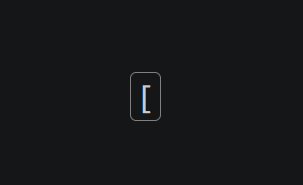
Today's #UnrealEngine5 keyboard shortcut :
] (in Viewport) : Grid size (position): Increment
Keep in mind that all shortcuts can be modified in : Edit menu > Editor Preferences > Keyboard shortcuts
#gamedev #UE5 #GamedevWorkflow #3Danimation #3drendering
![InFlatDev's tweet photo. Today's #UnrealEngine5 keyboard shortcut :
] (in Viewport) : Grid size (position): Increment
Keep in mind that all shortcuts can be modified in : Edit menu > Editor Preferences > Keyboard shortcuts
#gamedev #UE5 #GamedevWorkflow #3Danimation #3drendering https://t.co/UuZCcKMDHB](https://pbs.twimg.com/media/FkNl4qlXgAEjIfX.png)
Today's #UnrealEngine5 keyboard shortcut :
Alt + 2 : Switch to brush wireframe view mode in Viewport
Keep in mind that all shortcuts can be modified in : Edit menu > Editor Preferences > Keyboard shortcuts
#gamedev #UE5 #GamedevWorkflow #3Danimation #3drendering
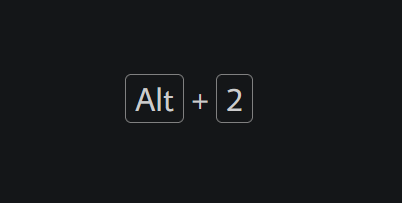
Today's #UnrealEngine5 keyboard shortcut :
Spacebar (in Viewport) : Cycle between translate, rotate and scale
Keep in mind that all shortcuts can be modified in : Edit menu > Editor Preferences > Keyboard shortcuts
#gamedev #UE5 #GamedevWorkflow #3Danimation #3drendering
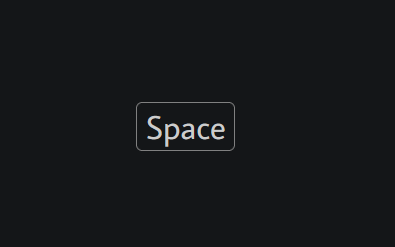
Today's #UnrealEngine5 keyboard shortcut :
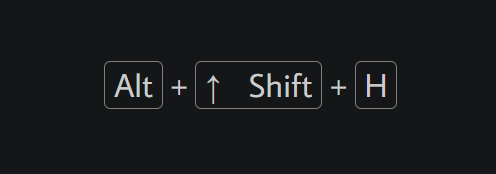
Alt + Shift + H : Switch the Viewport to Back view
Keep in mind that all shortcuts can be modified in : Edit menu > Editor Preferences > Keyboard shortcuts
#gamedev #UE5 #GamedevWorkflow #3Danimation #3drendering
Today's #UnrealEngine5 keyboard shortcut :
Alt + Shift + J : Switch the Viewport to Bottom view
Keep in mind that all shortcuts can be modified in : Edit menu > Editor Preferences > Keyboard shortcuts
#gamedev #UE5 #GamedevWorkflow #3Danimation #3drendering

Today's #UnrealEngine5 keyboard shortcut :
Alt + J : Switch the Viewport to top view
Keep in mind that all shortcuts can be modified in : Edit menu > Editor Preferences > Keyboard shortcuts
#gamedev #UE5 #GamedevWorkflow #3Danimation #3drendering

Today's #UnrealEngine5 keyboard shortcut :
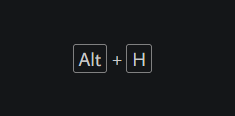
Alt + H : Switch your viewport to the Front View
Keep in mind that all shortcuts can be modified in : Edit menu > Editor Preferences > Keyboard shortcuts
#gamedev #UE5 #GamedevWorkflow #3Danimation #3drendering
Last Seen Hashtags on Sotwe
Most Popular Users

Elon Musk 
@elonmusk
240.2M followers

Barack Obama
@barackobama
119.3M followers

Donald J. Trump
@realdonaldtrump
111.6M followers

Cristiano Ronaldo
@cristiano
109.1M followers

Narendra Modi
@narendramodi
107M followers

Rihanna
@rihanna
97.3M followers

NASA
@nasa
92.1M followers

Justin Bieber
@justinbieber
90.6M followers

KATY PERRY
@katyperry
86.9M followers

Taylor Swift
@taylorswift13
80.7M followers

Lady Gaga
@ladygaga
72.3M followers

Kim Kardashian
@kimkardashian
69.4M followers

Virat Kohli
@imvkohli
68.7M followers

YouTube
@youtube
68.6M followers

Bill Gates
@billgates
63.5M followers

The Ellen Show
@theellenshow
62.5M followers

CNN
@cnn
61.9M followers

Neymar Jr
@neymarjr
61.2M followers

X
@x
60.9M followers

Selena Gomez
@selenagomez
60M followers