

Top Tweets for #ListView

@aliByteCode Nice tip 👍
For long feeds, you can also limit how much Flutter keeps in memory using cacheExtent.
For eg:
ListView.builder(cacheExtent: 500)
Only nearby items stay alive — older ones get disposed. Great for large, feed-style UIs.

🔥 Flutter Tip of the Day
If your long lists feel heavier than they should
check what Flutter is keeping alive for you.
By default, ListView.builder keeps list items alive
to preserve their state.
That’s great for complex rows
but wasteful for simple, stateless items.
Solution:
Disable it when you don’t need it using
addAutomaticKeepAlives: false.
This is perfect for:
- very long lists
- feed-style UIs
- simple rows without internal state
- memory-sensitive screens
Not every list item needs to live forever.
Let simple items go.
Scrolling gets lighter instantly.

Flutter tip that saved me 2 hours today:
Use ListView.builder() instead of ListView()
Lazy loading = smooth scrolling through 10k+ items
Try it. You'll thank me later.

1. Don't memorize widgets
I tried learning all 200+ Flutter widgets from documentation.
Burned out in week 2
Truth: You'll use the same 15 widgets for 90% of apps
Master these first:
• Container
• Column/Row
• Stack
• ListView
• Text/Image
The rest? Google when needed
🔥 Flutter Tip of the Day
If your ListView feels sluggish or stutters while scrolling.
add cacheExtent to preload items before they appear on screen.
It makes scrolling smoother by loading widgets just in time instead of at the last moment.
Perfect for:
• image-heavy lists
• product feeds
• long forms
• anything scroll-intensive
A tiny property that makes the whole list feel buttery-smooth.

How to auto-scroll a RecyclerView/ListView from a Flutter overlay when condition is met?
🔥 Flutter Tip of the Day
If you’re building anything scrollable + interactive, stop putting expensive widgets inside the scroll tree.
Use SliverPersistentHeader for things like:
• filters
• sort bars
• search bars
• pinned UI sections
• dynamic headers
Why?
They stay pinned, animate smoothly with scroll, and avoid the rebuild mess you get with normal widgets inside a ListView.
Once you learn Slivers, scrolling stops being “lists” and starts becoming “layouts.”

Finally started using Class-Based Views (CBVs). ListView and DetailView are magic. Why did I waste so much time with Function-Based Views (FBVs) for simple reads? #DjangoViews #Productivity


Day 32 #Momentum100DaysChallenge
New month, fresh grace
Today, I worked on improving my app’s user experience adding components inside empty ListViews with smooth animations to make the interface feel alive.
Welcome to November a month to grow, build, and show up even stronger
Flutter beginner checklist:
- Use const widgets
- Separate UI from logic
- Flat widget trees
- ListView.builder() for lists
- Proper folder structure
- State management from day 1
Get these right. Skip the rest of the drama.

🚀 Day 10 of #100DaysOfFlutter
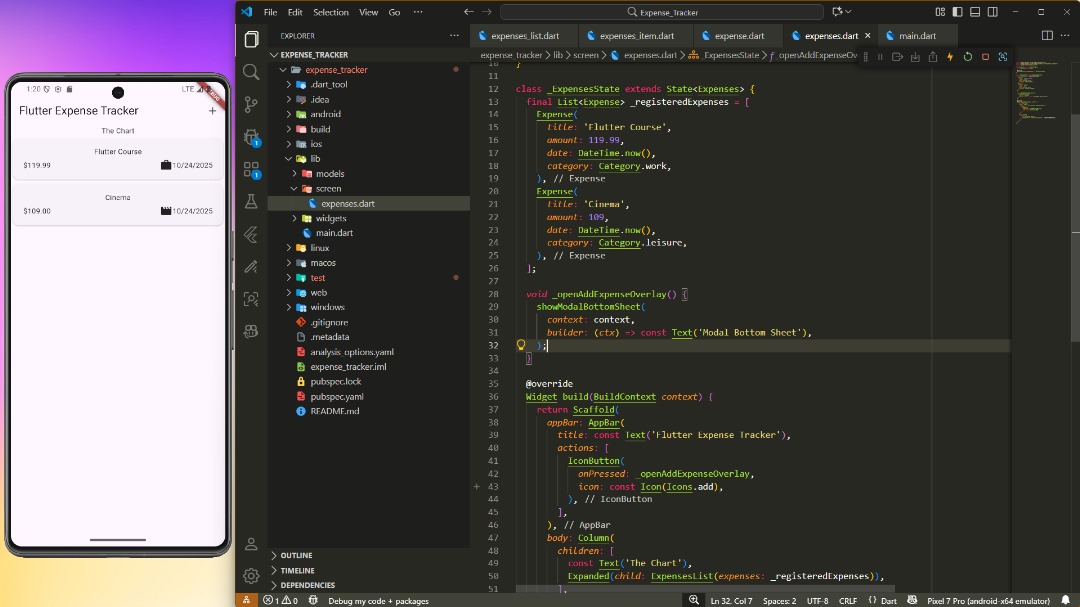
Today, I learnt about enums, rendering long lists with ListView, using list inside of lists, also learnt how to use icons, format date using a third party package (intl), handle user input with TextField and getting user input on every keystroke.

Your competitor is sleeping 8 hours a night.
You know why?
Because they finished their Flutter app in 1 hours with https://t.co/FZnNlSAOr9, while you're still wrestling with a ListView.
The game is about speed. Don't be the slow one.
👉 https://t.co/nsGS10mrug
#buildinpublic

Today I finished the popular diet section of my fitness app in Flutter!
I created the Popular Diet Model, fetched the List in home.dart, used the ListView.separated widget to render cards, separators and extracted the widget into a method to keep the code clean and tidy.
The Widget Tree has been straightforward and I have enjoyed building the first part of the fitness app. That's right. I plan to add a BaaS to make this full-stack. If I'm being honest, I'm really interested experimenting with PocketBase. I plan to self-host and keep the learning flowing.
Have you tried PocketBase or what BaaS or PaaS do you usually reach for when working with Flutter?
As always, stay tuned!


@CodeRitual304 Your go to toolkit is solid! Those widgets are essentials for any Flutter dev. Container, Column, Row, and Stack are the building blocks, while Padding, Text, and ListView bring it all together. And GestureDetector, ClipRRect, and Icon add that extra polish.
The Flutter series continues!
Today I finished the Diet section widget. I created the Diet Model and extracted the widget into a method for improved code readability. This section displays recipes according to the current diet. Each card contains an image, basic information like calories, level of preparation difficulty, etc., and a button with an onPressed event I added that displays a dialog that dynamically shows the current recipe's name. I also re-touched the cards' background color with some opacity.
I have to say, the ListView.separated widget is finally making sense. This widget uses the itemBuilder property in order to loop through items, the separatorBuilder property to well, interestingly, build separators between items, the itemsCount property for the List length and the scrollDirection property. How neat!
Don't want to turn this into a testament, but rather pour out what my brain learned and was exposed to!
Stay tuned for more!


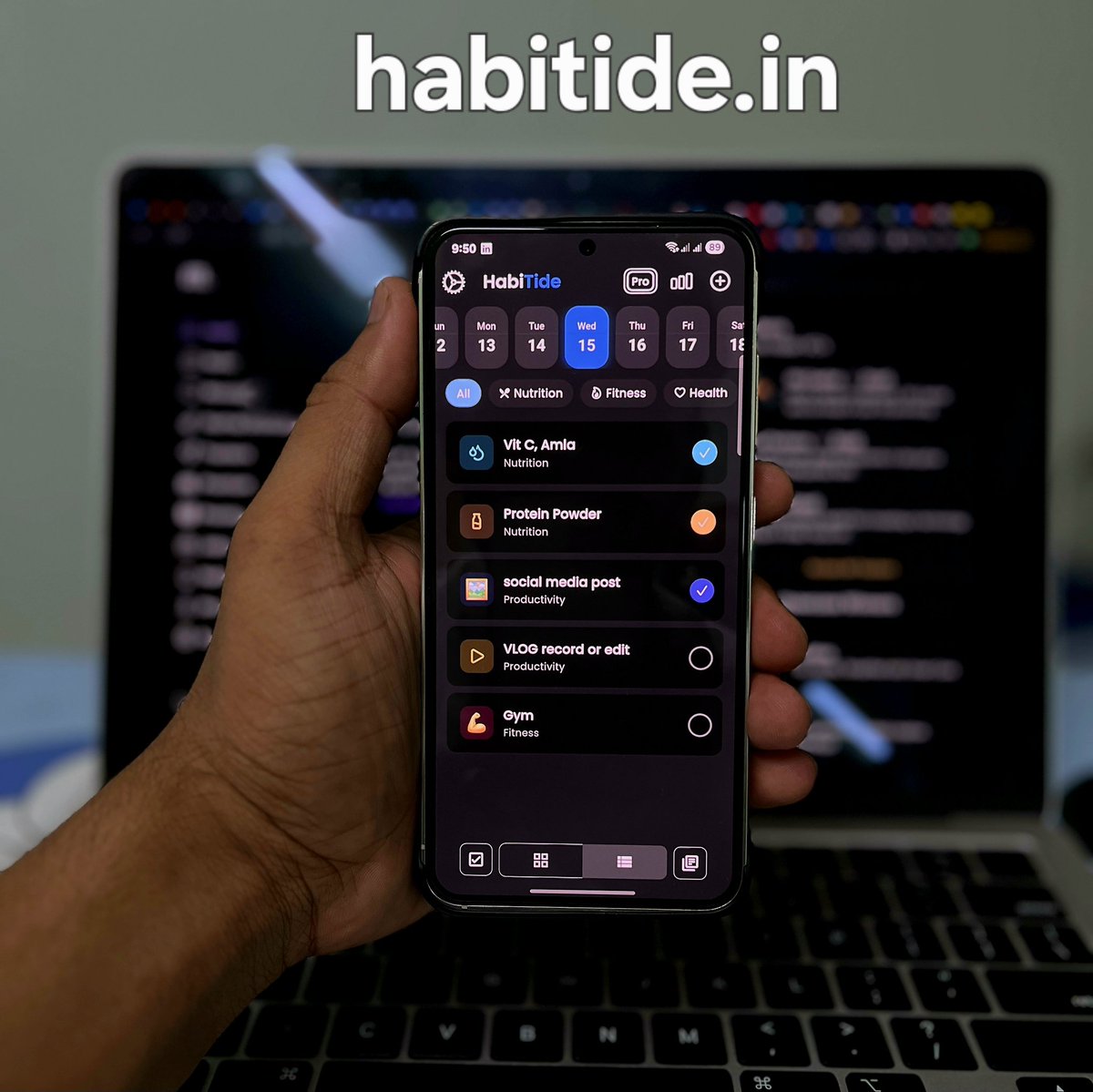
Huge blunder in https://t.co/iSv77QL0Q2 habit tracker flow in latest update
- Fixed showing onboarding flow on every launch
- Fixed the Goal config by default its false for listview and gridview habits

Thinking of building an Android Studio extension for Flutter that detects potential issues and suggests tailored solutions (e.g., recommending ListView.builder() for dynamic lists)
What do you think?
Any features or you'd want it to address?
#Flutter #AndroidStudio #DevTools

🎯 Flutter Tip:
❌ Never use shrinkWrap: true in ListView unless really necessary.
It forces the list to calculate full height every time, it's bad for long lists.

Day 0️⃣2️⃣❤️
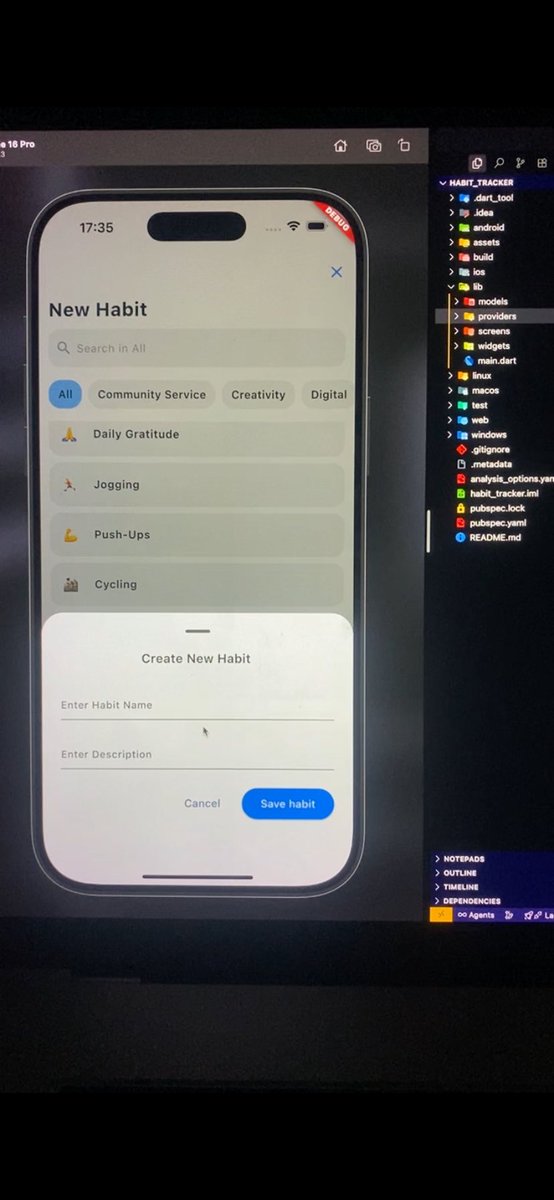
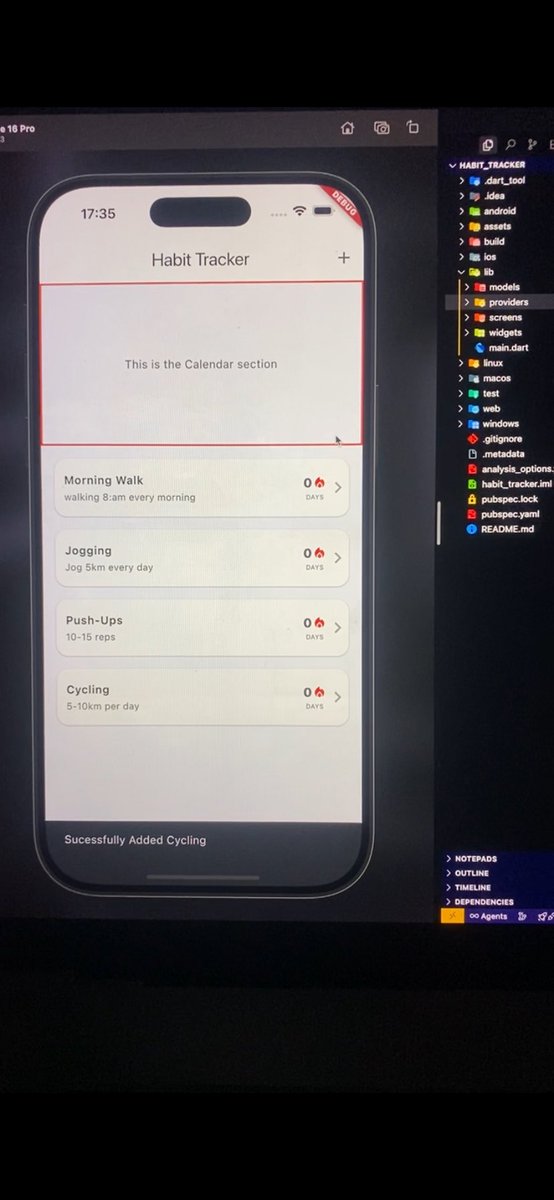
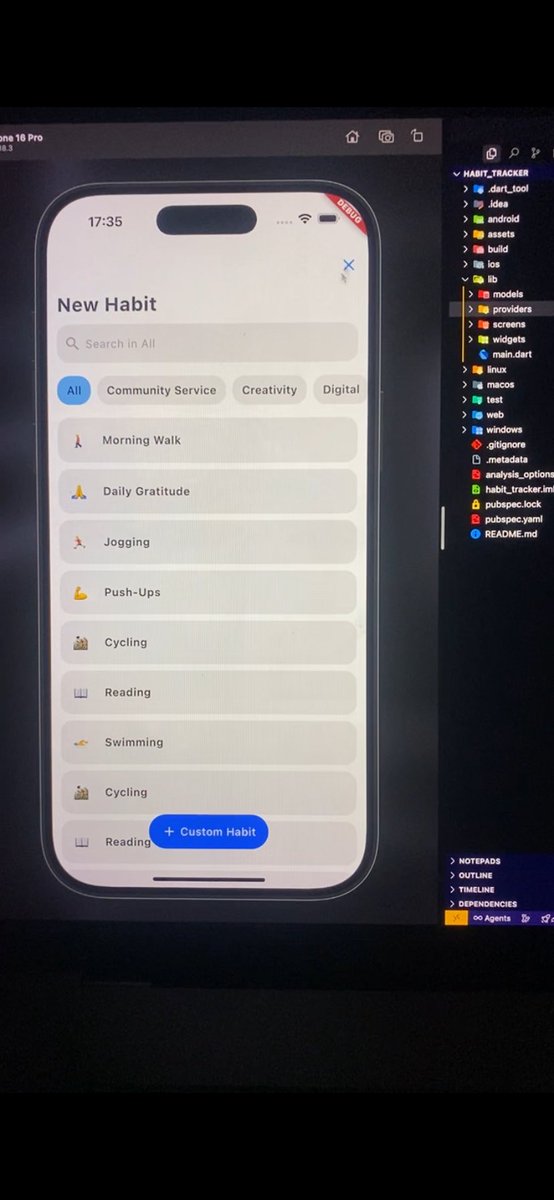
✅ Implemented the Home Screen and the add_habit screen (Listview and ListTiles did most of the heavy lifting)
✅ added river pod for state management and state mutations
Most Popular Users

Elon Musk 
@elonmusk
239.8M followers

Barack Obama
@barackobama
118.6M followers

Cristiano Ronaldo
@cristiano
114.3M followers

Donald J. Trump
@realdonaldtrump
111.7M followers

Narendra Modi
@narendramodi
106.9M followers

Rihanna
@rihanna
98.6M followers

NASA
@nasa
92.1M followers

Justin Bieber
@justinbieber
91.7M followers

KATY PERRY
@katyperry
89.9M followers

Taylor Swift
@taylorswift13
83.9M followers

Lady Gaga
@ladygaga
75.4M followers

Virat Kohli
@imvkohli
73.3M followers

Kim Kardashian
@kimkardashian
70.8M followers

YouTube
@youtube
68.6M followers

Neymar Jr
@neymarjr
66.3M followers

Bill Gates
@billgates
65.1M followers

Selena Gomez
@selenagomez
63M followers

The Ellen Show
@theellenshow
62.1M followers

CNN
@cnn
61.7M followers

X
@x
60.6M followers