

Top Tweets for #datagriptips

Use AI Assistant to know more about the tool!
#DataGripTips

In Settings/Preferences | Code Completion, you can separately specify not only the objects to qualify identifiers with, but also where the qualification should happen. #DataGripTips

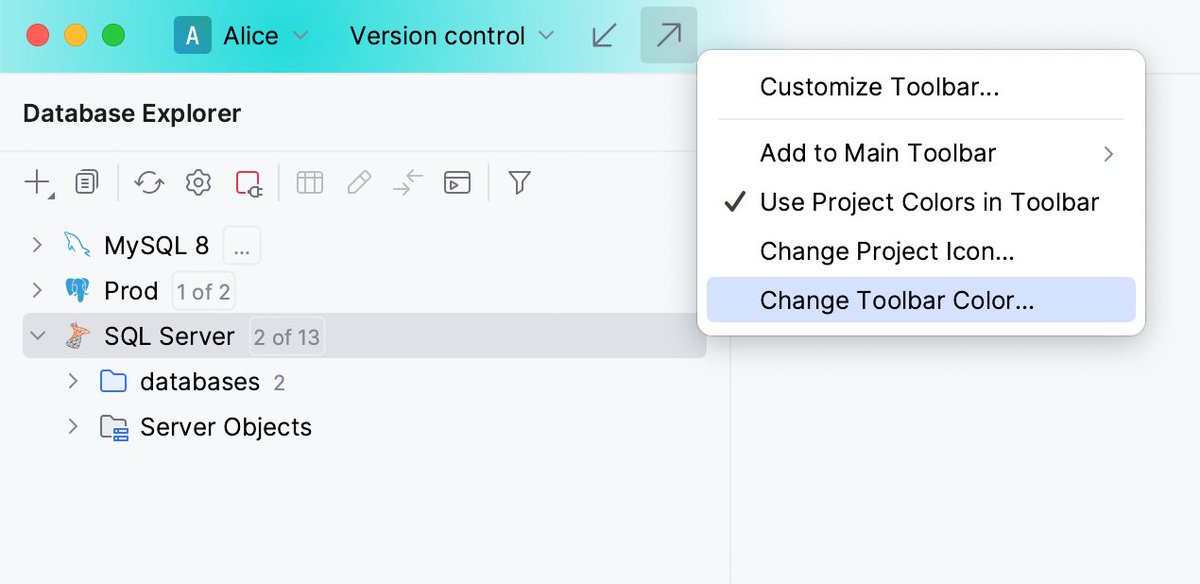
You can assign a unique color and icon to each of your projects, making it easier to distinguish them in your workspace. #DataGripTips
How do you like the new schema migration dialog’s UI?
An object is now placed on the same line in both parts of the dialog, making it easier to understand which objects are going to be added, removed, or changed in the target schema. #DataGripTips

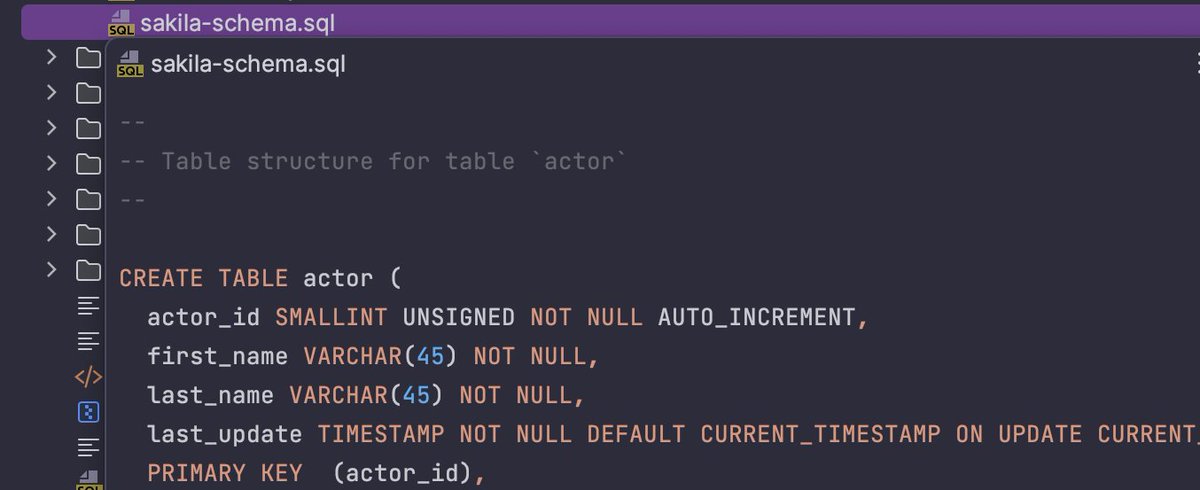
You can view file contents in a popup window without opening it. To open a quick definition window, select a file in the Files tool window (Views | Tool Windows | Files) and press space. #DataGripTips
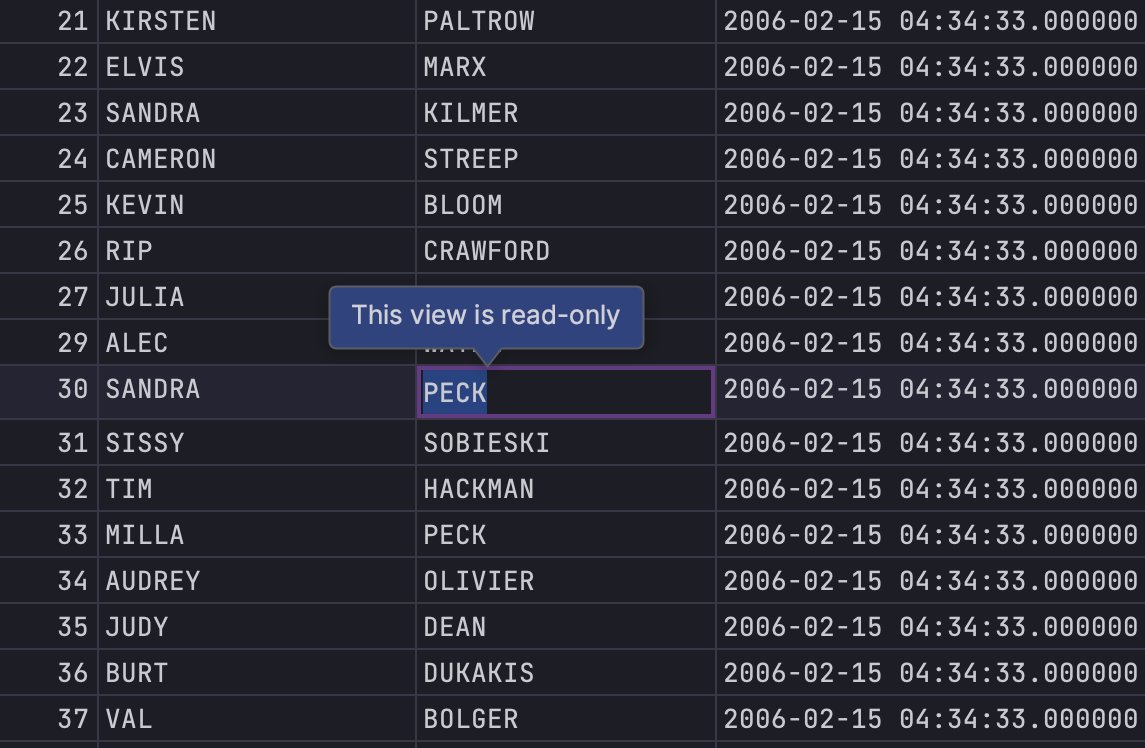
To protect a table from accidental modifications, you can make it read-only. To enable read-only mode, click in the lower-right corner of the workspace. #DataGripTips
By default, the Shorten Tab Titles option is enabled, shortening data source names in the tab title to 36 characters. To disable this feature, right-click a tab in a query console and toggle Shorten Tab Titles. #DataGripTips

Use the switcher (Ctrl+Tab) to navigate between opened files and tool windows. Hold down Ctrl to leave the switcher popup open. For navigation, use Tab and Shift+Tab. Press Delete or Backspace to close an editor tab or hide a tool window. #DataGripTips
You can view multiple files side by side in the editor. Right-click the desired editor tab and select how you want to split the editor (Split Right or Split Down). Alternatively, drag a tab to any area of the editor to activate the split-screen mode .#DataGripTips

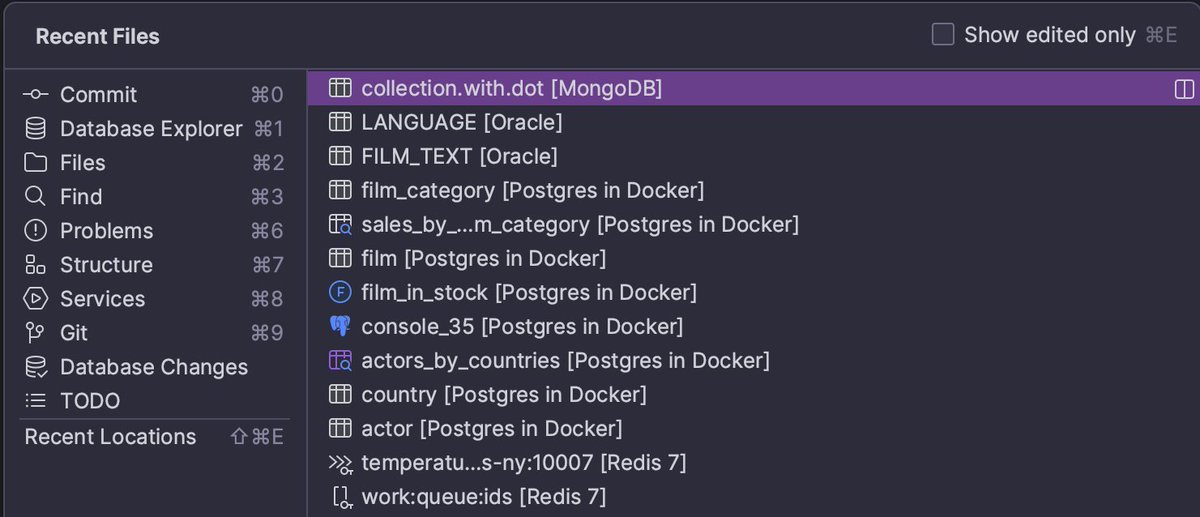
If you aren't using Recent Files in DataGrip, you should be! This time-saver lets you access text files, consoles, data editors, and just about everything else. The last accessed item will be in focus by default.
Press Cmd/Ctrl+E and never look back! #DataGripTips
You can narrow down a list of code completion suggestions by using camel case prefixes. #DataGripTips

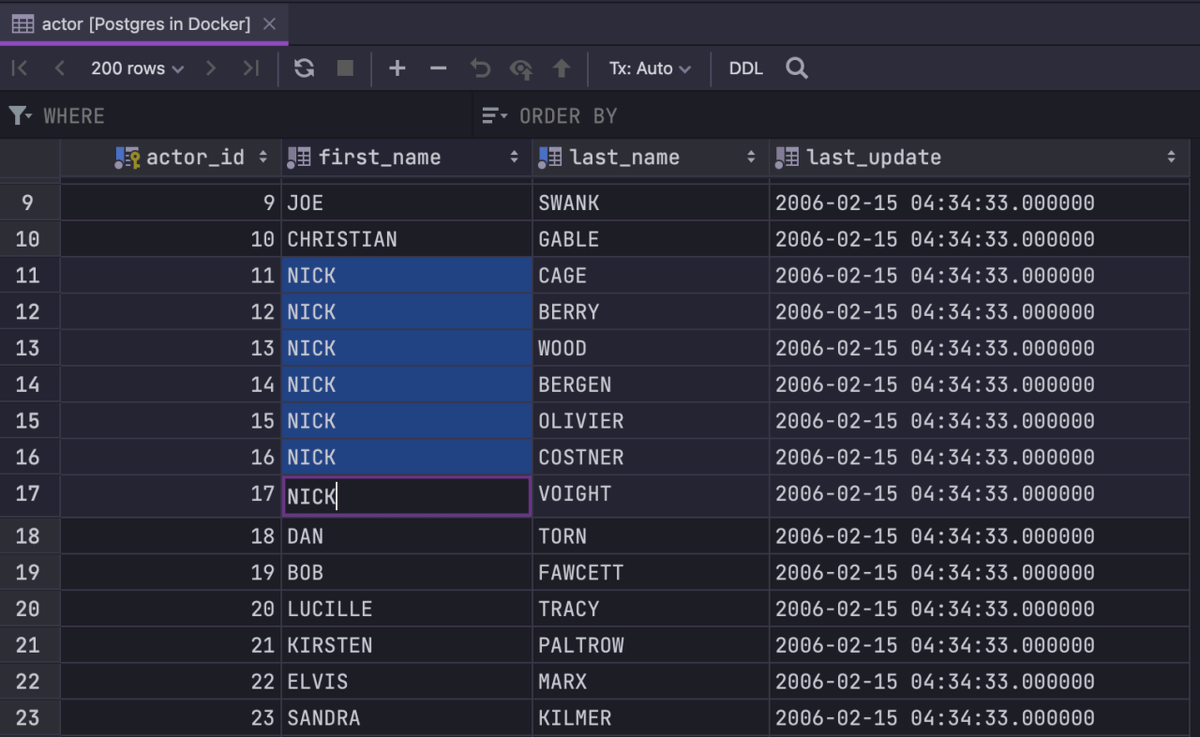
Several fields can be edited at the same time – just select them and start typing. This only works if the columns you are editing are not unique and have the same type. #DataGripTips
You can set up auto-refresh time for results or tables.
#DataGripTips

To protect your database from accidental modifications, you can turn on read-only mode for a connection. Click File | Data sources and select the necessary data source in the Data Sources list. Then, on the Options tab, select the ‘Read-only’ checkbox.
#DataGripTips

You can evaluate simple arithmetical expressions with the Search Everywhere window (press Shift twice). Enter an expression you want to evaluate in the search field. The result will be displayed in the search results. #DataGripTips

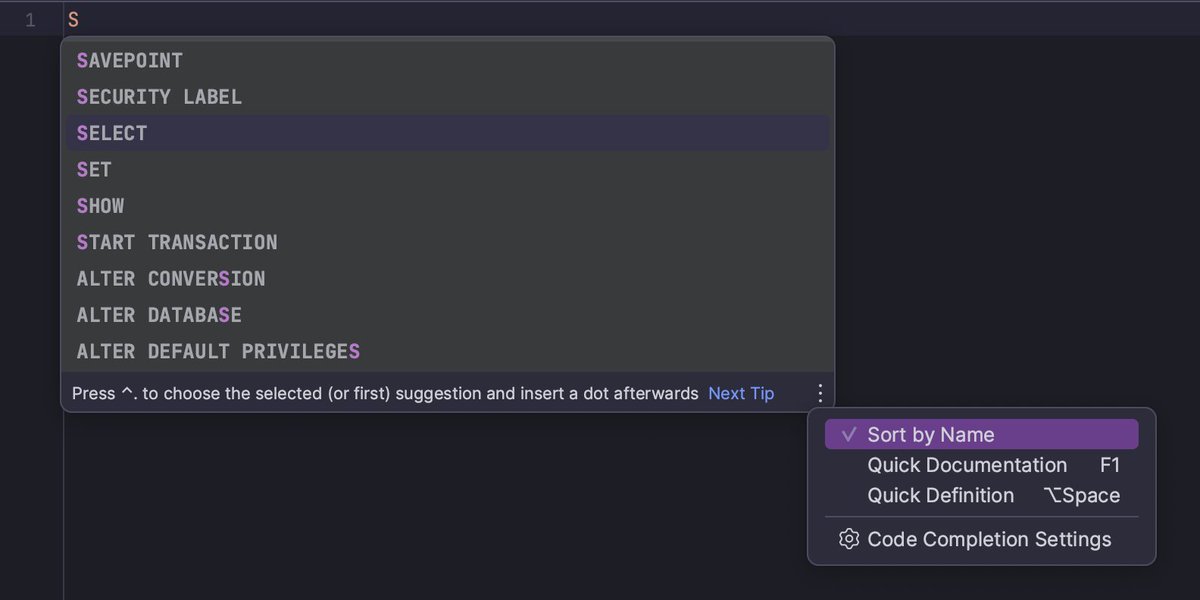
You can sort completion suggestions alphabetically or by relevance.
To sort alphabetically, select the 'Sort by Name' option.
To sort by relevance, clear the 'Sort by Name' checkbox.
#DataGripTips
Pressing F4 on any schema node displays a table view of the node’s contents. For example, you can get a table view of all tables or all roles.
All the navigation shortcuts work from here: Ctrl/Cmd+B to see the DDL, Ctrl/Cmd+F6 to modify.
#DataGripTips

If you can’t remember a live template abbreviation, press Cmd/Ctrl+J to see a list of suggestions for the current context. #DataGripTips

Press F1 to quickly see the documentation for the table or column at the caret. By default, DataGrip shows Quick Documentation in a popup. To view it in the tool window, press F1 twice. #DataGripTips

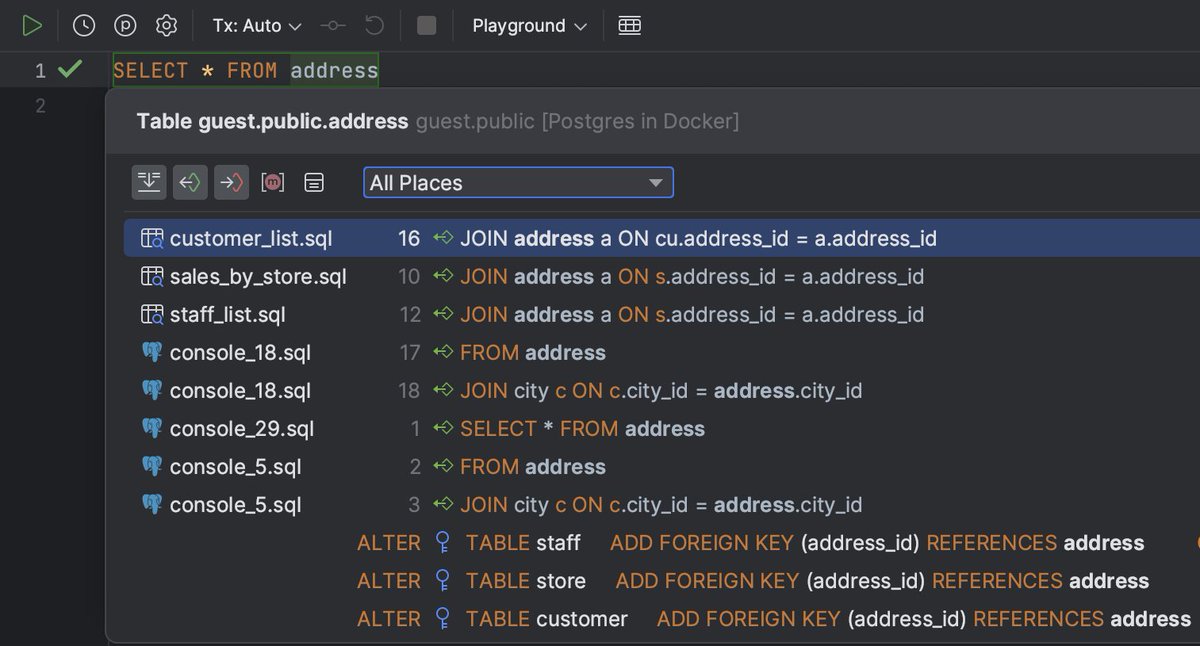
You can view the list of all usages of a table, column, or key across the whole project, and quickly navigate to the selected item. Place the caret at a symbol and then press Opt+Cmd+F7 (Ctrl+Alt+F7) or choose Edit | Find Usages | Show Usages. #DataGripTips
Last Seen Hashtags on Sotwe
Most Popular Users

Elon Musk 
@elonmusk
241.7M followers

Barack Obama
@barackobama
118.9M followers

Cristiano Ronaldo
@cristiano
114.6M followers

Donald J. Trump
@realdonaldtrump
111.9M followers

Narendra Modi
@narendramodi
107.2M followers

Rihanna
@rihanna
98.7M followers

NASA
@nasa
92.4M followers

Justin Bieber
@justinbieber
91.8M followers

KATY PERRY
@katyperry
90.1M followers

Taylor Swift
@taylorswift13
84M followers

Lady Gaga
@ladygaga
75.5M followers

Virat Kohli
@imvkohli
73.5M followers

Kim Kardashian
@kimkardashian
70.9M followers

YouTube
@youtube
68.8M followers

Neymar Jr
@neymarjr
66.5M followers

Bill Gates
@billgates
65.2M followers

Selena Gomez
@selenagomez
63.1M followers

The Ellen Show
@theellenshow
62.3M followers

CNN
@cnn
61.8M followers

X
@x
60.7M followers