

Top Tweets for #plextips

In addition to the traditional keyboard control, Plex supports a range of remote controls, game controllers, HDMI-CEC, Plex Companion, and even allows you to navigate using your computer mouse.
Learn more about shortcuts and controlling the app: https://t.co/bDeiJLO564 #PlexTips


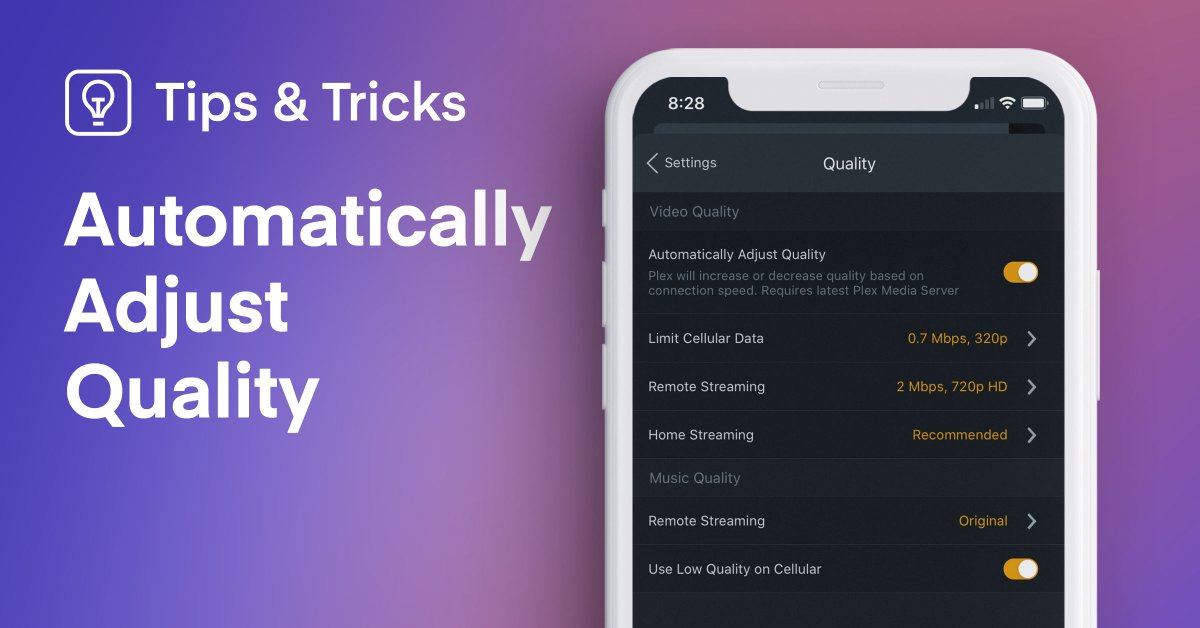
We don’t always live in a world with consistent home Wi-Fi. To give you the best possible experience, Plex can automatically adjust the quality of your video so you spend more time streaming and less time buffering. #PlexTips
Learn more here: https://t.co/JbYmYUJYnA

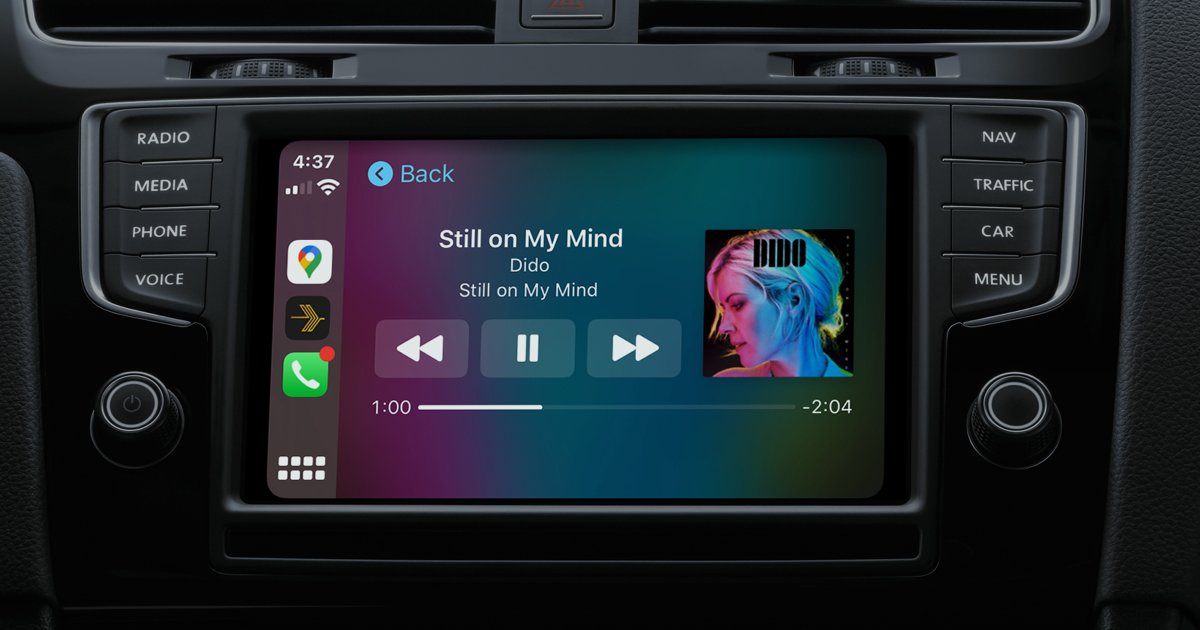
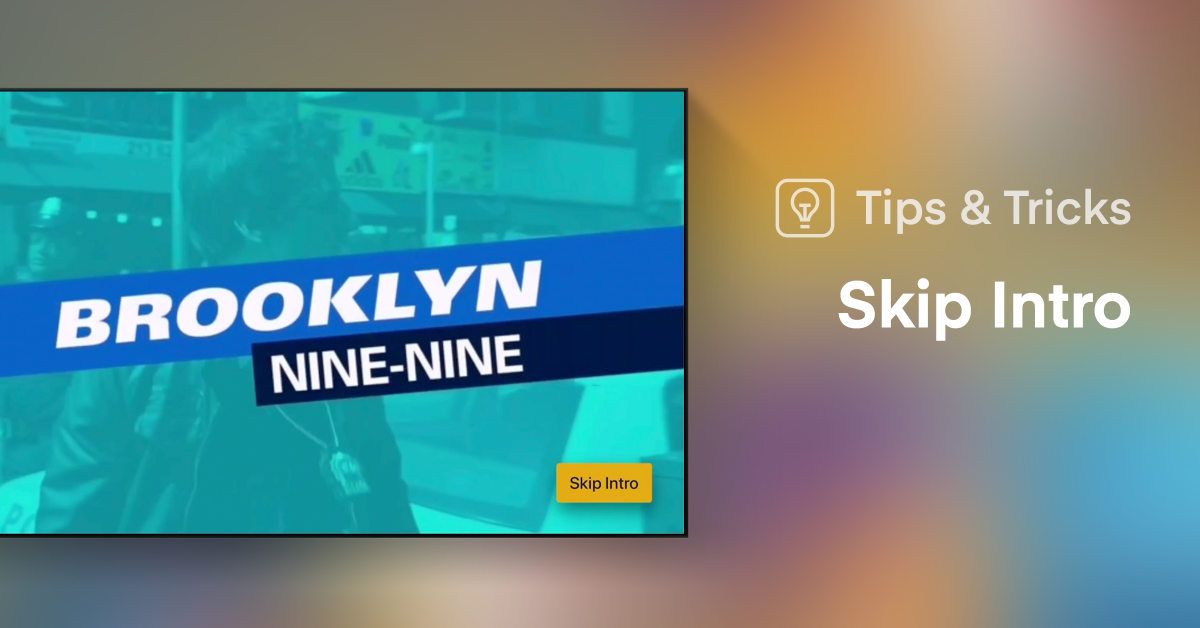
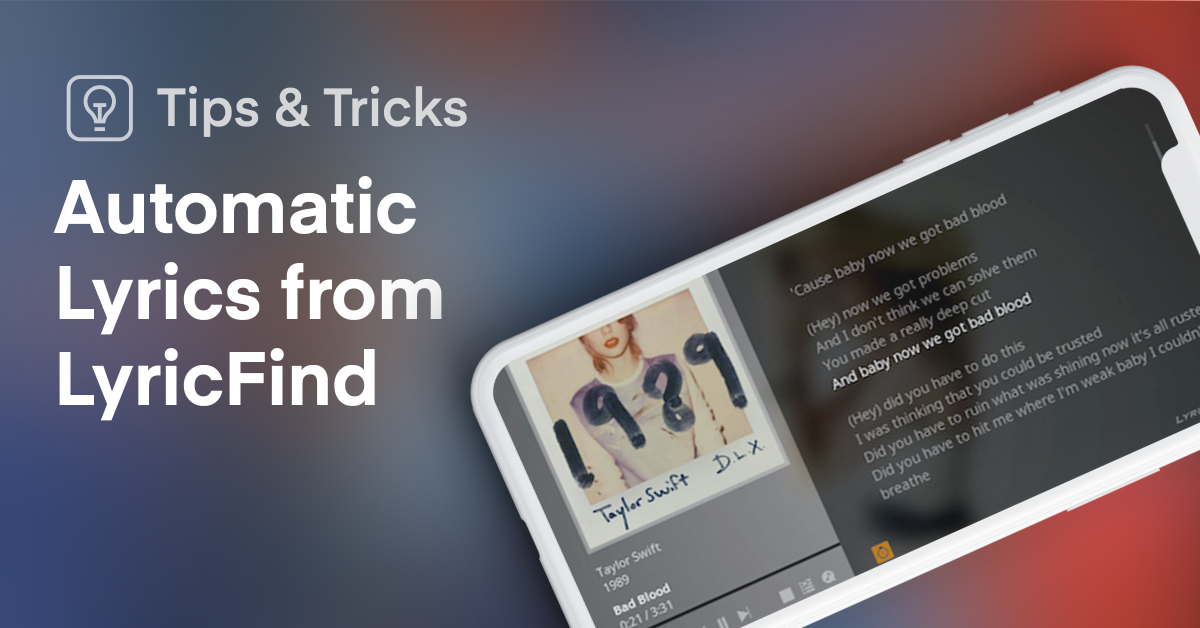
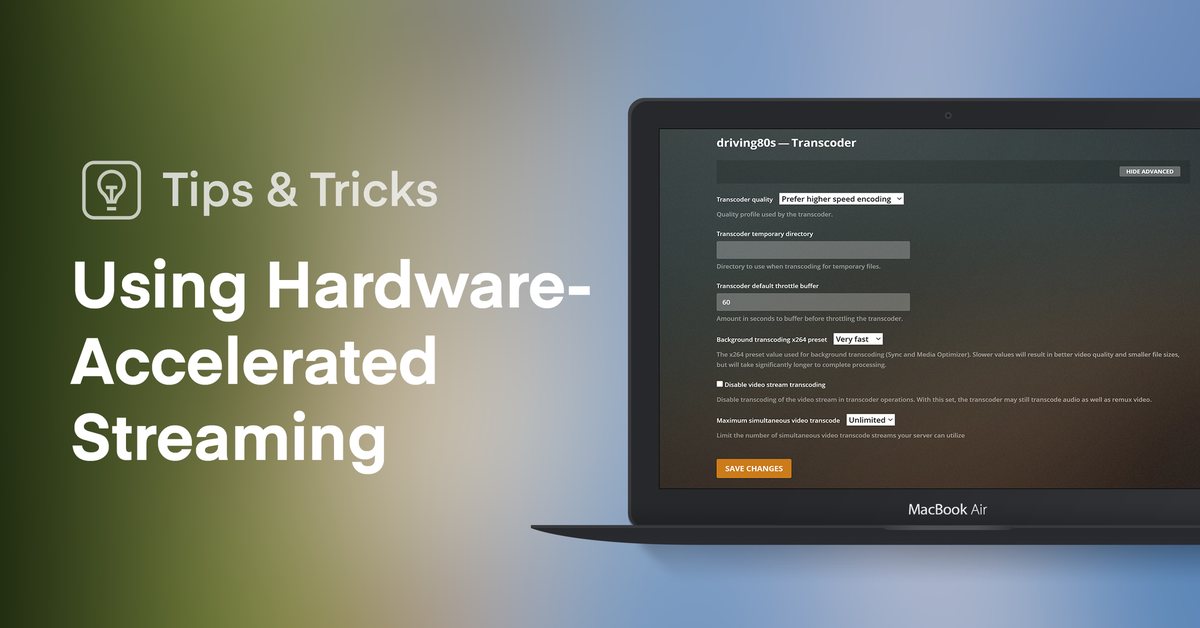
Make the most of your Plex experience with hardware acceleration. By enabling this feature you can get smooth, buffer-free streaming, no matter the device. #PlexTips
Want to learn more? Visit: https://t.co/vJp1pMR3PA
"Alexa, ask Plex what's on deck."
Amazon’s “Alexa Voice Service” lets you control Plex in a variety of ways using just your voice! Speak to Alexa as you explore discovery, suggestions, playback, and more. #PlexTips To learn more, visit: https://t.co/raURYgej1A


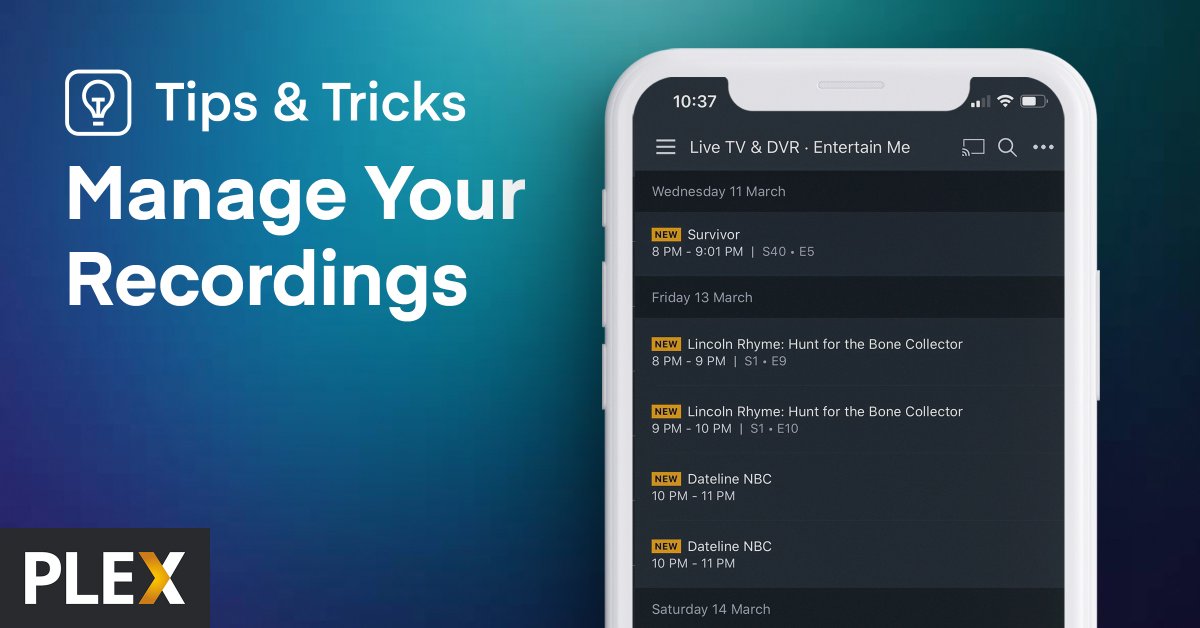
Hate buffering? Optimize your media for a maximized streaming experience. Find out how it works here: https://t.co/PD7UjsEice #PlexTips

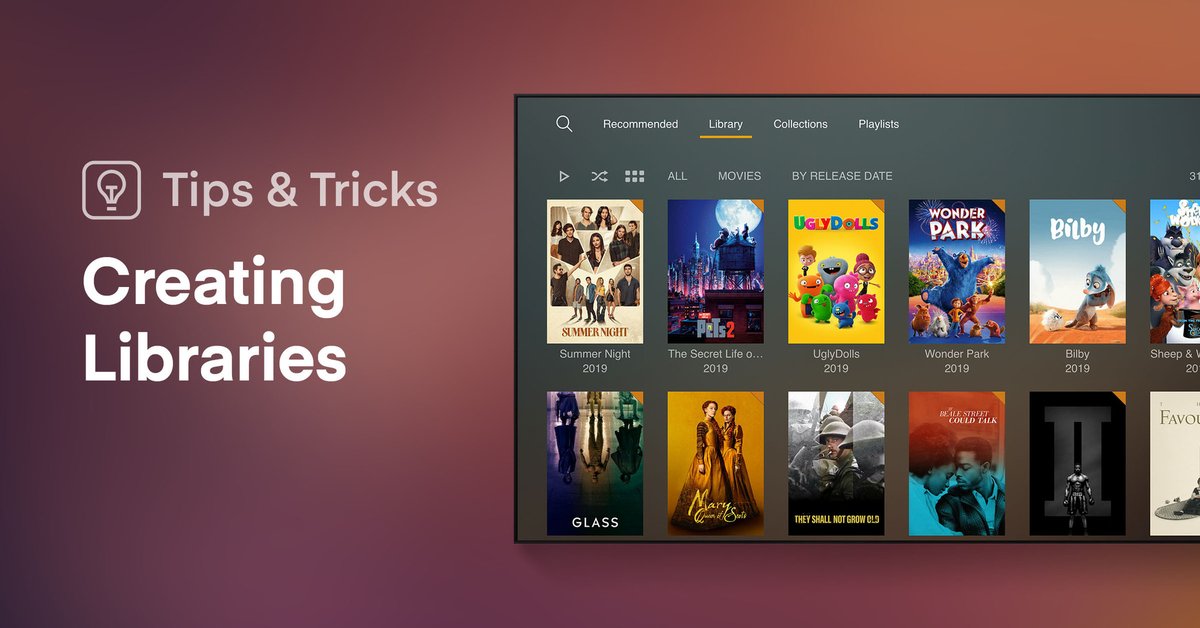
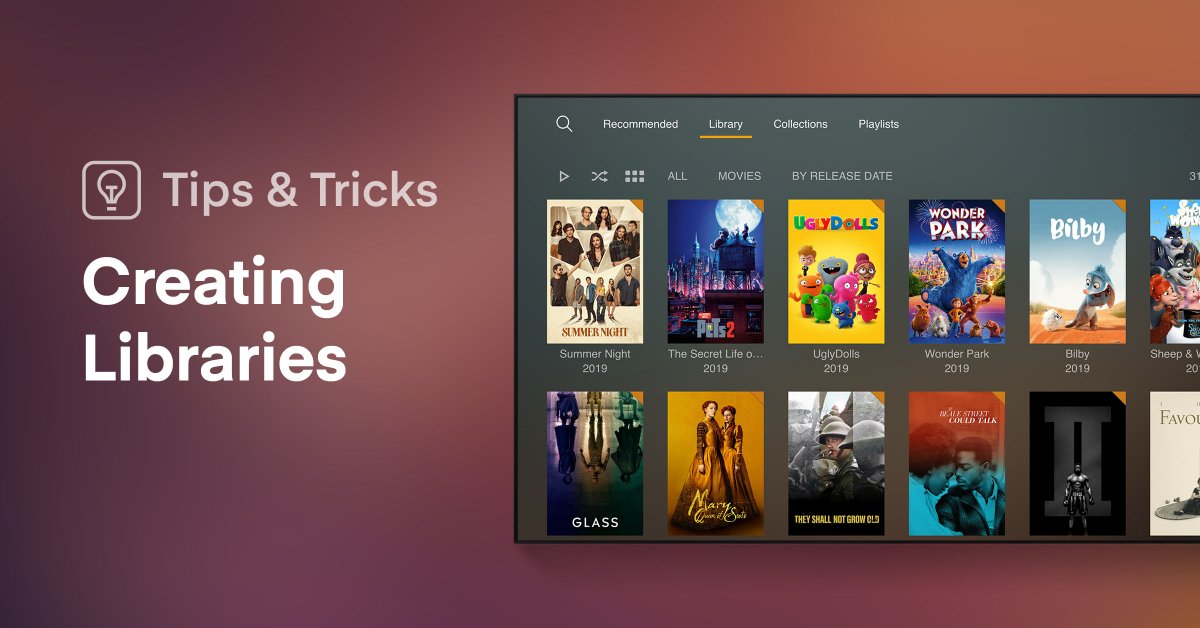
If you’ve got some extra time on your hands and want to be productive, now is the perfect chance to get all your media organized. You’ll likely want to start by creating libraries, here’s our guide on how to do so: https://t.co/yOWJV7w5b9 #PlexTips
Ever wonder how to customize what’s shown on your home screen? Gotcha covered.
Easily reorder, remove or add new rows to make Plex work just like you want. #PlexTips 🔗https://t.co/VLsykfEKtZ

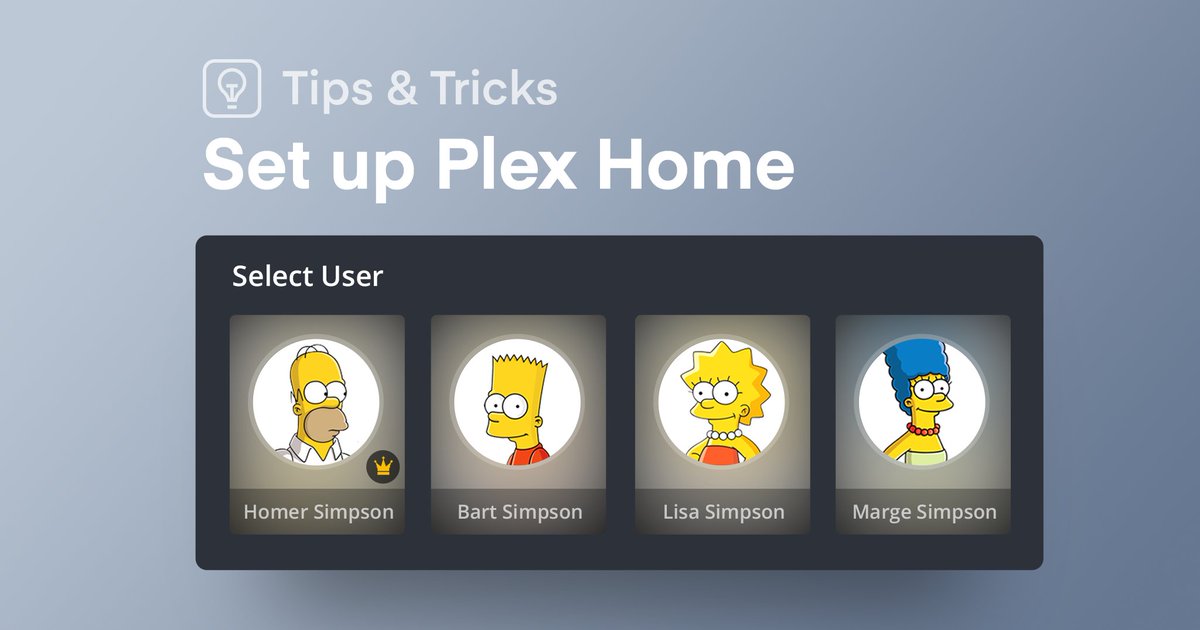
It's easy to manage Plex for your family (or roomies), even if you’re a Homer. #PlexTips
https://t.co/524mRMWMO9
When your Internet is sad, you don’t have to be. Let Plex give you the best possible experience by automatically adjusting the quality of your video based on your connection. #PlexTips https://t.co/4Jz6Mbkw5i
One of the best features of #PlexPass is Mobile Sync. Learn how you can watch and listen to all your favorite movies, TV shows, & music even when you’re offline! Check out the video from @thecarolinedunn to see it in action. #PlexTips https://t.co/kBGoa68C6K

Got your own movies, TV shows, and music? It’s super easy to create libraries in Plex to make your media beautiful, organized, and available on ALL your devices! #PlexTips Learn how here: https://t.co/2jVjoFv53A

Customizing what’s included on your Home screen and how it’s displayed is a great way to make Plex work just like you want. Quickly find what to watch next and discover great related content across media types! #PlexTips Here’s how it works: https://t.co/cHhr6tSs3F

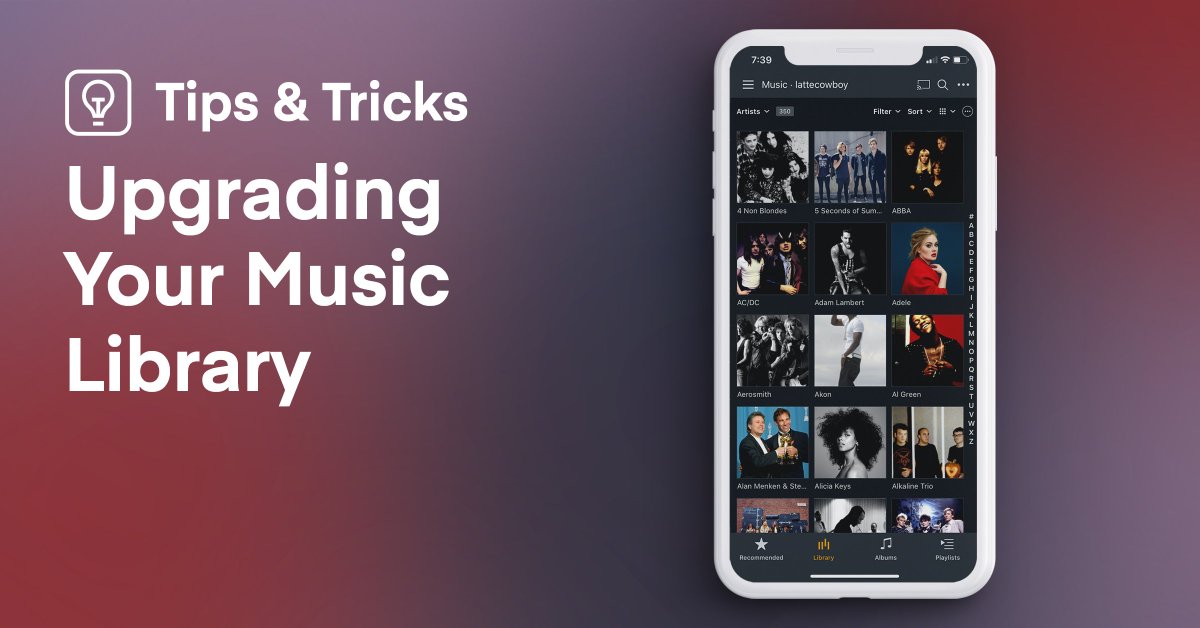
Upgrade your music library and get a whole new world of entertainment! High quality artist bios, album reviews, improved album release dates, awesome album art coverage and more! #PlexTips Learn how it’s done here: https://t.co/j7TsR72YUf
Last Seen Hashtags on Sotwe
Most Popular Users

Elon Musk 
@elonmusk
240.7M followers

Barack Obama
@barackobama
119.2M followers

Donald J. Trump
@realdonaldtrump
111.7M followers

Cristiano Ronaldo
@cristiano
110.8M followers

Narendra Modi
@narendramodi
107M followers

Rihanna
@rihanna
97.7M followers

NASA
@nasa
92.2M followers

Justin Bieber
@justinbieber
90.9M followers

KATY PERRY
@katyperry
87.8M followers

Taylor Swift
@taylorswift13
81.6M followers

Lady Gaga
@ladygaga
73.2M followers

Virat Kohli
@imvkohli
70.1M followers

Kim Kardashian
@kimkardashian
69.8M followers

YouTube
@youtube
68.7M followers

Bill Gates
@billgates
64M followers

Neymar Jr
@neymarjr
62.9M followers

The Ellen Show
@theellenshow
62.4M followers

CNN
@cnn
61.9M followers

Selena Gomez
@selenagomez
60.9M followers

X
@x
60.8M followers