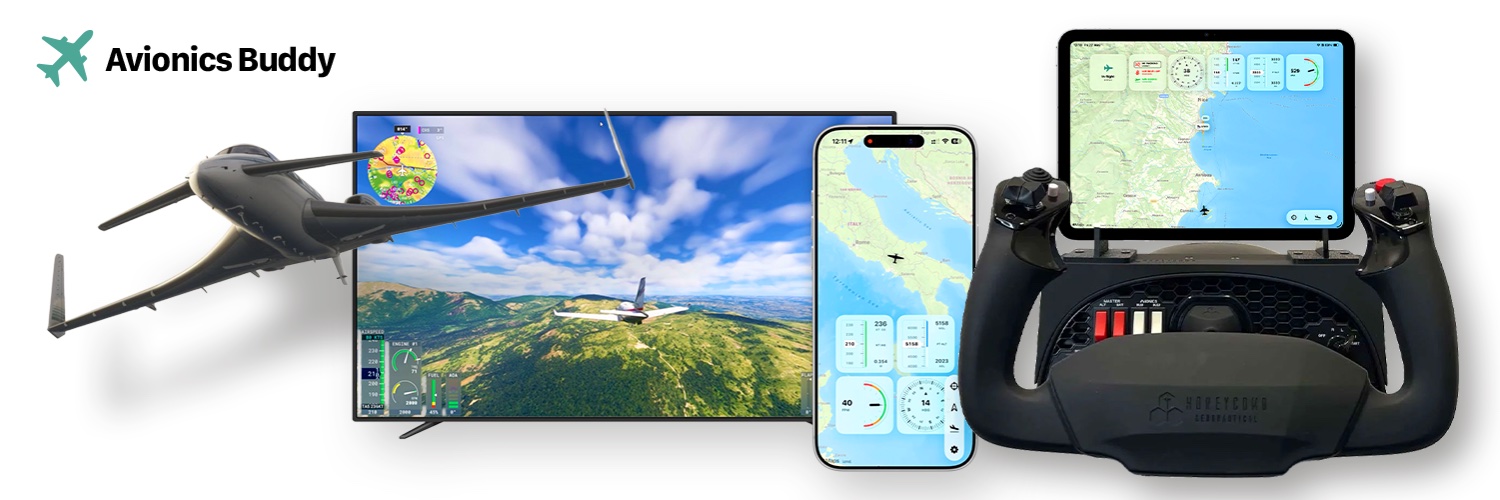
Your flight data stays local ✈️
Avionics Buddy connects to MSFS through the free Windows Bridge.
No account. No cloud telemetry. Just your PC and Apple device on the same network.
https://t.co/awLW5rSgWD
#AvionicsBuddy#MSFS2024#flightsim#SwiftUI
A friend who works for Emirates uses Avionics Buddy to mark airports he has actually been to — almost like a personal airport map ✈️
The feature started as a practical airport search.
80,000+ airports in the app.
https://t.co/T7mG6C6Ivk
#AvionicsBuddy#MSFS2024#flightsim
Plan your approach on iPhone ✈️
Search for an airport, check runway direction, and show a simple approach helper while flying in Microsoft Flight Simulator.
Useful when orientation matters most.
App Store:
https://t.co/T7mG6C6aFM
#AvionicsBuddy#MSFS2024#flightsim#SwiftUI
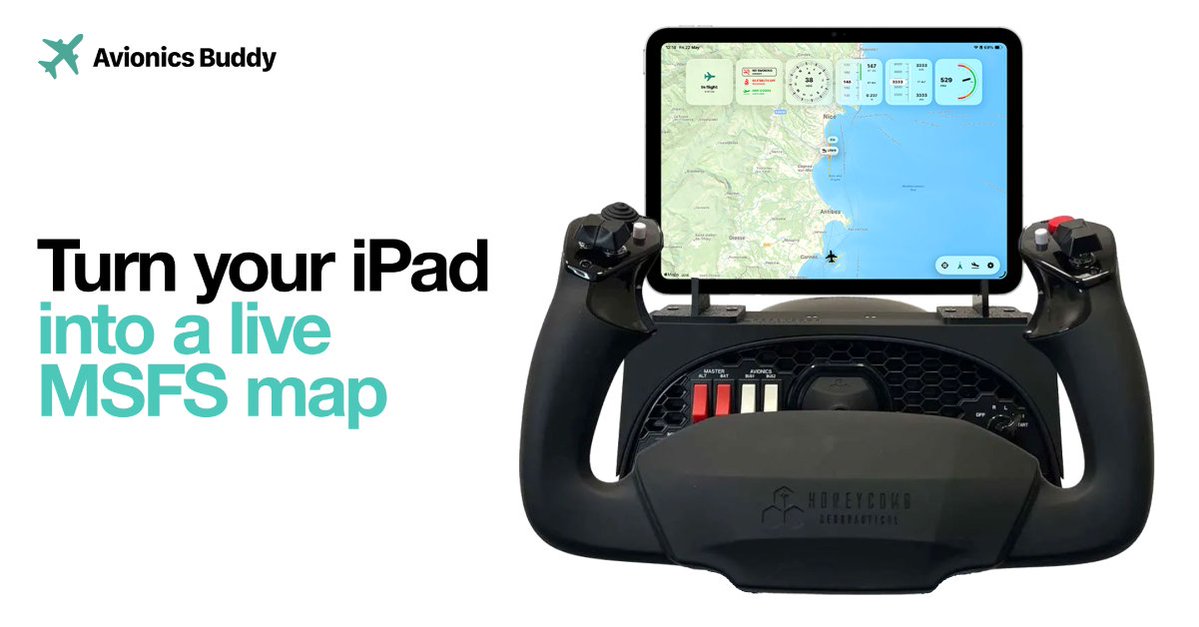
Turn your iPad into a live MSFS map ✈️
Avionics Buddy shows your aircraft position, map, gauges and flight awareness while Microsoft Flight Simulator stays on the main screen.
Simple setup. More cockpit feeling.
https://t.co/awLW5rSgWD
#AvionicsBuddy#MSFS2024#flightsim
@lightsilver323 I’ve been building Avionics Buddy — a native iPhone, iPad and Mac companion for Microsoft Flight Simulator with a live map, gauges, runway info and airport tools.
https://t.co/awLW5rSgWD ✈️
Live MSFS gauges on your Mac, iPhone & iPad ✈️
Avionics Buddy shows map, altitude, speed, vertical speed and heading while you fly.
Simple idea. Very useful once it becomes part of the cockpit.
https://t.co/awLW5rSgWD
#AvionicsBuddy#MSFS2024#flightsim#SwiftUI
I just launched Avionics Buddy ✈️
A live MSFS dashboard for iPhone, iPad and Mac.
Map, gauges, airports, runways and approach helpers — connected locally through a free Windows Bridge.
https://t.co/awLW5rSOMb
#AvionicsBuddy#MSFS2024#flightsim#aviation#SwiftUI