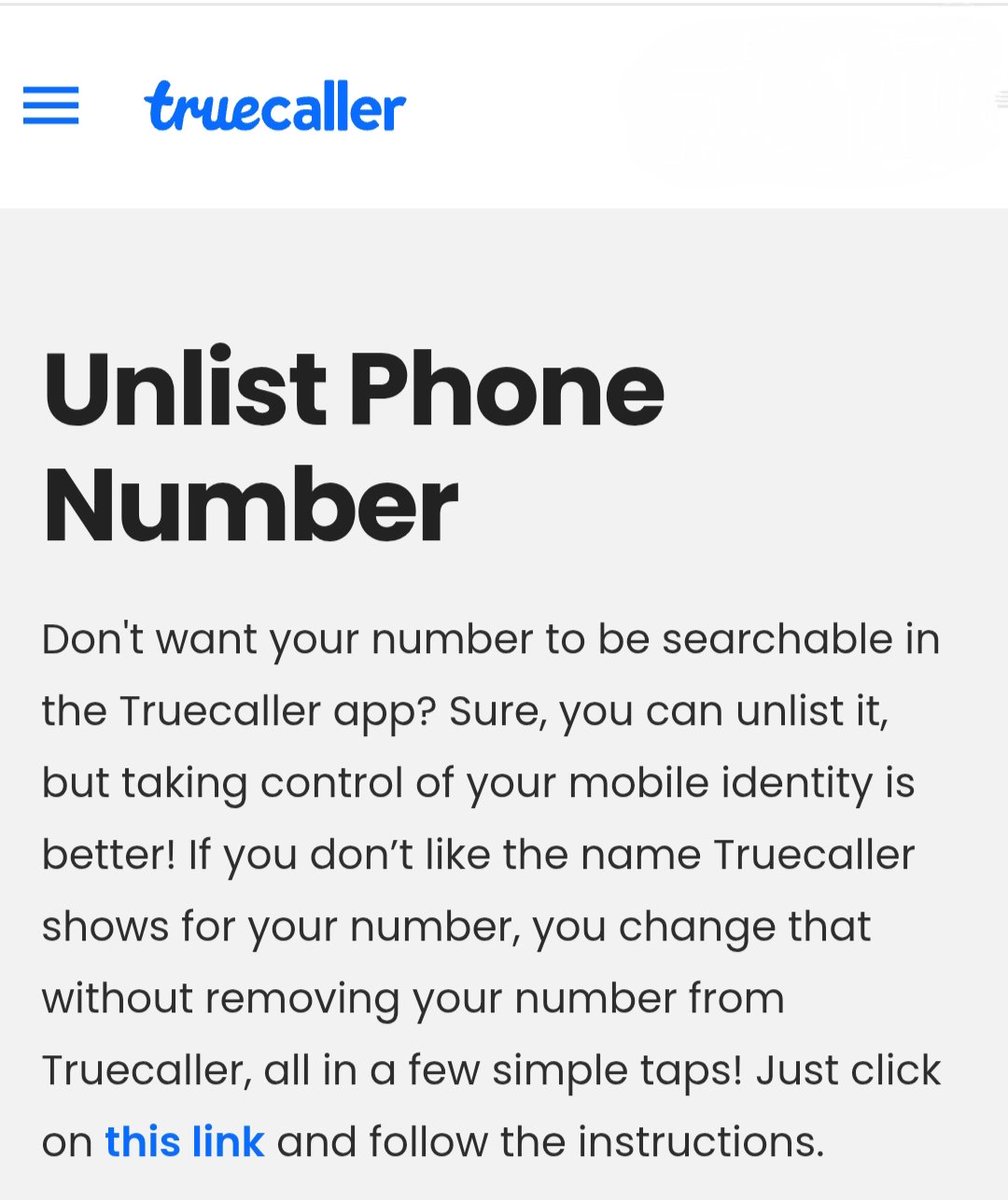
Why Your Name Still Appears on Truecaller After Uninstalling ?
Most people believe that deleting the Truecaller app automatically erases their data. However, your name and number remain stored on Truecaller’s servers even after the app is gone from your phone.
To truly scrub your identity from their database, you must follow these two essential steps:
● Step 1 : Deactivate Your Account
Simply uninstalling isn't enough; you must first tell the app to stop using your profile.
Open the Truecaller app.
Go to Settings > Privacy Center.
Tap on Deactivate.
Confirm by selecting Yes and Continue.
Note : This deactivates your profile, but your number is still searchable in their database.
● Step 2: Unlist Your Number (The Most Important Step)
To remove your number from the public directory so no one can search for you:
Open your browser and search for "Truecaller Unlist".
Go to the official Truecaller Unlisting Page.
Scroll down to the "No, I want to unlist" section.
Enter your mobile number with the correct Country Code (e.g., +91 for India).
Select a reason (e.g., "I don't use this number anymore" or "Privacy concerns").
Solve the CAPTCHA and click Unlist.
👉 The Result : Within approximately 24 hours, your number will be removed from Truecaller’s public listing, and your name will no longer appear when someone searches for your number.
Bottom Line : Uninstalling is just the start. Deactivation and Unlisting are the only ways to reclaim your privacy.
👉 Disclaimer : This information is for general digital privacy awareness. Processes may change according to Truecaller’s updated policies.
I DON’T UNDERSTAND WHY PEOPLE DON’T USE CHATGPT FOR JOB SEARCHES.
I got 5 interview calls in 7 days, all with ChatGPT as my recruiter.
Here are 6 prompts that turn your job hunt into a strategy.
[Save this thread]