Check out the new Canva plugin for ChatGPT. A great imagery toolkit for creating interesting images and banners for your courses.
https://t.co/GLbewIkcDv
For all you creatives out there looking for something awesome to do with your Canvas pages, this tutorial is definitely for you! https://t.co/N6HHMO7KM6
#canvaslms
@MarkBeetlestone Our institutional CSS files are different than the Canvas CSS. My understanding is Canvas renders the Canvas CSS/JS, then it renders our institutional internal theme editor files, finally the page inline.
@MarkBeetlestone When you upload a new CSS file in your theme editor, it replaces the existing file. So first you may want to download the file, add the new code, save, then reupload.
Ready for something fun! Explore some creative ways to dress up your #CanvasLMS pages with some interesting imagery, CSS, and HTML.
https://t.co/EOsmsnkD1C
#TeachingandLearning@Canvas_by_Inst
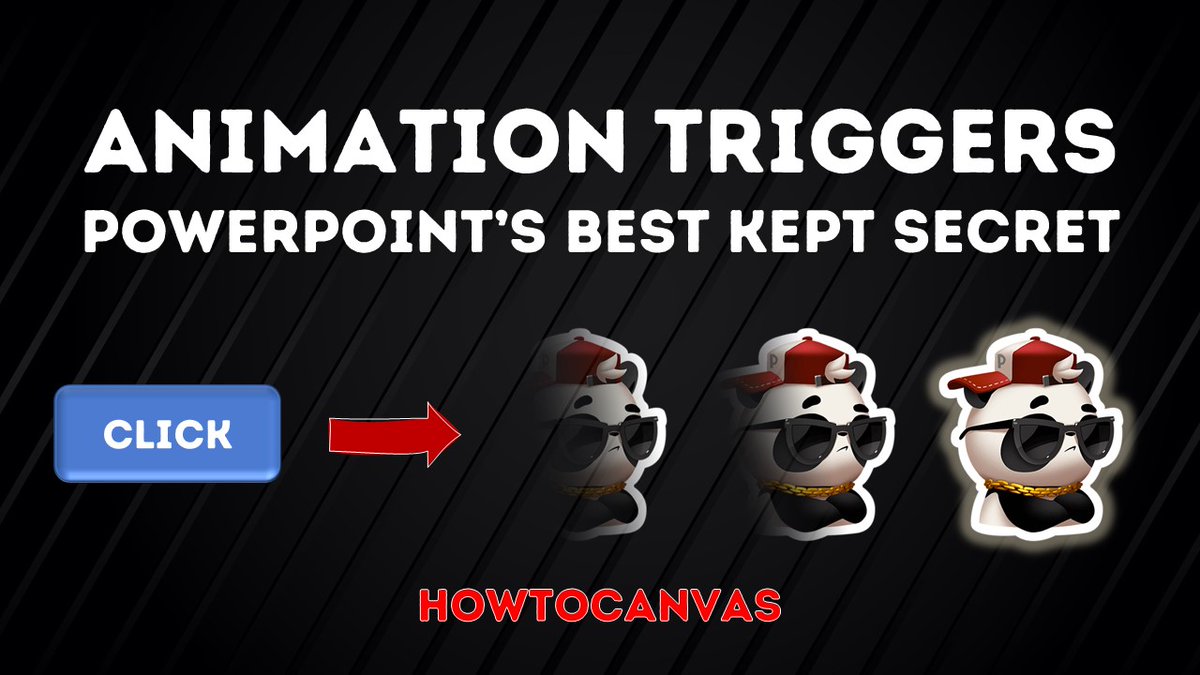
If you want to create some amazing interactive PowerPoint content then check out my latest tutorial. But only if you want to your slides to be both amazing AND interactive.
https://t.co/4g0E9Lul7b
#teachingandlearning#powerpoint
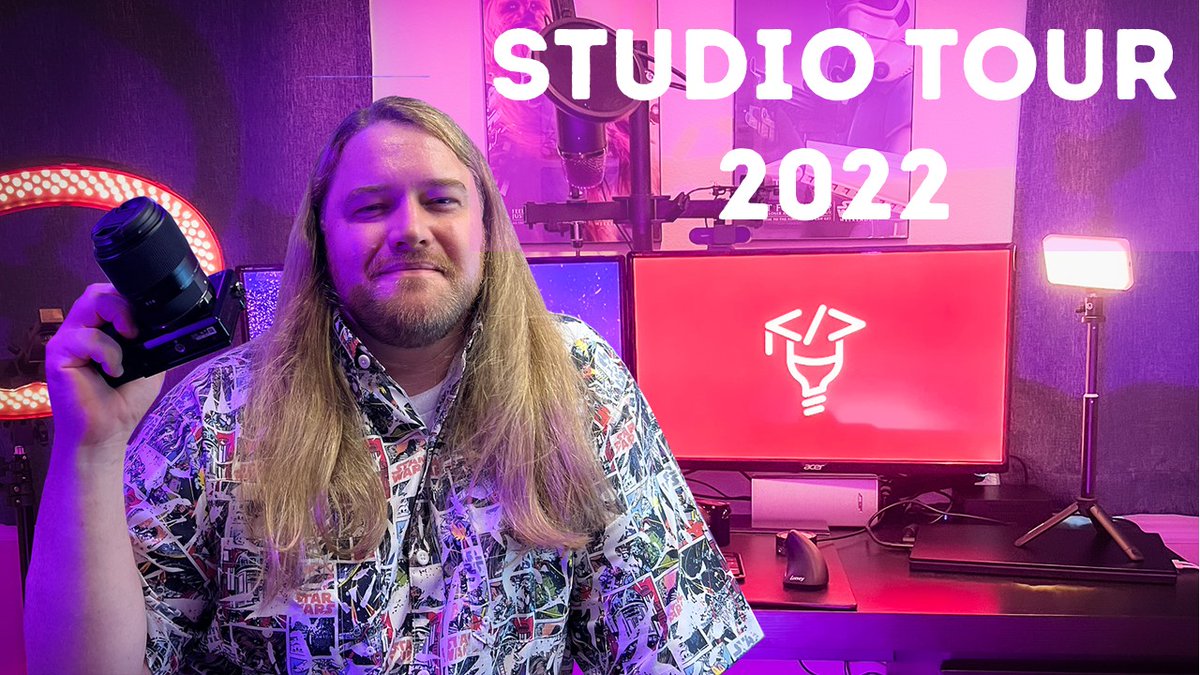
It's a pulling back the curtain week. Many have asked, so this week I'm sharing how I create my videos. Take a look at my equipment, software, and office layout.
https://t.co/WwSWRtaunR
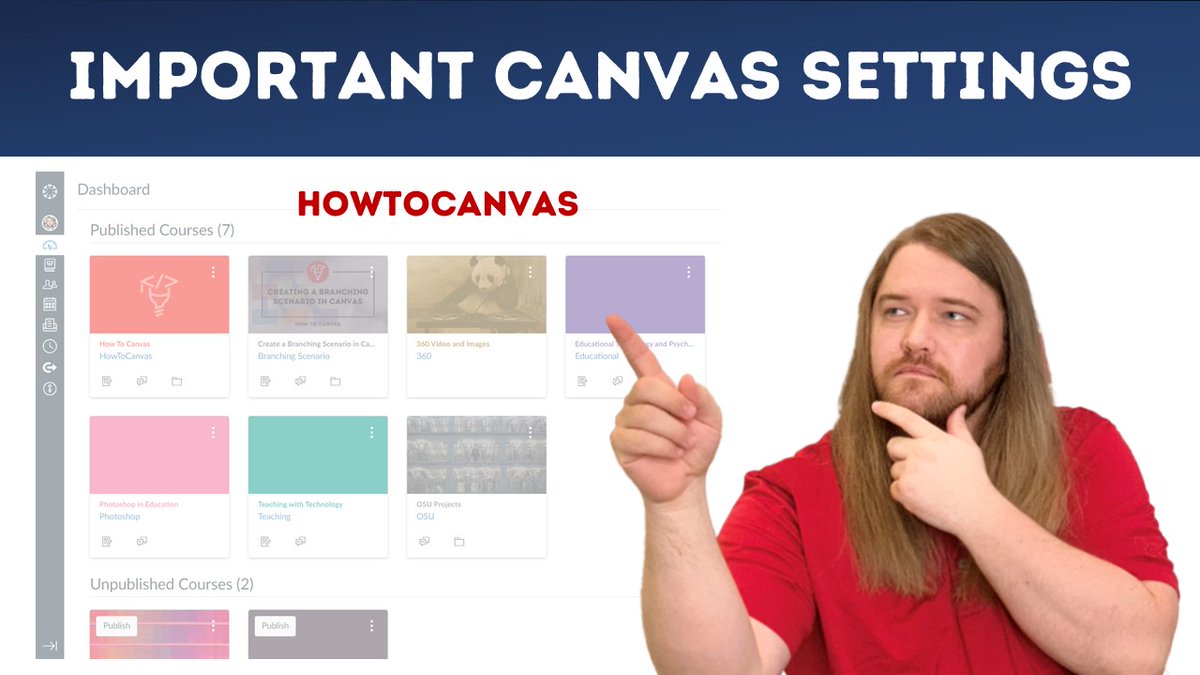
Let's get back to basics. Check out my list of essential Canvas settings as you are either setting up your course or establishing your profile.
https://t.co/HQBVwbkqIe
#canvaslms#teachingandlearning
You all ready, #CanvasFam? One week to go until we rock and roll at #InstructureCon. I've prepared a fast-paced session full of awesome just for you. Go register (free) and don't miss out! 😁 🤘
@Canvas_by_Inst
Everyone, I decided to take some time off this summer and focus on family. But I'm happy to be back and producing content for you. This week I'll show you how to make awesome accordion menus in Canvas. Also, you can watch my slideshow from our summer trip!
https://t.co/RR1JRmjkXl