Impact Depth is a web tool that visualizes citation flow and citation depth that a publication makes towards the scientific community.
Created by @AlexJSully
Visualize your publication's citation depth and see what type of impact you have made on the scientific community.
Try it out at https://t.co/DPMTqi0qRW
#Science
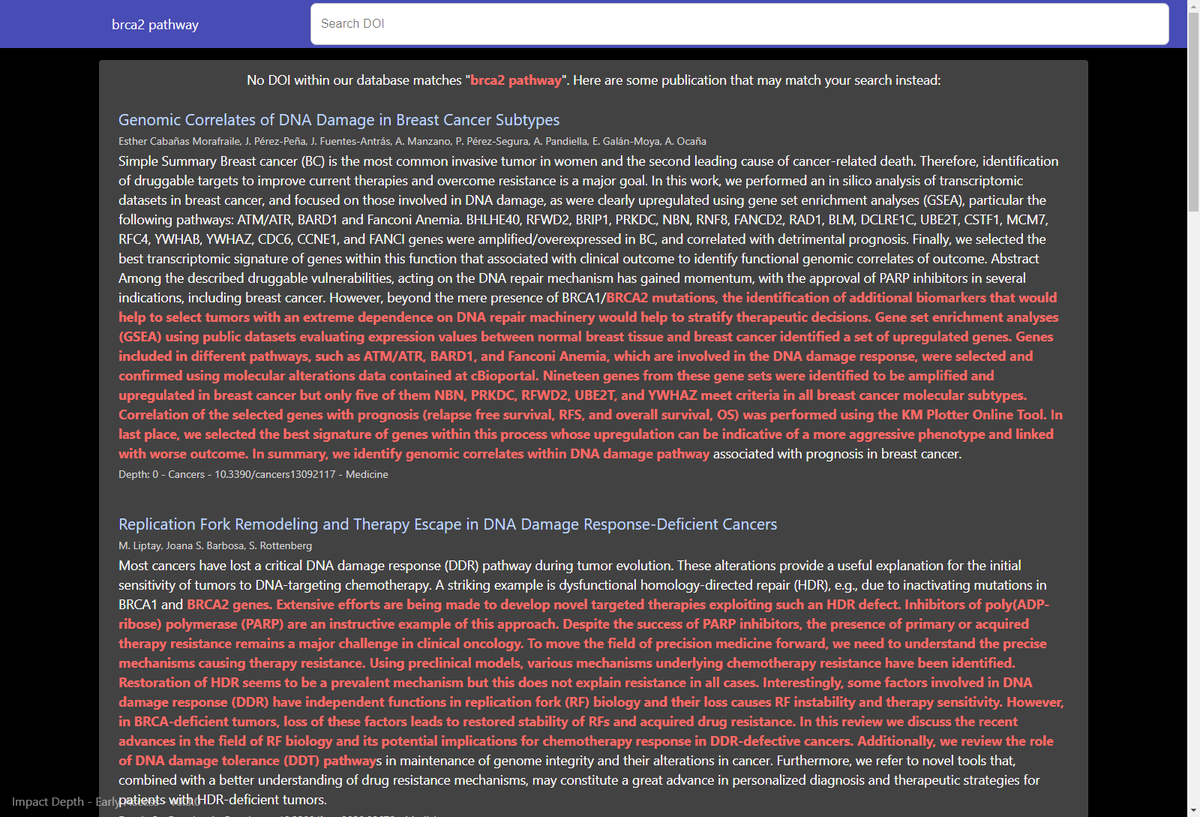
Impact Depth's search allows you to search multiple keywords and will find publications that match your keywords.
For example, if you search up BRCA2 pathway, you will get publications mention BRCA2 pathways and highlight it for you.
Try it at https://t.co/AwMKFq2k9O
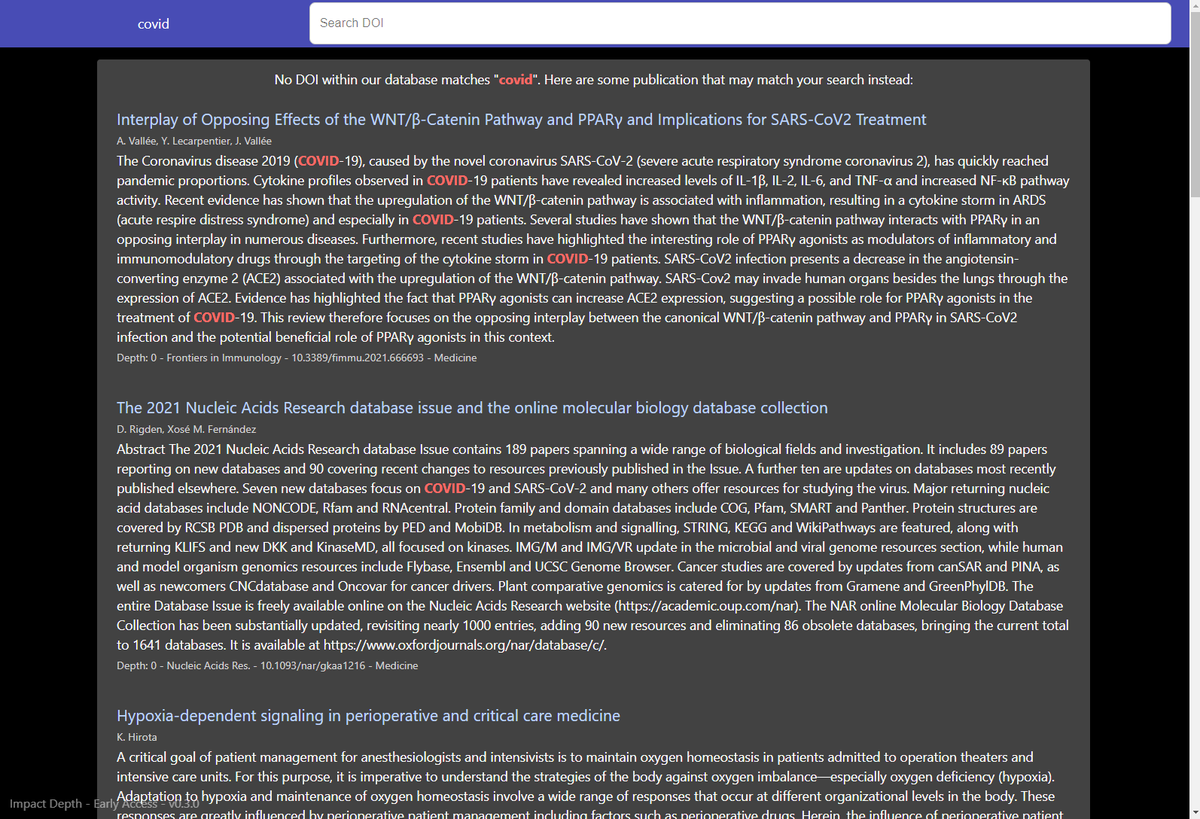
You can now search up keywords and terms on Impact Depth and we will recommend you publications that we have citations tree available for!
Try it out by searching for COVID on Impact Depth: https://t.co/DUhc8CEZ73
We value your feedback! If you have any suggestions, bug fixes or any accessibility accommodations needed for Impact Depth, we are have to help you!
Tweet at @ImpactDepth or @AlexJSully and we will be happy to assist you!
Did you know that the colours of the nodes in your citation tree indicates which field that publication is from?
This way you can see what fields of research you have made an impact on
Check it out with this small tree at https://t.co/5fPPzaO2H1
#Science#DataVisualization
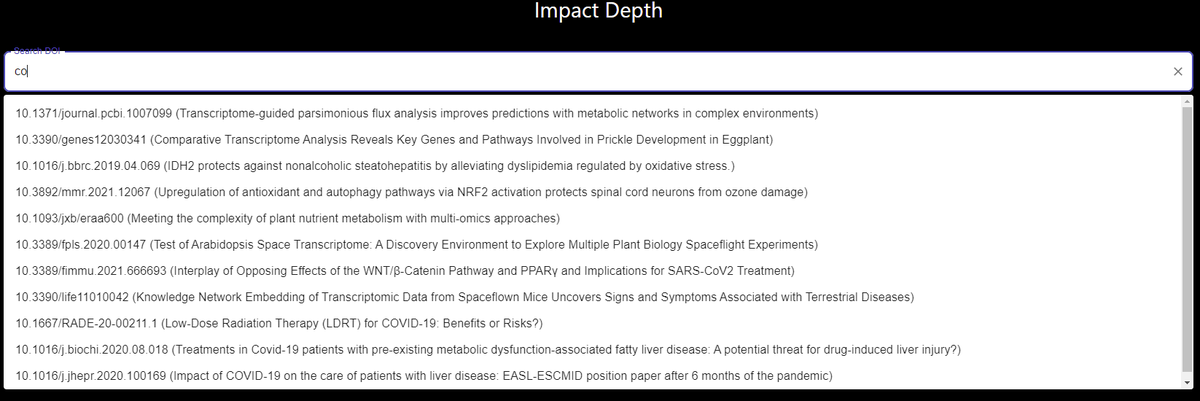
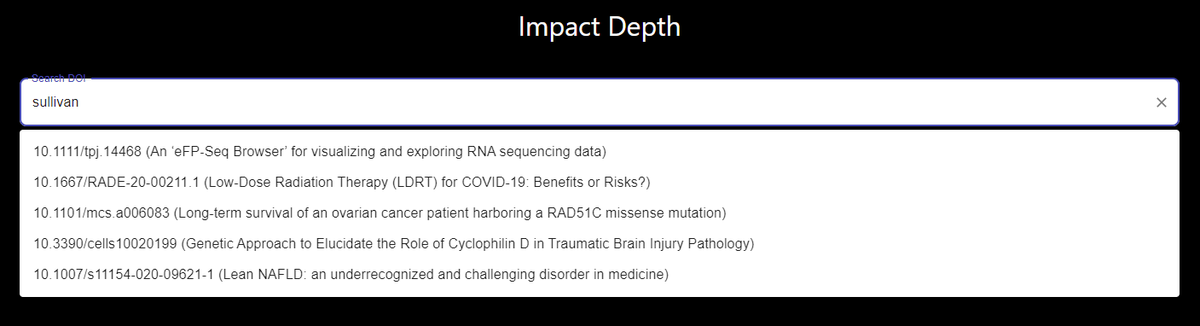
You don't have to know a DOI of a publication to search with Impact Depth, you can search for keywords and the search bar will suggest publications for you. Try typing "COVID" and see what you get!
https://t.co/DPMTqii1Ju
#Science#dataviz
You can now download your citation trees as a PNG image by clicking on the camera icon on the bottom right corner!
Try it out with this #plant#bioinformatics paper https://t.co/5fPPzaO2H1
#Science#DataVisualization
Trees now visually load each depth of the citation tree right in front of you!
Try with larger trees like this one: https://t.co/lWDYNXJL2r
#Science#DataVisualization
You can now view all the citation abstracts and see your publication of interest's impact data from the UI.
Try it out with eFP-Seq Browser's publication (https://t.co/5fPPzaO2H1) and clicking on "INFORMATION" or "PUBLICATIONS".
#Science#DataVisualization#Information