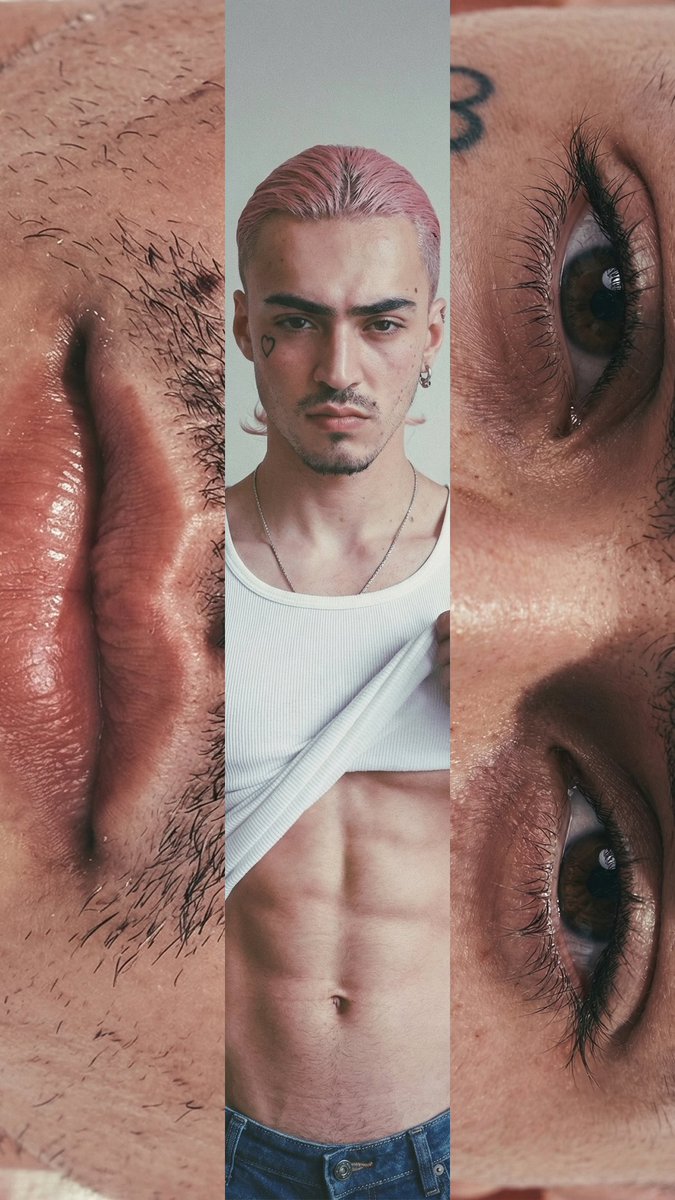
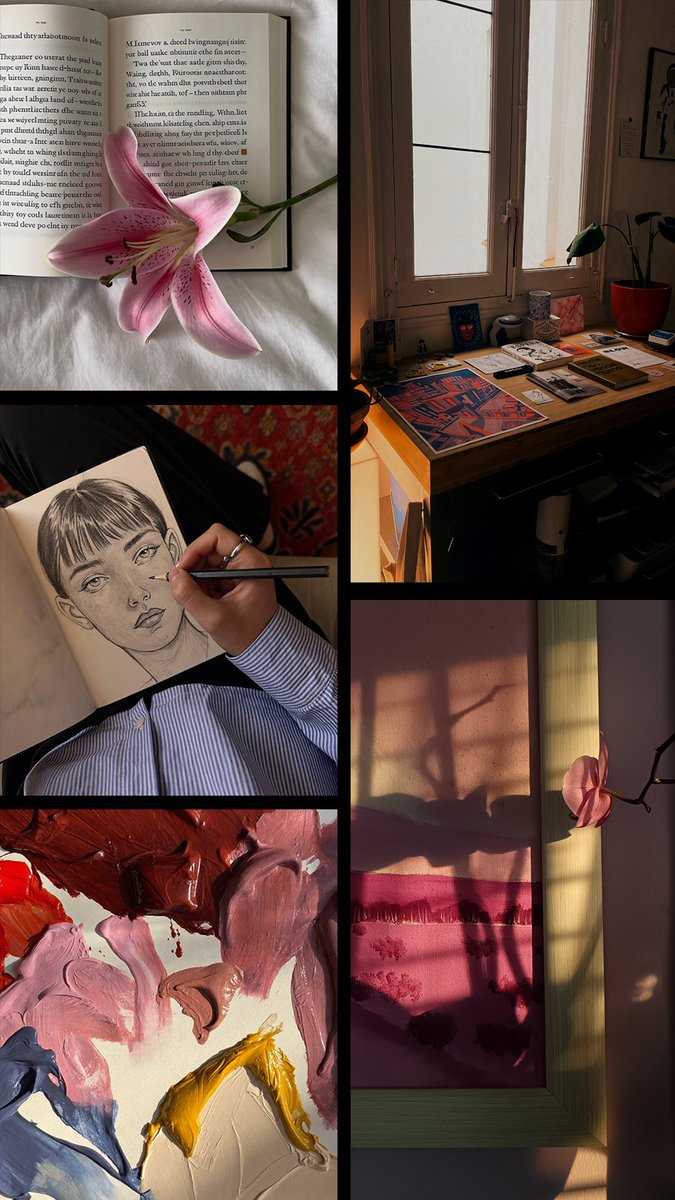
We’re looking for creators — and you might be one of them 💜
Want to join the Instories creative community? Drop us an email! Tell us a bit about your account (niche, region) + add your handle.
You give it two photos.
It gives you back a video.
No editing. No keyframes. No tutorials.
Just AI morphing one moment into another — seamlessly.
We built an AI Transition Tool that takes any two images and generates a smooth video transition between them.
It's the kind of thing that used to take hours in After Effects. Now it takes seconds.
TUTORIAL: VIDEO GAME MENU — from your phone in seconds (NO PROMPTS NEEDED)
1. Open Instories → Go to AI Trends → Typography
2. Pick a style
3. Upload your selfie.
Done. Zero prompts. Everything's already in the app.
TUTORIAL: viral korean cam trend (NO PROMPT needed) 🎥⚡
Step 1: Open Instories → AI Trends → Trending Video Effects
Step 2: Find the Fan Cam effect (vertical or horizontal — your choice)
Step 3: Upload your selfie
That's it. No prompts, no extra apps, no waiting 🙌
The baseball fan cam trend is everywhere rn ⚾️
And yes, we have the template— vertical + horizontal, ready to go.
How to find it: Instories App → AI Trends → Trending Video Effects
Kling 3.0 now on Instories 🎥
And it unlocks a whole new level of video creation.
You can now generate cinematic shots with consistent characters, natural motion, and native audio — all in a few taps, like having an AI director built right into the app.
Staring at a blank page is not a good content strategy ✍️
AI Scenario Generator helps you turn one prompt into a Reel script in seconds. Available now on Instories.