Need #reading response activities? Try these two CHOICE BOARDS. Get the downloads 📥📥
https://t.co/zeAVK2TRB6 via Top Teaching Tasks
#teachertwitter#elar
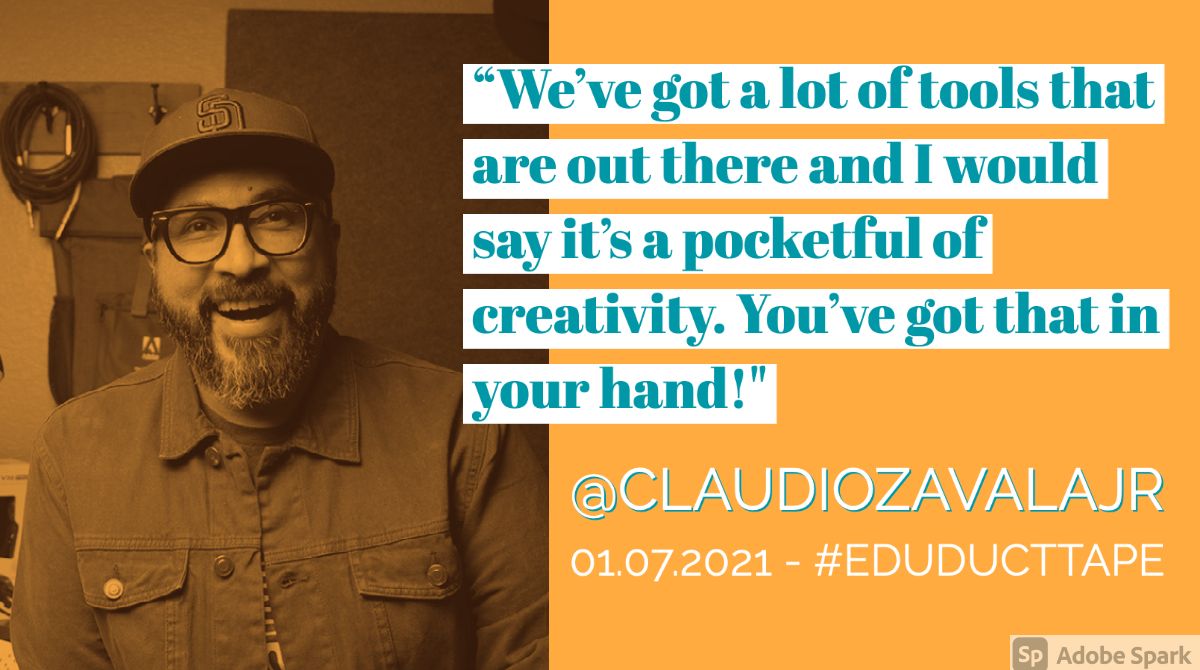
✏️ “We’ve got a lot of tools that are out there & I would say it’s a pocketful of creativity. You’ve got that in your hand!" - @ClaudioZavalaJr on the #EduDuctTape Podcast!
Tune in to hear Claudio share 9️⃣ different tools for students to use!
https://t.co/53ZlhTtHtr #PodcastEdu
🧐 Want to ask ChatGPT about the potential future developments for AI in education?
🤖👨These 100 prompts for teachers can guide you.
🏫 https://t.co/M6SwKyFctv #AI#edtech
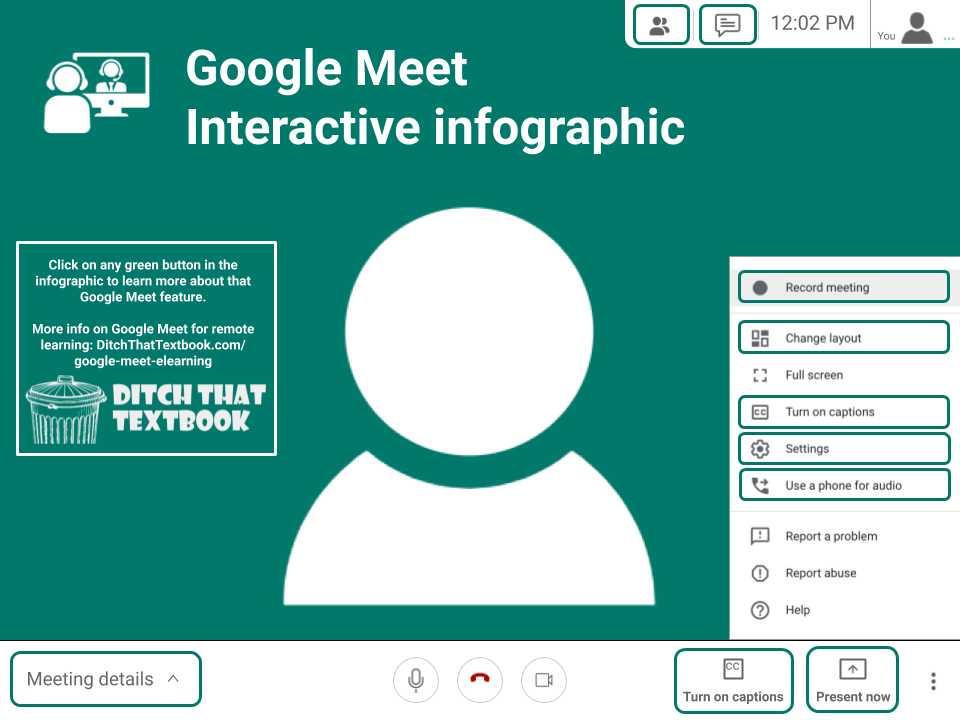
Need some help getting started with Google Meet?
How to use Google Meet for #RemoteLearning
💻Interactive infographic with tutorials
🏫Using Meet in Google Classroom
📹Tips for successful video calls
❗️ How to host a Kahoot with Google Meet
& MORE
https://t.co/rU3WG5biSo
New Chat GPT Prompt
Act as though you are a master teacher in a classroom with diverse learning needs and students with different background. How would you modify this lesson plan to ensure that all students can engage with the material, see themselves, and succeed?
Grading periods are coming to #GoogleClassroom!
This feature is also the first step to being able to lock assignments after a specific date! Listen to my conversation with Morgan Weisman from @GoogleForEdu to learn more: https://t.co/WVzT4MsG6J
Interactive YouTube videos are coming to #GoogleClassroom!
Sign up to beta test this new feature this spring: https://t.co/0liTpfjTEz
You must have access to the Education Plus or #Teaching & Learning ed. of @GoogleForEdu to test this feature.
#GoogleEDU#TeacherTwitter
"Clear Rectangle by AliceKeeler quickly adds a transparent rectangle over the current Google Slide or over all the slides." https://t.co/9OAFxiIWDK #googleEDU
Fun formative assessment: 12 easy, no-tech ideas you can use tomorrow
🧱Graffiti wall
✍️Sketch artist
🧐Quiz maker
🗿Sculptor
🧩Word puzzler
and more PLUS 2 ☸️ creative 🍯 ways to use them⬇️
https://t.co/DhnIpx2h6n