Cloud OBS hosting + SRT/RIST/RTMP relays built for IRL streamers. Starting at $39.99 | Take your stream outside with smoother, more reliable live sessions.
Want to start IRL streaming on a budget?
Starting at $39.99, IRLhosting can take your stream outside.
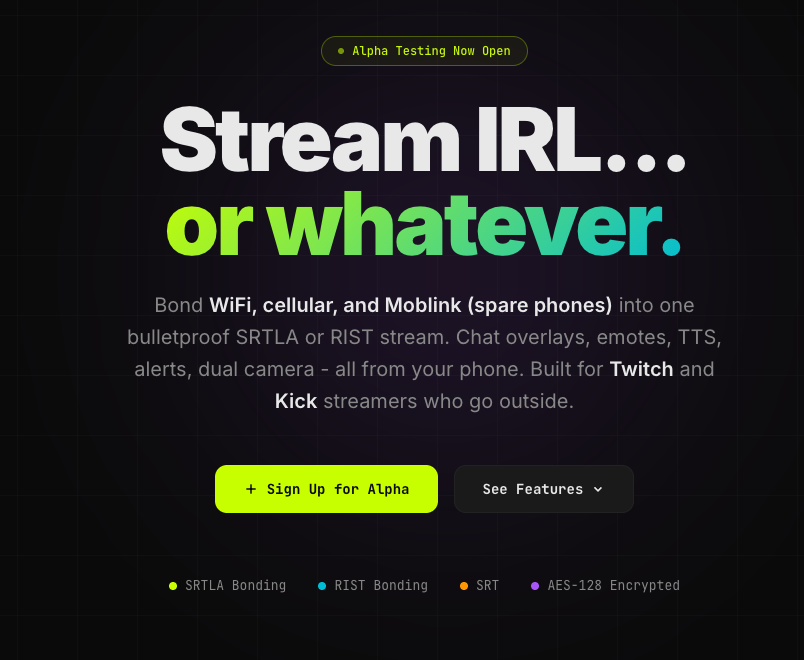
Cloud OBS + IRL-friendly ingest (SRT/RIST/RTMP) so you can go live from anywhere without the headache.
Get set up: https://t.co/JxTUVGlkjV
🌍 Global SRT/SRTLA Relays are LIVE for BETA testing!
Choose from ~60 cities across 41 countries, with easy copy/paste setup for your streaming app + OBS.
Already with us? Upgrade from your account while your old relay stays online for testing.
🔗👇
@1776Mando We take influence from StreamBuddy, but noticed there was an iOS gap that needed to be filled.
For what it's worth, our previous app IRLlink was developed a bit before StreamBuddy - but this was rewritten in native Swift with specifically iOS users in mind.
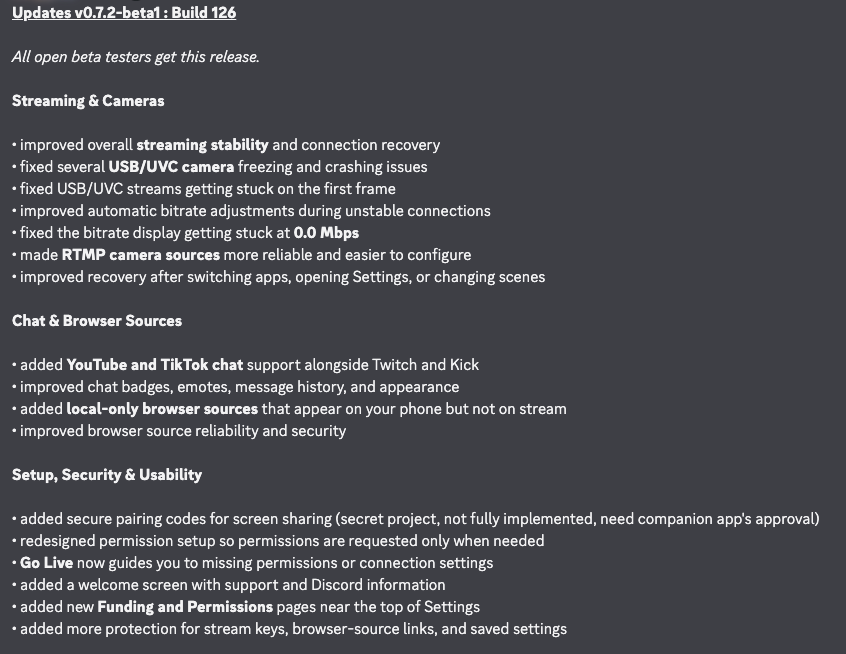
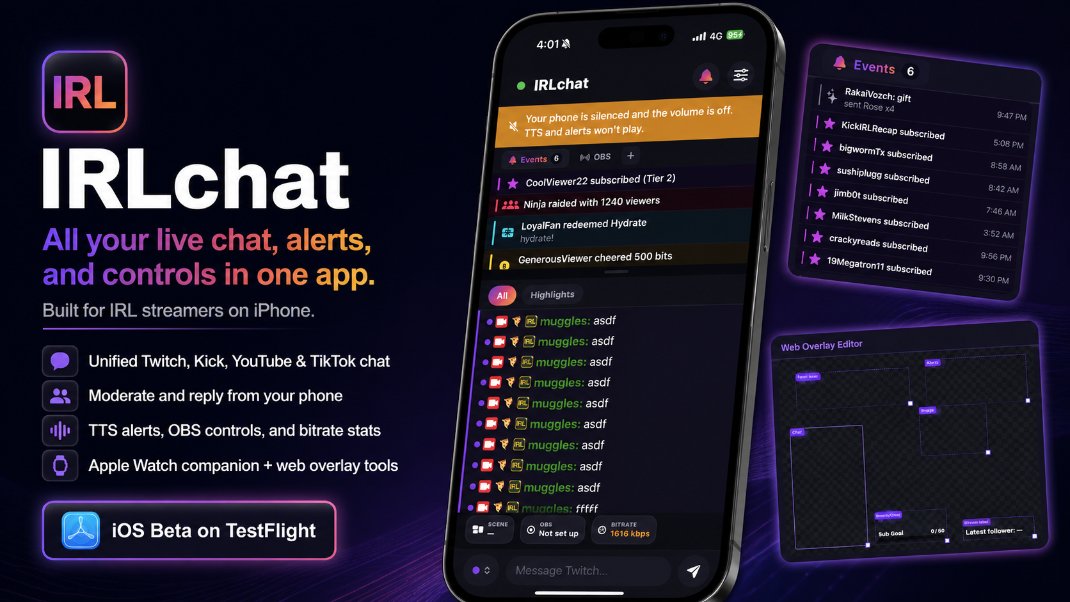
IRLchat for iOS is now in TestFlight.
One app for Twitch, Kick, YouTube, and TikTok live chat, built specifically for IRL streamers.
Read chat, moderate, reply, hear alerts, control OBS, check bitrate health, and mirror chat to Apple Watch.
Need testers.
Been using IRLchat for a bit and it’s honestly great. One app for all my live chats, super clean, and actually works the way you need it to when you’re out streaming. Game changer.
Looking for IRL streamers to test it while actually live.
Report crashes, lag, disconnects, missing events, bad UX, or anything that feels annoying mid-stream.
TestFlight:
https://t.co/TT4pQ3czB4
Discord:
https://t.co/5p4AdxNAcl
Also included:
• TTS alert rules
• Background alerts while locked
• OBS controller
• Quick Actions drawer
• Real bitrate stats from your stream server
• Bluetooth speaker awake toggle
• Apple Watch companion app
• Basic web overlay editor
Ready now for the next day.
This is going to be a big hike day so starting super early
Huge shoutout to @IRLtools@markwoodland for making this hike possible.
https://t.co/S0gcLO9xCc
@Twitch@Twitch_ANZ
@iKharrma@WARD3Y_ The bluetooth only sets up the live stream to the RTMP. Bluetooth says "Hey, DJI, turn on wifi and prepare a live stream with these parameters to this RTMP address"
I spent a lot of time with the DJI wifi streaming protocol, even reverse engineered it
https://t.co/PdOQskozjy
DJI uses a wifi bridge to send RTMP to the iphone. That's how you're streaming. The wifi, here in japan, can only be over 2.4ghz, which is what 99% of things run on so a lot of interference.
The BEST way is to get a dedicated encoder, like belabox/irlbox or similar, and usb-c into the dji pocket 3 "webcam mode", it's not wireless, but you're stable and can bond tons of connections.
I agree, pocket 3 is better to stream with if you have it configured with a dedicated encoder or at the very least through moblin, but on it's own, the RTMP - especially here in japan, where it's locked to 2.4ghz, it's not ideal. Between hopping cell towers, interference from other 2.4ghz "stuff", it's a recipe for disaster for uptime and quality.
I mentioned to start out on a phone not that phone is better because there's apps and guides set up for that purpose. Starting out with hard-mode is overwhelming for beginners.