ITGLOBAL.COM — international cloud provider & IT distributor of own technologies
☁️ Global cloud platform (Public / Private / VDI / AI GPU)
⚙️ Own solutions: vStack, ITPOD, SimpleOne, Stingray
🤝 Focus on integrators & partnerships in MENA
DM open
Looking for VMware alternatives? Compare Proxmox VE, OpenStack, oVirt and vStack HCP—and explore costs, support and migration planning.
Read more: https://t.co/d86TiKHLSt
#VMwareAlternatives#vStack
🎥 Our vStack webinar recording is now on YouTube!
Explore VMware alternatives, see vStack in action and learn about pay-as-you-go licensing for cloud providers.
▶️ https://t.co/KkRnVudCmm
#vStack#CloudComputing
Building your own cloud? Compare VMware, Proxmox, OpenStack and vStack SPP - from infrastructure to billing and costs.
Read the article: https://t.co/OkrJtxVhvV
#CloudComputing#vStack
Launching a SaaS product in UAE? 🚀
Before going live, check the basics: VPS resources, database performance, backups, private network, monitoring, latency, and scaling.
Good code matters. Stable infrastructure keeps users from leaving.
https://t.co/wZqH5yt3yI
VPS disk is not a file archive.
Move backups, media, logs, archives, and static files to cloud storage to keep your server cleaner and focused on running the project.
Create your Falconcloud server and organize infrastructure from the start ⚡
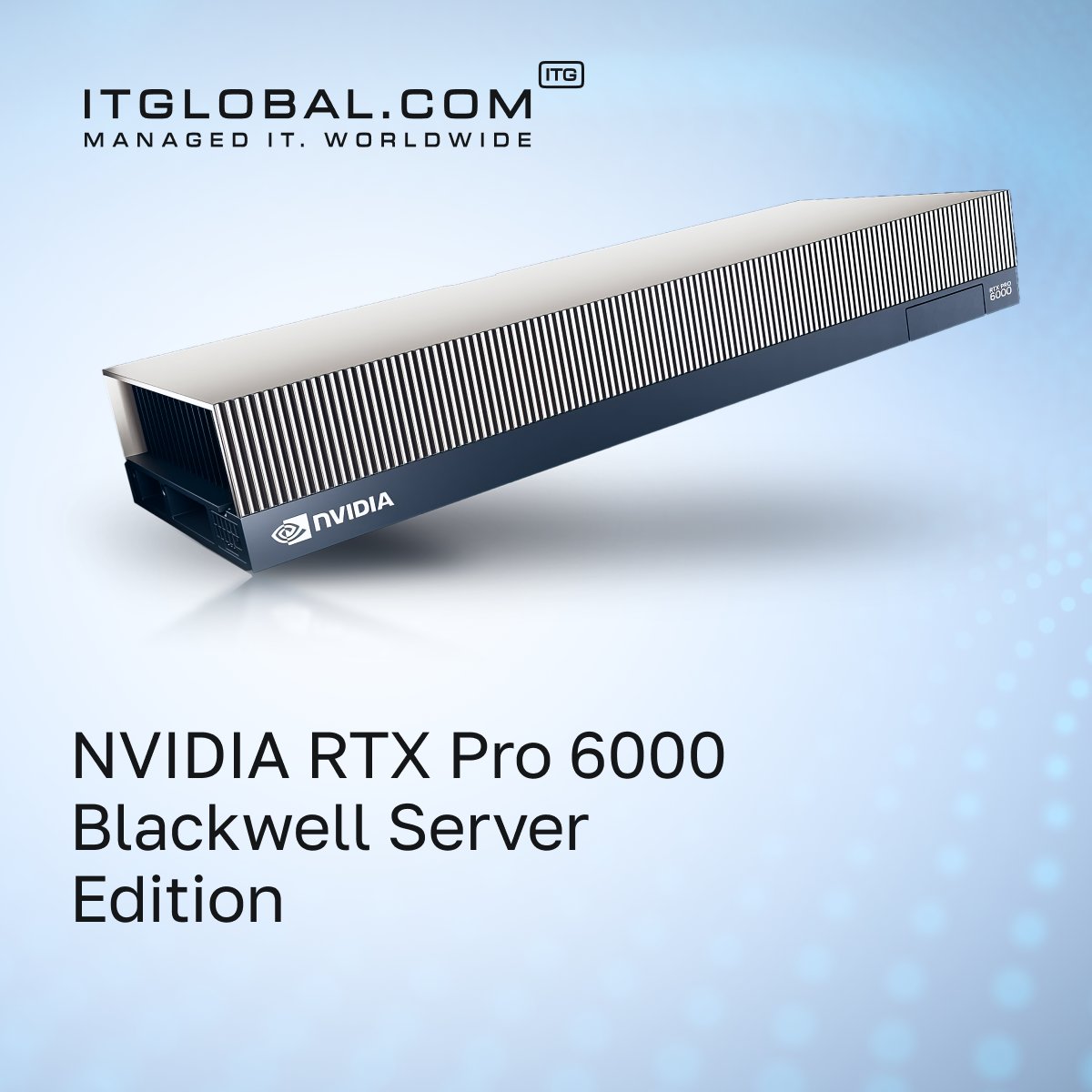
Meet the NVIDIA RTX PRO 6000 Blackwell Server Edition: 96 GB GDDR7 ECC, 5th-gen Tensor Cores, PCIe 5.0, MIG & vGPU support.
Built for AI inference, development, virtual workstations and rendering.
👉 Read the full review: https://t.co/luQYDo7pIM
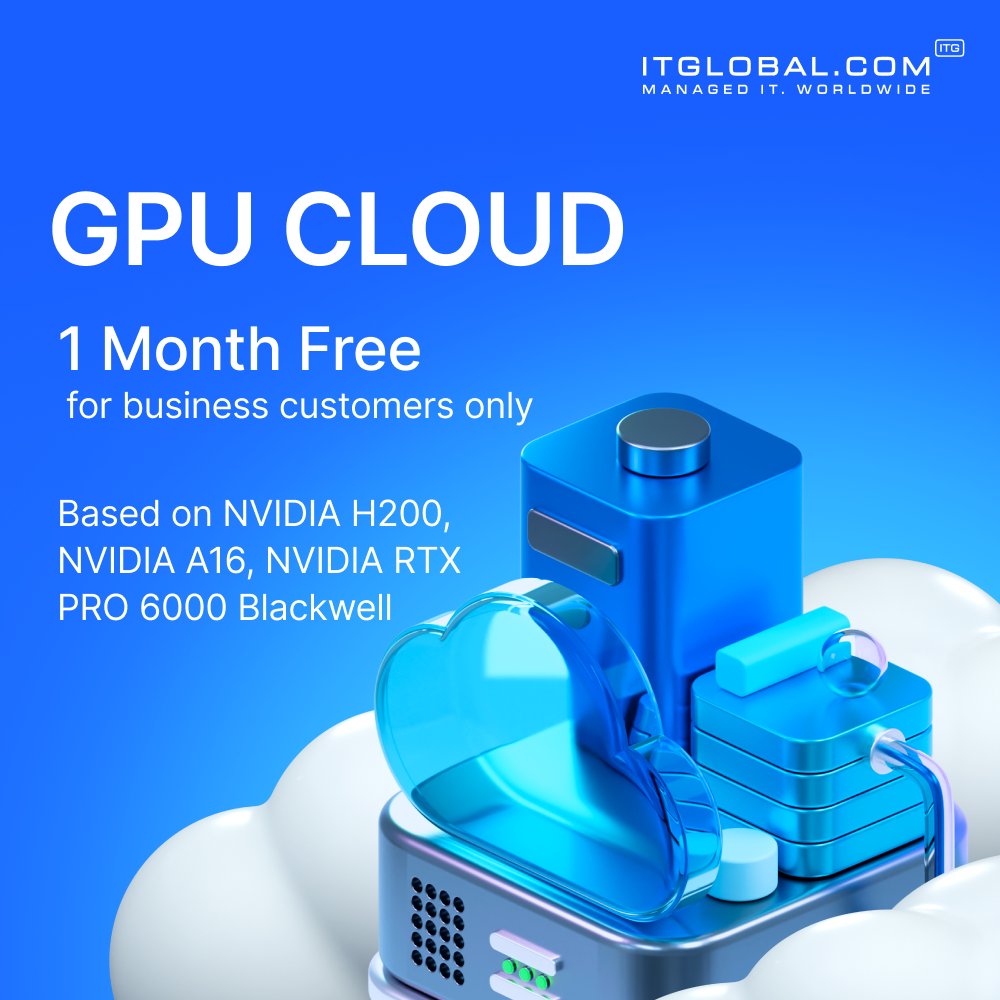
Start your AI project with GPU Cloud - the first month is on us. Available configurations include:
• NVIDIA H200
• NVIDIA A16
• NVIDIA RTX PRO 6000 Blackwell
Contact our team to get started.
#GPUCloud#NVIDIA#AIInfrastructure # #MachineLearning#CloudComputing
Testing AI tools without buying hardware?
GPU VPS gives teams cloud GPU resources for prototypes, model tests, internal AI tools, and data processing -without maintaining local infrastructure.
Create your Falconcloud GPU VPS and move from idea to prototype faster ⚡
Double your Falconcloud balance with a Visa Business card. Use promo code VISA_CEMEA when topping up.
Register: https://t.co/eAMtPSzmx2
#Falconcloud#VisaBusiness
Choosing a GPU Cloud provider is about more than GPU performance.
Check the full stack: NVIDIA ecosystem, data residency, SLA, Kubernetes, network and storage.
Learn what matters before making a decision: https://t.co/GTJQu2KNyt
Reminder: cloud desktops do not always run well on CPU alone.
For video calls, browser-heavy apps, dashboards, multimedia, and visual workloads, GPU VPS can make remote workplaces smoother and more responsive.
Create your GPU VPS with Falconcloud.
Launching a website? Secure the VPS first 🔐
Update it, close unused ports, enable HTTPS, set backups, and monitor activity.
Security starts before launch.
Choosing an Enterprise Cloud in the UAE?
We compare AWS, Azure, Google Cloud and other regional providers to help you find the right fit for your business.
https://t.co/kll4XsmPpy
#EnterpriseCloud#UAE#CloudComputing
Ubuntu for speed and flexibility. AlmaLinux for stability and RHEL-compatible workflows.
For VPS hosting, the best OS is the one your team can manage confidently.
Learn more: https://t.co/wZqH5yt3yI
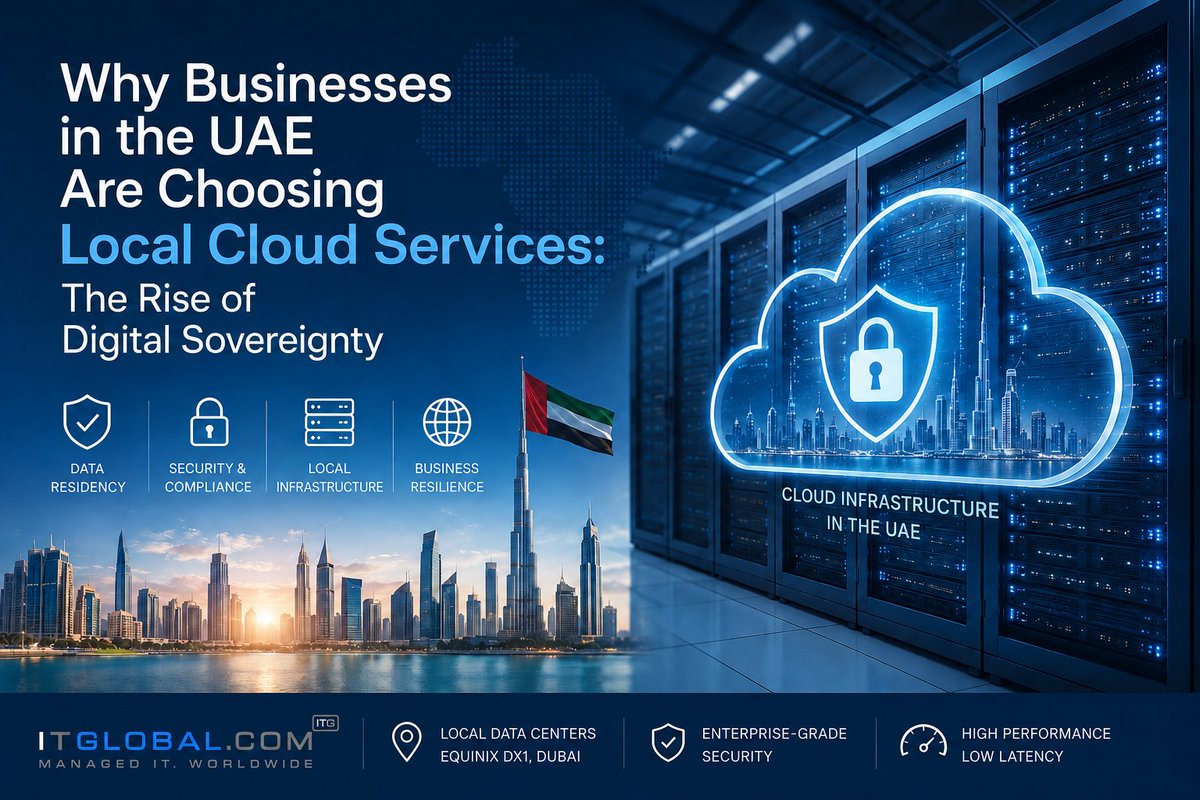
Where is your data stored—and who controls it?
Digital sovereignty is reshaping cloud strategies across the UAE. Learn why local cloud infrastructure matters for security, compliance, and business resilience.
📖 https://t.co/fqcMNtC78i
We're excited to partner with CoreACK to bring ITPOD server and storage solutions to the Middle East.
Together, we're helping organizations build scalable infrastructure for AI, cloud, HPC, and modern data centers.
#GPUServers#AIServers#AIInfrastructure#HPC
New LLM models are now available in the Falconcloud control panel 🧠
Use them for text, code, analytics, and AI tasks. Activate promo code LLM25 by July 5 and get 25% off GPT tokens for 90 days.
How to host a website on a VPS?
1. Choose a VPS configuration
2. Select Linux OS
3. Connect via SSH
4. Install Nginx or Apache
5. Upload website files
6. Set DNS records
7. Configure SSL
8. Test performance
Create your Falconcloud VPS and launch your website