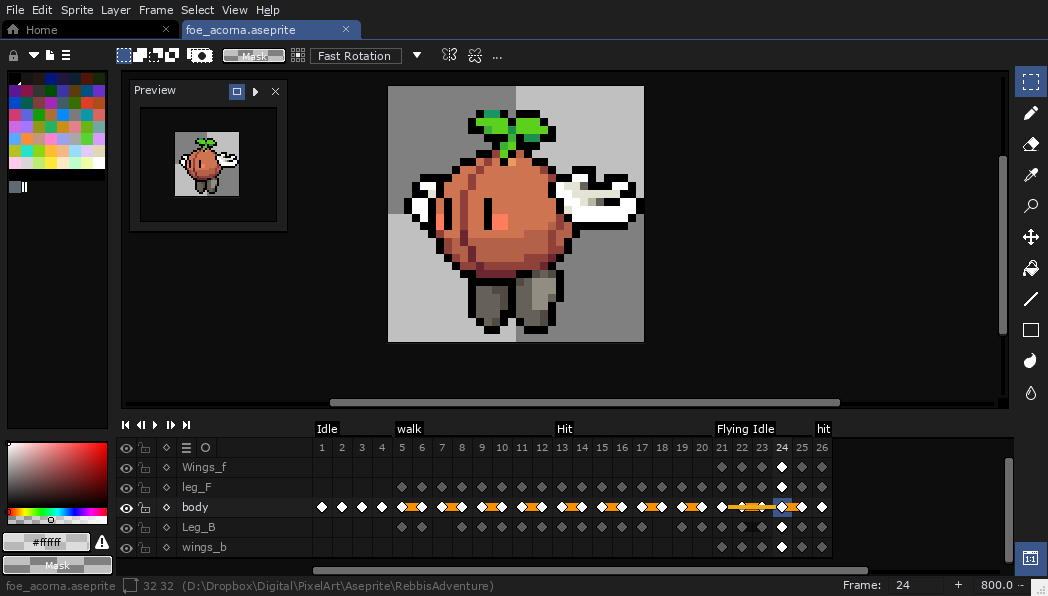
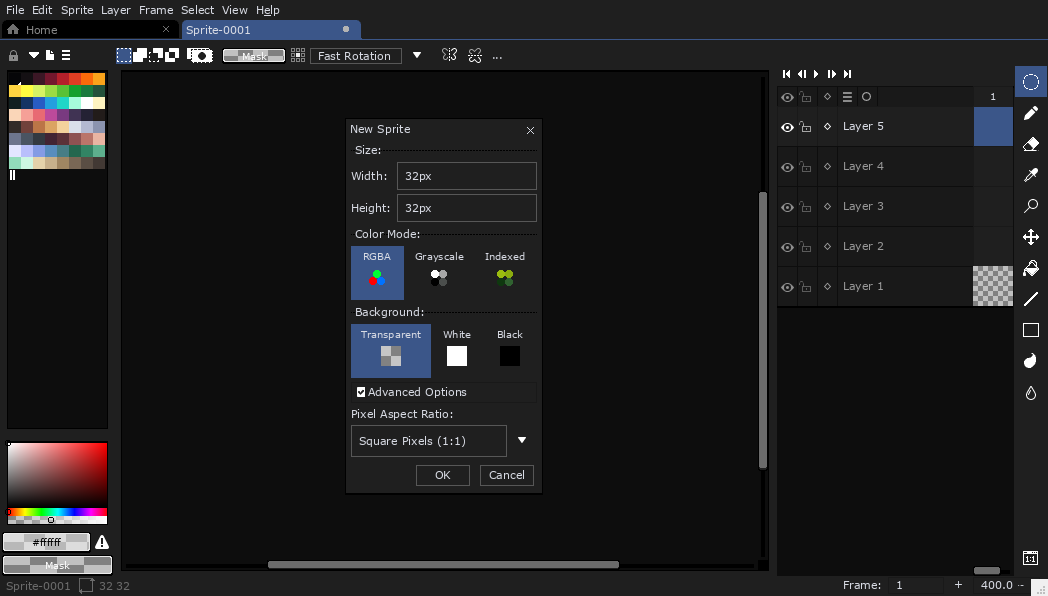
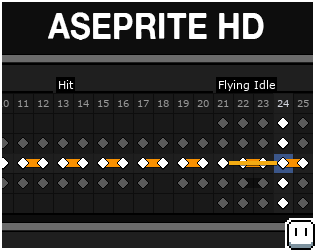
You can now download the first version of my @aseprite Theme.
It's a Dark mode, HD, Theme.
I've also tried focus on the Timeline to make it easier for me to work with.
I hope you can use it too.
https://t.co/k1eGLJzFHe
#aseprite#pixelart#gamedev
@MaxUlichney What have you done?! I don’t know what’s real anymore. Is this paper or a screen??? You and @procreate asked if it could be done, but did anyone think to ask if it should be done!!!!! #watercolormaxpack
@otisframpton When it's one layer per frame whatever frame you select, it auto selects that layer and you can keep drawing without opening the layers panel. But when you start doing groups, whenever you change frames you have to open the layer menu and select the correct layer each time. 🤔
@otisframpton When you do your cleanup animation, do you keep your rough layer in as well? The issue I've been running into is that when the frames have more than one layer, I have to manually select the correct layer every time I change frames.
Trying out some animation on #procreate5. Made a Lizard Cat...thing. For single layer animation, this is pretty sweet! Love the onion skin. I do kinda wish the layers window could undock like the color palette for doing multi-layered frames. #5isalive