Mercor Ai complete Beginners guide , it’s finally here!
🔗; https://t.co/mQiQ4yvADG
if you’ve been grinding mercor and unable to land a role, this is all you need. i also elaborated how to create Resumé using claude Ai with Resume format template
good luck🙌🏽
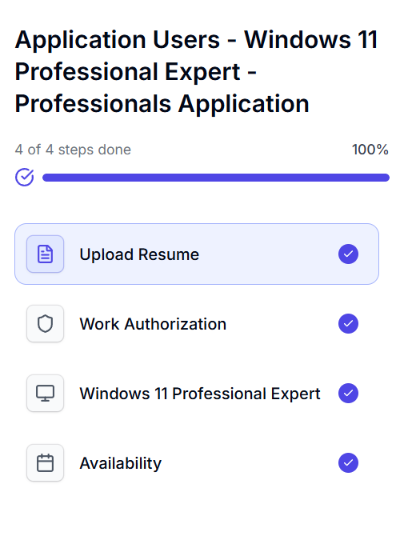
HOW TO SUCCESSFULLY COMPLETE THE INTERVIEW FOR WINDOWS 11 PROFESSIONAL EXPERT PROJECT
Here are things to expect;
1. You'll be asked to share your full screen during the interview. Make sure you're comfortable with the screen-sharing process before starting.
2. During the interview you'll be asked to check your display resolution, navigate to your Windows display settings and read out your system's screen resolution when prompted.
This is how to find it;
Open Settings.
Click System.
Select Display.
Look for Display resolution and read out the value displayed.
3. For the third Question you'll be asked to explain two Windows 11 tools you use.
Some examples include:
PowerShell: A command-line tool used to run commands, automate tasks, and manage system settings.
Microsoft Paint: A simple tool for drawing, editing images, cropping pictures, and making basic annotations.
Choose tools you're familiar with and explain what they do, how you use them, and what makes them useful. Be prepared to describe your actual experience with them.
Once you've answered the questions about your display resolution and the two Windows 11 tools, the interview should be complete.
Follow any additional instructions shown on the platform.
TIPS TO HELP YOU PREPARE
✅ Ensure your Windows 11 computer is working properly before the interview.
✅ Familiarise yourself with your display settings and screen resolution.
✅ Practise explaining two Windows 11 tools in simple, clear language.
✅ Make sure your screen is ready to share and close any private windows or documents before the interview.
✅ Answer honestly and confidently. You don't need to use complicated technical terms to explain tools you understand.
Good luck with your application!