THE CYBERFORGE — DAY 14/60 🌐
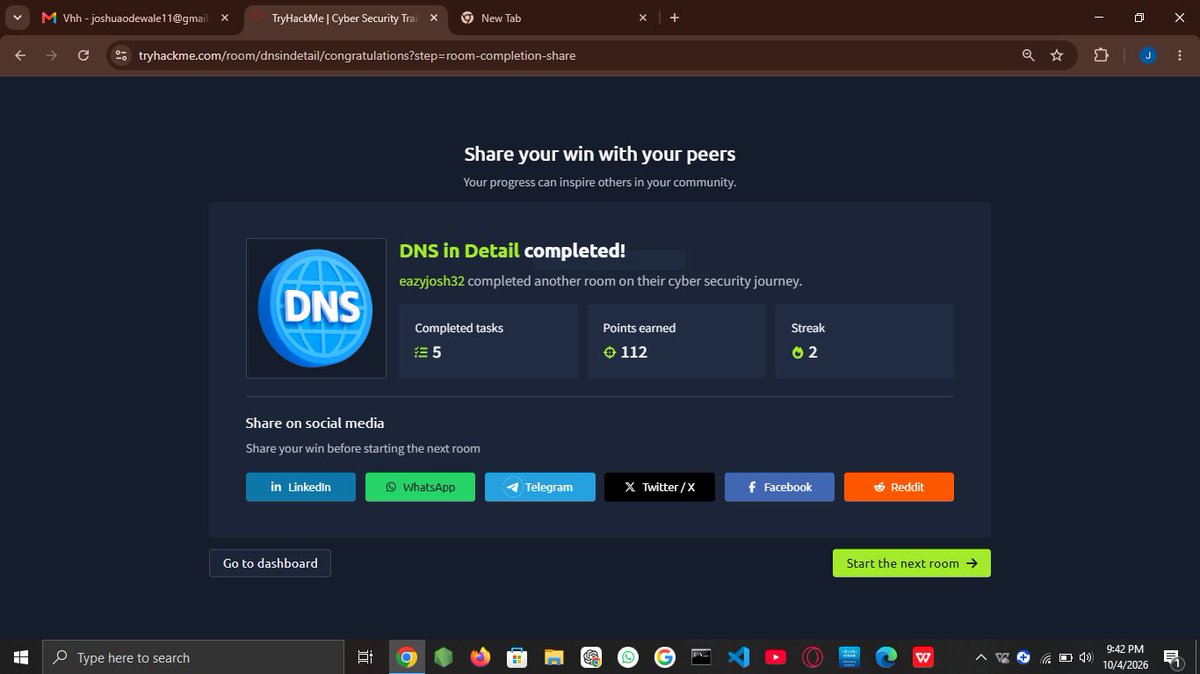
Today I learned DNS with TryHackMe — DNS in Detail.
Covered DNS hierarchy, gTLD/ccTLD, subdomains, DNS resolution, and A, AAAA & CNAME records.
Also completed the practical tasks. 🔐
#the_cyberforge
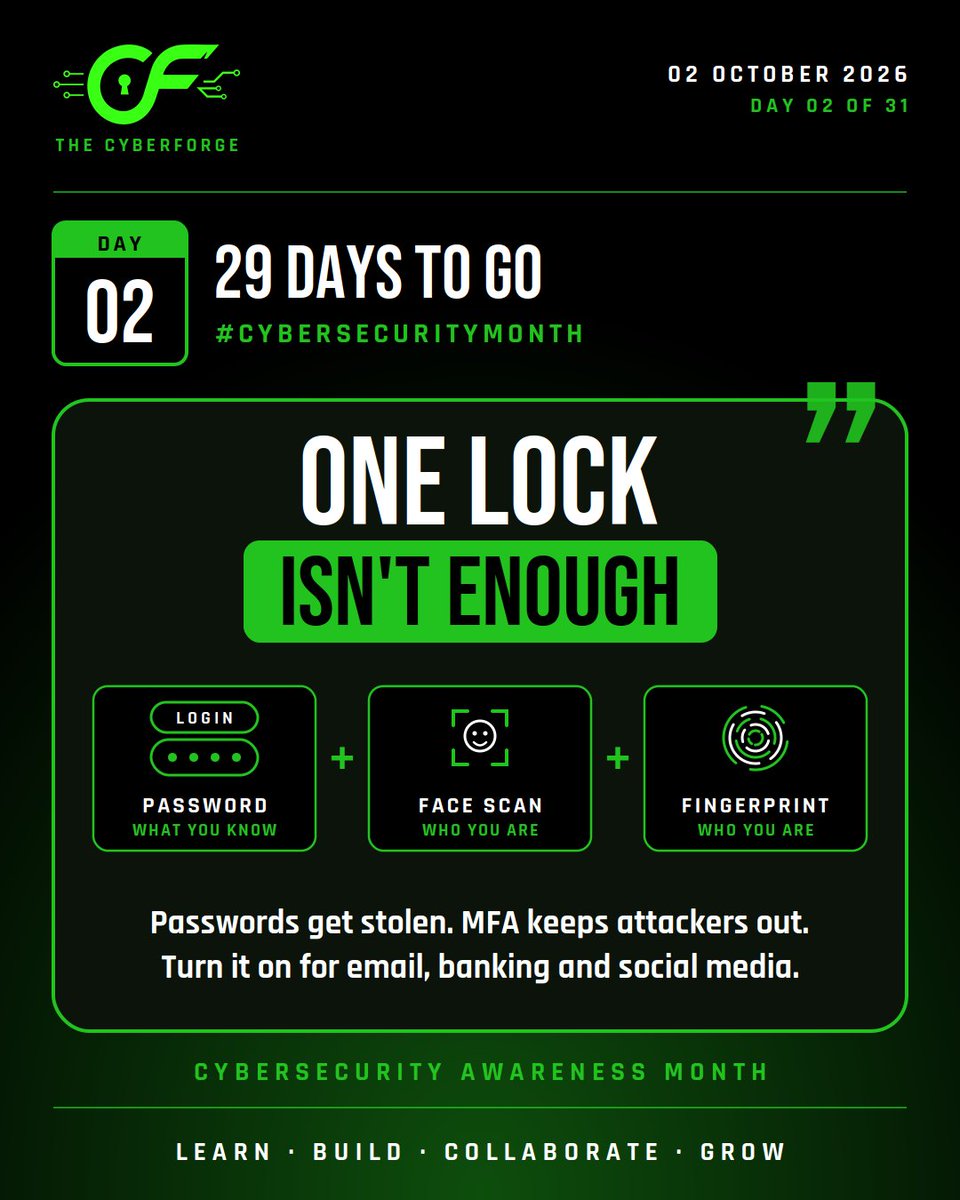
🔐 DAY 2: ONE LOCK ISN'T ENOUGH
Multi Factor Authentication proves it's really you: something you know (password), something you are (face, fingerprint). Even if your password leaks, attackers still can't get in.
#CYBERFORGE#MFA
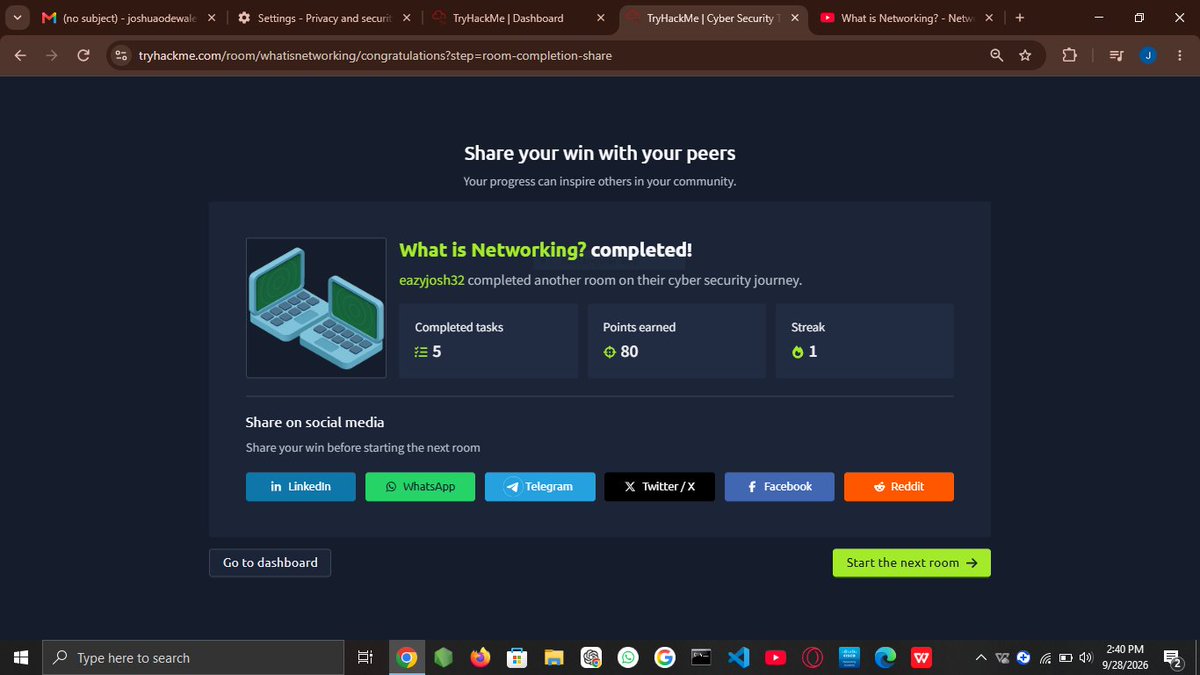
🔐 THE CYBERFORGE — DAY 12/60
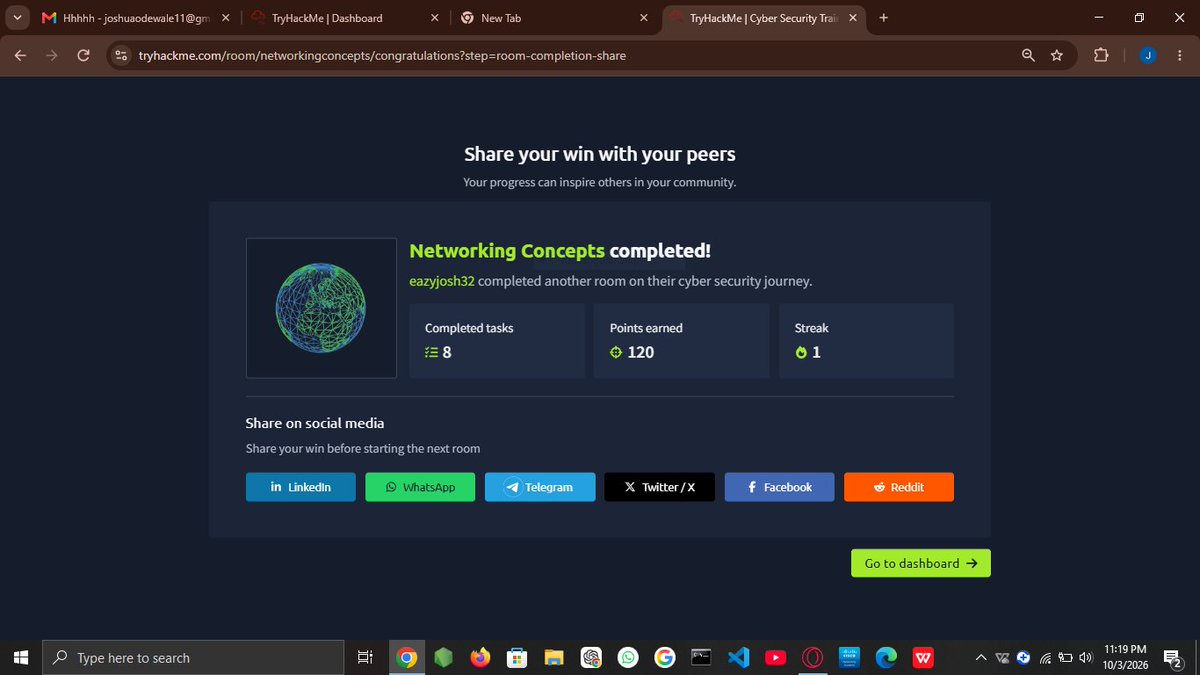
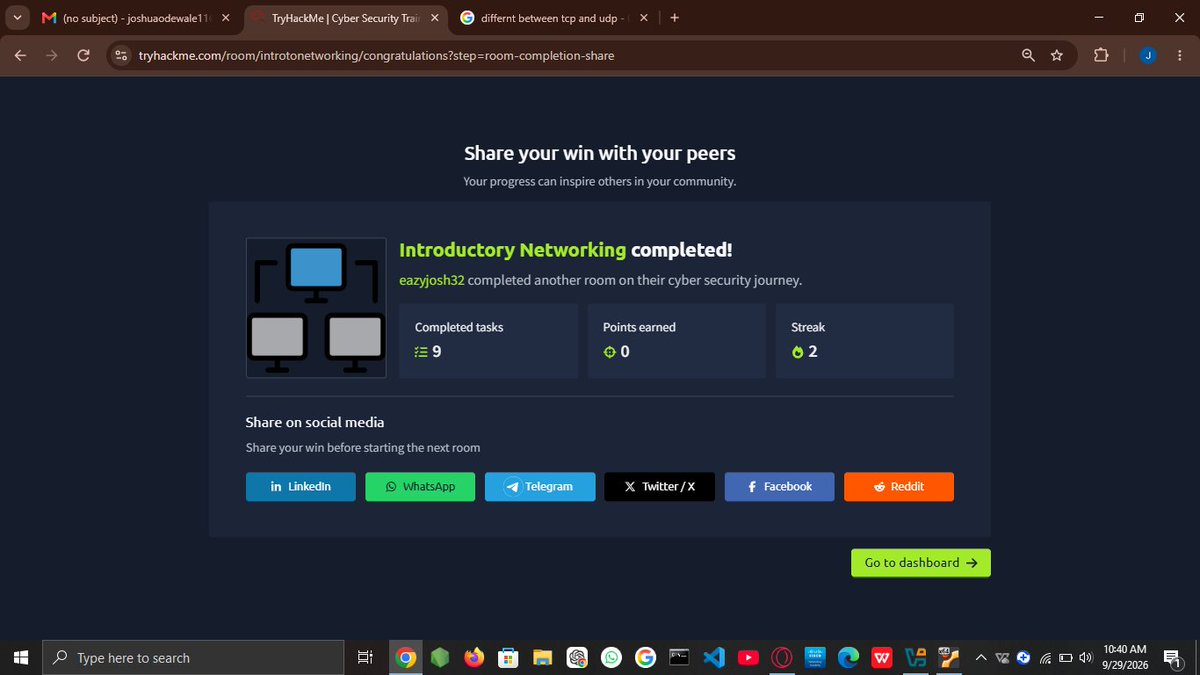
Strengthened my networking foundation today:
• UDP & TCP
• OSI & TCP/IP models
• Ports & Subnetting
• TryHackMe practice
Revised earlier concepts too. Still building! 🚀
#the_cyberforge
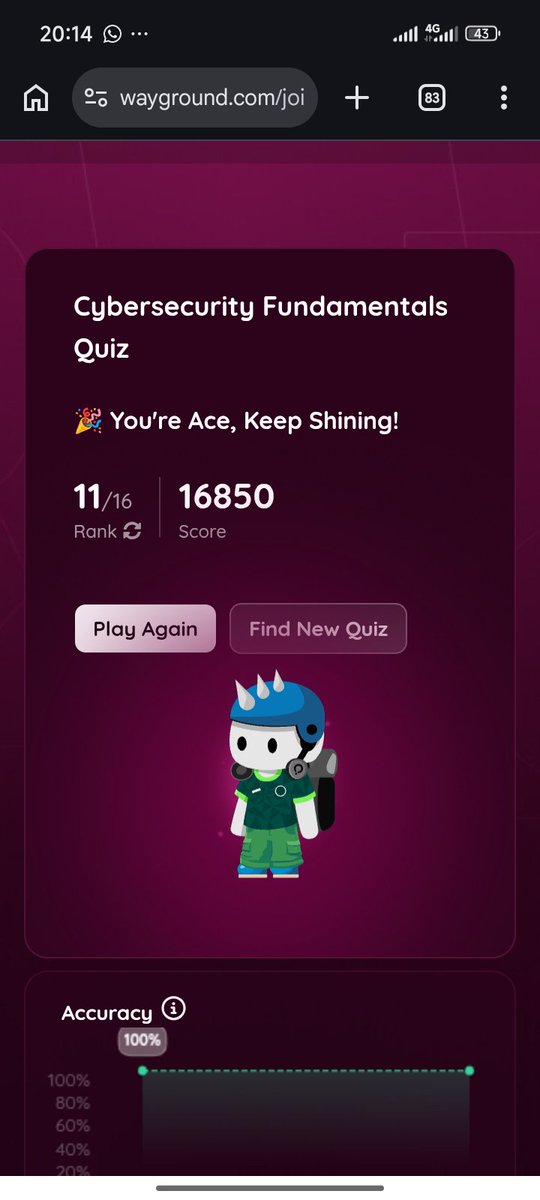
🔐 THE CYBERFORGE — DAY 12/60
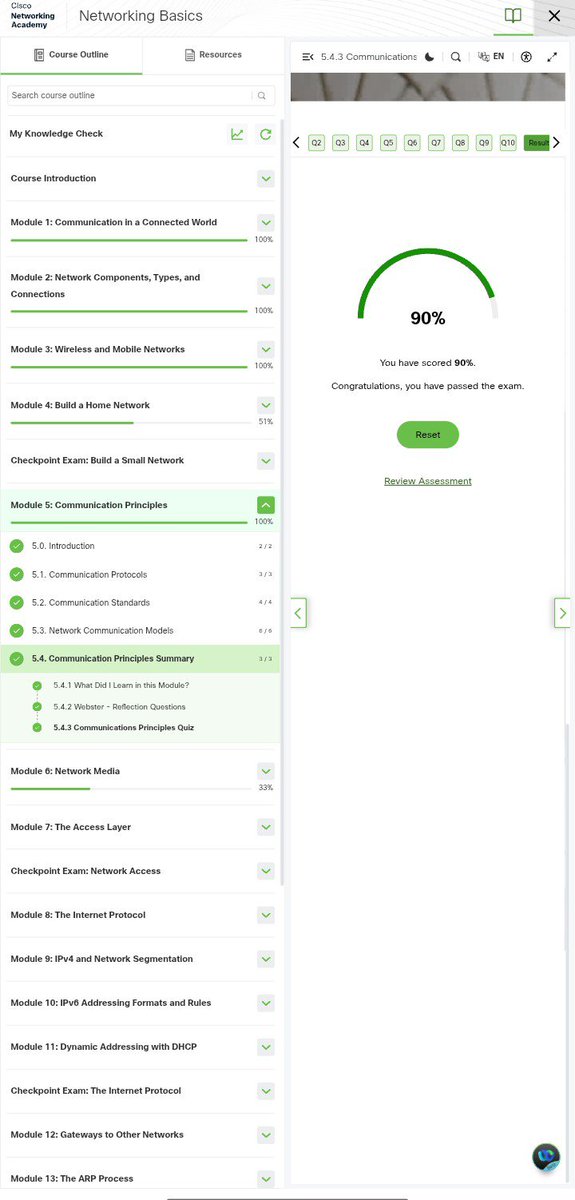
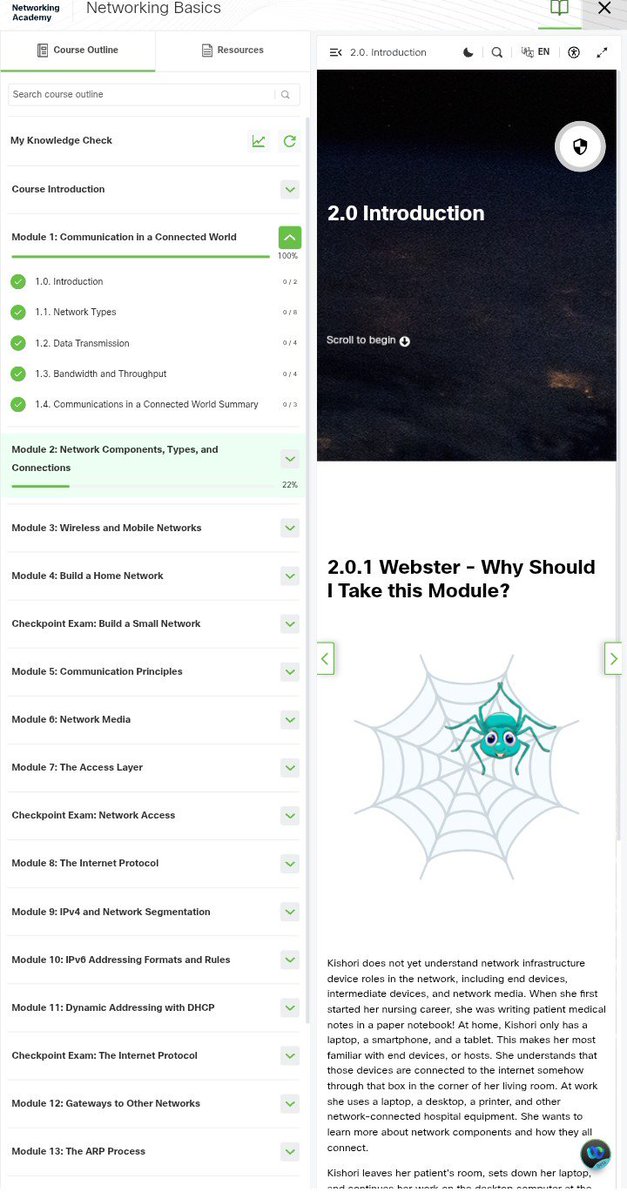
Completed Cisco Networking Basics — Module 5: Communication Principles. 📚
Covered protocols, encoding, encapsulation, and OSI/TCP models. Connecting the dots from Day 8! 🔗
Score: 90% ✅
Strengthening the foundations ⚔️
#the_cyberforge
🔐 THE CYBERFORGE — DAY 10/60
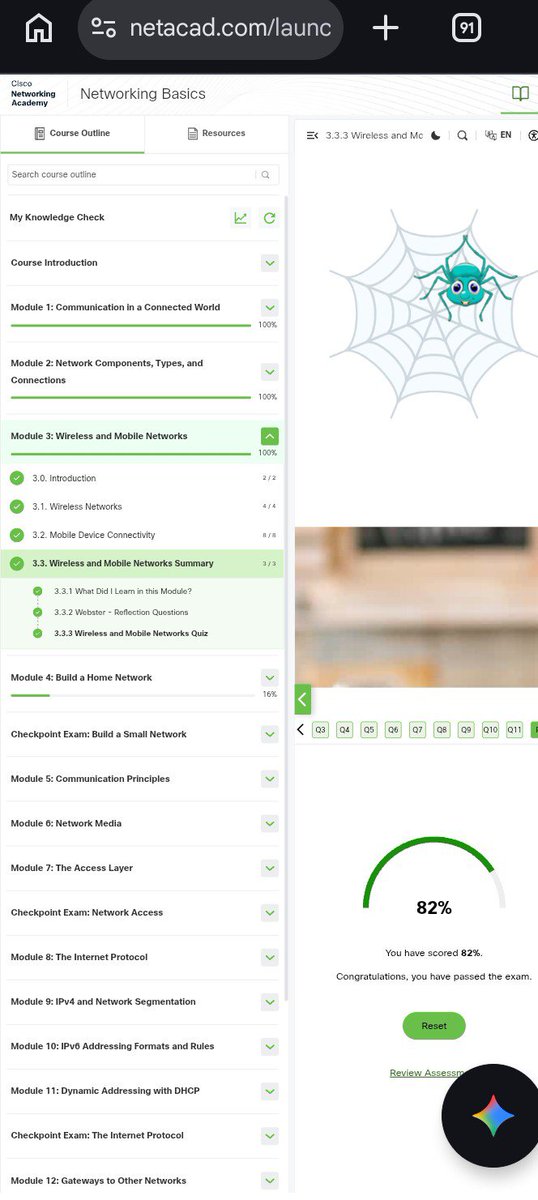
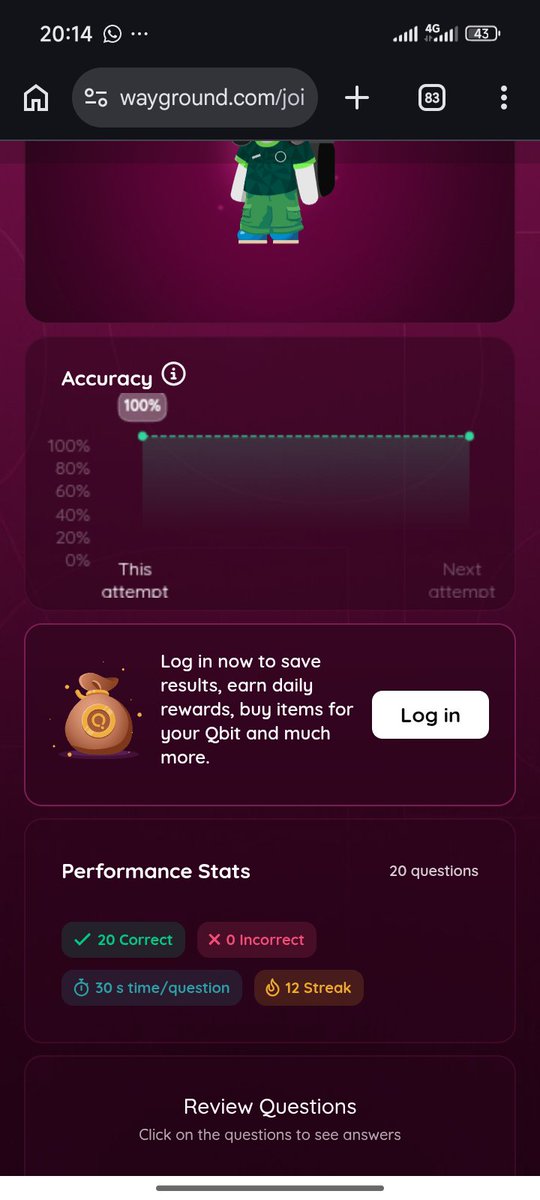
Today, I continued building my networking foundation with Cisco Networking Basics. 🌐
📚 Learned about Wireless & Mobile Networks
📝 Completed the assessment
🎯 Scored 82%
Building the foundation, one step at a time. 🚀🔐
#the_cyberforge
Day 10/60 #the_cyberforge
Key takeaways:
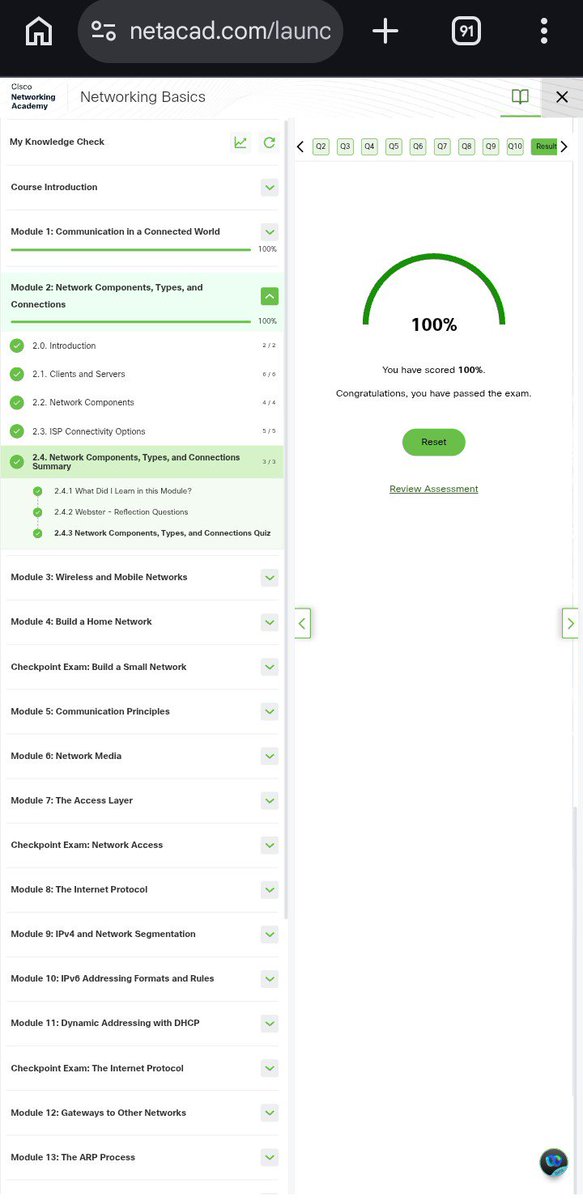
• Client vs Server: Role depends on software, not hardware.
• ISPs: Connect LANs using cellular, fiber, or satellite.
• Fiber Grid: Undersea/underground cables form the internet backbone.
Onto Day 11! 🔥
#60daysofcyberforge
CyberForge Day 08 re-do! ⚒️ No shortcuts in mastering networking foundations.
Covered the OSI vs TCP/IP models, watched Data transform into Segments ➡️ Packets ➡️ Frames ➡️ Bits, and played with command-line switches for Ping and Dig.
Ready for Day 09! 🚀
#TechJourney#Networking
CyberForge Day 8: Networking Bedrock 🚀
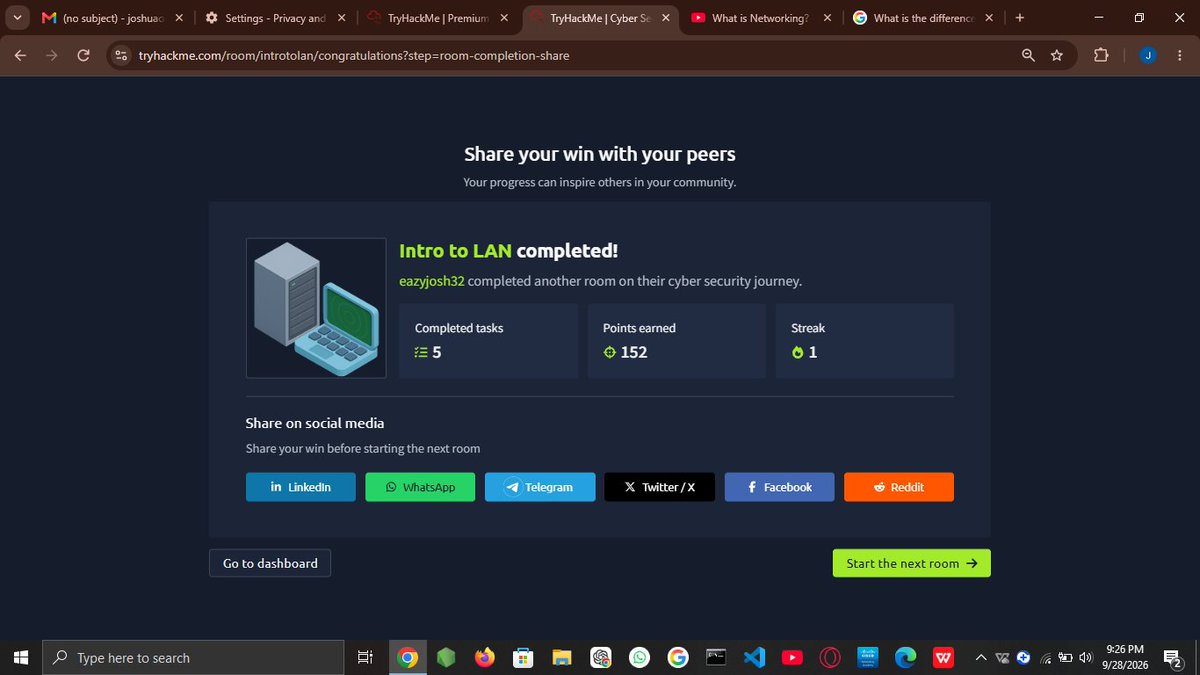
Hit @TryHackMe's Intro to LAN rooms today.
• IP vs MAC: IP = phone number (can change), MAC = physical fingerprint (can be spoofed).
• Protocols: ARP maps IP to MAC; DHCP automates IPs.
• Verified connections via ping.
#the_cyberforge
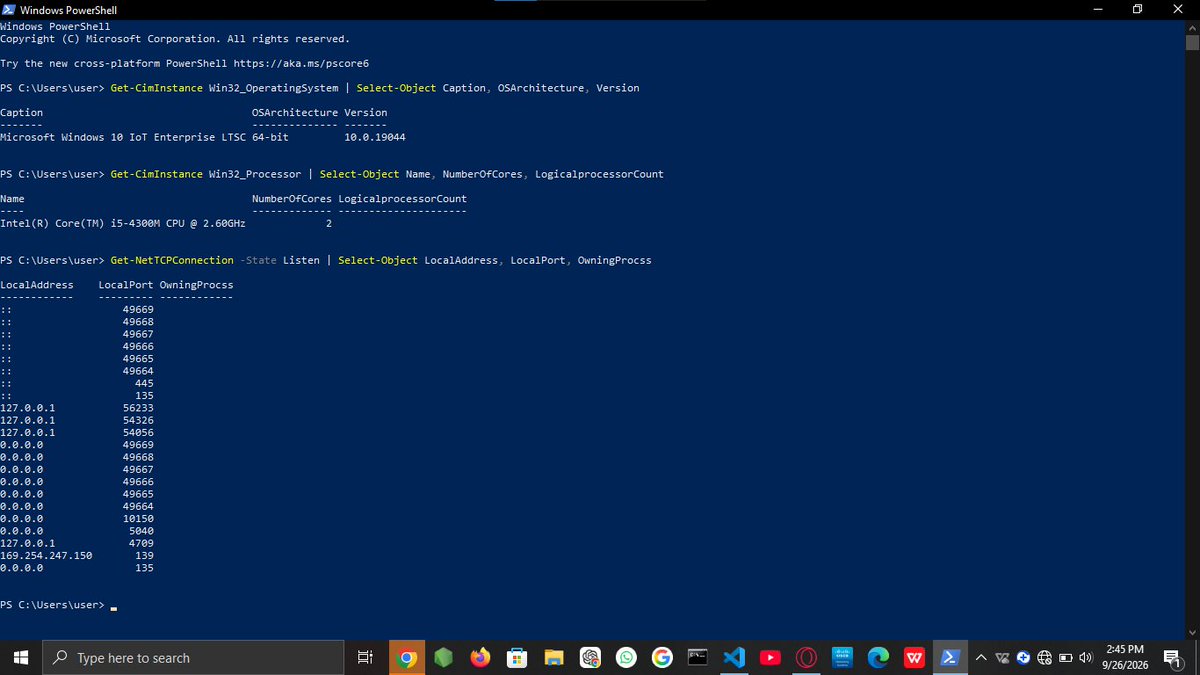
@MicrosoftLearn 💻 PowerShell Enumeration:
• Tested it hands-on! My lab environment runs Windows 10 IoT Enterprise.
• Ran network commands and saw listening ports like 445 & 135 wide open. Real eye-opener for hidden entry points!
On to Day 7! 🚀 #CyberSecurity#the_cyberForge (4/4)
Day 06/60 #CyberForge Challenge 🇳🇬🛠️
Massive day! Cleared the Computer Types lab on TryHackMe/Medium + bagged my @MicrosoftLearn "Explore Computers" achievement badge.
Dug into computer history and ran some deep PowerShell labs. Thread 👇 (1/4)
@MicrosoftLearn 🧠 History & Hardware:
• Mastered the 4 pillars: Processor, Memory (RAM), Storage, & Network adapters.
• Learning how scientists used old magnetic memory before HDDs/SSDs exists is mind-blowing. Kudos to those early scientists ooo! (3/4)
@tryhackme 🦴 The Motherboard:
• Think of it like a human skeleton. It holds everything together and acts as the communications highway so the CPU, RAM, and storage can talk to each other.
On to Day 6! 🚀 #CyberSecurity#TryHackMe#the_cyberforge (3/3)
@tryhackme 🧠 CPU & RAM:
• The CPU runs on a strict Fetch, Decode, and Execute cycle to process commands.
• RAM is temporary memory—it holds what you're doing right now and wipes when power cuts. Long-term files stay safe on the hard drive. (2/3)
Day 05/60 #CyberForge Challenge 🇳🇬🛠️
Going under the hood today! Completed the @TryHackMe "Inside a Computer System" room.
Before analyzing malware or forensics, you have to know how the hardware actually talks. Breakdown 👇 (1/3)