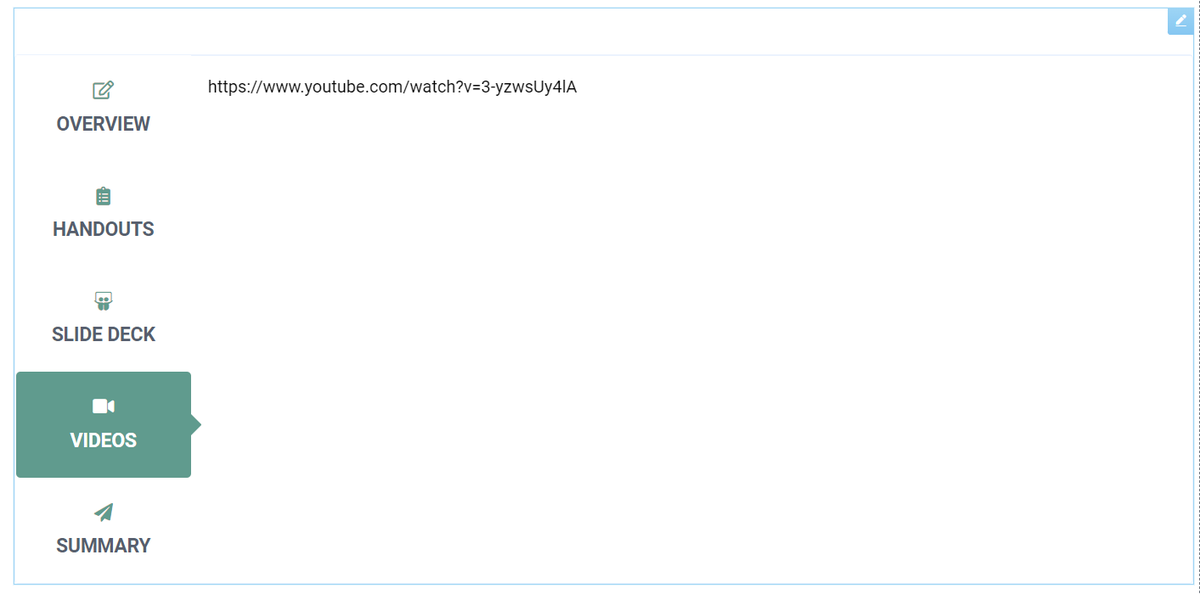
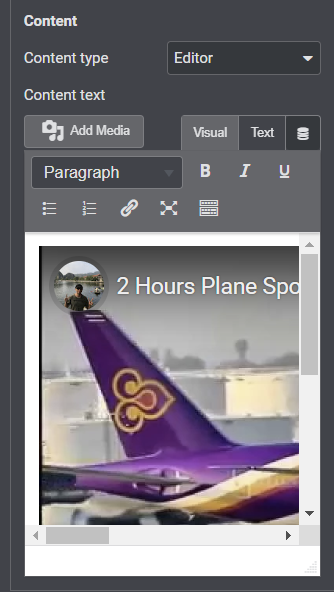
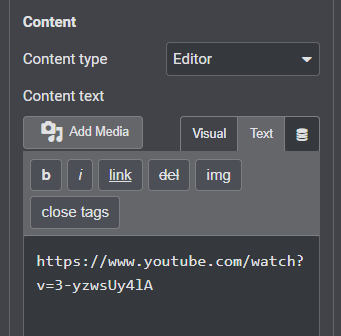
@themesflat Hey there! Using your tabs module for Elementor, and I'm putting in a YouTube link. The auto-embed works in the editor, but doesn't work in the preview or on the published tab on the front-end. Any ideas?
If we could make the case that the desktop @Outlook email client has literally eradicated hundreds of years from humanity's collective lifespan (stress on email developers) in the last two decades, do you think @Office would consider fixing it? #emailmarketing#emaildesign
@andreatarrell Yes, but from what I can tell the only form plugin compatible with Pardot forms is Contact Form 7 with the additional CF7 Third Parties plugin. Is that so? Currently using Forminator and Elementor forms.
@andreatarrell Can you tell me the difference between setting up custom fields in Pardot for UTM variables vs. using the GA connector, which also creates fields?
@UTMGrabber My digital marketer is requesting your plugin. Can you explain what it actually does?
Currently, if a web visitor arrives with UTM parameters they stay in the URL as they surf our site. Then they are passed along to our CRM when the visitor fills out a form.
@andreatarrell I ask because I'm using Zapier to submit my web forms to Pardot, but I'm unable to pass through my UTM variables manually because the GA connector-generated UTM fields don't show up as custom fields. I have no idea how to pass the variables through.
@jennamolby It looks as though if I created custom fields for the UTM variables (utm_campaign, etc.) I could probably pass them along without issue. But I don't think it would populate the "official" fields created by the connector. What is the benefit of the "official" fields?
@jennamolby I have connected my website form to Pardot with Zapier. Works great, but even though I have set up hidden fields that capture the UTM variables (and they do), Zapier doesn't allow me to map those fields to Pardot. Any ideas? Thanks - love your resources!
@jennamolby I can capture the entire URL of the page the form is on, including the UTM parameters, and pass them along as a field, to say "Lead Source Details," but that doesn't work either.
@MicrosoftTeams SO EASY: Make sure you click "reply" even though it looks more natural to type in the box. The box will start a new message. You will do this CONSTANTLY and Microsoft will NEVER FIX IT.
https://t.co/Lq6brDioXn
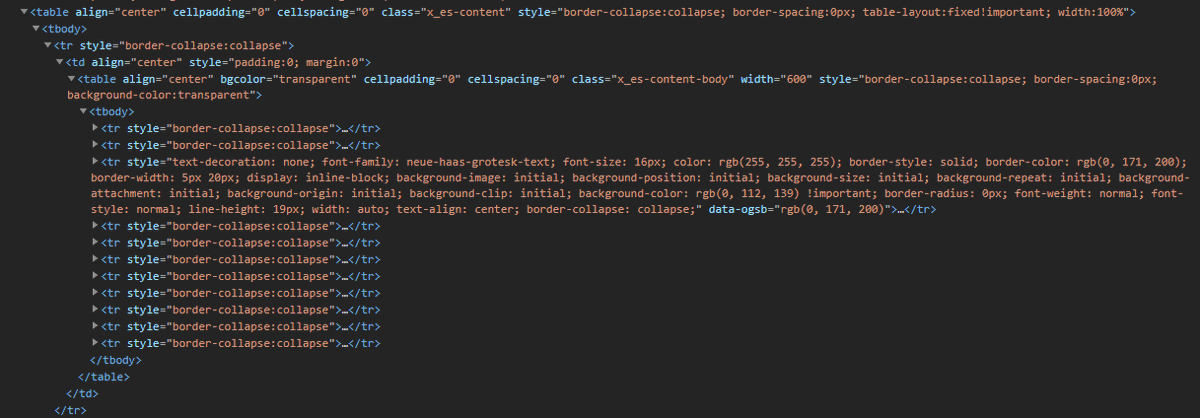
Any #emaildesign geniuses out there? My source HTML has all these TRs styled simply with border-collapse:collapse. When Outlook 365 on the web receives it, it somehow adds all this crap to exactly one of the TRs and breaks my layout. Where is this coming from?!?