https://t.co/SE2WjWe8hP
Looking for an excursion that is out of this world? Take your students on a journey through the universe, starting with Earth, right through to the edge of the universe. Check out Tour the Universe on the Digital Learning Selector to get started.
Creative thinking with clines
https://t.co/q3kVZk2Yni
Allow students to create clines to represent their learning from 2020. The possibilities are endless to integrate clines into English, mathematics and other KLAs for a fun end of unit reflection.
https://t.co/jm7aGumtcd
Looking for an engaging and fun music lesson? Check out Chrome Music Lab on the Digital Learning Selector for practical lesson ideas for your classroom. Build suspense with music for a narrative or use music to support a digital art work!
https://t.co/K4TWZbLgko
Digital Think-Pair-Share downloads allow teachers to change traditionally face to face "whole class" discussion into a personalised learning activity.
Encourage students to record their voices, add images, draw and type to create rich discussion.
https://t.co/NtefL0h6QL
Make every week NAIDOC week ‘Standing on Country’ –
New Stage 2/3 History resource. Build meaningful relationships with your local Aboriginal community over a yarn and a cuppa before diving into this Stage 2/3 History unit with your students.
Make Year 6 2020 memorable!
https://t.co/cRrDTQ85HI
Download ready to go templates to support your graduation celebrations.
Utilise the digital skills developed in 2020 to create digital swap cards, online autograph boards & generate QR codes to allow others to sign them.
Att: NSW DoE educators
Join us next Thursday to learn more about the Digital Learning Selector and how it can support all learners using UDL!
https://t.co/nKXJsQeMWy
Join us at 3:30 pm on Thursday 5th of November in the Tech PL - Personalising Learning Staffroom Microsoft Teams.
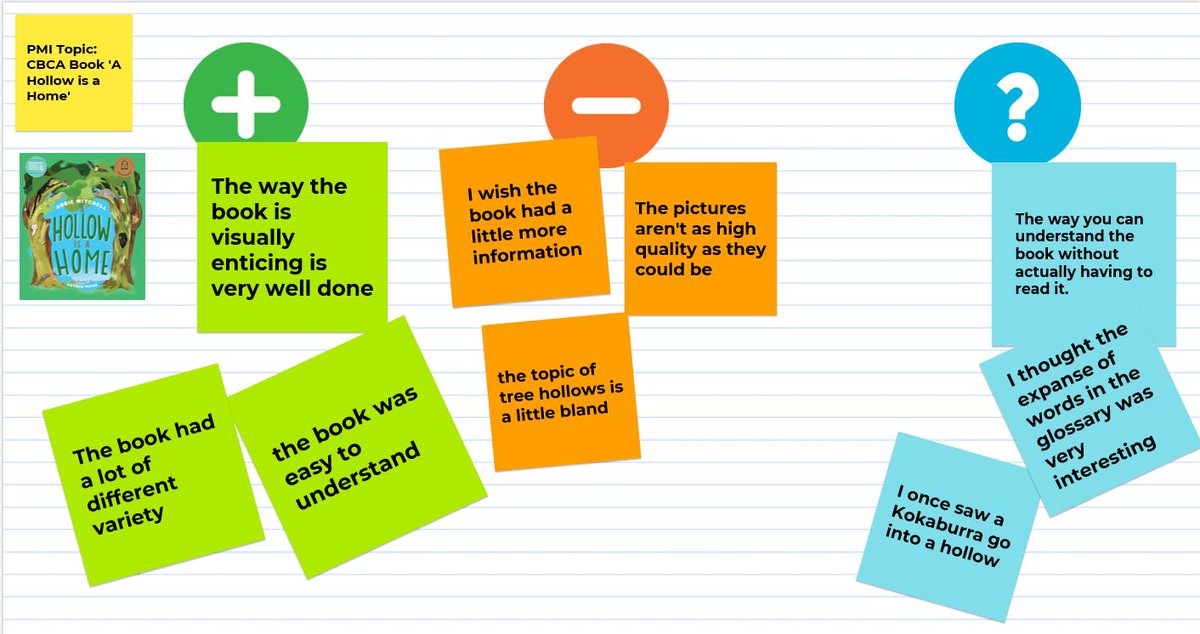
Make Plus-Minus-Interesting charts fun and interactive!
https://t.co/SM6bkNH0Ud
Kanwal PS using templates from the Digital Learning Selector for 2020 CBCA book reviews📖. The Stage 2 & 3 students used Google Jamboard to guide their reviews. Wonder which book was their fave?
Turn a whole class discussion into a learning activity that supports your students.
https://t.co/uSO4vKp9ck
Use the Digital learning selector to download think-pair-share templates for your students. Students can share their thoughts in a less intimidating way& rehearse answers.
Are you determined to prepare your students for a #Digital Future? Let the #EduTECH 2020 conference help you and your students hit their #digital stride and drive improvement! Plus every NSW Public School has access to 10 FREE tickets!
🖱️Register now! https://t.co/x8KwQYvYQe
Calling all current & future #NSWDoE leaders! Join us for⏰"Saving time using the Digital Learning Selector"⏰ at the upcoming #EduTECH 2020 virtual conference. Select from a range of inspirational speakers.
➡️ Sign up for your free EduTECH ticket - https://t.co/G7EHoa4ZoD
Lindfield Public School leading the way with High Potential and Gifted education strategies.
Check out the 5 Whys https://t.co/Q9hEbqB0zg to see some perplexing work on umbrellas in Alice Springs. Our KWLH activity also features some new student examples. https://t.co/8Czl21sALm
Have you heard? #EduTECH 2020 has gone virtual! And each NSW Public School has access to 10 Free Tickets 🎟!
With a dedicated NSW Education stream and content for leaders, teachers and ICT coordinators you won’t want to miss it!
#NSWDoE Register now!
🖱️https://t.co/5lFkYWhFvK
https://t.co/zVhdQMOcr8
Use the Digital Learning Selector to learn more about Classroomscreen, a free tool, to make learning more visible and engaging in your digital classroom. There is even a QR code generator to get your students to web addresses in record time!
Question: Should your students play online games?
Answer: They can be engaging, require higher order thinking, problem solving and persistence.
https://t.co/XhCQDc1gve
Tips to support safe behaviour online
https://t.co/ro69jfYfwu
Staying safe online requires range of skills and attributes from technical knowledge to critical thinking and empathy. These 5 tips introduce some of the key skills students need for engaging safely online.
Be Internet Awesome - classroom resource
https://t.co/pFWJvo34Ca
Google's digital citizenship education program includes resources for families and lesson plans for teachers. There are lesson plans, posters and slide decks that can be used alongside the game Interland.
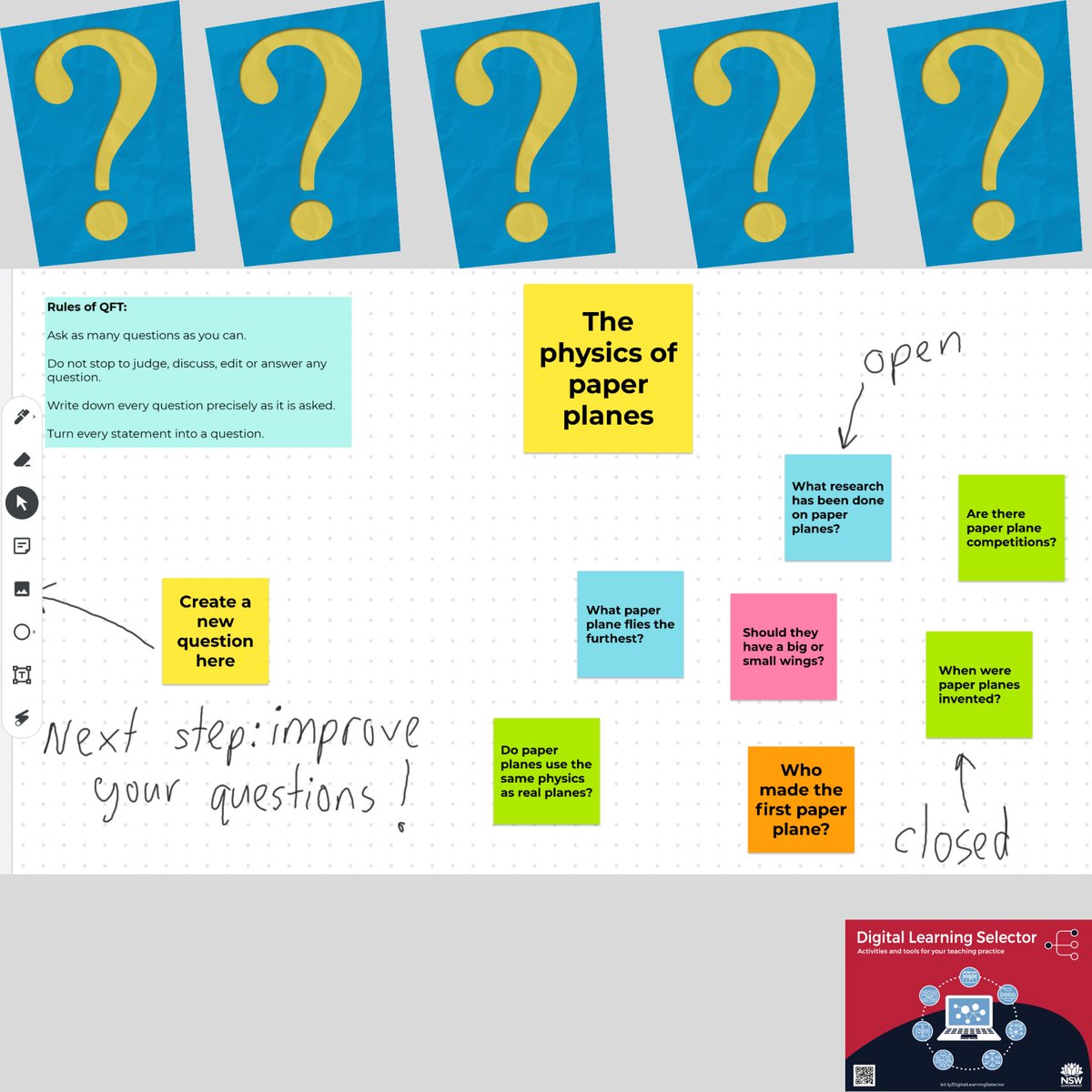
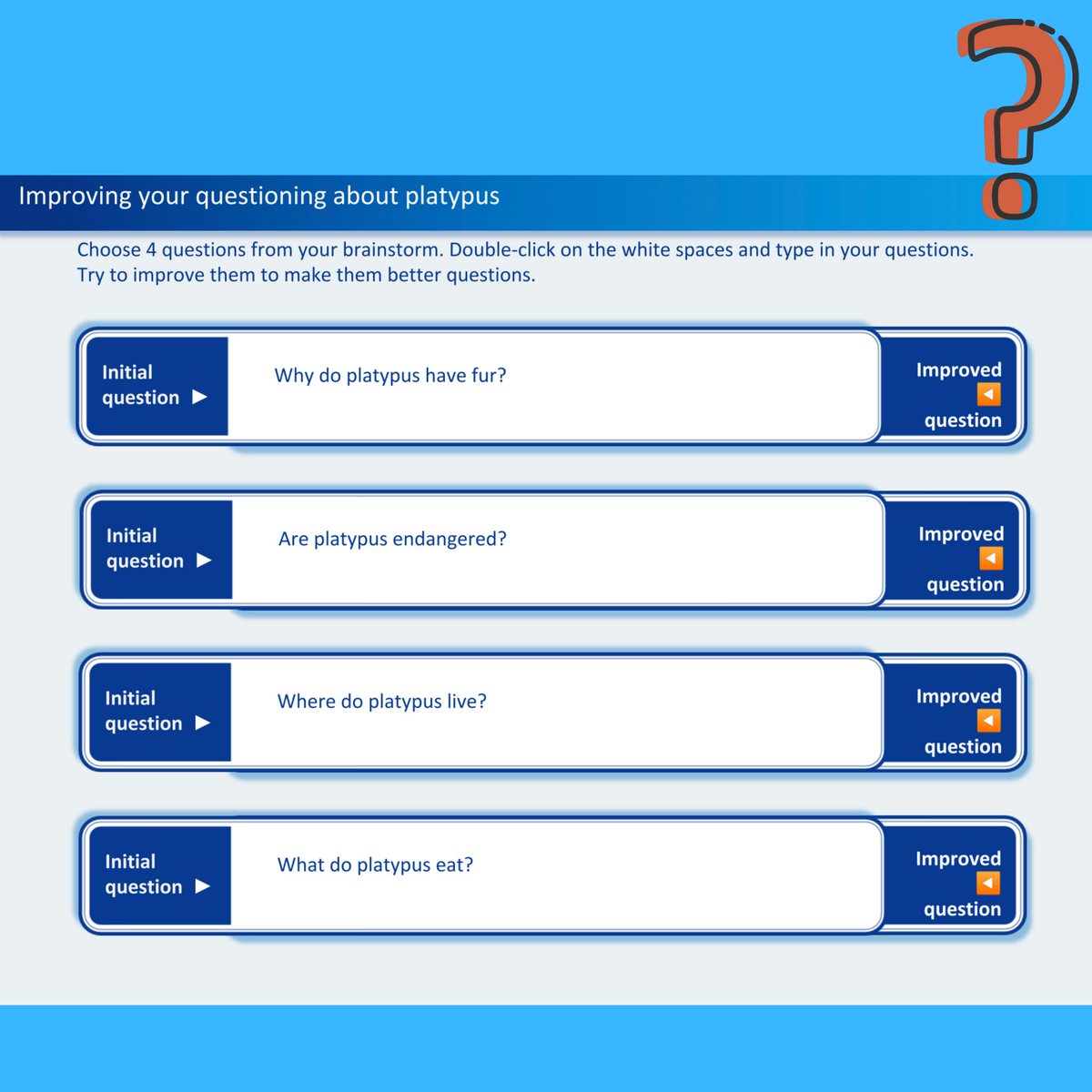
Why should students ask questions?
https://t.co/NH5RmNepRq
Learn more about how you can encourage your students to work together to build lists of questions, improve their questioning & classify types of questions.
How to teach digital citizenship in Term 4
https://t.co/ovssQVX7iD
Discover lesson plans and resources related to online safety, as well as professional development opportunities for how to teach digital citizenship.
Looking to use concrete materials in your digital classroom?
Learn more and download: https://t.co/Kd36xXWRiP
Virtual or digital manipulatives allow teachers to implement traditional teaching with "concrete materials" on digital devices. @AlexLaurence3 @mellopes81 @AliDallas17