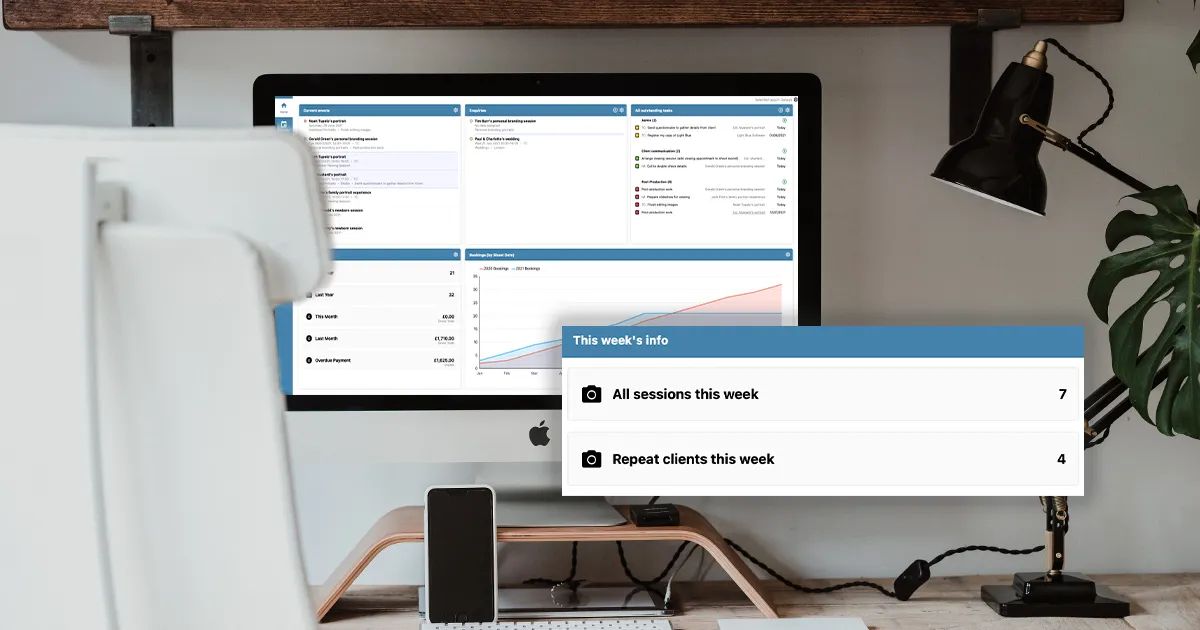
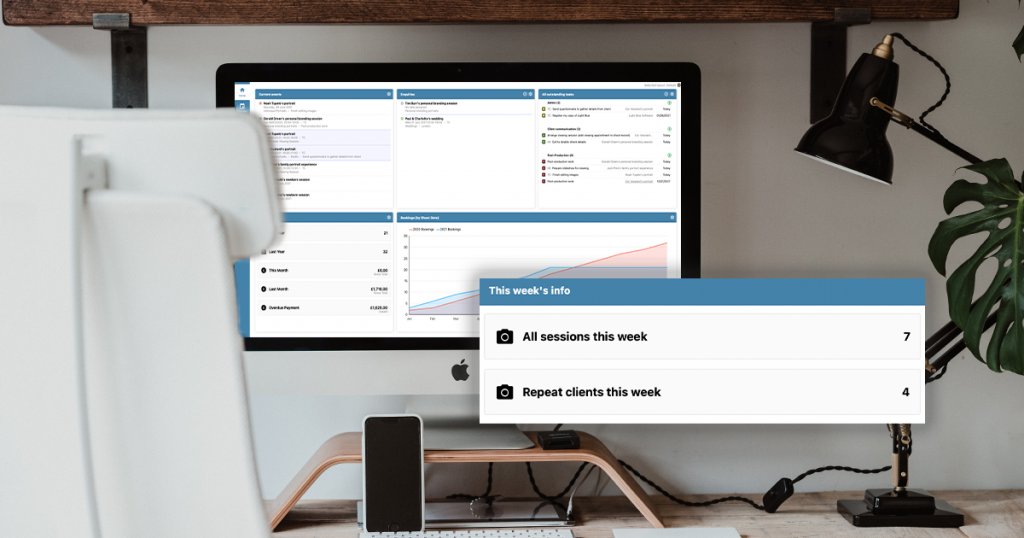
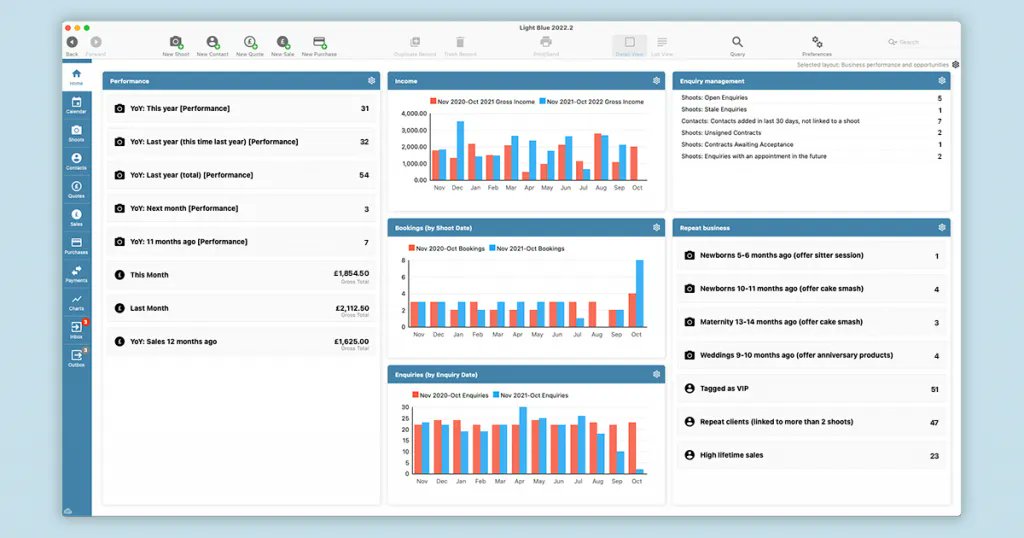
📷 Get a quick, simple and clear overview of your photography business.
See how your Light Blue home screen can be customised to show exactly what you need.
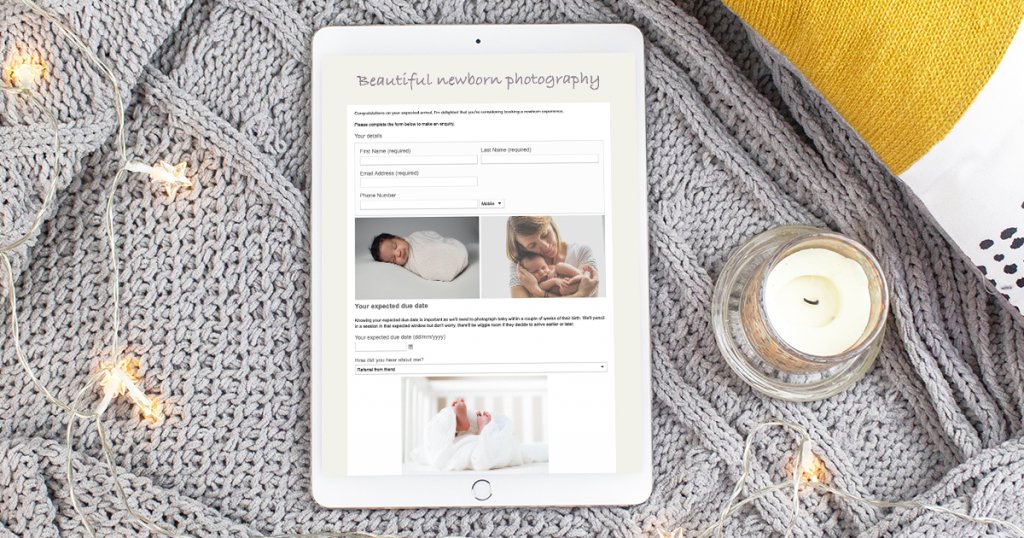
🗓 Fill your diary with quality repeat clients
You work hard to bring new clients into your business, but how much untapped potential is there in the list of clients you’ve worked with before?
https://t.co/75IomHx3YP
"Light Blue is a great tool, it can certainly do so much more than I am actually using it for. But for what I do need from it and what I do use I can say with certainty that it absolutely nails it! "
- Tom Hodgson
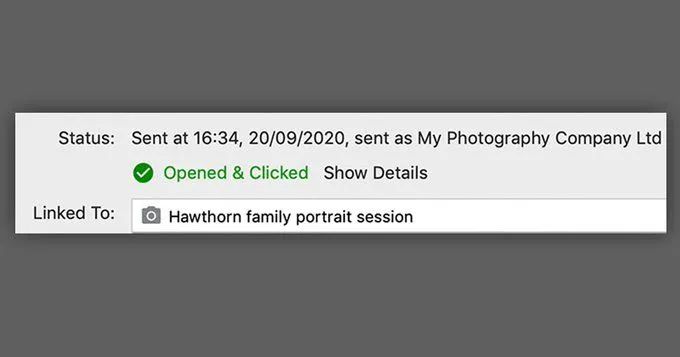
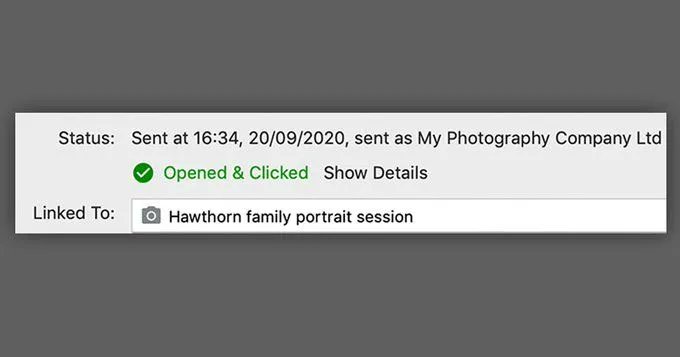
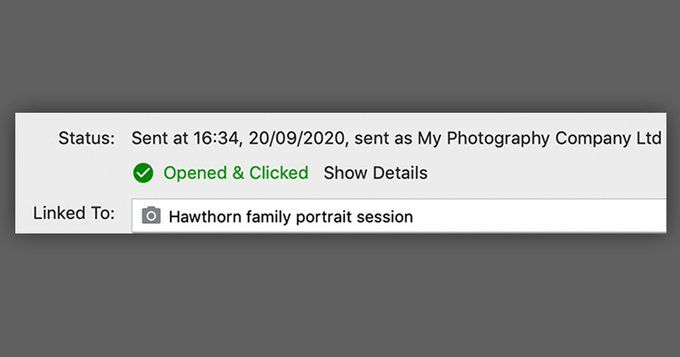
Did you know you can see whether a client has read your email or followed a link with Light Blue? You can:
✅ Opt to send emails via Light Blue’s servers via the Email preferences,
✅ Turn open & click tracking on,
✅ Send emails & see their status in the outbox or activity tab
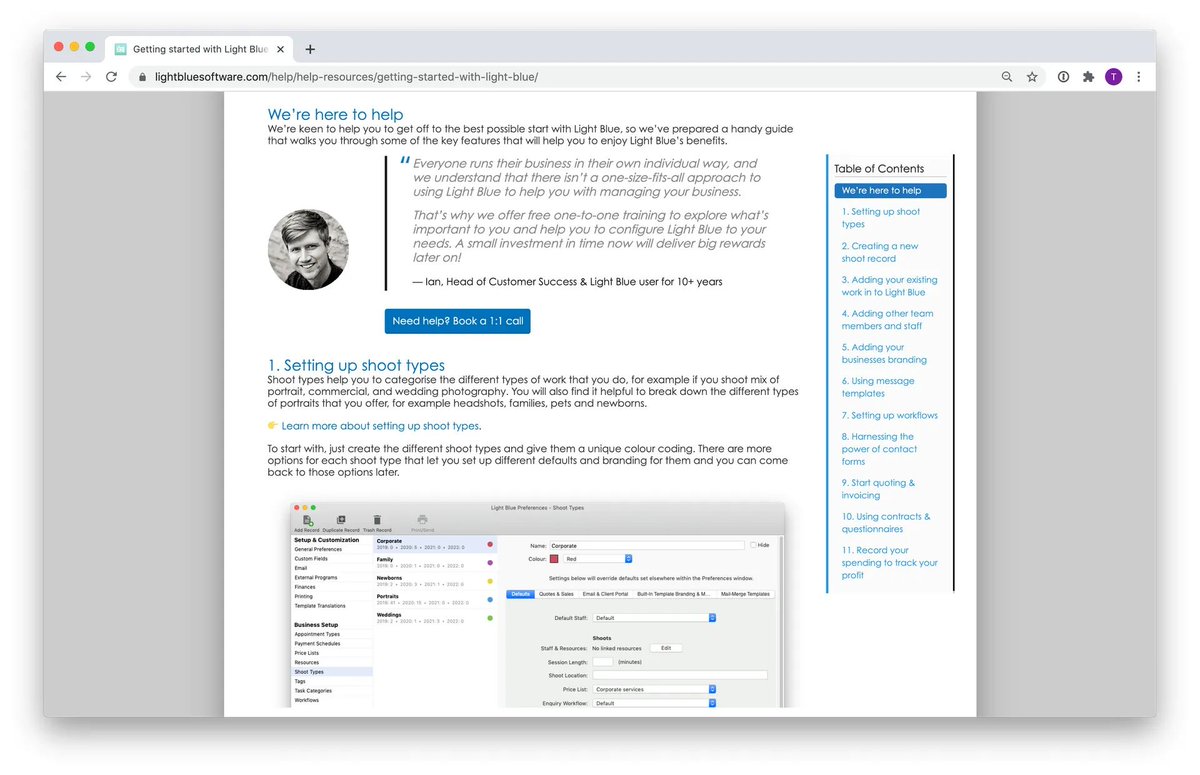
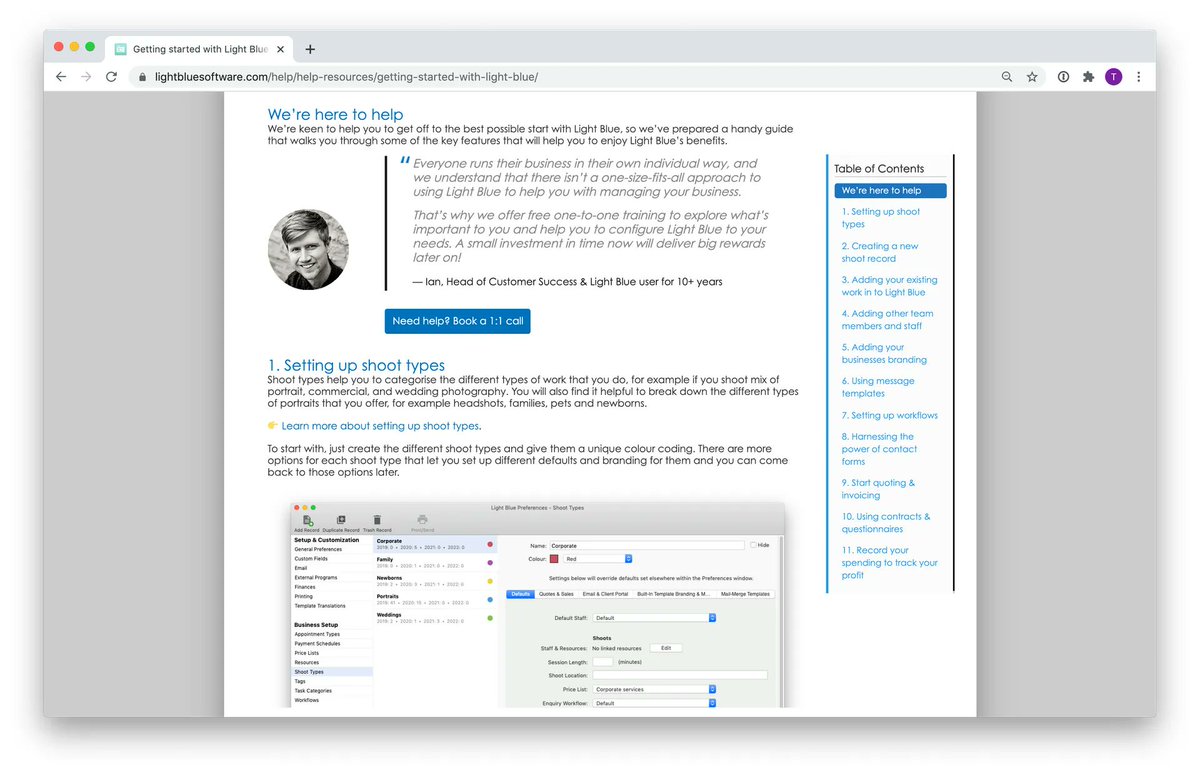
Want to get more out of Light Blue? No problem, we're here!
Whether you're just starting to use this great tool, or you've been with us for a while, we've prepared a handy guide for getting started with some of Light Blue's key features: https://t.co/yKjFJTG1na
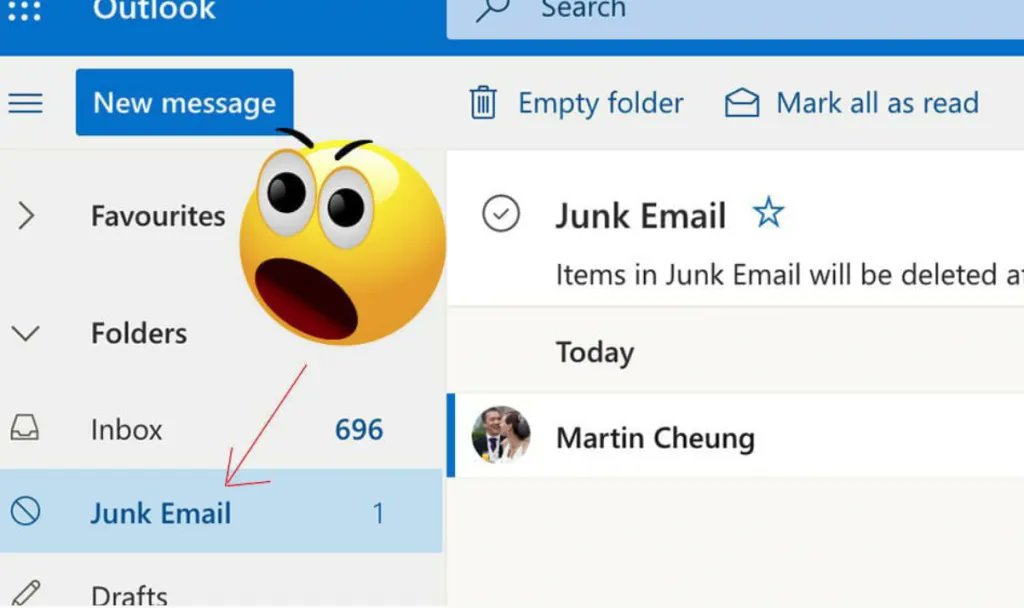
📨 How to prevent your emails from being marked as spam
We all know how important it is to deal with clients & leads promptly (email is key to that!) - so how do we make sure the client actually gets the message?
Try these tips out for size: https://t.co/2hrgauJVKR
"For me, Light Blue gives me peace of mind that I can never double book myself! Isn't that every photographer's worst nightmare?!
Invoicing is quick and simple, I can easily track my income and expenditure and I can quickly input expenses too."
- Emma Moore
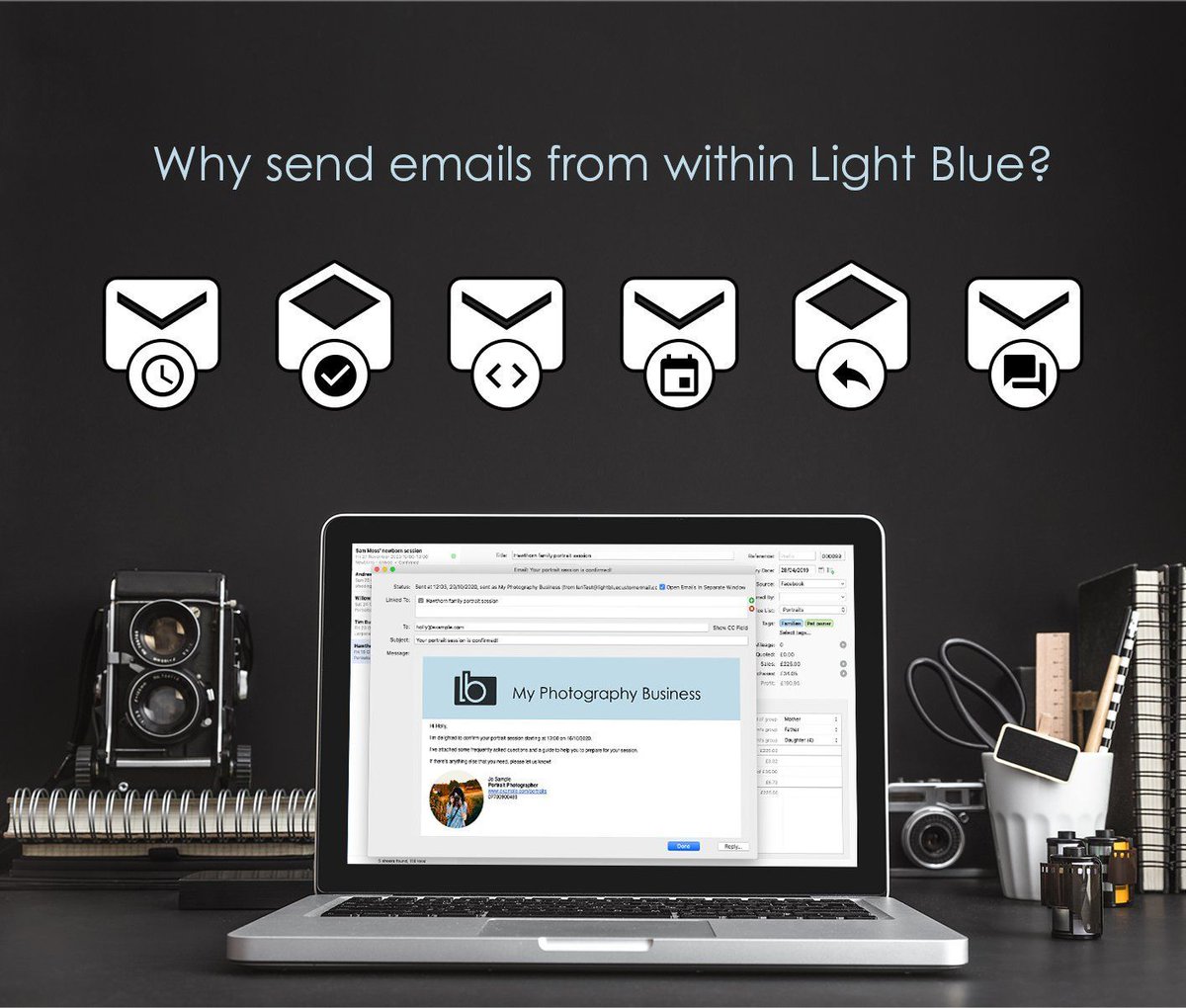
Sending messages directly within Light Blue - a game changer!
✅ You'll receive a copy of your replies back in to right record
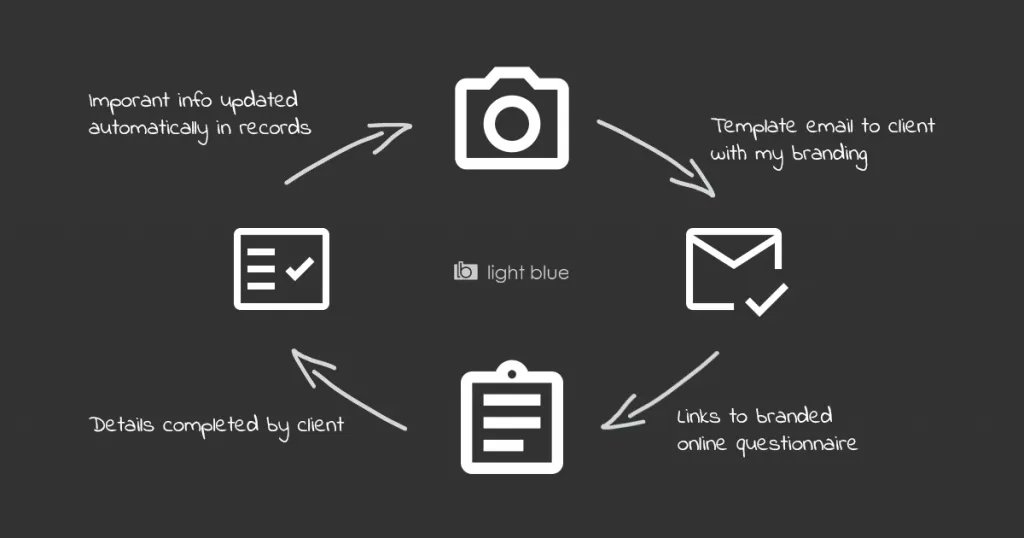
✅ You can use templates which are automatically personalised
✅ Don't forget that you can schedule and automate your messages too!
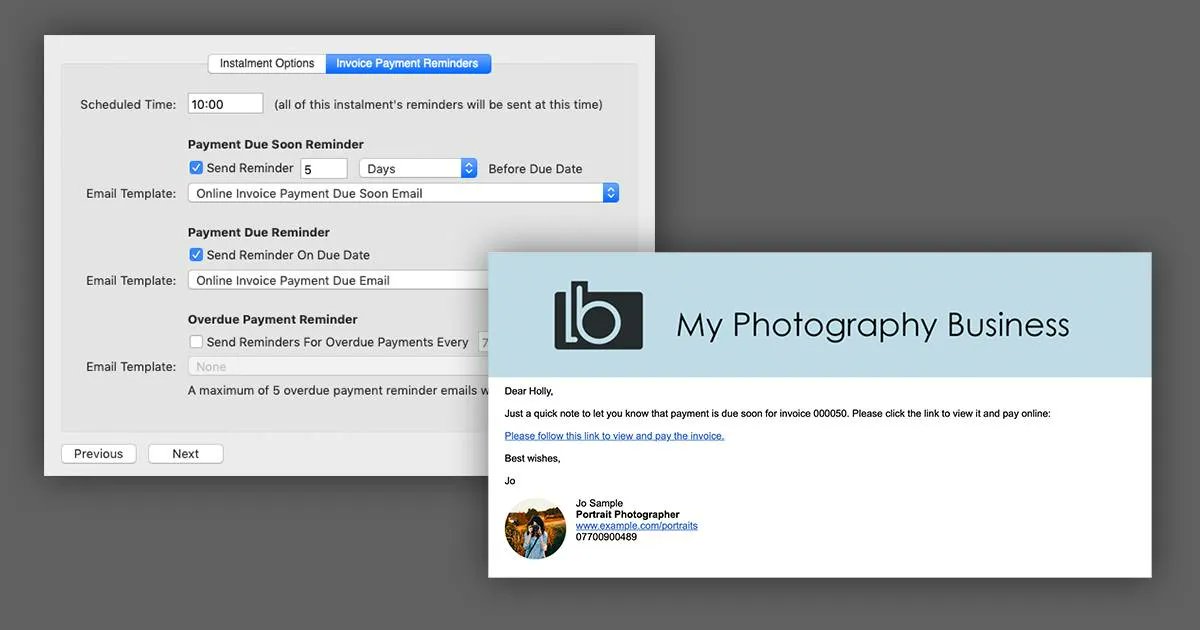
⚡️Automate your invoice reminders
Send automatic email payment reminders to your clients. You can set up simple rules for your reminders within Light Blue's Payment Schedules, your personalised messages will help you to get paid on time.
Learn how: https://t.co/pjAGBUxhFS
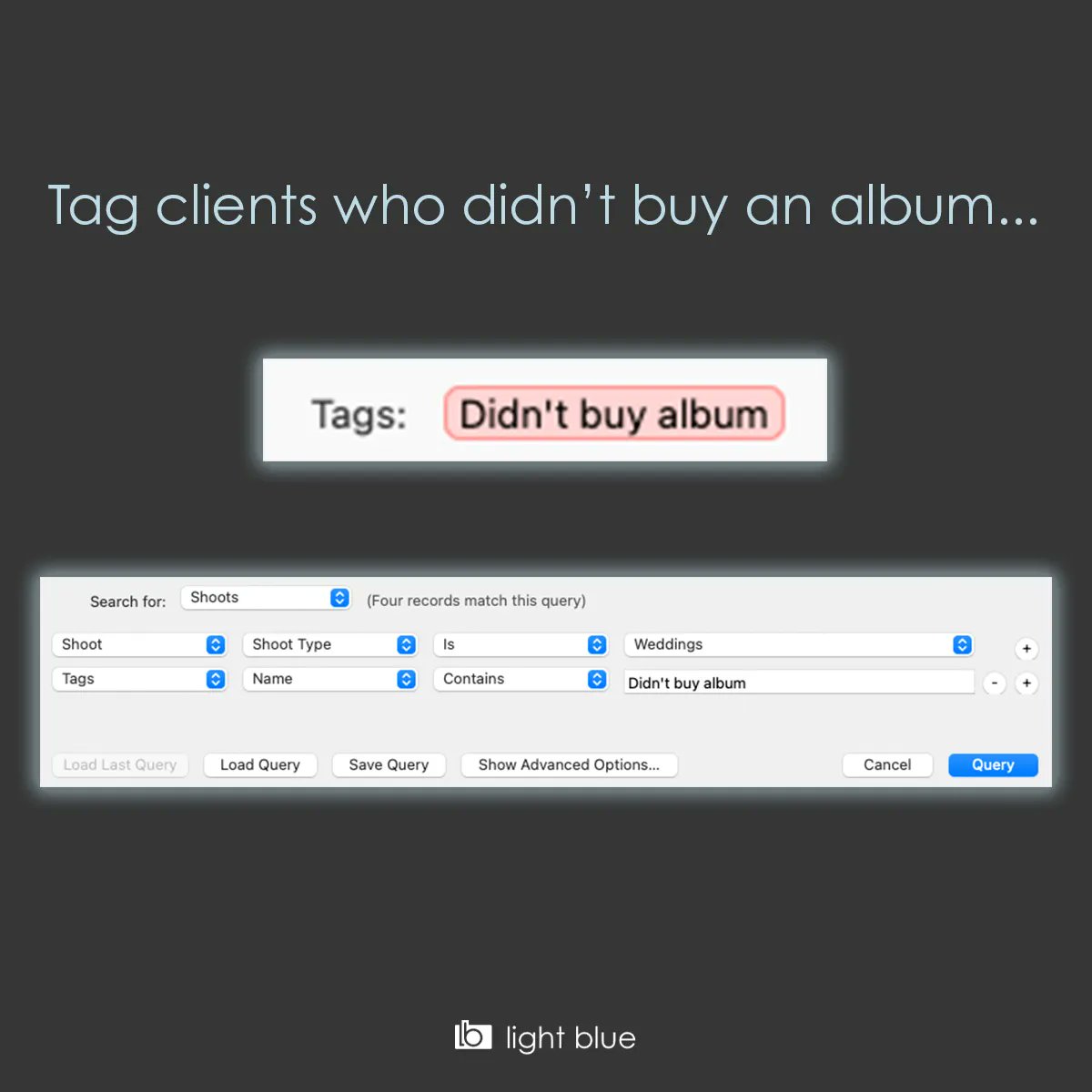
Easily Increase your album sales...
1. Set up a new tag in Light Blue's preferences
2. Add the tag to shoots that didn't buy an album
3. Use the query tool to find all those shoots so you can work through the list.
🗓 Filling your diary with quality repeat clients
You work hard to bring new clients into your business, but how much untapped potential is there in the list of clients you’ve worked with before?
https://t.co/75IomHx3YP
A guide to photography questionnaires 📝
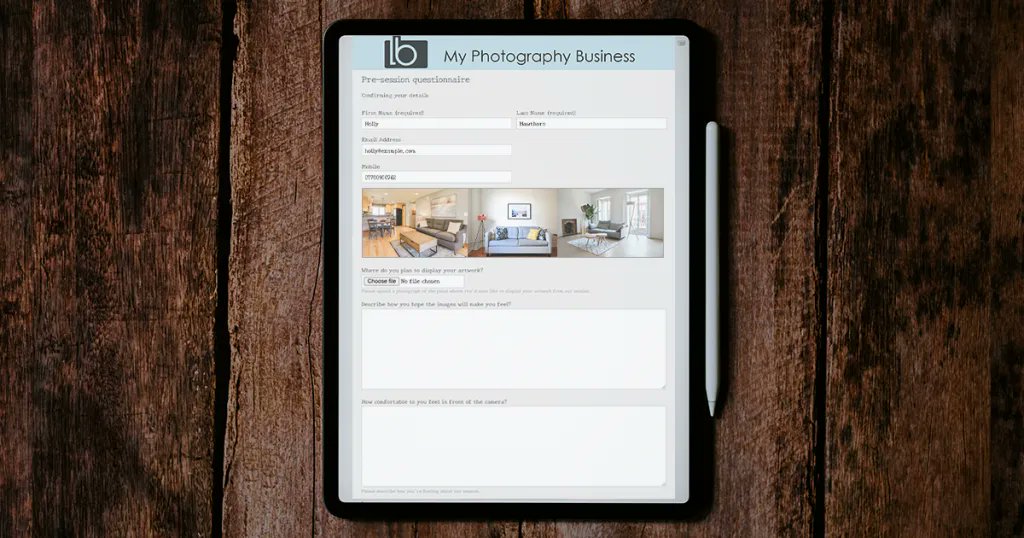
The more you know about your client and their session, the better you can tailor communication and select services to suit their unique needs. https://t.co/gRWOtsVuaX
Did you know you can see whether a client has read your email or followed a link with Light Blue? You can:
✅ Opt to send emails via Light Blue’s servers via the Email preferences,
✅ Turn open & click tracking on,
✅ Send emails & see their status in the outbox or activity tab
Easily Increase your album sales!
1. Set up a new tag in Light Blue's preferences
2. Add the tag to shoots that didn't buy an album
3. Use the query tool to find all those shoots so you can work through the list.
Want to get more out of Light Blue? We're here for you!
Whether you're just starting to use this great tool, or you've been with us for a while, we've prepared a handy guide for getting started with some of Light Blue's key features: https://t.co/yKjFJTG1na
✅ Five Positive Steps to Keep Your Business Healthy
When business is going well, you want to keep it that way. But when things get quiet, it’s easy to panic.
Here's five tactics that will keep your diary looking healthy if you use them consistently.
https://t.co/NvWoTscIGU
"It is quite easy to set up the basics to get started - but also has a lot of features that you can setup later on. For example the booking calendar, knowing all kinds of statistics in matter of seconds & the automatic e-mails and workflows that are customizable to my branding."
📨 How to prevent your emails from being marked as junk
We all know how important it is to deal with clients & leads promptly (email is key to that!) - so how do we make sure the client actually gets the message?
Try these tips out for size: https://t.co/2hrgauJVKR
Sending messages directly within Light Blue is a game changer!
✅ You'll receive a copy of your replies back in to right record
✅ You can use templates which are automatically personalised
✅ Don't forget that you can schedule and automate your messages too!
Did you know you can see whether a client has read your email or followed a link with Light Blue? You can:
✅ Opt to send emails via Light Blue’s servers via the Email preferences,
✅ Turn open & click tracking on,
✅ Send emails & see their status in the outbox or activity tab