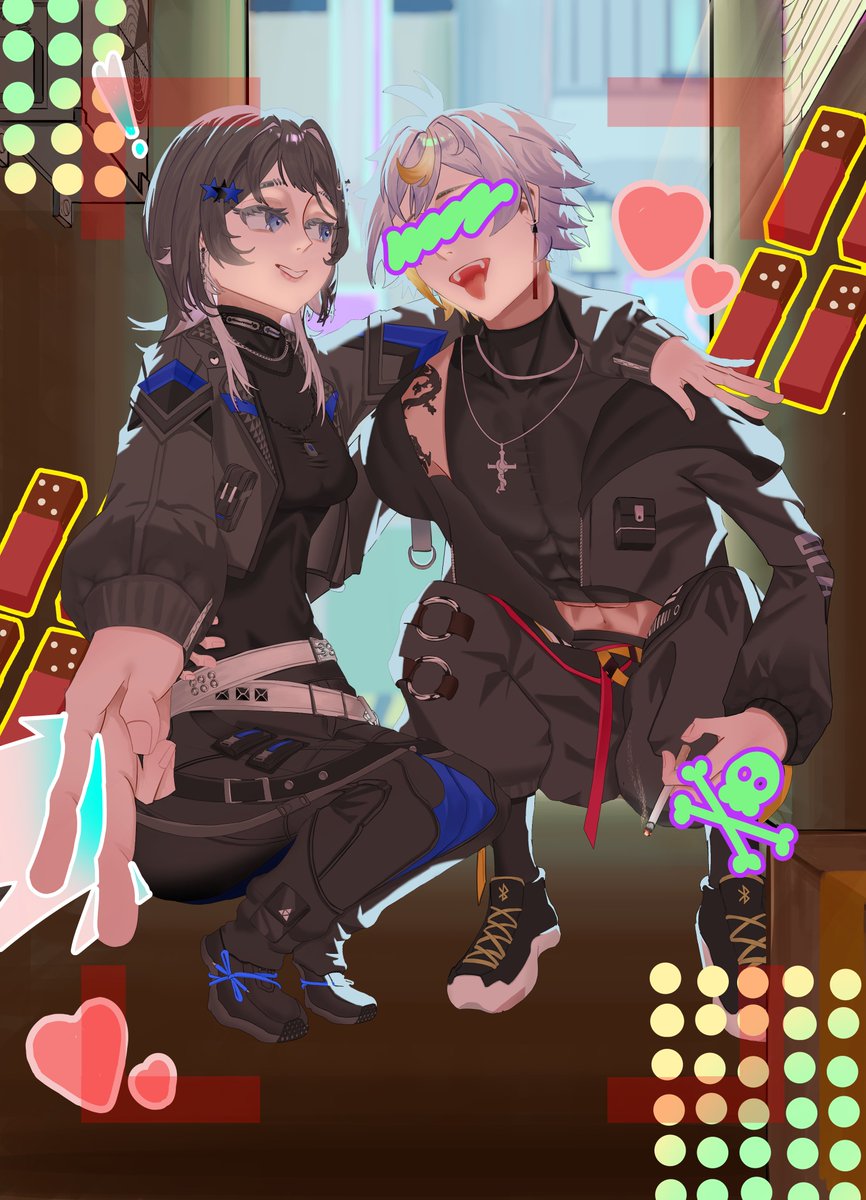
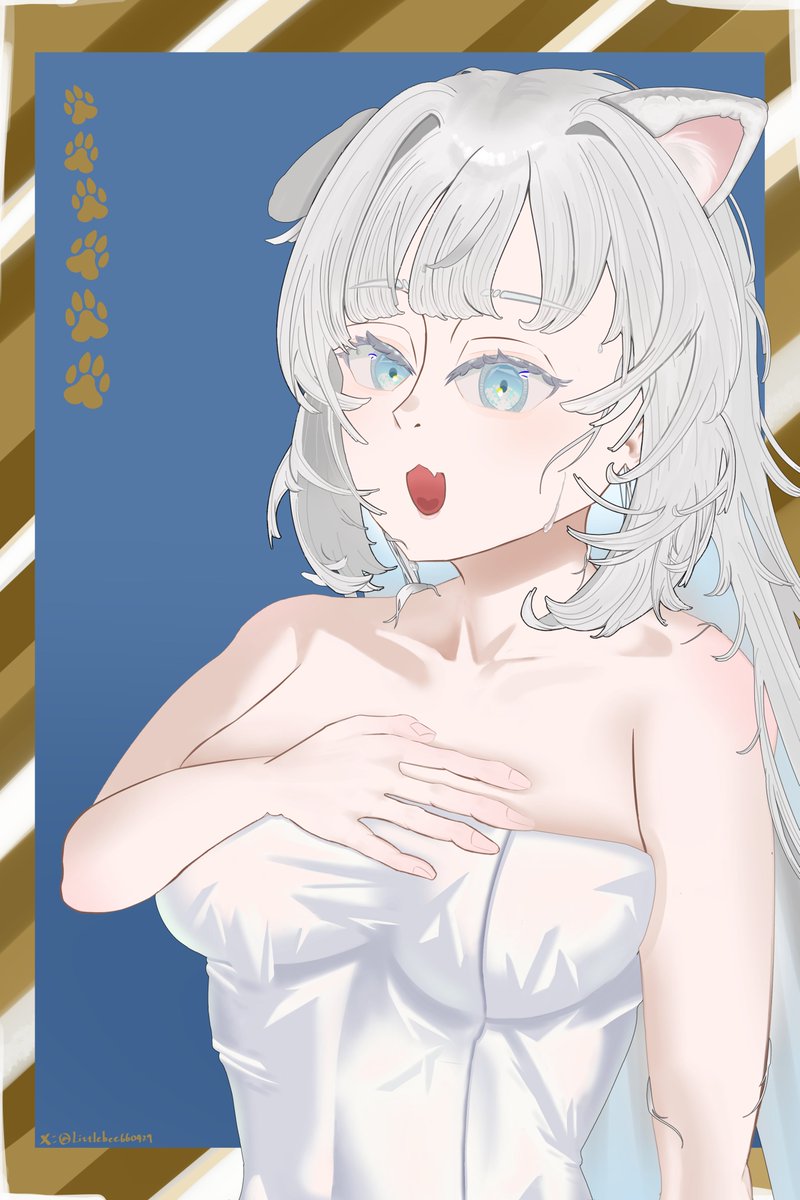
For the past 6 months, I lost my way on my artistic journey, trying to copy great artists' styles and rush my pace. It didn't work. Once I slowed down to find my own rhythm again, I realized the results were much better.
#Momoarthall
1. Duplicate the layer
2. Enable "Extract Edge" as well on the duplicated layer
3. Rasterize the duplicated layer
4. Click "Convert brightness to opacity" (the interior is white at this point)
5. Done!!! The "Border Effect" lineart is now perfectly transparent inside
I just figured out this method with AI to extract the "Border Effect" into a separate layer, and it perfectly preserves transparency! It keeps the anti-aliasing intact, so color changing is super easy. I'm literally crying because I hate lineart so much. 😭
#illustrationㅤ#csp
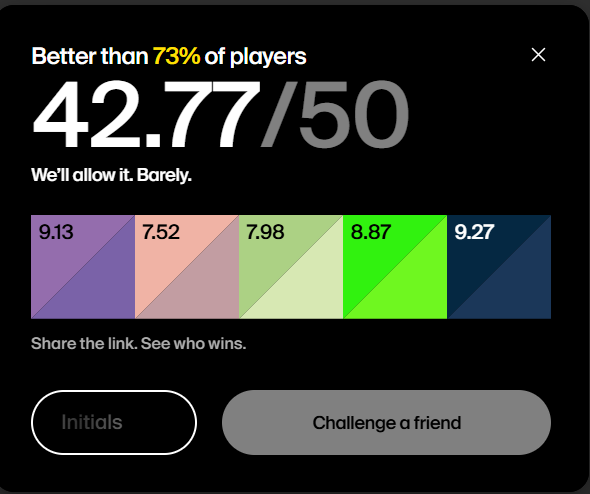
Although I can now distinguish between sky blue, cyan, and blue—and even try to tell apart those annoyingly all-called “purple” colors like indigo, violet, magenta, and magenta-violet—my perception of hue is still quite poor, especially for colors in the red–yellow–green range.