Click on any React component in the browser to open its code in your code editor.
Locator is an open-source browser extension that speeds up your daily React development.
https://t.co/ViXJOvBxTf
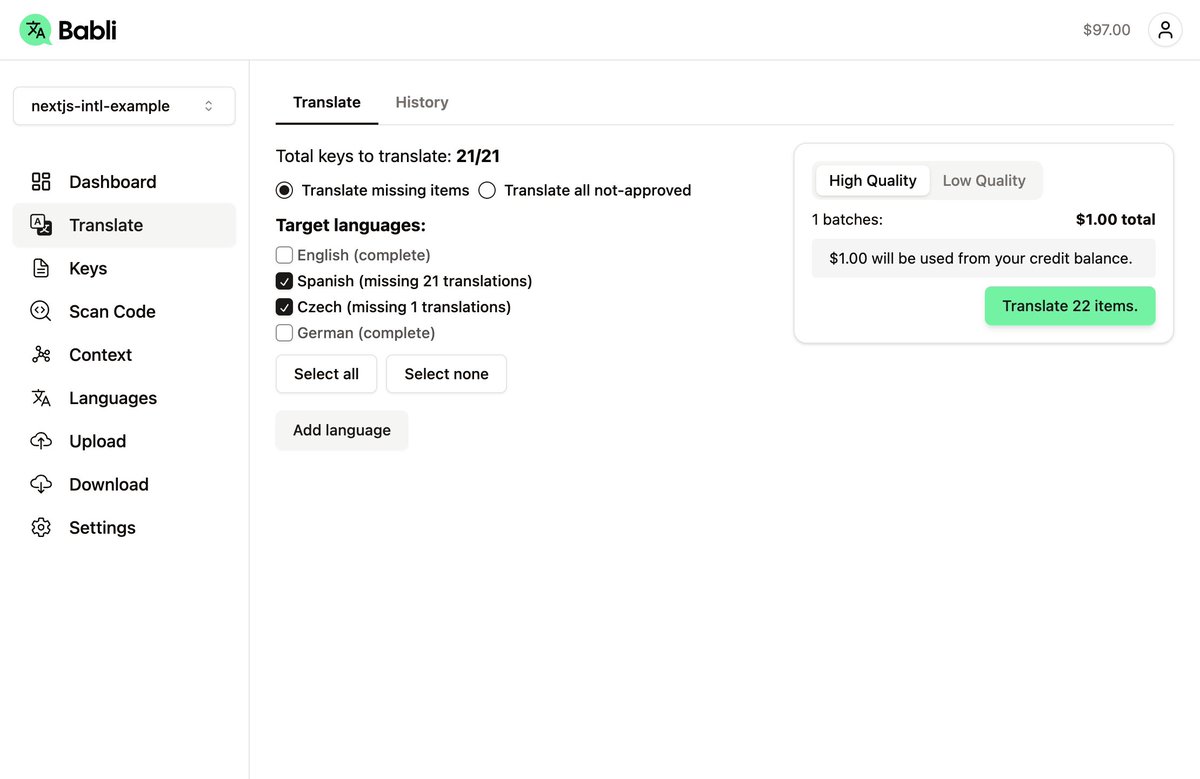
Launching Babli private beta!
Translate webs/apps to any language using GPT4o and manage app keys.
GPT4 gives much better results than Google Translate or DeepL, and translation is cheaper and faster than sending them to human translators.
Works with formats like JSON, YAML, or ARB, and languages like JS/TS, PHP, Ruby, etc.
@BilalKeskin94 Not by default. But it seems you can make protocol handlers working with the tool linked here https://t.co/57x5o7UGV3 and then change link template in Locator to match the format of the tool.
Just released a huge bundle of new stuff
- Right-click to see parent components.
- Copy relative path to clipboard.
- Changed outline colors, now blue for element, purple for component.
- Margin/Padding colors are more similar to DevTools
- And many bugfixes
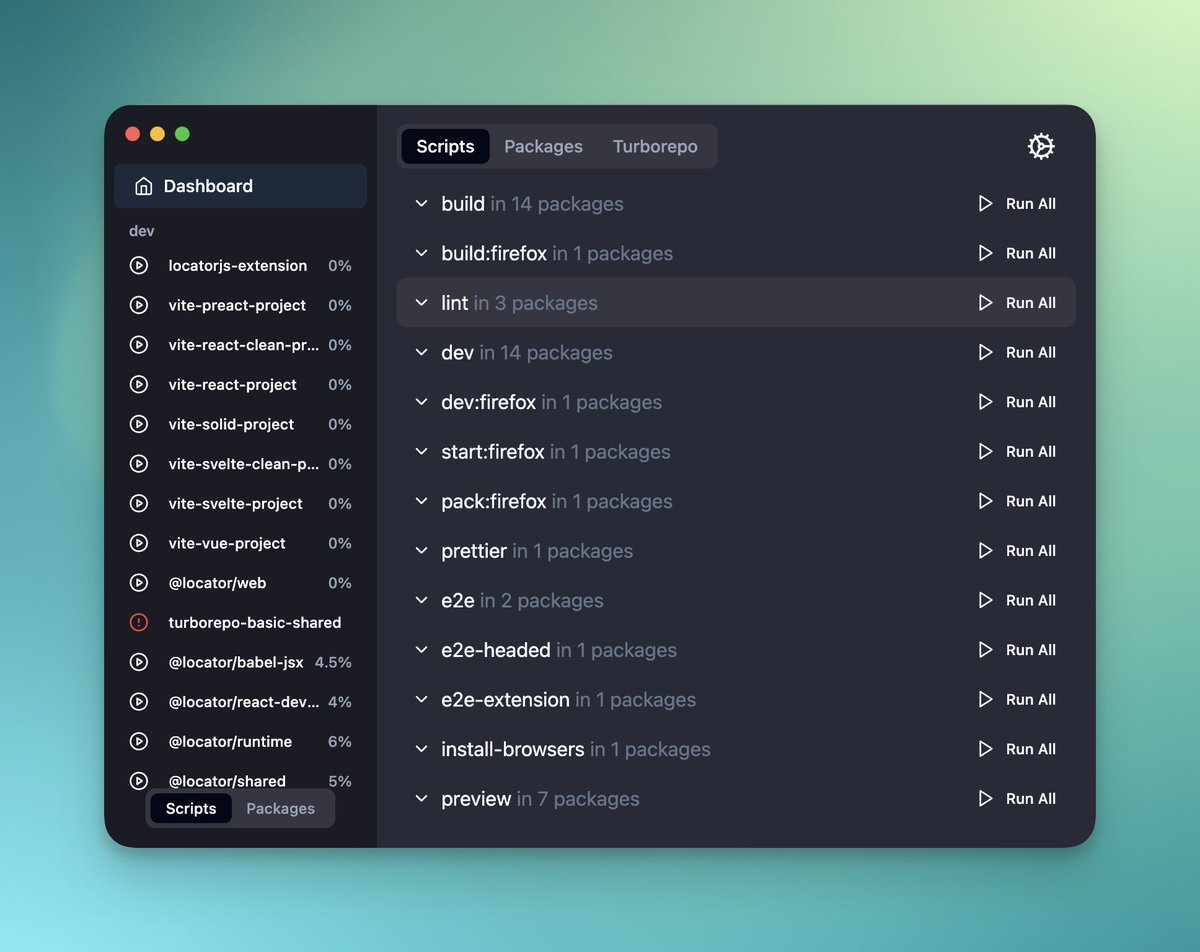
New project alert 🚀!
Problem to solve: Juggling multiple terminals to run scripts from package.json files in bigger JS projects.
Solution: Run and manage multiple scripts from a nice terminal runner.
First release in a few days! 🎉
Working on this new project - it’s based on @LocatorJS, but it is a full visual editor that sits hidden on localhost and shows when needed, and you can quickly edit anything visual without even going to the code.
No more searching through whole React app to find the component responsible for rendering the UI. @LocatorJS is one of the best Chrome extensions I've installed in a while.
https://t.co/Eg1YGZQsqS
Problem: In React, it's often tricky to hunt down the component that's rendering a piece of UI.
Solution: LocatorJS (A Chrome plugin)
I've been using it for the last week. It's 🔥.
Just launched with @LocatorJS on Product hunt. I will be glad for any feedback, feature request, idea or just ask me anything there: https://t.co/U4lzhZiosc
Interesting tool of the week: https://t.co/ji4zzfdJnp by @_michaelmusil
We like: Highlights React components in your browser so you can click to go directly to their source code. Use as a dependency or as a browser extension (all browsers supported)
Use LocatorJS to click on any part of UI displayed in the browser to open its code in your IDE.
Works for React, Preact, Solid, Vue and Svelte and almost all modern browsers.
LocatorJS: https://t.co/wwMW7YnVCB
#javascript#reactjs#webdevelopment