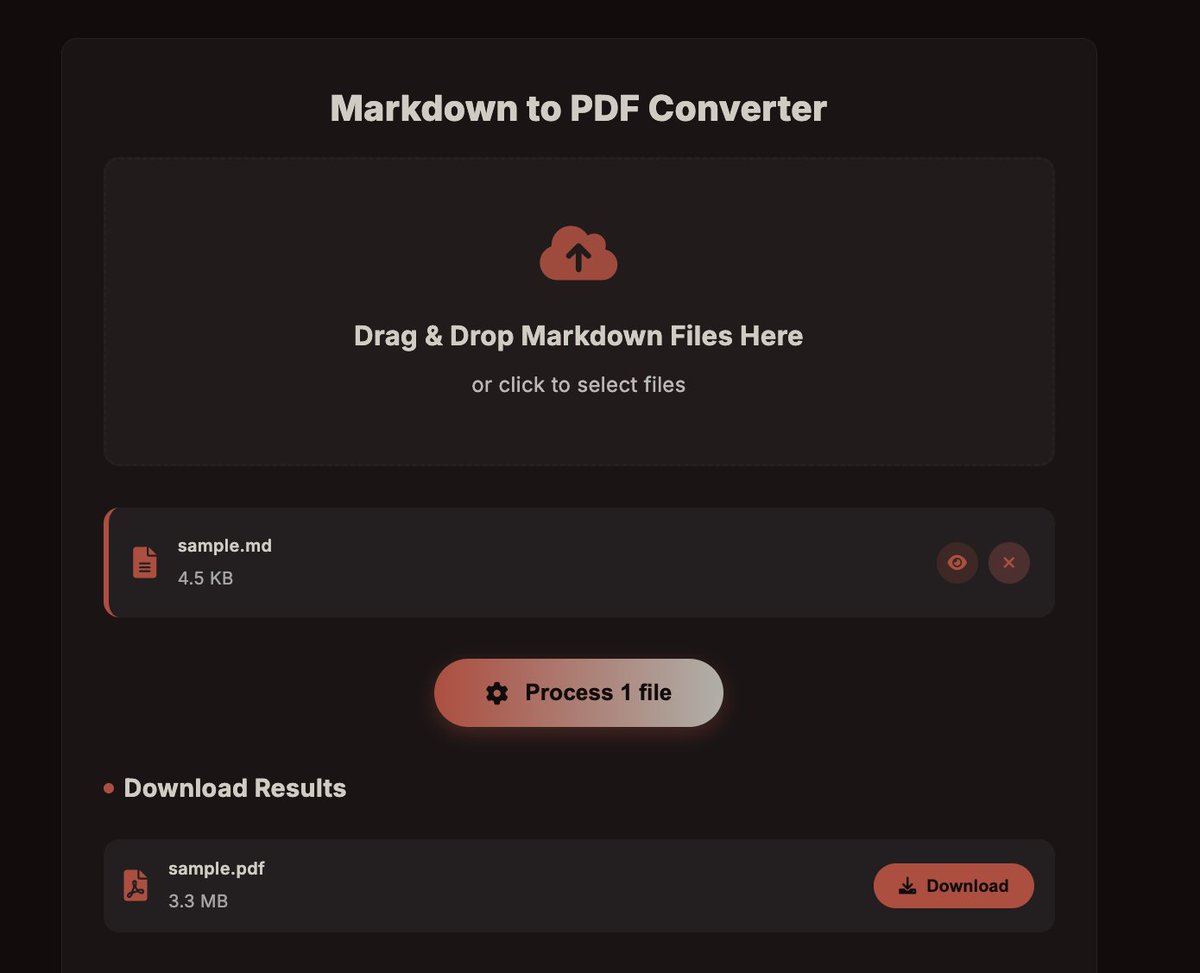
A number of bugs were fixed and improved. We removed the thumbnail visual and instead replaced it with a redesigned preview button. We also fixed the sizing of these files, the animations when sorting/filtering, and others.
We hope you enjoy!
LuxPDF
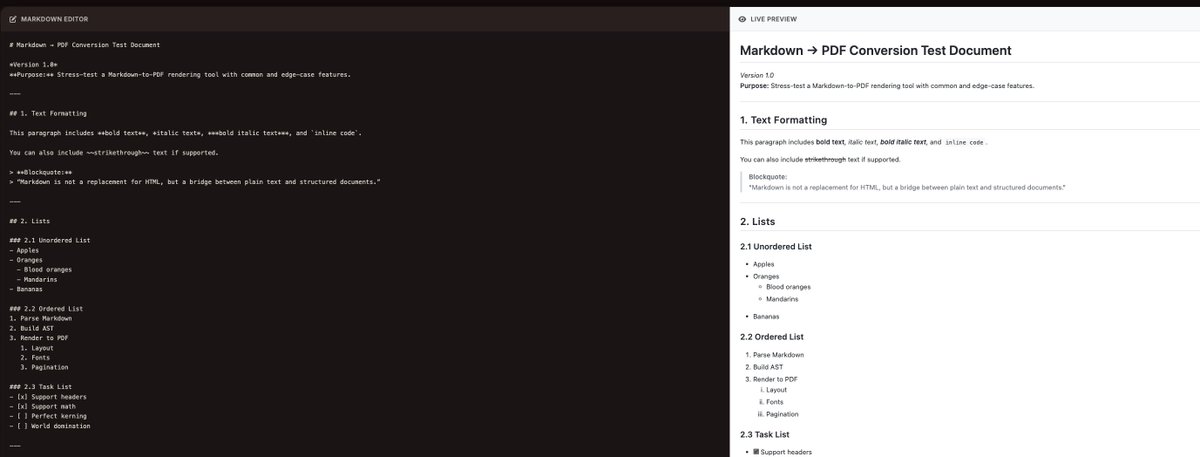
We're shipping a new update to LuxPDF to support Markdown files!
You can now convert .md files to PDF Files, and convert Markdown Text to PDF Files as well!
Update will be pushed shortly 👻
-Improved hero title formatting for a cleaner look.
-Fixed the dragging behavior of the Sort Pages tool.
-Standardized tool formatting and text styles across pages.
We want to hear your thoughts on the new UI and color scheme of the website. Please let us know! 💻
New update to LuxPDF 😀
We decided to change the UI to fit a more minimalistic/professional setting, and be much more efficient, by minimizing the amount of scrolling you have to do so you can convert and modify even faster than before. 🚀
See below to see what else we changed
Here's what we also did:
-Updated Privacy Policy to be more specific and aligned with EU standards (CDNs, Google Fonts, Plausible, legal bases, transfers etc)
-Fixed ZIP option not appearing for Split PDF (adds a ZIP download when multiple outputs are created).
1/2
There are also fake copies of LuxPDF due to the code being open-sourced, such as https://t.co/Q0WtmtgEue
Please be cautious of these sites as they are most likely malicious, closed-source, and are not affiliated with LuxPDF.
Warning ⚠️
There is a fake LuxPDF Chrome extension available on the Chrome Web Store. It is not affiliated with us in any way, and may contain malware.
Please report it: https://t.co/mVxs40KP5v
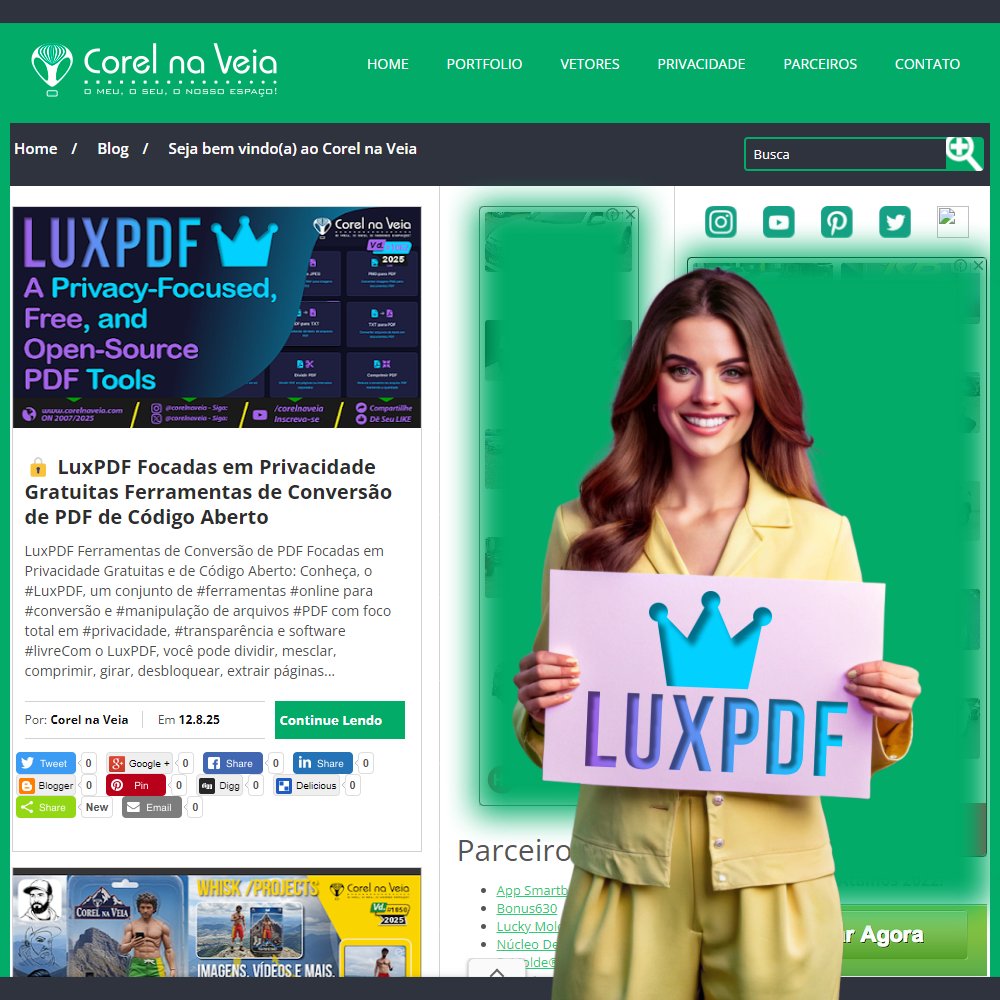
@LuxPDF This is great, very good indeed! To help further, we publish on our website about this beautiful tool! Gratitude! https://t.co/Hr1PAcmLEc This project goes far, this is sure! srsr